
How to Choose a VPN for a Network That Blocks Them

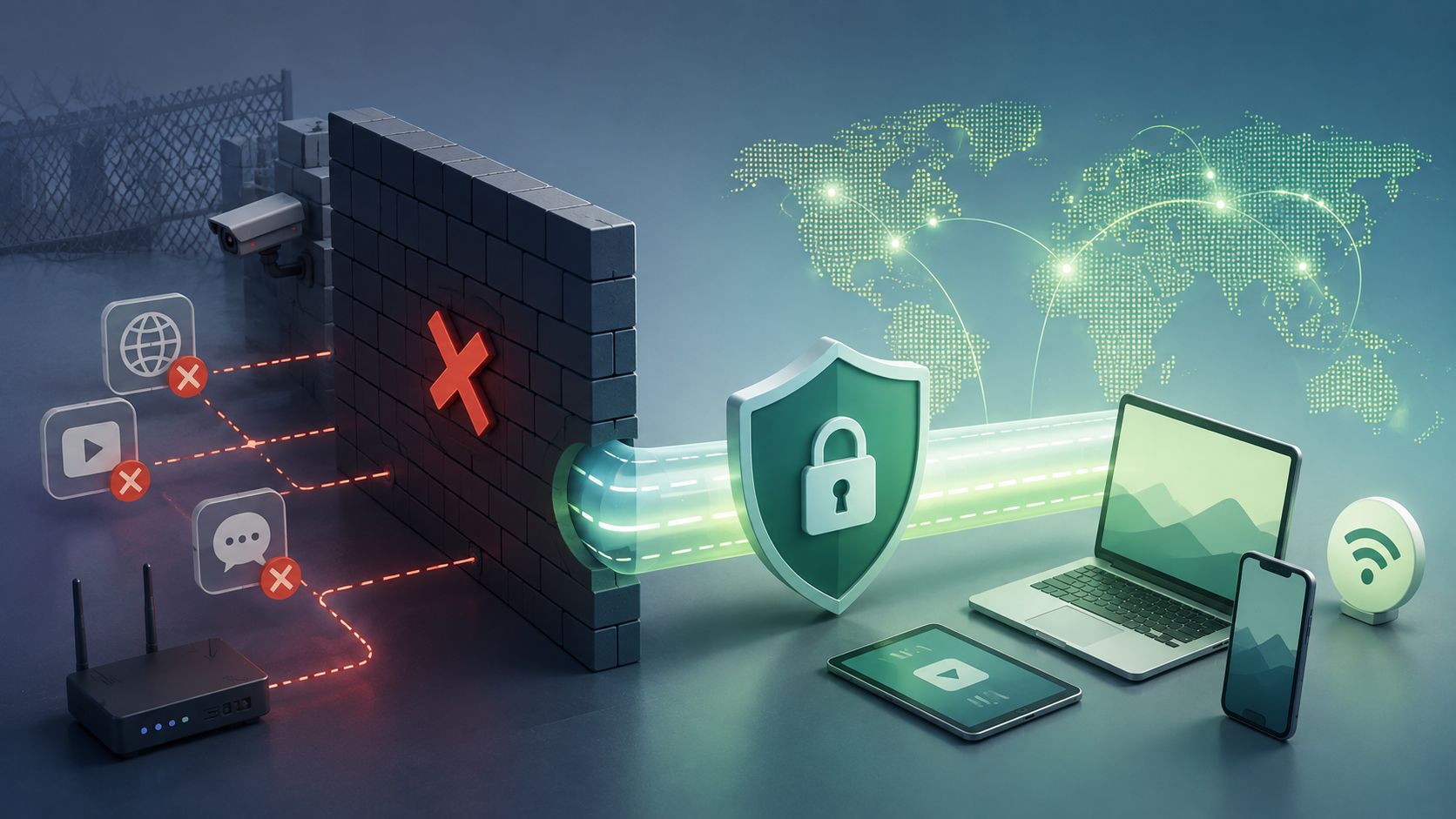
A campus filter and a national firewall are not the same problem, and a VPN that handles one may fail completely at the other. Buying for the wrong tier is the most common mistake people make here.
So the useful question is not which VPN is best at beating blocks. It is which kind of block is stopping you, and what specifically defeats that one.
Here is how to work out what you are facing, what to look for once you know, and how to test it before the refund window closes.
Work Out Which Kind of Block You Are Facing
Three things commonly stop a VPN, and each leaves a different symptom. Diagnosing yours takes a couple of minutes and saves you buying the wrong tool.
- The connection is refused instantly. Port blocking. The network closes the ports VPN protocols default to, so the attempt fails before it starts.
- It connects, then drops after a few seconds. Deep packet inspection. The tunnel establishes, the filter recognises the traffic shape, and the connection is killed.
- Nothing establishes anywhere, on any server. Active probing. The network sends test packets to suspected VPN servers and blocks whatever answers like one. This is the state-level tier.
Confirming how to tell if a VPN is blocked and not simply broken takes three checks. Try the same VPN on mobile data, which usually works and tells you the network is the problem.
Try a different protocol in the app, since one may be filtered and another not. Try a different server too, because a single blacklisted IP is a smaller problem than a blocked protocol.
If why is my VPN not connecting turns out to be the network and not the app, the next section is what to shop for.
What to Look For, in Priority Order
Not every feature matters equally on a blocked network. These are ordered by how much difference each makes.
- Obfuscation, and which kind. This is the whole game. A VPN without it will be detected by any competent filter. Check whether the provider offers it, and whether it is a single method or several, since methods fail at different points.
- Protocol choice. A provider locked to one protocol gives you one thing to try. GnuVPN protocols number five, which means a failed connection is a switch away from another attempt, not a dead end. Some providers offer two; a few offer only one.
- A kill switch that holds. On a network fighting your connection, drops happen. A kill switch stops your real IP appearing the moment the tunnel fails, which matters more here than on a friendly network.
- Servers near you. Obfuscation adds overhead, and distance adds latency on top. A nearby server keeps the combined cost tolerable.
- A refund window long enough to test. You cannot know whether a VPN beats your specific network until you try it on that network. The length of the guarantee is how much room you have to find out.
The first two carry most of the weight. A VPN blocked on wifi at an office or campus usually falls to any decent obfuscation, while a national firewall demands both depth and alternatives.
Matching the Tool to the Block
Once you know your tier, the requirement narrows considerably.
| Block type | What defeats it | What to check |
| Port blocking | Traffic on port 443 | Does it offer HTTPS-based obfuscation |
| Deep packet inspection | Disguised traffic signature | Obfuscation, and whether more than one method |
| Active probing | Alternative transports | Fallbacks past HTTPS, such as ICMP or DNS |
The top row is the easy case. Most providers with any obfuscation clear it, and a VPN blocked at work or on a school wifi network rarely needs more.
The bottom row is where the field thins out. Getting past active probing needs somewhere to go when port 443 itself is watched, and few providers offer that. GnuVPN for blocked networks covers it through SoftEther, which can fall back to ICMP or DNS tunnelling, with AmneziaWG as the faster option for the middle tier.
Buy for the row you are actually on. Paying for national-firewall capability to beat a workplace filter is money spent on a problem you do not have.
Test Before You Commit
This is the step most guides skip, and it is the one that decides whether you keep the subscription.
Buy the shortest term first. A monthly plan costs more per month but lets you confirm the thing works on your actual network before committing to two years of it. If it does, upgrade to the long plan then.
Test on the network that is blocking you, not at home. A VPN that connects perfectly on your own broadband tells you nothing about the campus network you bought it for.
If the block is at work, test at work, and try it on the GnuVPN mobile app as well as desktop, since phones sometimes take a different route onto the same network.
Then watch the refund window. Thirty days is the industry standard from NordVPN, Surfshark and ExpressVPN. GnuVPN’s window runs from three to fourteen days depending on the plan, which is shorter, so testing needs to happen in the first week, not whenever you get around to it.
Choosing for Your Situation
On a workplace or campus filter, almost any provider with obfuscation will do, so choose on price and server locations. Under heavy national filtering the shortlist collapses to providers offering multiple obfuscation methods and transports past HTTPS, which is a far smaller group and where GnuVPN’s SoftEther fallbacks earn their place.
Diagnose first and buy second. Then test on the network that is actually causing the problem, while you can still get your money back, because a VPN that works everywhere except the one place you need it is no use at all.
FAQ
How do I know if my VPN is blocked or just broken?
Test it on mobile data. If it connects there and fails on the problem network, the network is blocking it. Then try a different protocol and a different server within the app, since a filtered protocol and a blacklisted IP are different problems with different fixes.
Which VPN works on school or work wifi?
Most providers with obfuscation clear that tier, since campus and office filters are rarely sophisticated. Knowing what to look for in a VPN here comes down to any obfuscation mode plus a protocol you can switch. Heavy national-firewall capability is more than these networks require.
Why does my VPN connect and then disconnect?
That pattern points to deep packet inspection. The tunnel establishes, the filter identifies the traffic signature, and the connection gets dropped. Obfuscation solves it by disguising the traffic so the filter does not recognise it as VPN activity in the first place.
Does GnuVPN work on networks that block VPNs?
Yes, and it is built for the harder tiers. It carries SoftEther, which tunnels through HTTPS on port 443 and can fall back to ICMP or DNS when that is blocked, plus AmneziaWG for a faster obfuscated option. Five protocols means a failed attempt has alternatives.
Should I choose a monthly or a long-term plan?
Monthly first, on a blocked network. You need to confirm the VPN works where you actually need it before committing to a multi-year term, and monthly gives you that without relying on a refund. Once it works, the long plan is significantly cheaper per month.
Disclaimer: This article is provided for informational purposes only. It is not offered or intended to be used as legal, tax, investment, financial, or other advice.




Comment