
Why Nordic Streaming Performance Depends on More Than Internet Speed in 2026

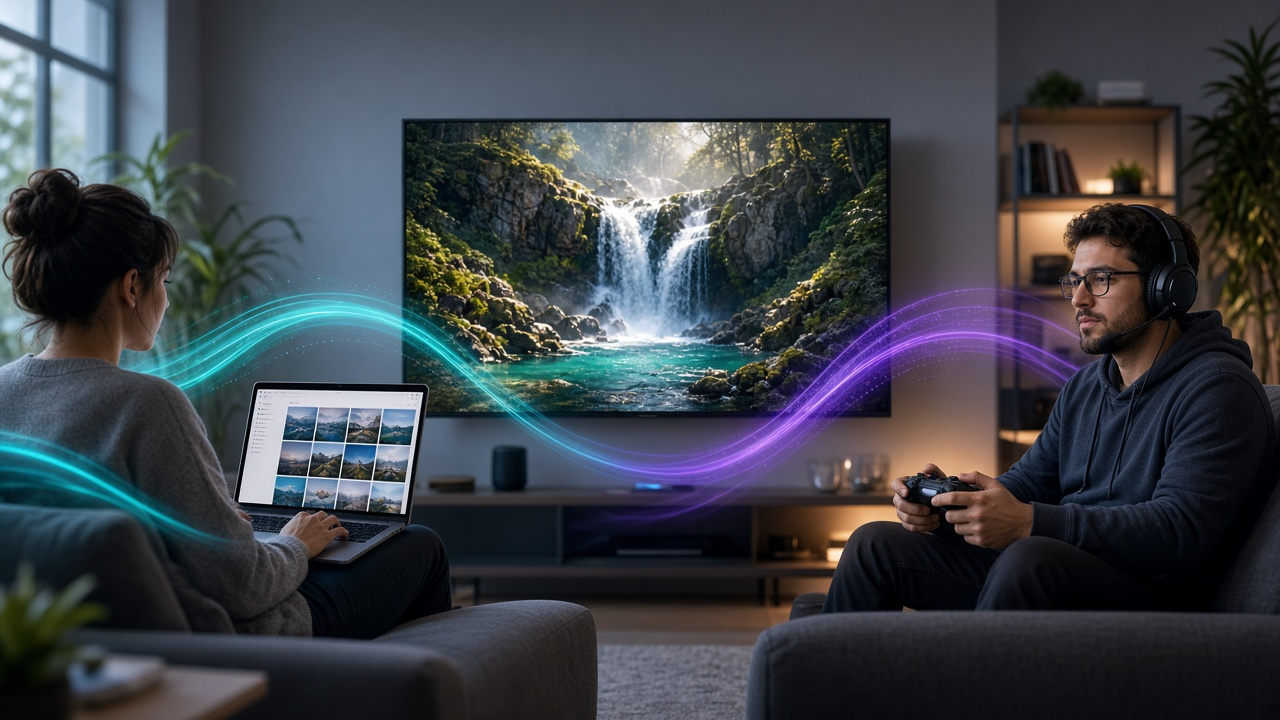
A household in Stockholm has a 500 Mbps fiber connection, a modern Smart TV, and a streaming subscription. On paper, everything should work perfectly. Yet halfway through a live football match, the picture freezes.
Meanwhile, someone watching the same event on a considerably slower connection has no problems at all.
It sounds strange, but it highlights something important about modern television technology: internet speed alone doesn’t determine streaming quality.
Across Sweden, Norway, Denmark, and Finland, internet-based entertainment has become part of everyday life. More households use connected televisions, streaming applications, and multiple screens to watch movies, live sports, and international programming.
As interest in Nordic IPTV services continues, consumers are discovering that reliability depends on several technical factors that broadband advertisements rarely explain.
Understanding these factors can help viewers make better decisions, avoid unnecessary upgrades, and recognize what separates dependable streaming from a frustrating experience.
Fast Internet Doesn’t Always Mean Stable Streaming
When comparing internet connections, most people focus on download speed.
A provider advertising 500 Mbps naturally appears more attractive than one offering 100 Mbps. For downloading large files, that difference can be significant.
Streaming works differently.
A single high-quality video stream usually requires only a fraction of the bandwidth available through a modern fiber connection.
Netflix, for example, recommends a stable connection of at least 15 Mbps for its Ultra HD content.
That doesn’t mean every 4K stream consumes the same bandwidth. Compression methods, video formats, and quality settings all affect the amount of data required.
However, it demonstrates something important.
A household with a stable 100 Mbps connection may enjoy smoother streaming than one with an inconsistent 500 Mbps connection.
The quality of the connection matters just as much as its advertised capacity.
Four Factors That Affect IPTV Performance
To understand why streaming occasionally fails, it’s worth looking at four technical measurements.
- Bandwidth
Bandwidth determines how much information a network can transfer over time. Higher-resolution video typically requires more bandwidth, especially when multiple devices are streaming simultaneously.
- Latency
Latency measures how long data takes to travel between two points.
For ordinary on-demand movies, a small delay usually goes unnoticed. For certain live-streaming applications, lower latency becomes more important.
- Jitter
Jitter describes variations in the timing of data packets arriving through a network.
A connection can have excellent average speed but inconsistent delivery intervals, affecting some forms of real-time playback.
- Packet loss
Packet loss occurs when transmitted data fails to reach its destination.
Depending on the streaming technology, this may cause retransmissions, reduced picture quality, or interruptions.
These measurements help explain why an impressive speed-test result doesn’t always translate into a flawless movie night.
Why the Nordic Region Is an Interesting Streaming Market
Sweden, Norway, Denmark, and Finland have developed digital infrastructure and consumers who are familiar with connected devices and subscription services.
However, internet connectivity isn’t identical throughout the region.
Someone living in central Stockholm might have access to fast fiber broadband and several modern televisions.
A household in a remote Norwegian community may depend on a different connection technology.
Even within the same city, performance varies according to router quality, building infrastructure, and network congestion.
Viewing habits also create different demands.
Nordic audiences enjoy domestic dramas, international films, live sports, and news programming.
These categories don’t always require identical delivery methods.
A recorded documentary can use a relatively large playback buffer. Live football, on the other hand, benefits from keeping the delay between the event and the viewer as short as possible.
This difference explains why a streaming application might perform well with movies but struggle during major sporting events.
What Happens Between a Streaming Server and Your TV?
When someone presses play, video doesn’t travel directly from a television studio to the screen in its original form.
Several technologies work together to deliver it.
First, the source video is compressed using a codec such as H.264, HEVC, or AV1.
It may then be divided into smaller segments using delivery formats such as HLS or MPEG-DASH.
These segments travel across the internet before reaching the playback application.
A content delivery network, commonly called a CDN, may distribute copies of the video through servers positioned closer to viewers.
Finally, the application decodes the incoming video and displays it on the screen.
A problem at any stage can affect playback.
That’s why buying a more expensive router won’t necessarily solve an overloaded streaming server.
Likewise, upgrading an internet plan won’t automatically fix an outdated application.
Effective troubleshooting begins by identifying the actual source of the problem.
Choosing a Nordic IPTV Provider: What Should Consumers Check?
Selecting a streaming service involves more than comparing subscription prices.
Device compatibility, support availability, playback reliability, and transparent service conditions are equally important.
Consumers researching streaming services in Scandinavia may come across Nordic IPTV Provider, a website presenting information about internet television subscriptions, supported devices, and installation options.
Such resources can be useful starting points, but consumers should independently evaluate any provider before subscribing.
Does the service support the television already in the home?
Are simultaneous-streaming limits clearly explained?
Is customer support available when technical problems occur?
Smart TV Compatibility Matters More Than People Think
Streaming applications don’t work identically across every device.
Samsung televisions commonly use Tizen, while LG models use webOS. Other manufacturers offer Android TV, Google TV, or proprietary operating systems.
Each platform has different application requirements.
An application that performs well on Android TV may be unavailable on an older LG television.
Some older devices also lack hardware support for newer video codecs.
Before subscribing to a service, viewers should check their device model, operating system, and supported applications.
For households unfamiliar with the configuration process, a practical IPTV installation guide for Smart TVs and streaming devices can help explain the setup process across compatible platforms.
In many cases, understanding the equipment already available at home is more useful than buying additional hardware.
Understanding IPTV Players and Their Role
A frequent source of confusion is the difference between an IPTV player and a television content provider.
A media player is software designed to organize and reproduce video streams from configured sources.
It doesn’t automatically supply television channels, films, or the legal rights required to distribute them.
IPTV Smarters Pro is one application commonly discussed in this category.
Its role involves providing a playback interface for compatible content sources, depending on the application version and supported device.
For Swedish viewers interested in the software, this guide to IPTV Smarters Pro in Sweden offers additional information about configuration and compatible devices.
When evaluating any player, users should consider software updates, device compatibility, privacy, and the reliability of its playback features.
Installing an application from a trusted source is also important for avoiding unnecessary security risks.
A Practical Approach to Solving Buffering Problems
When streaming becomes unreliable, randomly changing settings usually wastes time.
A more effective approach begins with simple comparisons.
First, check whether the issue affects one application or several.
If multiple streaming services experience interruptions, investigate the household internet connection.
If only one application is affected, the problem may involve that application’s software, servers, or content source.
Next, test the television using an Ethernet cable if possible.
Wi-Fi interference is common in apartment buildings where many neighboring networks compete for wireless capacity.
Check for application and operating-system updates as well.
Outdated software can introduce compatibility problems unrelated to internet speed.
Finally, compare performance at different times of day.
Interruptions that occur primarily during busy evening hours may indicate congestion somewhere along the delivery path.
These steps won’t solve every problem, but they can help identify the likely cause before money is spent on unnecessary upgrades.
What’s Next for Nordic Streaming Technology?
Streaming technology will continue evolving as video compression, network infrastructure, and connected devices improve.
More efficient codecs may deliver clearer pictures while consuming less bandwidth.
Low-latency delivery systems could reduce delays during live events.
Improved monitoring may help providers identify technical problems before they affect large numbers of viewers.
Meanwhile, newer Smart TVs may offer better video decoding and more responsive applications.
Yet the most meaningful improvements will probably be the ones viewers barely notice.







Comment