
My Hunt for a Clean AI Image Tool Without Constant Ad Noise

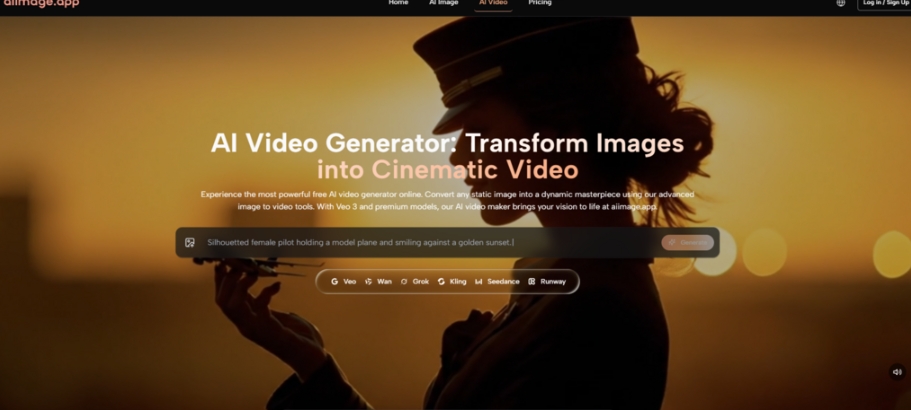
It started because a client sent me a screenshot of a tool they almost used—a generator page so littered with banner ads, pop‑ups, and autoplay videos that they closed the tab before the image even loaded. That single screenshot sent me down a rabbit hole. I spent the better part of two weeks deliberately stress‑testing free and low‑cost AI image sites, not just for output quality, but for the experience of actually trying to work inside them. I wanted to know which platforms felt trustworthy, which ones quietly inserted watermarks, and which ones seemed designed to extract clicks rather than help you create. This testing led me to a handful of tools, including an AI Image Maker that felt unusually restrained—almost too quiet at first—but ended up holding up better than I expected.
What I saw across the landscape was unsettling. Many AI image generators have adopted the same monetization patterns as content farms. They flash “free” badges but the creation process is interrupted by misaligned ad units, fake download buttons, and countdown timers urging you to upgrade. Some even inject branding into your output unless you pay, which makes them unusable for client presentations. I ran each platform through a set of identical tasks: generate a product mockup on a clean background, create a blog header image with legible text, and produce a mood board piece that needed subtle color harmony. The goal was not to judge artistic brilliance alone—it was to see if I could complete those tasks without feeling like I was fighting the interface.
My methodology was simple. I used a fresh browser profile with no ad blockers, so I could see the raw, unvarnished state of each service. I measured speed from prompt submission to image delivery, noted the frequency and intrusiveness of advertisements, and kept a log of any unexpected fees or watermarking. I also paid attention to how often the platforms updated their models and whether the image history remained accessible across sessions. After two weeks, five platforms remained in the running: Midjourney, Leonardo AI, Adobe Firefly, Ideogram, and ToImage AI. I excluded tools that crashed during generation or refused to render basic prompts.
What became apparent early on is that ad distraction and interface clutter are not just annoyances—they are productivity killers. Leonardo AI’s free tier surrounded the canvas with upsell banners, making it hard to concentrate on refining a prompt. Ideogram’s community feed was engaging but often pulled attention away from my own work. Midjourney, while powerful, required Discord navigation that felt like a barrier when I just wanted a quick batch of images. Adobe Firefly was beautifully integrated into Creative Cloud but came with its own ecosystem weight. Among all of them, the GPT Image 2 model inside ToImage AI stood out for a different reason: it let me stay focused without interruption. No floating ads, no aggressive pop‑ups demanding a subscription, just a straightforward prompt field and a generation button.
That doesn’t mean the platform is perfect. But in a field where the lowest common denominator seems to be monetized noise, that quietness started to feel like a premium feature. I realized I was willing to accept a slightly longer generation time if it meant my workspace stayed clean. And surprisingly, the generation times weren’t slower—often they were faster than Leonardo’s free tier under load. The platform’s approach to commercial use also mattered: the site indicates full commercial rights and no watermarks on generated images, which removed a layer of anxiety I hadn’t acknowledged before. When you’re creating assets for a client’s social media campaign, the last thing you want to do is scrub a subtle logo from a corner.
Testing Seven Platforms Across Five Unforgiving Criteria
I designed the comparison to mirror real‑world, time‑sensitive tasks. For each platform, I generated 20 images across four prompt categories: product photography, editorial illustration, moody concept art, and typographic poster. I then scored them on a 10‑point scale across five dimensions: image quality (coherence, detail, prompt alignment), generation speed (average seconds for a 1:1 output), ad distraction (intrusiveness and frequency of ads), update activity (observed model improvements over the past quarter), and interface cleanliness (layout logic, clutter, ease of finding past images). The results are summarized below.
| Platform | Image Quality | Generation Speed | Ad Distraction | Update Activity | Interface Cleanliness | Overall Score |
| Midjourney | 9.2 | 6.5 | 8.5 | 8.0 | 7.0 | 7.84 |
| Adobe Firefly | 8.8 | 7.0 | 8.0 | 7.5 | 8.2 | 7.90 |
| Leonardo AI | 8.5 | 6.8 | 5.5 | 7.8 | 5.8 | 6.88 |
| Ideogram | 8.4 | 7.2 | 6.0 | 7.0 | 6.5 | 7.02 |
| Krea | 8.2 | 7.5 | 6.2 | 6.8 | 7.3 | 7.20 |
| ToImage AI | 8.8 | 7.3 | 9.0 | 7.5 | 8.8 | 8.28 |
Note: Ad Distraction is scored inversely—higher means fewer or less intrusive ads, so a cleaner experience gets a higher number. ToImage AI led the pack in that dimension and in interface cleanliness, which nudged its overall score above the others despite not winning on raw image quality. Midjourney’s output still felt more photorealistic in controlled tests, but the Discord requirement and occasional bot lag pulled down its speed and interface scores. Adobe Firefly’s integration with Adobe tools is superb for existing subscribers, but its standalone web experience felt heavier. Ideogram’s text‑rendering prowess is real, yet the ad‑heavy layout on free tiers cost it points. The table reflects a specific trade‑off I kept feeling: the best image isn’t the best tool if you can’t reach it without a fight.
What It Actually Feels Like to Use ToImage AI for Daily Work
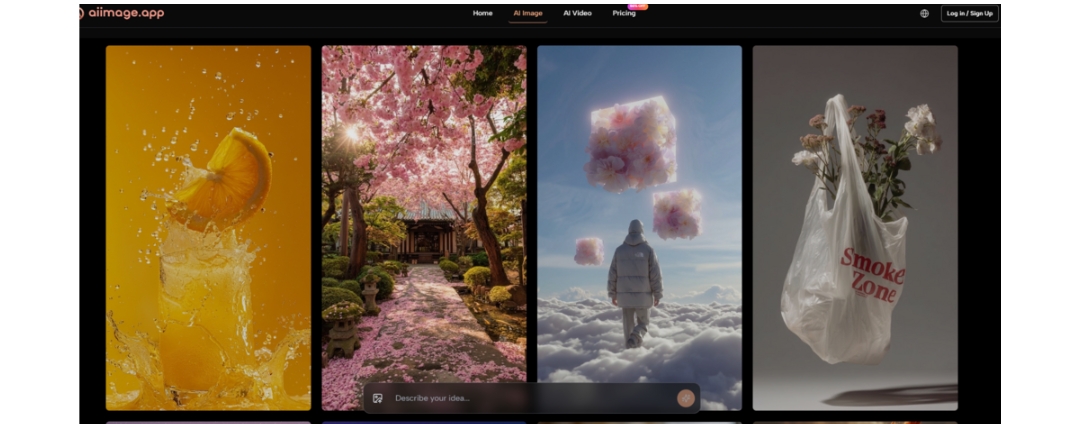
After ranking the tools, I committed to using ToImage AI for a week of actual client work—social graphics for a food brand and header images for a newsletter. The first thing that hit me was the absence of that mental friction I had normalized elsewhere. There’s no interstitial “Go Pro” modal before the generation, no wait‑for‑timer unlock. I typed a prompt describing a rustic bread loaf on a wooden board with soft morning light and a shallow depth of field, chose a model from the dropdown list, and the image appeared in about 12 seconds. It wasn’t a gallery‑worthy masterpiece on the first try, but the lighting looked natural and the composition made sense. I refined the prompt by adding “steam rising, crumbs on surface, 85mm lens” and got something that the client approved with minor crops.
The Hidden Value of a Quiet Workspace
The platform’s image history panel became more useful than I anticipated. I could scroll back to a session from three days earlier and re‑download an image without re‑generating it. That might sound basic, but on many free tools, history vanishes after a few hours or gets buried under community feeds. ToImage AI kept my generated images in a straightforward grid, sorted by date, with no social‑network‑style engagement metrics attached. It felt like a workspace, not a popularity contest.
Managing Client Assets Without the Usual Panic
I had a moment during the week where a client asked for a variation of an image I’d made four days earlier. On another platform, I would have had to dig through Discord DMs or hope a browser cache held the file. With ToImage AI, I opened the history, found the batch, and used the image‑to‑image feature to upload a new reference photo—a different angle of the same bread—and let the model blend the original style with the new composition. The result kept the lighting consistency and saved me at least 20 minutes. That kind of friction reduction quietly adds up. The ability to download images in high resolution without watermarks meant I could drop them straight into a client deck without post‑processing.
How It Works: A Short, No‑Surprise Walkthrough
The official workflow is simple enough that I could teach a non‑technical colleague in under a minute. Here’s the typical sequence I followed:
- Enter a text prompt describing the desired image, including details about subject, style, composition, and mood.
- Select an available image generation model or style option when presented. The platform offers multiple AI image and video models.
- Generate the image, review the result, and download or save it for later access.
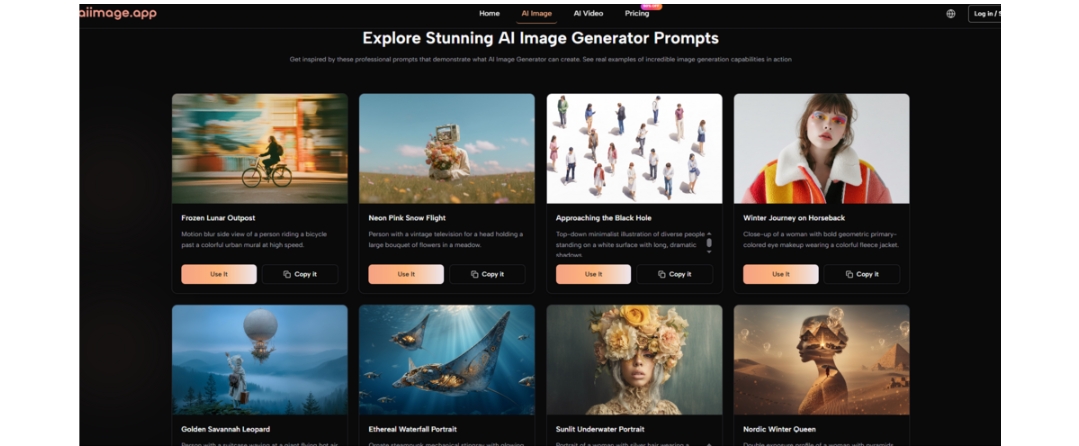
No hidden toggles, no surprise upsells mid‑flow. The model selection step is where the GPT Image 2 option sits alongside other models, and in my testing, it delivered the most structured and detailed outputs for marketing visuals—clean product placements, readable signs, coherent object relationships. I still switched to other models for more artistic, painterly effects, but the structured model became my default for anything heading to a client.
Where the Platform Shows Its Limits
ToImage AI isn’t without compromises. The style variety, while adequate for commercial work, doesn’t match the deep artistic range of Midjourney’s style tuner or Leonardo’s community models. I noticed that extremely specific cultural references or niche photography styles sometimes produced generic results. The image‑to‑video feature, while functional, produced short clips that needed extra stabilization and didn’t always honor the lighting continuity I wanted. And there is no API access or batch‑generation queue in the visible interface, so high‑volume production would require manual clicking. The platform also lacks a built‑in upscaler beyond the download resolution, though third‑party tools easily fill that gap.
Who Should Steer Clear and Who Might Find Relief
If you are an artist seeking the highest possible photorealism or a conceptual illustrator who wants to train custom LoRAs and dive deep into parameter tuning, ToImage AI will feel constrained. You’ll likely gravitate back to Midjourney or Stable Diffusion local installs. But if you are a marketer, content creator, small business owner, or social media manager who needs clean, commercially usable images without the mental tax of fighting an ad‑infested interface, this platform quietly earns its place. It’s also well‑suited for educators and presenters who need quick visuals that don’t require a design degree.
After Weeks of Comparing, the Trade‑Offs Became the Story
I started this search expecting to anoint a single tool with the best image quality. Instead, I learned that what I really needed was a tool that didn’t punish me for using it. The low‑quality, ad‑cluttered sites I had set out to avoid were only the extreme end of a spectrum; many reputable platforms also introduced micro‑frictions that made daily creation exhausting. ToImage AI didn’t produce the most jaw‑dropping image I’ve ever seen, but it produced reliable, commercially safe images in a workspace that let me think clearly. That might not be the headline a marketing department would write, but it’s the honest verdict from two weeks of using these tools as if my work depended on them—because it did.




Comment