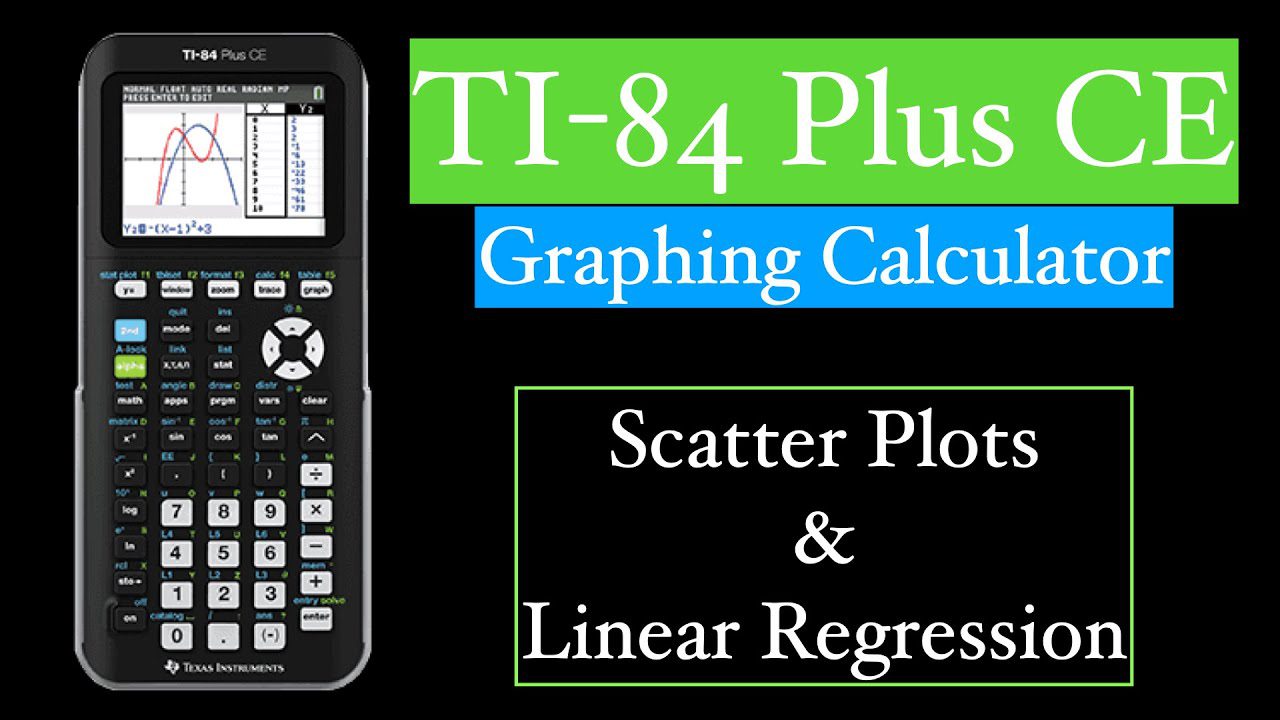
AP Statistics has become one of the most popular AP exams — over 250,000 students took it in 2025.
The TI-84 Plus CE is allowed on the entire exam (both sections) and can save you 10–20 minutes if you know these exact keystrokes.
Below is the only guide you’ll ever need — updated for the 2025–2026 course and CED.
1. Entering & Editing Data Quickly (Lists)
- Press STAT → 1: Edit…
- Type your data into L1, L2, L3 etc.
- To clear a list fast: arrow up to L1 → CLEAR → ENTER
- To paste raw data from a PDF: use the free TI 84 Calculator online, copy-paste into the list instantly.
2. One-Variable Statistics (Mean, Median, Q1, Q3, σ, etc.)
STAT → CALC → 1: 1-Var Stats
Type L1 (2nd → 1) → ENTER
You instantly get:
x̄ (mean), Σx, Sx, σx, n, Med, Q1, Q3, Min, Max
Pro tip 2025: Scroll down twice — you also get the 5-number summary needed for boxplots.
3. Boxplots & Histograms in 10 Seconds
After 1-Var Stats:
[2nd] [Y=] → turn Plot1 ON → choose boxplot or histogram icon
[ZOOM] → 9: ZoomStat → ENTER
Perfect modified boxplot appears (outliers shown as dots — exactly what College Board wants).
4. Linear Regression (Line of Best Fit + r & r²)
Data in L1 & L2
STAT → CALC → 8: LinReg(a+bx) L1,L2,Y1 → ENTER
(Y1 is 2nd → 1 → VARS → Y-VARS → 1:Function → 1:Y1)
You get a, b, r, r² instantly.
Then [GRAPH] to see the line overlaid on scatterplot.
5. Normal Distribution Calculations (z-scores & probabilities)
Example: P(–1.2 < Z < 1.7)
[2nd] [DISTR] → 2: normalcdf( –1.2, 1.7 ) → ENTER
→ 0.8588
Shading: DISTR → DRAW → 1: ShadeNorm( –1.2, 1.7 )
6. Inverse Normal (Find z-score from probability)
What z-score has 10% area to the left?
[2nd] [DISTR] → 3: invNorm( 0.1 ) → ENTER
→ –1.2816
7. Binomial Probabilities & Cumulative
Example: Binomial n=20, p=0.35, exactly 8 successes
[2nd] [DISTR] → 0: binompdf(20,0.35,8) → ENTER
P(X ≤ 8) → binomcdf(20,0.35,8)
8. Confidence Intervals (1-Prop Z, T-Interval, etc.)
- 1-PropZInt: STAT → TESTS → A: 1-PropZInt
- TInterval (σ unknown): STAT → TESTS → 8: TInterval → Inpt:Data or Stats
- 2-Sample T-Test & Interval: STAT → TESTS → 4: 2-SampTTest
9. Hypothesis Tests Cheat Sheet (2025–2026)
| Test Type | Menu Location | Key Output to Write Down |
| 1-Prop Z-Test | STAT → TESTS → 5 | z & p-value |
| T-Test (1 sample) | STAT → TESTS → 2 | t & p-value |
| 2-Sample T-Test | STAT → TESTS → 4 | t, df, p-value |
| Chi-Square GOF | STAT → TESTS → D | χ² & p-value |
| Linear Regression t-Test | After LinReg → look at last two lines | t & p for slope |
10. Random Sampling & Simulation (New 2025 Emphasis)
Simulate 100 coin flips:
MATH → PRB → 5: randInt(0,1,100) → STO→ L1
Then 1-Var Stats L1 to see proportion of heads.
Bonus 2025–2026: Practice Everything for FREE Online
You do NOT need to own a physical TI-84 to master AP Stats.
The #1 free online TI 84 Calculator used by 3+ million students in 2025–2026 runs the exact same OS 5.8.1, works on Chromebooks & blocked school WiFi, and lets you practice every single keystroke above instantly.
→ Bookmark your free TI 84 Calculator here: https://ti84calculates.com
I make every one of my AP Stats students use it daily — their average score jumped from 3.8 to 4.6 last year.
Final Quick Reference Card (Copy into your notes)
- 1-Var Stats → STAT CALC 1
- Boxplot → ZOOM 9
- Linear Regression → STAT CALC 8
- Normal prob → 2nd DISTR 2
- Inverse normal → 2nd DISTR 3
- All tests → STAT TESTS
Master these 10 skills → you will finish the AP Statistics exam with 20–30 minutes to spare and almost certainly earn a 5.
Start practicing right now on your free TI 84 Calculator — open it and try the 1-Var Stats steps in the next 2 minutes.
Which topic do you want the keystroke video for next? Comment below!
Read More From Techbullion