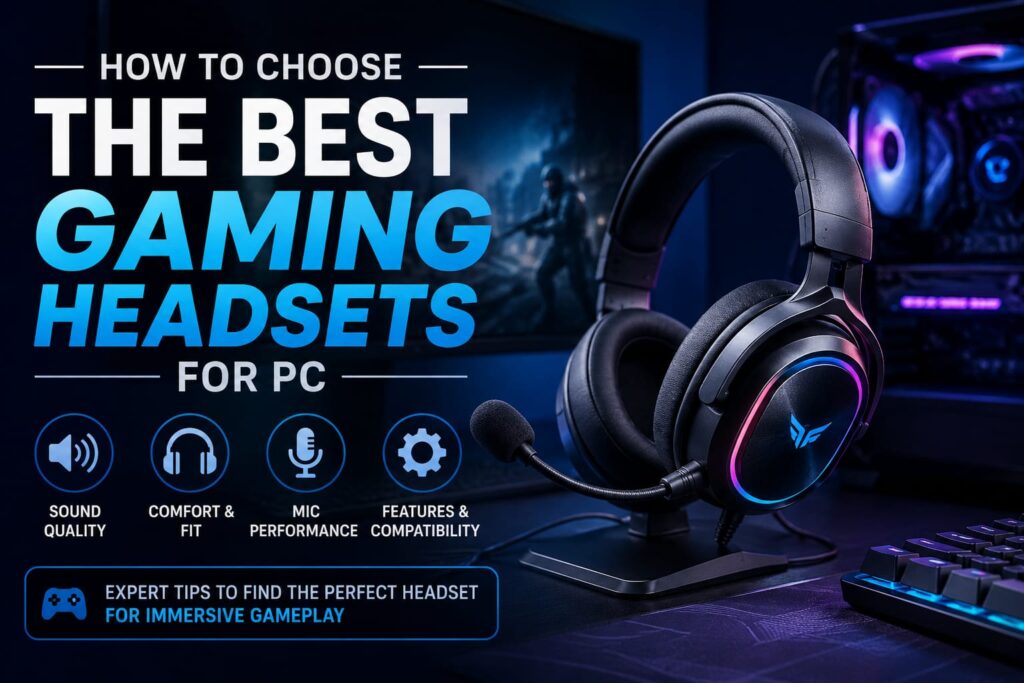
You play games on a PC. You want a great headset. But there are so many choices. Wired or wireless? Open or closed? What are planar magnetic drivers?
I have tested dozens of headsets. I made mistakes. I bought ones that hurt my head. I bought wireless ones that died mid-match.
This guide will help you pick the right one. No fluff. Just clear tips.
Quick Answer: What Matters Most?
Priority |
What to Look For |
Why It Matters |
Sound |
Driver type, frequency response | Hear footsteps and explosions |
Comfort |
Clamp force, ear pads, weight | Wear for hours without pain |
Connection |
2.4GHz wireless or wired, not Bluetooth | No lag |
Mic |
Noise cancellation, sidetone | Friends hear you clearly |
Battery |
30+ hours or hot swappable | No mid-game charging |
The Four Pillars of a Good PC Gaming Headset
I break down every headset into four parts. Here they are.
1. Open Back vs. Closed Back (Soundstage)
Open back headsets have holes in the ear cups. Air flows through. Sound feels wide and natural. You can pinpoint footsteps from far away.
But the open back leaks sound. People near you will hear your game. And you will hear them.
Closed-back headsets seal your ears. They block outside noise. Bass is punchier. But the soundstage is smaller.
Which to choose? Play in a quiet room and love FPS? Try open back. Have roommates or a loud PC fan? Pick closed back.
Velour ear pads breathe better than protein leather. Leather gets hot. Cloth stays cool.
2. Driver Type (Neodymium, Planar, Graphene)
Drivers are the tiny speakers inside the ear cups.
Neodymium drivers (40mm or 50mm) are standard. Punchy sound. Good for most games.
Planar magnetic drivers cost more. Very low distortion. Footsteps stand out from explosions.
Graphene drivers are light and stiff. Clean, fast sound.
Look for a frequency response of at least 20Hz to 20,000Hz. Most good headsets have that.
3. Wired vs. 2.4GHz Wireless vs. Bluetooth
Wired has zero latency. No charging. Audio quality is often better for the price. The only downside? The cable.
2.4GHz low-latency wireless uses a USB dongle. You cannot feel the delay. I have used wireless headsets in competitive shooters for years. The range is about 30 – 50 feet.
Bluetooth is convenient for phones. But for PC gaming, avoid it. High latency. Audio lags behind the action.
My advice: Get a 2.4GHz wireless headset or a wired one. Bluetooth is only a bonus.
I use the SteelSeries Arctis Nova Pro Wireless (2.4GHz). It works great. For a deep dive, read my SteelSeries Arctis Nova Pro Wireless review.
4. Comfort (Clamping Force, Ear Pads, Weight)
You will wear your headset for hours. Comfort is not optional.
Clamping force is how tightly the headset grips your head. Too tight = headache after two hours. Too loose = it slips off.
The “Hour 3” test is real. A headset that feels great at first can become painful later.
What to look for: Suspension headbands spread weight evenly. Memory foam ear cushions mold to your head. Lightweight (under 350g) is best.
Glasses wearers: Look for soft ear pads with low clamping force. Velour is best.
Microphone Quality and ChatMix
Not all headset mics are equal.
Many wireless headsets compress the mic audio to save battery. Your voice sounds thin. If you stream or use Discord a lot, look for a high-bandwidth mic.
The Razer BlackShark V3 Pro has a broadcast-quality mic. The Logitech Astro A50 X also has an excellent ClearCast Boom Microphone.
ChatMix (game chat balance) lets you adjust how much game audio vs. friend voices you hear. Very useful in competitive games.
Sidetone lets you hear your own voice. It stops you from shouting. Many headsets have it in the software.
Spatial Audio and Software
Most gaming headsets come with software. You can adjust EQ, create game profiles, and tune the mic.
SteelSeries Sonar is very powerful. It has parametric EQ and game-specific presets. Logitech G HUB is simpler but works well.
Spatial audio (Dolby Atmos, DTS Headphone:X, Windows Sonic) creates a 3D sound field. It helps you hear vertical cues – like an enemy above you.
In my testing, spatial audio works best in story games. For competitive shooters, I turn it off. Raw stereo is more accurate for footsteps.
Do you need a DAC for PC gaming? Most gaming headsets have a built-in in DAC via USB. An external GameDAC Gen 2 or Sound Card can improve audio, but it is not necessary for most players.
Best Headset for Different Game Genres
Genre |
What to Prioritize |
Example Headset |
FPS (Call of Duty) |
Imaging, treble clarity, low latency | SteelSeries Arctis Nova Pro Wireless |
RPG / Open World |
Bass, soundstage, immersion | Audeze Maxwell |
Streaming |
Microphone quality, sidetone | Astro A50 X |
Long Sessions |
Comfort, lightweight, battery | HyperX Cloud Alpha Wireless |
The HyperX Cloud Alpha Wireless has up to 300 hours of battery life. That is insane.
For a full list of top models, see our Best Gaming Headsets for PC Guide.
FAQ
What should I look for in a gaming headset for PC?
Sound quality, comfort, 2.4GHz wireless or wired, microphone, and battery life.
Is wireless or wired better for PC gaming?
Both can be great. Modern 2.4GHz wireless has near zero latency. Wired is cheaper and never needs charging.
What headset is best for FPS games?
Good imaging and treble clarity. The SteelSeries Arctis Nova Pro Wireless and Audeze Maxwell are top choices.
How important is microphone quality?
Very important for multiplayer and Discord. For streaming, consider a standalone USB mic.
Does battery life matter for wireless headsets?
Yes. Look for 30+ hours of battery life or hot-swappable batteries. The HyperX Cloud Alpha Wireless lasts 300 hours.
What is low latency in a gaming headset?
No perceptible delay between action and sound. 2.4GHz wireless and wired have low latency.
Is Bluetooth good for PC gaming?
No. Too much lag. Use it only for music or calls.
What is spatial audio, and do I need it?
Spatial audio creates a 3D sound field. Great for story games. For competitive shooters, many prefer raw stereo.
Which is better, open back or closed back?
Open back for quiet rooms and wide soundstage. Closed back for noise isolation and punchy bass.
What makes a headset comfortable for long sessions?
Low clamping force, soft memory foam, lightweight (under 350g), and a breathable headband.
Final Buying Advice
You do not need to spend $500. Here is my simple advice for the budget:
Under $100: Turtle Beach Stealth 600 Gen 3 – good battery, decent sound.
$100-$200: SteelSeries Arctis Nova 7 – comfy, simultaneous Bluetooth.
$200-$350: HyperX Cloud III Wireless – great battery, very comfy.
$350+: SteelSeries Arctis Nova Pro Wireless – hot swap batteries, amazing software.
Before you buy, read reviews. Watch mic tests. Try the headset on if you can. Comfort is personal.
I have made expensive mistakes. Do not repeat them.
Now go pick the headset that fits your head, your ears, and your games. Happy gaming.
Read More From Techbullion