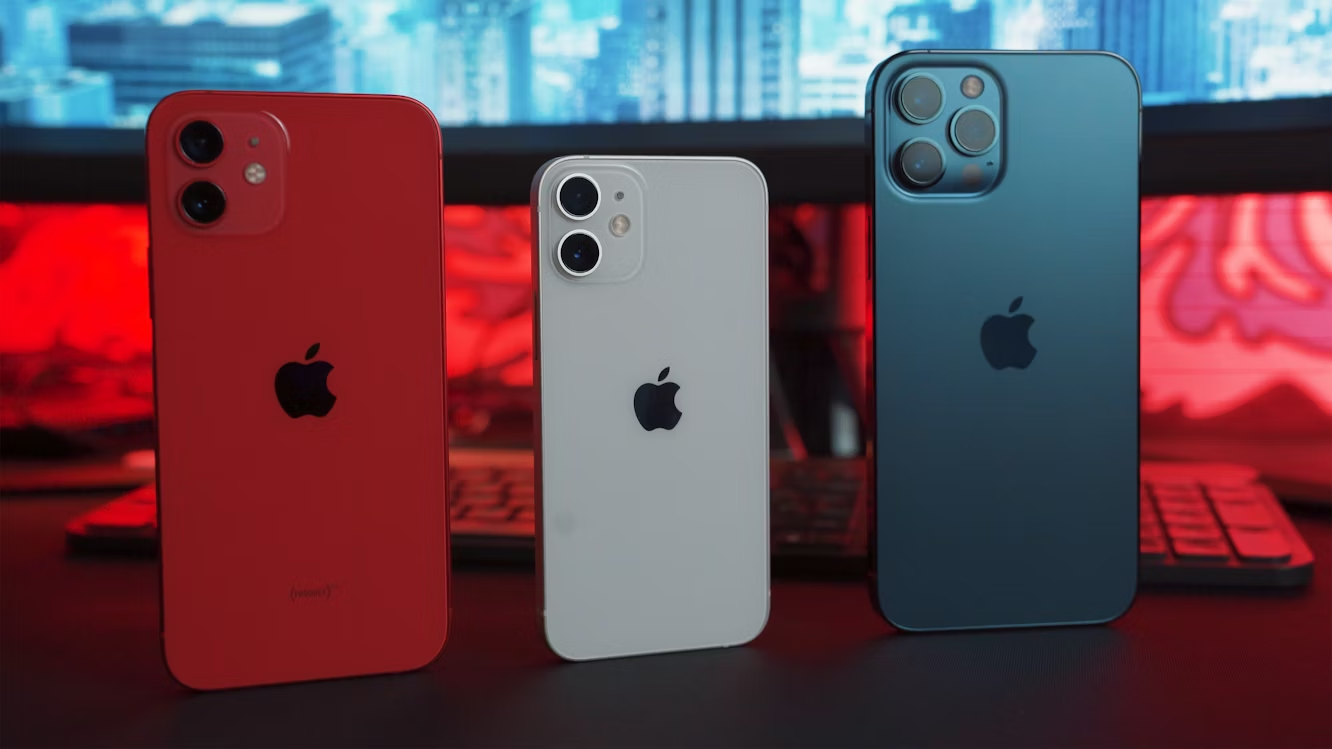
Apple dropped the iPhone 17 lineup in September 2025 with fanfare, new colors, and a battery that’s reported to be 6+ hours longer than some previous models.
Not long after, your social media is flooded with unboxing videos from friends and total strangers that you follow. Now, you’re tempted. But let’s be honest, dropping over a thousand dollars on a new phone every year or two just isn’t in the cards for most of us.
What’s more? Your “old” iPhone probably doesn’t even need replacing. Maybe what it actually needs is a refresh. I’m talking about simple fixes that don’t involve buying a brand new phone, but which will make a noticeable difference in what you’re using now.
And it’s nothing complicated at all. Let’s discuss some of those tweaks.
Clear Up Storage Space to Instantly Boost Performance
Not many people realize this, but a choked-up storage can slow down your iPhone. It’s not just about running out of room for photos. iOS needs breathing room to swap data and keep apps running fast.
When this space is not available, background processes struggle. Apps take longer to open. Everything feels sluggish.
You need at least 1GB of free storage. Anything less and your iPhone will become problematic, including poor performance and random switch-offs.
So, what can you do? Start with the obvious stuff. Delete apps you haven’t touched in months. We all have them. That language-learning app you opened twice? Gone.
Games you finished last year? Delete them.
Next, tackle your photos and videos. Those 4K videos you shot at your cousin’s wedding? They’re eating gigabytes. Screen recordings from when you were trying to show someone how to do something? More gigabytes. WhatsApp media alone can consume shocking amounts of space if you’re in active group chats.
And don’t forget Safari. Clear the cache and website data. This will free up space you didn’t know was being used.
Improve Battery Health
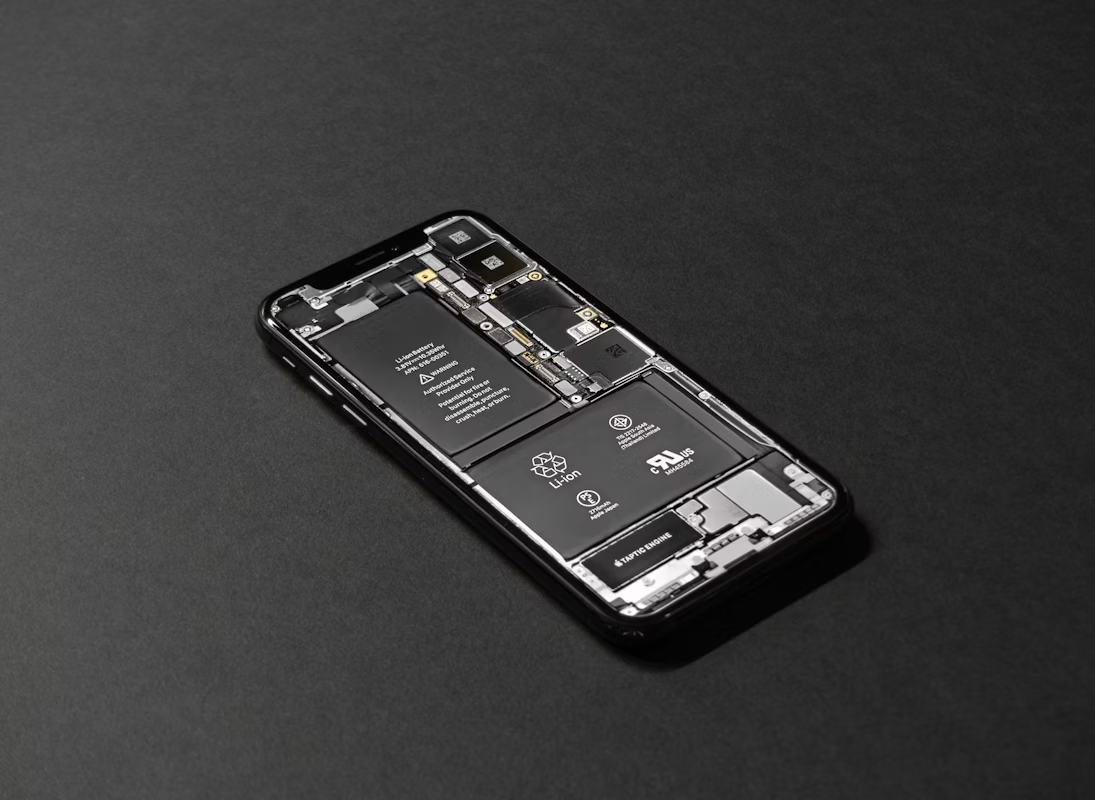
Nothing makes you feel like you’re using an old phone more than having to carry a bank about. That’s the ultimate giveaway.
The good news? You can make your iPhone’s battery perform better, as long as it’s not far gone.
How?
- Stop charging to 100% at every charge
- Keep your charge between 20% and 80%
- Don’t let your phone get hot
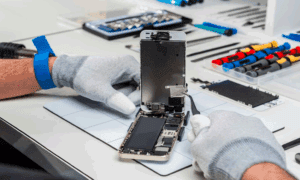
But there are times when a battery replacement is the only logical alternative. I’m talking about when it’s 80% and below. In this case, simply replace the battery. The performance boost will feel like you just bought a brand new phone.
According to a 2024 piece by the Irish Sun, out-of-warranty battery replacement for certain iPhone models ranges between $99 and $119. That’s still a fraction of the cost for a new device. So, if your battery has gone below the 80% maximum capacity limit, replacing it will be a really good investment for a “legacy” device.
Refresh the Look with Simple Customization
There’s a very real thing called visual boredom. It’s that dull feeling you get when your environment becomes too monotonous or repetitive. And yes, it applies to phones too.
Sometimes, a phone feels “old” simply because it looks the same every single day. You unlock it and see the same old boring wallpaper, the same app layout, the same everything. Your brain just zones out.
So, how do you beat visual boredom? Start with a visual refresh.
Reorganize your apps into fewer folders. Tidy things up. Customize your widget stacks as well. Even small changes can make your screen feel new again.
Changing your wallpaper is also a cool way to improve the look of your iPhone.
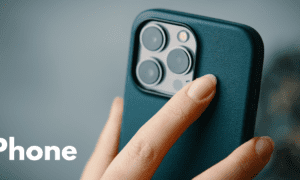
And don’t ignore the physical side of things. A new case or screen protector can completely change how your phone feels in your hand.
According to Basic Apple Guy, refreshing your interface is one of the most effective ways to fight the urge to upgrade.
Update and Tweak Your iOS Settings
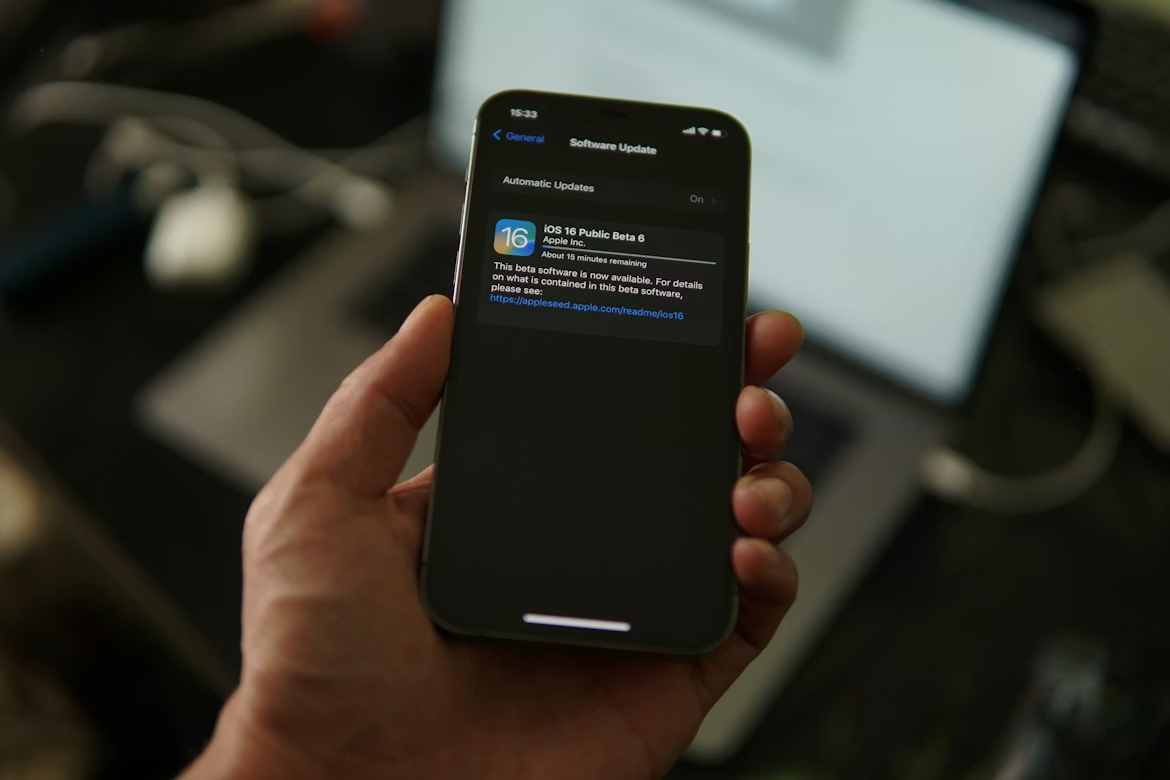
Many people are of the wrong impression that updates slow things down. But here’s the thing: These updates from Apple typically contain performance optimizations and critical security patches.
Take the iOS 18 update in 2024, for example. It specifically included optimizations for phones as old as the iPhone 11 series. So, you see, keeping your software current is non-negotiable for a healthy phone.
Once you’re updated, try this one simple setting tweak for a faster feel:
Go to Settings > Accessibility > Motion. Turn on Reduce Motion.
This minimizes those zooming animations when you open and close apps. On an older phone, it makes transitions feel instant and cuts down on visual lag.
Clean and Maintain the Hardware
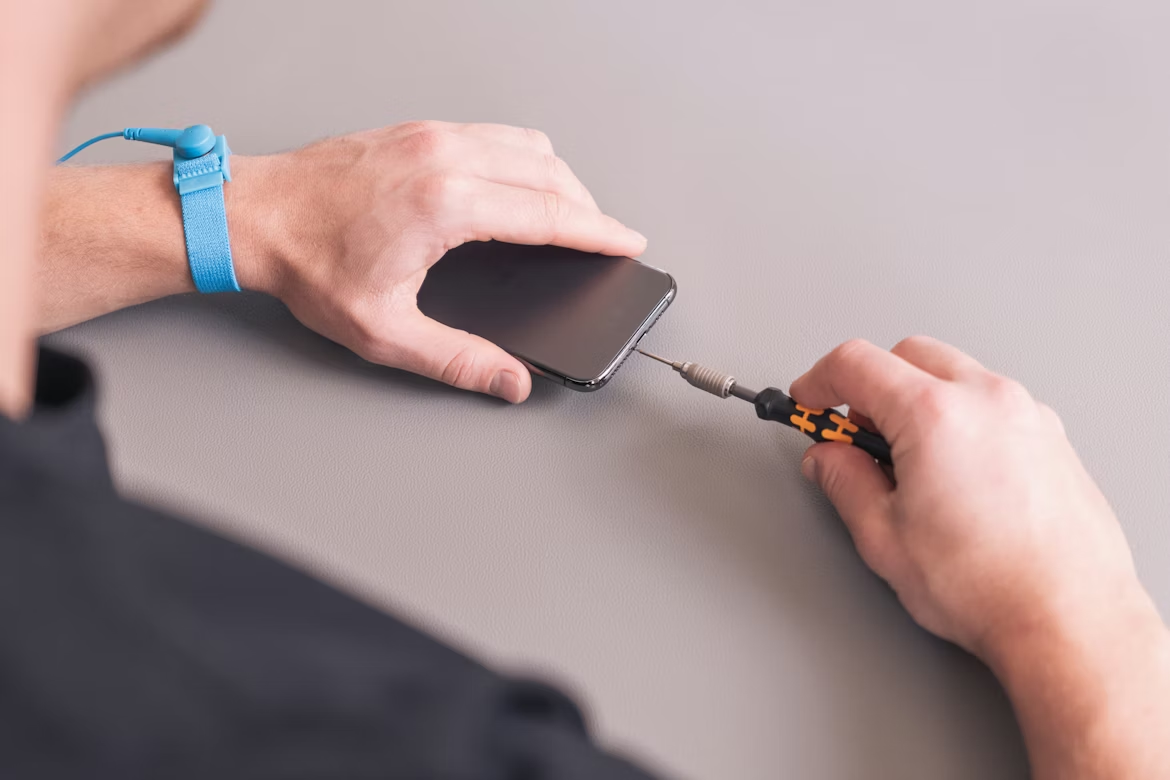
This one’s often overlooked, but it’s actually a great way to boost your older iPhone’s performance.
Dirt and lint affect charging, audio, and overall usability more than you’d think. In fact, if you could look inside any of those places, you’d be surprised how much has accumulated there. That’s often why your cable won’t stay connected properly.
What should you clean? Start with the charging port. Use a wooden toothpick or plastic pick. Never metal tools.
Clean the speakers and microphone grills too. Gently. A soft brush works well.
Wipe down the screen and case regularly. Use a microfiber cloth. It sounds basic, but a clean screen genuinely makes your phone more pleasant to use.
The bonus benefits? Better charging consistency. Fewer connection issues. Your phone literally feels better in your hands.
If you’re using your iPhone 6.4 hours per day (which is the current average according to a study cited by ECT News Network), keeping it clean just makes sense.
You Don’t Need a New Phone. You Need a Reset.
So there you have it. 5 things you can do to breathe new life into your older iPhone.
Of course, if you can afford to, there’s nothing wrong with splurging on a newer model. But if you can’t, don’t feel bad. Just try one or two of these tips we discussed in this article. You might just fall back in love with the phone you already own.