A typical engineering workflow already has plenty of checkpoints. Code is pushed, tests run, builds pass or fail, and deployments move through environments at speed. Security used to sit outside that flow, turning up late with a report or a last-minute blocker.
That model is getting harder to defend. Software changes constantly, and as a result, dependencies evolve just as quickly, increasing the likelihood of small oversights moving through a pipeline before anyone notices.
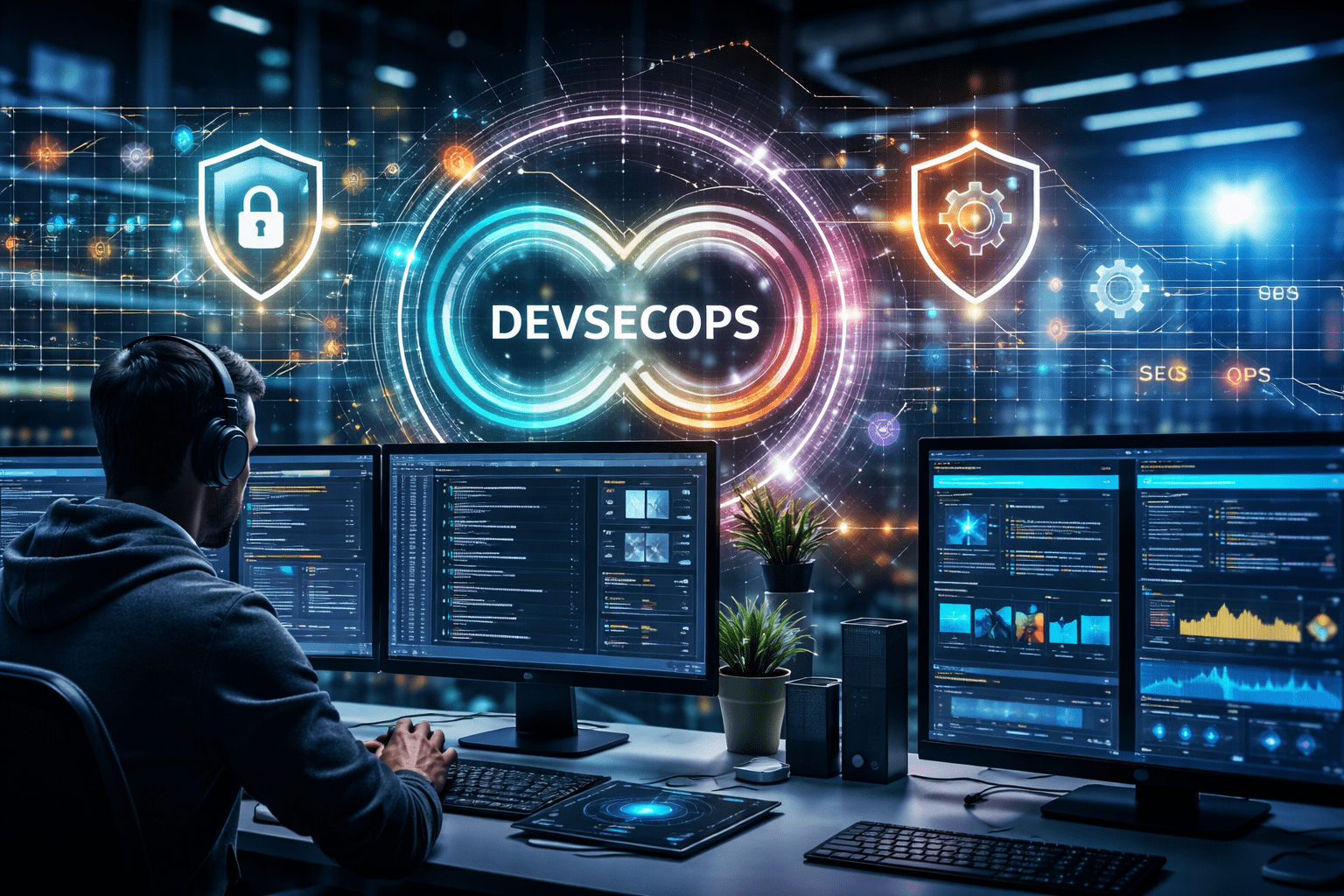
DevSecOps is the practical response. It brings security into the workflows that developers and operations teams already rely on, so secure practices feel like part of day-to-day delivery rather than an extra step bolted on at the end.
In practice, this doesn’t appear as a single tool or check. Instead, DevSecOps tooling tends to cover a small number of core capabilities, each designed to reduce risk at a different point in the delivery process. Looking at those capabilities in context makes it easier to see how security fits into modern engineering workflows – without getting in the way.
1. Code and Dependency Security in the Developer Workflow
For most teams, software risk starts in the codebase. Modern applications rely on a mix of first-party code, open-source libraries, and third-party components, all of which can introduce vulnerabilities.
One core function of DevSecOps tools is to surface these risks as early as possible, ideally while developers are still writing code. Instead of waiting for a later review cycle, it examines what is being introduced into the codebase and highlights issues that can cause problems down the line, including vulnerable dependencies and insecure patterns.
When this kind of feedback shows up inside everyday developer workflows, security becomes part of the same decision-making that governs quality and performance. Issues get addressed while the context is still fresh, rather than surfacing weeks later during a separate review cycle. Over time, that shift reduces rework and helps teams agree on what “secure by default” means for their codebase.
2. Pipeline Automation and Security Testing
As teams adopt continuous integration and delivery, the build pipeline becomes the backbone of software delivery. DevSecOps tools extend the mandate of app security management by adding automated security checks alongside existing tests for quality and performance.
These checks can cover a wide range of concerns, including:
- Configuration issues
- Insecure dependencies
- Container or image risks
- Potential exposure in build artefacts
That said, what matters isn’t the breadth of what gets checked, but when and how it happens. These checks run as part of the pipeline on every change, so teams get the same security signal each time a build is created rather than relying on ad hoc reviews.
From an engineering perspective, this makes security more predictable. Instead of being a last-minute audit or a separate approval step, security becomes another signal in the pipeline that informs release decisions. Failed checks can block risky changes, while successful runs provide confidence that baseline security standards have been met.
3. Policy, Governance, and Consistency at Scale
As organizations mature, security concerns shift from individual issues to systemic risk. Questions move from “Is this change safe?” to “Are we consistently applying the right standards across all teams and services?”
DevSecOps tooling often plays a role here by helping teams define and enforce policies in a way that fits engineering workflows. This might include setting rules around acceptable dependencies, minimum testing requirements, or deployment configurations.
The important part is that these policies are applied through the same systems teams already use, rather than through separate review processes. When governance is embedded into pipelines and workflows, it becomes easier to maintain consistency without slowing delivery or creating friction between teams.
4. Visibility, Risk Prioritisation, and Feedback Loops
Finding security issues is only half the problem. The other half is deciding what to fix first and how to track progress over time.
Another key role of DevSecOps tools is to provide visibility into security posture across applications, teams, and environments. Instead of treating findings as isolated alerts, modern approaches aggregate results to help teams prioritize work based on real risk.
For engineering managers and platform teams, this kind of visibility supports better decision-making, and for developers, better feedback loops mean security stops feeling abstract. Issues are clearer, and remediation becomes part of normal technical debt management rather than a separate, reactive process.
5. Supporting Cloud-Native and Modern Architectures
Cloud-native delivery changes what “application security” even means. When services are split up, packaged, and deployed continuously, risk is shaped as much by configuration and infrastructure as by the code itself.
In cloud-native environments, a lot of risk shows up outside the codebase. A small misconfiguration, an overly permissive role, or a weak default in an infrastructure template can undo good work elsewhere.
DevSecOps tools help teams catch those problems in the same places they manage everything else, in versioned definitions and automated pipelines. In practice, that means security becomes something teams maintain over time, much like reliability.
Making Security a First-Class Part of Delivery
DevSecOps works when it stops feeling like a separate initiative and starts behaving like part of how software gets built. The common thread across all these capabilities is timing. Security is most effective when it shows up close to the decisions engineers already make, in code, in pipelines, and in the systems that govern delivery, rather than as a late-stage checkpoint.
Seen that way, DevSecOps tools are less about adding process and more about improving signal, resulting in steadier delivery, with fewer surprises and less expensive clean-up work downstream.