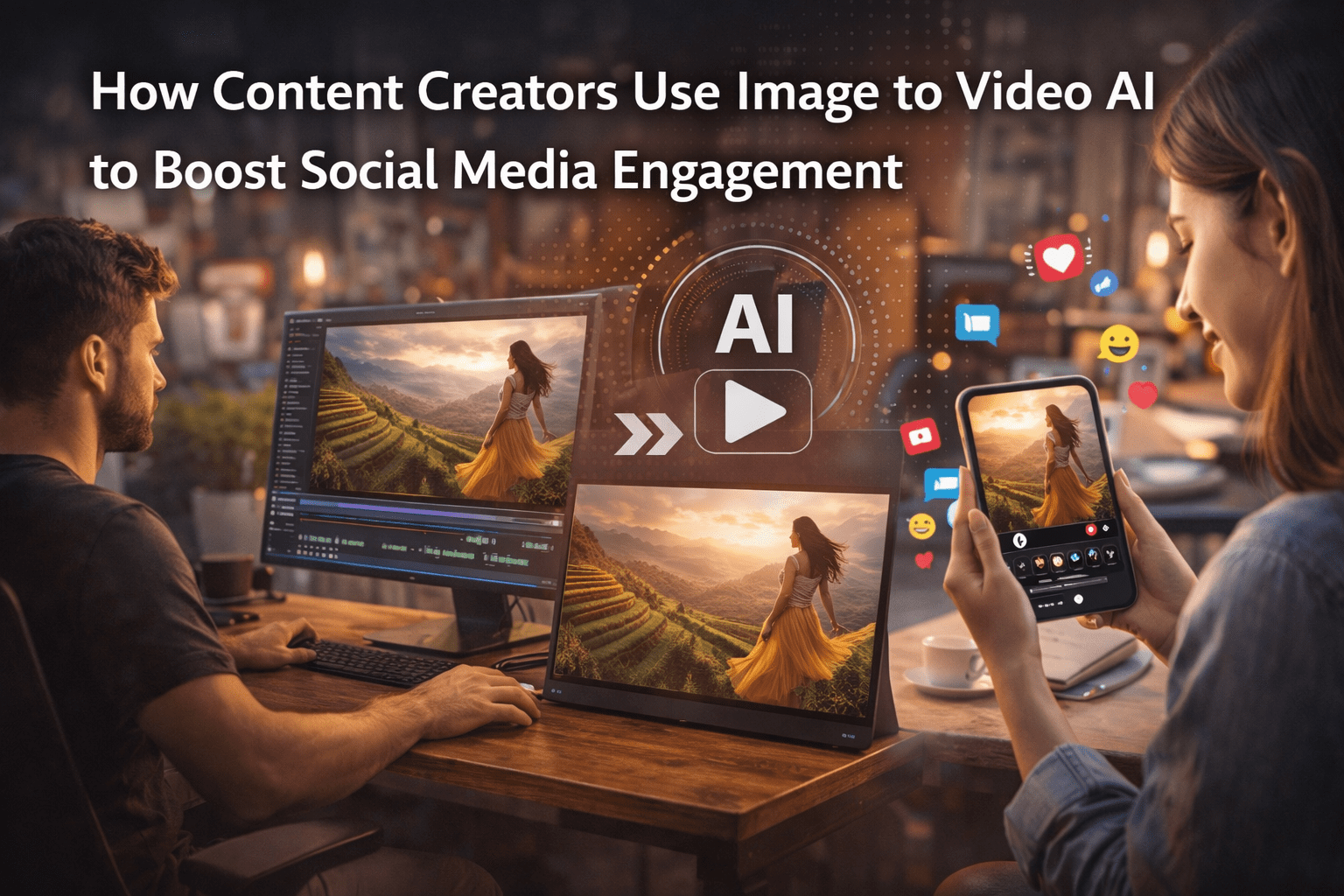
Social media has become highly competitive, and content creators are always looking for ways to increase engagement. Static images still work, but video content consistently performs better across platforms like Instagram, TikTok, and YouTube Shorts.
This is where Image to Video AI tools are becoming very useful. They allow creators to turn simple images into animated videos that attract more attention, improve watch time, and increase engagement without requiring advanced editing skills.
In this article, we will explore how content creators are using this technology, why it works, and how you can apply it to your own social media strategy.
What Is Image to Video AI?
Image to Video AI is a technology that converts static images into animated videos using artificial intelligence. It analyzes the image and adds motion effects like zoom, pan, depth changes, and cinematic transitions.
You can use tools like ImageMover to turn photos into engaging videos without needing any video editing experience.
The system uses machine learning to understand image structure and then generates motion frames to create smooth video output.
Why Content Creators Use Image to Video AI
Content creators are under pressure to produce consistent, engaging content. AI tools help solve several challenges:
Faster Content Creation
Videos can be created in minutes instead of hours.
No Editing Skills Required
Beginners can produce professional-looking videos easily.
Better Engagement
Videos usually perform better than static posts.
More Content Output
Creators can turn old images into new video content.
How Image to Video AI Improves Engagement
Engagement depends on how users interact with content. Image to video AI helps increase engagement in several ways:
1. Adds Motion to Static Content
Motion naturally attracts attention on social media feeds.
2. Increases Watch Time
Even short animations increase how long users stay on a post.
3. Improves Storytelling
Images combined into video form tell a stronger story.
4. Boosts Algorithm Reach
Platforms prioritize video content in recommendations.
How Content Creators Use Image to Video AI in Real Life
Let’s look at how creators actually use these tools in daily content production.
1. Turning Photos into Reels and Shorts
Creators take existing images and convert them into short video clips for Instagram Reels, TikTok, and YouTube Shorts.
Using Image to Video AI, they can quickly generate motion-based content that looks fresh and engaging.
2. Repurposing Old Content
Many creators already have thousands of photos sitting unused.
Instead of letting them go to waste, they convert them into videos and repost them as new content.
This helps maintain consistency without creating new material every day.
3. Creating Product Showcases
Influencers and business creators use image to video AI to promote products.
A simple product image can be turned into a short animated advertisement with zoom and motion effects.
4. Enhancing Personal Branding
Creators use animated photos to build a stronger personal brand.
For example:
- Profile pictures with motion effects
- Lifestyle photos turned into storytelling videos
- Behind-the-scenes images converted into reels
5. Educational Content Creation
Teachers and educators also use AI tools to turn diagrams and slides into short visual videos for better understanding.
This improves learning engagement and clarity.
How Image to Video AI Works Behind the Scenes
The process is simple for users but advanced in the background.
Step 1: Image Upload
The creator uploads a photo or set of images.
Step 2: AI Analysis
The system identifies objects, faces, and background layers.
Step 3: Motion Mapping
AI determines how movement should be applied.
Step 4: Frame Generation
Multiple frames are created to simulate motion.
Step 5: Video Output
The final video is generated and ready to download.
This automated workflow makes content creation fast and accessible.
Step-by-Step Guide for Creators
If you want to use Image to Video AI for social media, follow these steps:
Step 1: Choose a Tool
Start with a reliable platform like ImageMover, which provides simple access to AI video generation.
Step 2: Upload Your Image
Upload a clear and high-quality image for best results.
Tips:
- Use sharp images
- Avoid cluttered backgrounds
- Ensure subject visibility
Step 3: Select Animation Style
Choose motion effects such as:
- Zoom in/out
- Pan movement
- Cinematic motion
- Depth-based animation
Step 4: Generate Video
Let the AI process your image and create motion frames.
Step 5: Preview and Download
Check the output and download the final video if satisfied.
Step 6: Post on Social Media
Share your video on platforms like:
- TikTok
- YouTube Shorts
Benefits for Content Creators
Using Image to Video AI offers several advantages:
Saves Time
Content creation becomes faster and easier.
Improves Consistency
Creators can post regularly without extra effort.
Boosts Engagement
Videos get more likes, shares, and comments.
Expands Creativity
New content styles become possible.
Works for All Niches
Suitable for lifestyle, business, education, and entertainment creators.
Common Mistakes to Avoid
Even though the tool is simple, creators should avoid:
- Using low-resolution images
- Ignoring preview results
- Overusing motion effects
- Posting without optimization
Avoiding these improves video performance.
Why Image to Video AI Is Growing in 2026
This technology is becoming more popular because:
- Social media is video-first
- Creators need faster workflows
- AI reduces technical barriers
- Audiences prefer short-form video content
As a result, more creators are switching to AI-powered tools.
Real Impact on Social Media Growth
Creators using Image to Video AI often see:
- Higher engagement rates
- Increased reach on reels and shorts
- Better audience retention
- More content output with less effort
It helps both beginners and professionals grow faster.
Final Thoughts
Image to Video AI is changing how content creators produce and share content. It simplifies video creation and allows users to turn simple images into engaging social media videos.
Tools like ImageMover make this process easy, even for beginners. With just a few clicks, creators can generate videos that improve engagement and reach.
As social media continues to evolve, Image to Video AI will play an even bigger role in content creation strategies. For creators looking to stay competitive, this technology is becoming essential rather than optional.