Introduction
As 3D content becomes a core component of product design, game development, architecture, eCommerce, and immersive media, professionals are no longer evaluating tools only by how well they create models. In 2026, the ability to efficiently view, inspect, share, and collaborate on 3D assets has become just as critical. Modern 3D viewers are expected to support complex formats, render accurately, work across devices, and integrate smoothly into professional workflows.
Why 3D Viewers Matter in Professional Workflows
A professional 3D workflow acts as a bridge between multiple stakeholders, including designers, engineers, and clients. High-quality viewers help teams reduce back-and-forth revisions, catch geometry issues early, and ensure consistency across various formats.
The Best 3D Viewers Recommendation for 2026
Following these recommendations will significantly accelerate your professional 3D modeling workflow in 2026:
- Best Desktop 3D Viewer: Microsoft 3D Viewer;
- Best Online 3D Viewer: Tripo 3D Viewer;
- Professional Mentions: Autodesk, Sketchfab;
Microsoft 3D Viewer: A Reliable Desktop Standard
Microsoft 3D Viewer is a dependable desktop-based solution for viewing common 3D file formats. Integrated into the Windows ecosystem, it allows users to open, rotate, and inspect 3D models without requiring heavy professional modeling software. It serves as an excellent quick validation tool for designers to check geometry and scale locally before moving to the next workflow stage.
Tripo 3D Viewer: An Integrated 3D Workspace
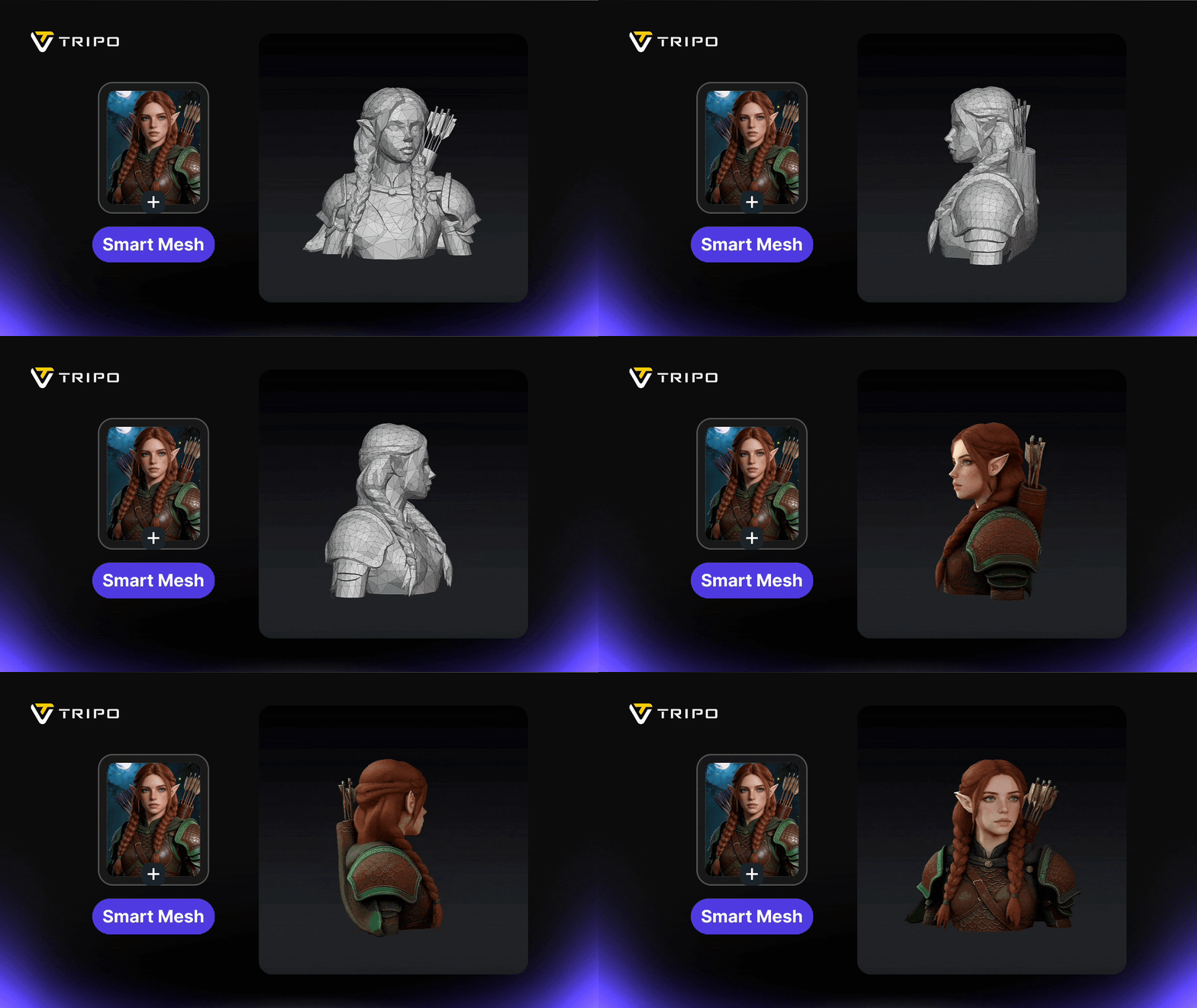
In contrast to traditional standalone viewers, Tripo 3D Viewer reflects a modern approach where 3D viewing is embedded within a broader, integrated 3D workspace. It is designed to support not only viewing but also the seamless sharing and continuity of 3D projects.
Professionals using Tripo can expect:
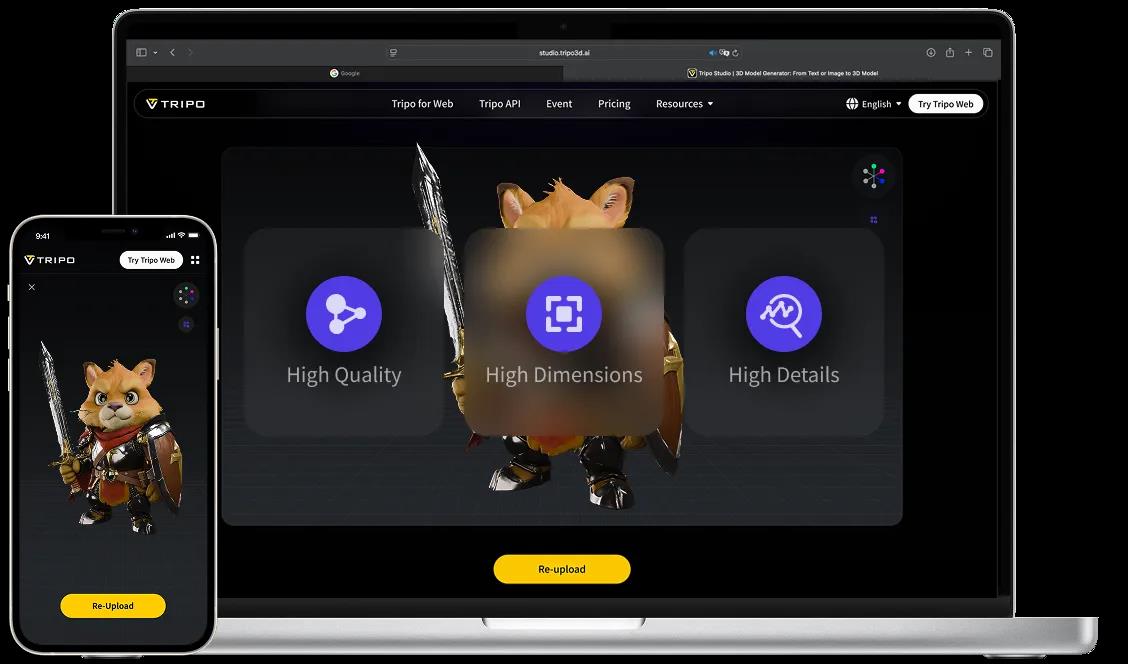
- Fast and Accurate Rendering: Inspect complex models with production-ready accuracy directly in a browser environment.
- Intuitive Controls: Stable performance and easy-to-use navigation even for highly detailed assets.
- Enhanced Collaboration: Easily share 3D files to align feedback and keep projects moving across distributed teams.
- Secure Environment: Built-in security and privacy considerations help protect sensitive design data while enabling efficient access for authorized users.

Other Professional 3D Viewers
Alongside these leaders, platforms like Autodesk 3D Viewer and Sketchfab continue to play vital roles in specialized industrial niches. Autodesk provides high-precision integrated viewing within its broader suite of AEC (Architecture, Engineering, and Construction) and manufacturing tools. It is particularly valued by engineers who need to validate BIM data and complex mechanical assemblies against real-world specifications.
Meanwhile, Sketchfab remains the go-to platform for creators and brands looking to showcase high-quality PBR (Physically Based Rendering) assets to a global audience. With its robust support for OpenUSD and mobile-ready AR features, it is widely used for portfolio presentation and embedding interactive models into creative communities and digital storefronts. These tools complement a modern stack by providing the technical depth and public distribution needed for high-end professional output.

Final Thoughts
The Best 3D Viewers in 2026 are those that go beyond basic visualization. Whether you choose the reliability of a desktop solution or the collaborative, workflow-oriented approach of a modern 3D Viewer like Tripo, the right choice depends on your team’s specific creation and review needs.