
The AI Image Generator That Actually Understands What You Mean

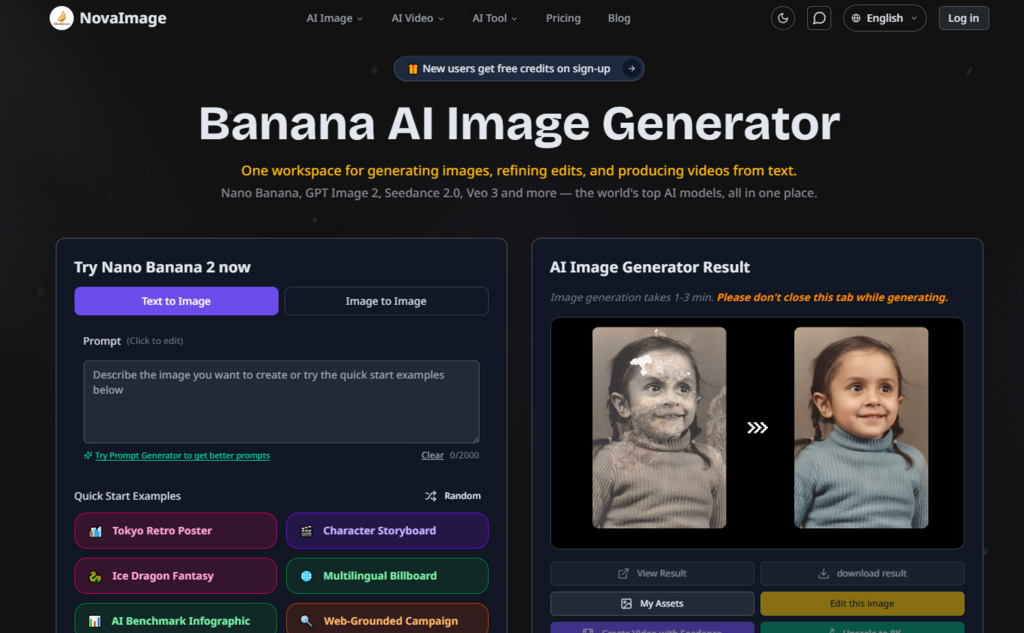
The gap between creative intent and AI output has always been the real bottleneck. You describe a scene, the machine gives you something vaguely related. You ask for text in an image, it hallucinates gibberish. You try to keep a character consistent across multiple frames, the face changes every time. For years, this was the trade-off: speed or quality, iteration or precision, never both. Then something shifted. A new wave of multimodal models started treating prompts as conversations rather than commands, and one platform in particular has been quietly gathering attention from working creatives who actually depend on these tools to deliver. That platform is Nano banana, and after spending several weeks putting it through real production workflows, the difference is tangible enough to talk about in specific terms.
Why This Moment Feels Different for AI Image Generation
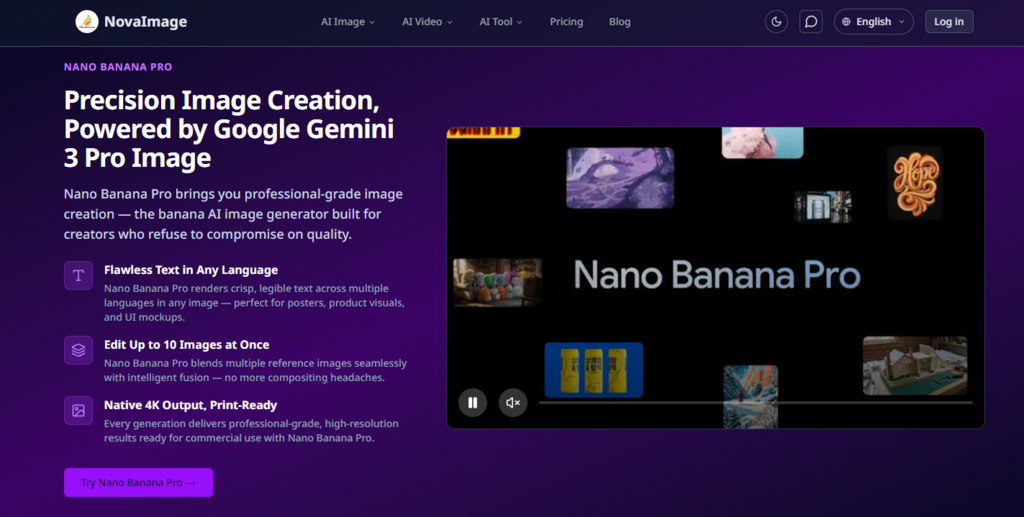
The AI image space has been flooded with options, but most of them share the same underlying limitations. They struggle with typography, they lose subject identity when you push for multiple angles, and they treat every generation as a standalone event rather than part of an ongoing creative conversation. NovaImage AI takes a fundamentally different approach by building its core image generation around Google DeepMind’s Gemini architecture, specifically the Flash Image and Pro Image models that power what the platform calls Nano Banana 2 and Nano Banana Pro. This isn’t just a wrapper around an API — the platform integrates these models with real-time web search grounding, multimodal context awareness, and a conversational editing loop that lets you refine results through natural language rather than starting over from scratch.
What makes this worth paying attention to is the way the two models are positioned. Nano Banana 2 is built for speed and iteration, using Gemini 3.1 Flash Image for near-instant generation and conversational refinements. Nano Banana Pro, on the other hand, runs on Gemini 3 Pro Image with a Thinking Mode that plans composition before rendering, supports 10-image multimodal fusion, and delivers native 2K and 4K output for commercial work. The platform doesn’t ask you to choose one and stick with it — you can move between them depending on whether you’re in the exploration phase or the polish phase of a project.
Testing the Workflow: From Blank Canvas to Finished Asset
The real test of any creative tool is whether it actually saves time or just adds another layer of complexity. I ran a series of tests across different creative scenarios to see how the platform holds up under practical pressure.
The Typography Challenge: Text That Actually Says What You Want
One of the most persistent failures in AI image generation is text rendering. Ask most models to put a specific phrase on a poster or a product label, and you’ll get something that looks like a foreign language written by someone who’s never seen letters before.
Test setup: Generate a promotional poster for a fictional coffee brand called “Brew & Bloom” with the tagline “Wake Up to Something Beautiful” rendered clearly on the image.
What happened: Nano Banana Pro handled this without the usual text scramble. The letters were crisp, the spacing was readable, and the multilingual support meant I could test the same prompt in simplified Chinese and Japanese with equally legible results. The platform’s FAQ notes that Nano Banana Pro is specifically designed for crisp multilingual text rendering in posters, ads, and product graphics. In practice, this meant I didn’t have to reach for Photoshop to overlay text after generation — the text was baked into the image correctly from the start.
The trade-off: This worked best when the prompt clearly specified where the text should go and what style it should match. Vague instructions like “add some text somewhere” produced inconsistent placement. The model appears to need explicit spatial direction for optimal results.
Who this matters for: Marketing teams, social media managers, and anyone producing ad creative where copy and visuals need to work together seamlessly.
The Consistency Problem: Keeping a Character Recognizable
Character consistency across multiple generations is the holy grail for anyone doing storyboards, comic art, or campaign series. Most platforms give you a different person every time you hit generate.
Test setup: Generate three images of the same character — a woman with a specific hairstyle, outfit, and facial structure — in three different poses: standing, sitting, and walking.
What happened: Nano Banana Pro maintained facial consistency and outfit details across all three angles. The platform claims this is built into the model through multi-angle character preservation, and in my testing, the subject stayed recognizably the same person across transformations. The FAQ specifies that Nano Banana Pro supports character consistency across up to 10 distinct subjects, which is a significant step up from the usual single-subject focus.
The trade-off: Consistency wasn’t perfect on the first try. The third generation required a follow-up prompt to adjust the lighting to match the first two images. The conversational editing loop made this fix straightforward — I described the adjustment and the model applied it without regenerating the entire image. But it’s worth noting that achieving consistent results may take a couple of iterations depending on how specific your initial prompt is.
Who this matters for: Character designers, game artists, comic creators, and anyone building visual narratives that require a recognizable protagonist across multiple frames.
The Multi-Image Merge: Blending References Without the Headache
Compositing multiple reference images into one cohesive scene is traditionally a Photoshop job that takes hours of masking and blending.
Test setup: Merge three separate product shots — a watch, a leather journal, and a cup of coffee — into a single lifestyle scene on a wooden desk with natural window lighting.
What happened: The platform blended all three references into one composition with consistent lighting and perspective. The intelligent fusion feature handled the integration without the usual compositing artifacts you’d expect from automated tools. The FAQ notes that Nano Banana Pro supports multi-image merging with up to 10 inputs, which opens up possibilities for complex scene building.
The trade-off: The merge worked best when the reference images had similar lighting conditions to begin with. Mixing dramatically different lighting styles produced results that required follow-up refinement. The platform’s conversational editing allowed me to describe the lighting adjustment and get a revised version, but it added an extra step to the workflow.
Who this matters for: E-commerce sellers creating lifestyle scenes, interior designers visualizing room transformations, and anyone who needs to combine multiple visual elements into a single polished asset.
How the Platform Actually Works: A Three-Step Creative Loop
The interface is refreshingly straightforward compared to the feature-heavy editors that dominate this space. You’re not confronted with a wall of sliders and checkboxes. Instead, the workflow follows a conversational logic that feels more like describing what you want to a collaborator than operating a machine.
Step One: Start With an Image or a Blank Canvas
Upload or paste. You can begin by uploading an image from your device or pasting an image URL directly into the interface. This flexibility means you can work with assets from anywhere — reference photos, existing brand visuals, or rough sketches. The platform accepts a range of input formats and handles them without the usual format compatibility issues.
Start from text. If you’re working from a concept rather than an existing image, you can skip the upload entirely and describe what you want from scratch. The prompt field accepts natural language descriptions, and the platform’s multimodal understanding translates your description into visual output. This is where the Gemini architecture’s native multimodal capabilities come into play — the model understands intent, not just keywords.
Step Two: Describe the Change You Want
Conversational editing. Once your image is loaded or your text prompt is entered, you describe the change you want in plain language. Instead of selecting tools and adjusting parameters, you say things like “replace the sky with a sunset and add a neon sign” and the model executes the request. This is the core differentiator of the platform — the editing loop is conversational rather than mechanical.
Refinement loop. After the initial generation, you can continue the conversation with follow-up prompts. Each edit builds on what came before, thanks to the sequential context awareness built into the Gemini Flash Image model. This means you’re not starting from scratch with every adjustment — the model remembers what you’ve already established and applies changes incrementally.
Step Three: Export in Production-Ready Resolution
Download your asset. Once you’re satisfied with the result, you can download the finished file in PNG or WebP format at high resolution. Nano Banana Pro delivers native 4K output that’s print-ready and suitable for commercial use. The platform doesn’t lock you into proprietary formats or force you to jump through hoops to get your work out.
Commercial use rights. Generated assets come with full commercial usage terms, meaning you can use them in campaigns, product visuals, and client work without licensing complications. The platform’s SynthID watermarking and content filtering ensure responsible generation while keeping your final output clean.
What the Platform Excels At — and Where It Has Limits
Based on my testing across multiple scenarios, here’s a straightforward comparison of how NovaImage AI’s models stack up against each other and against the broader landscape of AI image tools.
| Aspect | Nano Banana 2 | Nano Banana Pro | Typical AI Image Tools |
| Primary Use Case | Rapid iteration and concept testing | Production-grade commercial output | General-purpose generation |
| Text Rendering | Good for basic typography | Pixel-perfect multilingual text | Often illegible or hallucinated |
| Character Consistency | Moderate across a few subjects | Consistent across up to 10 subjects | Inconsistent, faces change frequently |
| Editing Workflow | Conversational, fast | Conversational with Thinking Mode | Parameter-based, less intuitive |
| Output Resolution | Up to 4K | Native 2K/4K commercial quality | Varies widely |
| Multi-Image Fusion | Limited | Up to 10 images merged seamlessly | Typically not supported |
| Learning Curve | Low — describe and generate | Low — same conversational interface | Moderate to steep |
| Best For | Social content, thumbnails, exploration | Campaigns, print, brand work, complex edits | Casual or one-off use |
The platform is genuinely strong at what it claims to do, but it’s not magic. Prompt quality still matters significantly — vague or underspecified instructions produce weaker results, just as they would with any AI tool. Complex scenes with multiple subjects and intricate backgrounds may require several refinement rounds to get right, and the results aren’t guaranteed to be identical on every generation. The conversational editing loop helps mitigate this by letting you adjust incrementally, but it does mean you should budget time for iteration rather than expecting perfection on the first click.
Where NovaImage AI Fits Into a Real Creative Workflow
The platform isn’t trying to replace every tool in your arsenal, and it doesn’t need to. What it does is compress the time between having an idea and seeing it rendered at a quality that’s usable for real work.
For social media managers who need to produce multiple variations of a concept quickly, Nano Banana 2 offers a speed advantage that translates directly into more testing and better campaign performance. For designers and marketers who need print-ready assets with precise typography and consistent branding, Nano Banana Pro delivers the kind of quality that used to require a full production cycle. For e-commerce teams, the ability to merge multiple product shots into lifestyle scenes without hiring a retoucher is a tangible cost and time saving.
The platform also handles the edge cases that often trip up other tools. Photo restoration and colorization are built into the feature set. Old photo restoration, motion control, and 8K upscaling are listed as coming soon. The roadmap suggests the platform is evolving toward a more comprehensive suite rather than staying narrowly focused on generation alone.
The Real Limitation: Your Input Quality Still Matters
It would be dishonest to suggest this tool eliminates the need for creative skill. The platform is exceptionally good at executing clear, well-structured prompts, but it still requires you to know what you want and how to describe it effectively. The Smart Prompt Refinement feature helps by handling complex, multi-step prompts with precision, but garbage in remains garbage out. If you can’t articulate the composition, lighting, and style you’re after, the model will give you its best guess — and that guess might not match your vision.
The conversational editing loop reduces the penalty for imperfect prompts because you can refine iteratively. But each refinement consumes credits, and while the platform offers free credits to start, heavy users will need to consider the pricing structure. The plans range from Starter at $8.20 per month up to Max at $74.90 per month, with credit allocations scaling accordingly. For occasional use, the free tier provides a reasonable testing ground. For professional production, the Pro or Max plans make more sense given the volume of generations required for client work.
A Tool That Respects the Creative Process
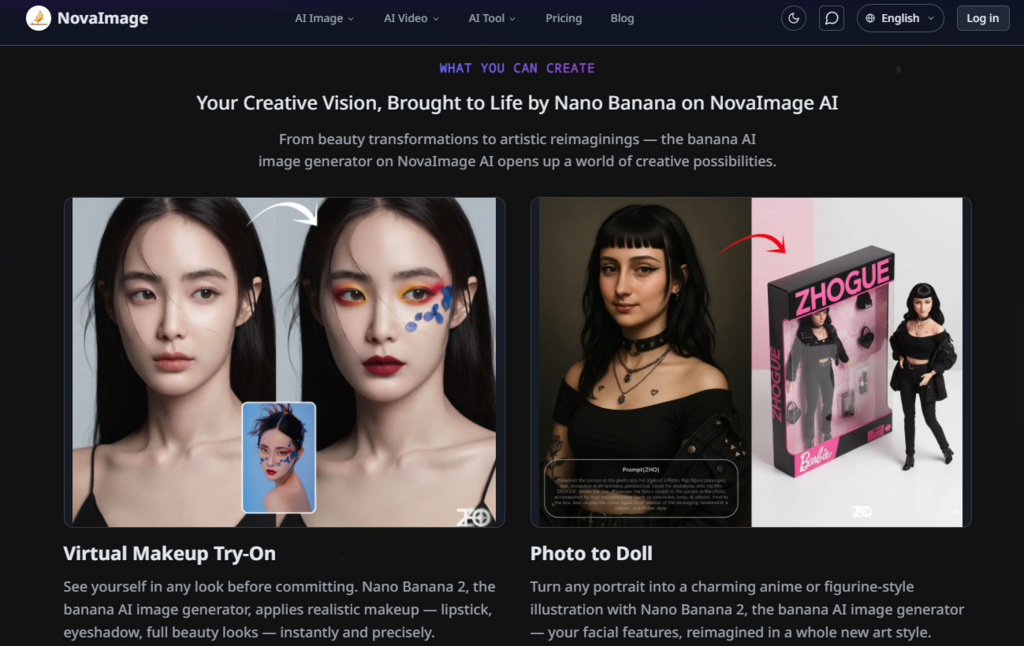
What ultimately sets NovaImage AI apart isn’t a single killer feature — it’s the coherence of the experience. The platform doesn’t make you choose between speed and quality, or between ease of use and professional output. It gives you both by letting you move between Nano Banana 2 and Nano Banana Pro depending on where you are in the creative process. The conversational editing loop means you spend less time wrestling with interfaces and more time exploring ideas. The banana AI image generator handles the technical heavy lifting while keeping you in control of the creative direction.
Is it perfect? No. The results vary with prompt quality, complex scenes may need multiple iterations, and the platform is still adding features that would round out the suite. But for designers, marketers, and content creators who need to move from concept to production-ready asset faster than traditional workflows allow, it represents a genuine step forward. The gap between what you imagine and what you can actually produce is narrower than it’s ever been — and that’s worth paying attention to.







Comment