
Turn Any Text Into Stunning Visuals With an AI Image Generator

Visual content has never been more important. Whether you’re building a brand, running a marketing campaign, or simply expressing a creative idea, the ability to produce high-quality images quickly can make or break your efforts. For years, creating professional visuals required either expensive software, design skills, or a budget to hire someone else. That barrier is now gone.
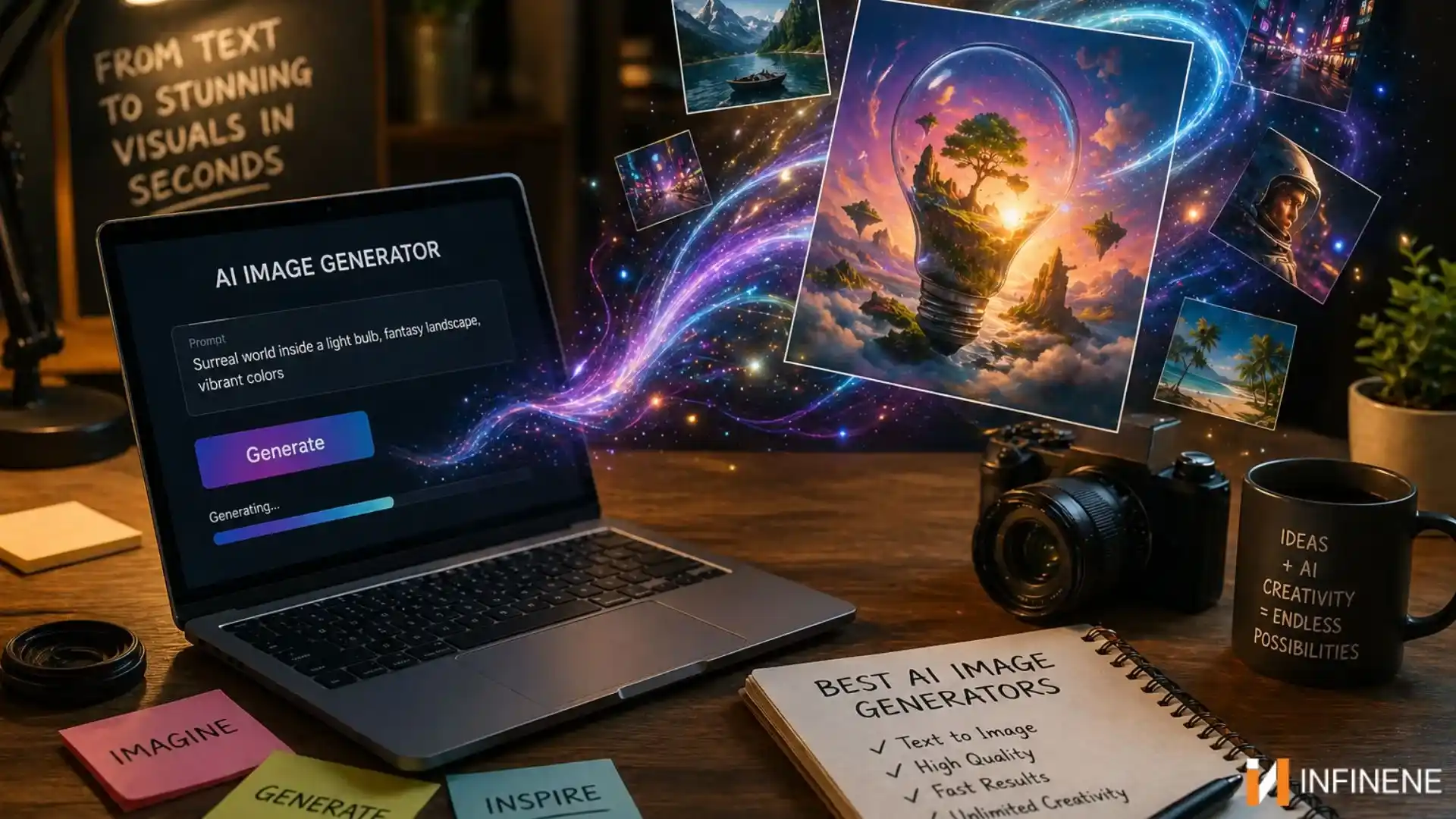
An ai image generator transforms plain text descriptions into detailed, polished images within seconds. You type what you want to see, and the AI handles the rest — no drawing, no editing, no technical expertise required. This shift is reshaping how creators, marketers, and businesses approach visual storytelling.
This guide walks you through what AI image generation actually is, why it matters, how to use it effectively, and who stands to gain the most from adopting it. Whether you’re new to the concept or looking to get more out of the tools you already use, you’ll find practical, actionable insights here.
What Is an AI Image Generator and How Does It Work?
At its core, an AI image generator is a system trained on vast datasets of images and text descriptions. Through a process called diffusion modeling or generative adversarial training, the AI learns to associate visual patterns with language. When you provide a text prompt, the model interprets your words and constructs an image that matches the description as closely as possible.
The technology behind modern AI image generation has advanced dramatically over the past few years. Early tools produced blurry, inconsistent results. Today’s systems can render detailed landscapes photorealistic portraits, detailed landscapes, abstract art, product mockups, and architectural concepts with impressive accuracy. The gap between what you imagine and what the AI produces has narrowed significantly.
What makes this technology accessible is its simplicity. You don’t need to understand the underlying machine learning architecture. You just need to describe what you want. The model handles color, composition, lighting, texture, and style based on the patterns it has learned from millions of training examples.
From Text Prompts to Visual Output
The journey from a text prompt to a finished image happens in milliseconds from the user’s perspective, but involves complex mathematical operations behind the scenes. The AI breaks down your prompt into semantic components, maps them to visual concepts, and iteratively refines a noisy image until it matches the intended output. The result is a unique image generated specifically for your input — not pulled from a database, but created from scratch. This means every image you produce is original, which matters for branding, copyright, and creative differentiation.
Key Benefits of Using an AI Image Generator
The practical advantages of AI image generation go beyond novelty. For anyone who regularly needs visual content, these tools offer real, measurable improvements to workflow and output quality.
Speed and Efficiency for Content Creators
Traditional image creation — whether through photography, illustration, or graphic design — takes time. A single polished image can require hours of work. An AI image generator compresses that timeline to seconds. For content creators who publish daily across multiple platforms, this speed is transformative. You can generate dozens of image variations in the time it would previously take to produce one, test different visual directions quickly, and iterate based on feedback without starting from scratch each time.
This efficiency also reduces dependency on external resources. You no longer need to wait for a photographer’s availability, negotiate with a stock image platform, or brief a designer and wait for revisions. The creative loop becomes tighter and faster, which means you can respond to trends and opportunities in real time. For teams operating under tight deadlines, that responsiveness is a genuine competitive advantage.
Creative Freedom Without Technical Skills
One of the most significant barriers to visual creativity has always been technical skill. Not everyone can draw, use Photoshop, or operate a camera effectively. AI image generation removes that barrier entirely. Your creative input is your imagination and your ability to describe what you want. The AI handles execution.
This democratization of visual creation opens doors for writers, entrepreneurs, educators, and anyone else who has ideas but lacks the technical background to bring them to life visually. You can experiment with styles you’ve never tried, explore visual concepts that would be impractical to produce manually, and develop a consistent visual identity without hiring a full design team. The creative ceiling is no longer determined by your technical ability — it’s determined by the clarity and ambition of your vision.
How to Create Stunning Images With an AI Image Generator
Getting great results from an AI image generator isn’t just about having access to the tool — it’s about knowing how to communicate with it effectively. The quality of your output depends heavily on the quality of your input.
Writing Effective Text Prompts
A strong prompt is specific, descriptive, and intentional. Vague prompts like “a nice landscape” will produce generic results. Detailed prompts like “a misty mountain valley at dawn, soft golden light filtering through pine trees, photorealistic style” give the AI much more to work with and produce far more compelling images.
Think about the key elements of any image: subject, setting, lighting, mood, style, and perspective. Including details across these dimensions helps the AI understand exactly what you’re envisioning. You can also reference artistic styles, specific color palettes, or visual moods to guide the output in a particular direction. The more context you provide, the more aligned the result will be with your vision.
It’s also worth experimenting. Run the same prompt multiple times to see variations, then refine based on what works. Treat prompt writing as a skill that improves with practice — small adjustments in wording can produce noticeably different results. Over time, you’ll develop an intuition for which types of descriptions consistently yield the output you’re looking for.
Choosing the Right Style and Settings
Most AI image generation platforms offer style options, aspect ratio controls, and quality settings that significantly affect the final output. Choosing the right style for your use case matters. A photorealistic style works well for product mockups and editorial content. An illustrative or painterly style suits creative projects and social media visuals. Abstract styles can work for backgrounds, textures, and decorative elements.
Aspect ratio is another practical consideration. A square format works for Instagram, while a wide landscape format suits website banners or YouTube thumbnails. Setting the correct dimensions before generating saves time and avoids awkward cropping later. Platforms like Kling AI offer flexible output options that let you tailor images to specific platform requirements without additional editing, making it easier to produce content that’s ready to publish straight away.
Who Can Benefit From AI Image Generation Tools
AI image generation isn’t a niche tool for tech enthusiasts — it has practical applications across a wide range of industries and roles. Understanding who benefits most can help you identify where it fits into your own workflow.
Marketers and Brand Builders
Marketing teams operate under constant pressure to produce fresh, on-brand visual content at scale. AI image generation addresses this directly. Campaign visuals, social media graphics, email headers, and ad creatives can all be produced quickly and cost-effectively. The ability to generate multiple variations of the same concept makes A/B testing visual assets far more practical than it was before.
Brand consistency is also easier to maintain when you can describe your visual style in a prompt and reproduce it reliably. Rather than briefing a designer and hoping the output matches your brand guidelines, you can iterate directly until the result aligns with your standards. This gives marketing teams more control and reduces the back-and-forth that typically slows down content production. For small businesses and solo operators without a dedicated design function, this capability is especially valuable.
Artists and Independent Creators
For artists and independent creators, AI image generation serves as both a tool and a collaborator. It can accelerate the ideation phase by quickly visualizing concepts that would take hours to sketch manually. It can also serve as a starting point for further refinement — generating a base image that an artist then modifies, enhances, or incorporates into a larger composition.
Independent creators — bloggers, YouTubers, podcasters, newsletter writers — benefit from having a reliable source of custom visuals that don’t require licensing fees or attribution. Every piece of content can have a unique, purpose-built image that reinforces the message and improves engagement. For creators working alone without a design budget, this capability changes what’s achievable without outside help. The ability to produce professional-quality visuals on demand, at any hour, without waiting on anyone else, fundamentally changes the pace and scope of independent creative work.
Making the Most of AI-Powered Visual Creation
AI image generation has moved from an experimental curiosity to a practical tool that delivers real value across creative, marketing, and business contexts. The ability to turn a text description into a polished visual in seconds changes what’s possible for individuals and teams working at any scale.
The key to getting the most out of these tools is learning to communicate clearly with them. Strong prompts, thoughtful style choices, and a willingness to iterate will consistently produce better results than vague inputs and single attempts. Like any tool, the more deliberately you use it, the more value you extract.
Whether you’re a marketer building campaign assets, a creator producing daily content, or an artist exploring new creative directions, an AI image generator gives you a faster, more flexible path from idea to image. The technology is accessible, the learning curve is manageable, and the potential applications are broad. There’s no better time to start exploring what it can do for your work.







Comment