
IPTV 4K at Home: Why Your Picture Isn’t Sharp Yet (and How to Fix It)

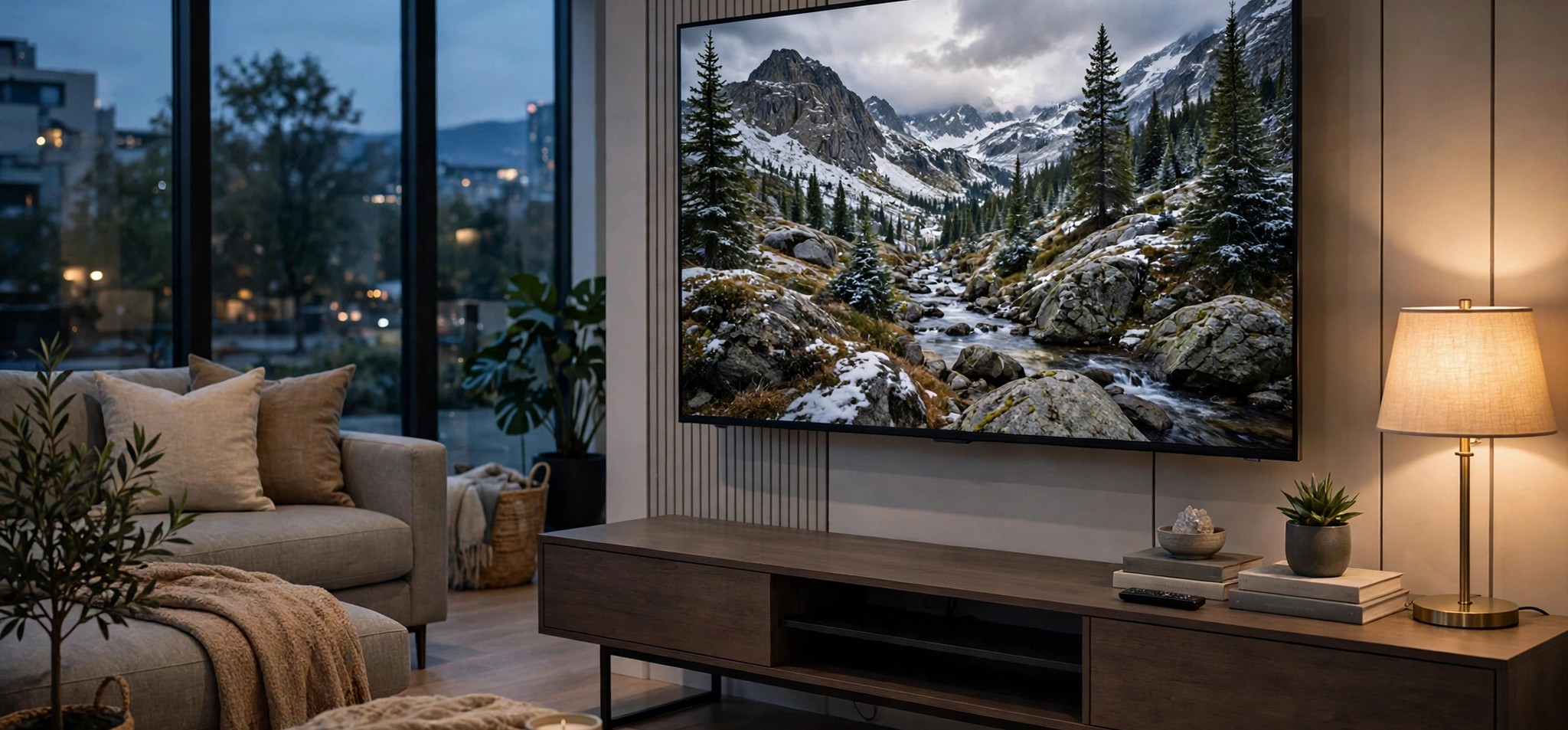
You bought a 4K TV, picked a service that advertises IPTV 4K, and the picture still looks like regular HD. This is very common, and the cause is almost never the TV itself. 4K is a chain: if any link is weak, the stream drops to a lower quality without telling you. Here are the five links to check.
Weak link 1: The HDMI port
Many TVs have only one or two HDMI ports that support full 4K at 60 frames per second. They are often marked on the back of the TV or in the manual. Move your streaming device to that port and turn on the enhanced HDMI setting in the TV menu if it has one.
Weak link 2: The streaming device
An older HD streaming stick can only send 1080p, no matter what the service offers. For 4K you need a 4K stick, a recent Android TV box or a player app running directly on a 4K smart TV.
Weak link 3: Internet speed
4K uses several times more data than HD. As a reference point, Netflix recommends 15 Mbps for Ultra HD. Live 4K IPTV benefits from extra headroom, especially if other people in your home are streaming, gaming or on video calls at the same time. Run the speed test on the TV device itself.
Weak link 4: Wi-Fi stability
Speed tests show a peak; live TV needs steady speed. A cable from the router to the TV is the most reliable fix. If that is not possible, use 5 GHz Wi-Fi, keep the router in the open and away from the floor, or add a mesh point near the TV.
Weak link 5: The channel itself
Not every channel is broadcast in 4K, even with a 4K plan. Most live channels are HD, and 4K is available on selected channels and content. Check what your IPTV provider actually offers in 4K before you blame your setup.
Choosing a 4K-ready plan
During a free trial, compare an HD and a 4K stream on the same TV. If the difference is clear and the 4K stream does not buffer, your setup is ready. For plan options that list 4K where available, see this best IPTV USA provider's page and compare it with others on quality, connections and support.
Quick FAQ
Why does my 4K stream keep switching to lower quality? Usually unstable Wi-Fi. Try a cable or the 5 GHz band.
Do I need a 4K TV for IPTV? No. IPTV works on HD TVs; 4K is only an extra for screens that support it.
Previously in Technology: How AI Translation Tools Are Changing Face-to-Face Global Business Communication






Comment