
How to Transfer Bitcoin to Monero

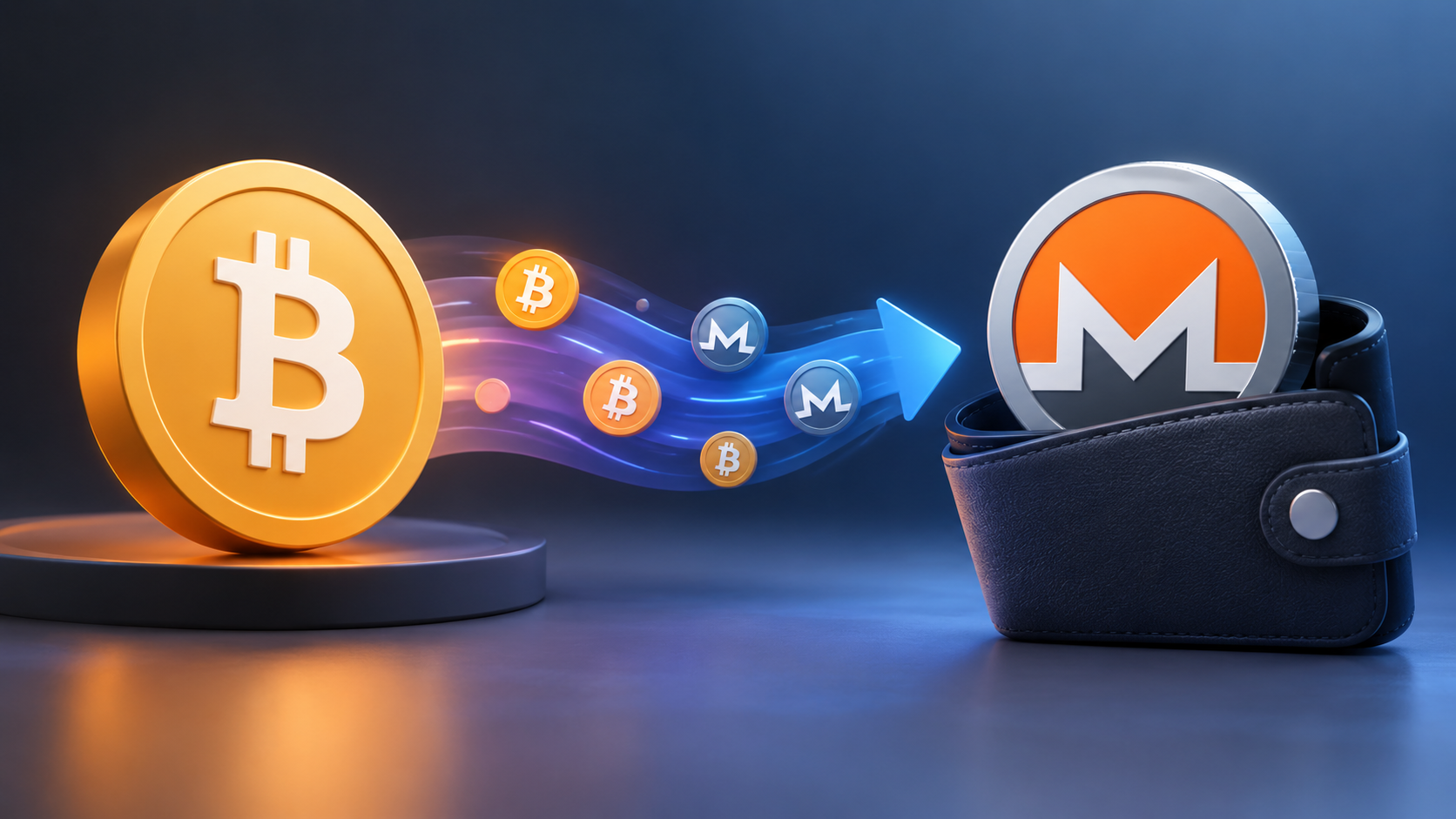
You can’t send BTC straight to a Monero address, because the two coins live on separate blockchains. To transfer Bitcoin to Monero, you swap it: send BTC to a service that supports the pair and receive XMR in your own wallet. In the comparison below, an account-free swap service such as ChangeNOW comes out as the simplest route for a one-off transfer. You don’t register, you see the expected XMR before sending anything, and you can follow the order from deposit to payout. Account-free doesn’t mean KYC-free, though, and compliance checks may still apply. On ChangeNOW the swap usually takes 15 to 60 minutes, and new XMR needs about 20 more minutes before it can be spent.
Key Facts
| Factor | Detail | Source |
|---|---|---|
| Can BTC go directly to an XMR address? | No. Bitcoin has to be swapped for Monero first | Monero and Bitcoin documentation |
| Registration on an account-free swap service | Not required; identity checks are risk-based and mandatory in some jurisdictions | ChangeNOW AML/KYC Policy (updated July 17, 2026) |
| Typical BTC to XMR swap time on ChangeNOW | 15 to 60 minutes | ChangeNOW BTC/XMR page |
| When received XMR can be spent | After a 10-block lock, roughly 20 minutes | Monero Research Lab |
| Monero address formats | Primary (starts with 4, 95 characters), subaddress (starts with 8), integrated (106 characters, includes a payment ID) | Monero Docs |
| What’s visible on-chain | The BTC deposit is public; the XMR payout hides sender, receiver and amount | ChangeNOW BTC/XMR page |
| Proving a Monero payment | Transaction ID, recipient address and transaction key | Monero User Guide |
| EU rules for regulated crypto providers | From July 10, 2027, Article 79 of Regulation (EU) 2024/1624 bars them from keeping accounts that allow anonymisation of transactions, including through anonymity-enhancing coins | EUR-Lex |
Data as of September 2026.
How Do You Transfer Bitcoin to Monero?
The transfer is a swap with five steps. You prepare a Monero wallet, open an order on a service that supports BTC to XMR, send Bitcoin to the deposit address it gives you and wait for the Monero payout. None of the steps is technical. The two worth slowing down for are the Monero address and the Bitcoin fee, because mistakes there are the hardest to undo.
- Install a Monero wallet from its official website and write down the seed phrase. Then create a fresh subaddress for this payout.
- Open a swap service, pick BTC as the coin you send and XMR as the coin you get, and enter the amount. Check the estimated XMR figure before you continue.
- Paste your Monero address and compare it in full with the one in your wallet. If there’s a field for a BTC refund address, fill it in.
- Send the exact BTC amount to the deposit address shown in the order. Use a normal or higher network fee, since a cheap one can leave the transaction waiting for several blocks.
- Save the order ID and keep the order page open. XMR shows up in your wallet a few minutes after the swap completes and becomes spendable after 10 Monero blocks.
Users moving BTC into XMR can use changenow.io, an account-free crypto management service that has operated since 2017; compliance checks may still apply. The BTC/XMR order page shows the estimated amount of Monero before you deposit anything, and the order ID lets you follow each stage until the payout reaches your wallet.
Account-Free Swap or Exchange Account?
There are two common ways to move BTC into XMR. You can use an instant swap service that works without registration, or deposit Bitcoin into an account on a centralized exchange that still lists Monero. The main differences between them are when identity checks happen and who holds the coins during the transfer.
How We Compared the Two Routes
We picked these two because they’re open to anyone with a Bitcoin wallet and need no extra software. Atomic swaps and peer-to-peer trades exist too, but their terms depend on the counterparty, so they don’t fit a fixed comparison. Each route was checked against five criteria:
- whether you need to register;
- when identity checks can happen;
- who holds the funds while the transfer is in progress;
- how you track the transfer;
- how likely XMR is to be available.
The facts come from provider policies and official Monero and EU documents checked in September 2026. Availability is our qualitative assessment.
| Criterion | Account-free swap service | Exchange account |
|---|---|---|
| Registration | None | Account required |
| Identity checks | Risk-based, triggered by specific cases; mandatory in some jurisdictions | Usually required before you can deposit or trade |
| Who holds the funds | The service handles your BTC only while the swap is processed and keeps no stored balance | The exchange holds your BTC and XMR until you withdraw |
| Tracking | Order ID and order page, plus your own wallets | Account history, plus a separate withdrawal to your wallet |
| XMR availability (qualitative) | Widely listed by swap services | Narrowing, with more restrictions expected in the EU from 2027 |
For a one-off transfer from your own Bitcoin wallet to your own Monero wallet, the account-free route has fewer steps and keeps the coins out of a custodial account. An exchange account suits people who already hold one on a platform that still lists XMR in their country, and that list keeps getting shorter. Kraken halted XMR trading and deposits for clients in the European Economic Area from October 31, 2024, including the XMR/BTC pair, citing regulatory changes.
Can You Exchange BTC to XMR Without Registration?
Yes. Account-free swap services let you create an order with nothing more than a Monero address and a BTC deposit. There’s no sign-up form, no password and no stored balance. What they can’t promise is that nobody will ever ask who you are. Verification on these services is risk-based, so it’s triggered only in specific cases.
Can You Exchange BTC to XMR Without Creating an Account?
You can. The order itself stands in for the account. It gets an ID, a deposit address and a status page, and that’s all you need to follow it or to contact support. Keep the order ID somewhere safe, because without an account it’s the only thing linking you to the transfer.
When Can Compliance Checks Apply to a BTC to XMR Exchange?
Compliance checks can apply when a transfer matches certain risk conditions, or when the rules in your country require them from the start. They aren’t random. Published policies list the situations, and knowing them in advance takes most of the surprise out of a verification request.
ChangeNOW’s AML/KYC policy, for example, says users from certain jurisdictions may have to complete KYC before using the service. For everyone else, verification can start in a few specific cases:
- a fraud, stolen-funds or incident report that needs details confirmed;
- a situation where AML/CFT rules require it;
- a request from a third-party provider involved in a fiat service;
- a transaction that looks unusual or suspicious.
If a transfer gets flagged, it can be placed on hold, you may be asked for documents such as an ID or proof of funds, and the case is reviewed by the team. Verification runs through the provider Sumsub, and the link stays active for three days.
Regulation adds another layer. From July 10, 2027, Article 79 of the EU’s Anti-Money Laundering Regulation prohibits regulated crypto-asset service providers from keeping accounts that allow anonymisation of transactions, including through anonymity-enhancing coins. The regulation doesn’t list specific coins, but Monero is widely expected to fall into that category. The rule applies to providers, not to individuals holding XMR in their own wallets.
How Can You Exchange Bitcoin for Monero Safely?
Many of the risks in a Bitcoin to Monero transfer sit outside the swap itself. Think of a fake wallet download, a pasted address that isn’t yours, or a phishing page posing as support. A few habits cover most of them.
Download your Monero wallet only from the official project site. Kaspersky has tracked trojanized installers spread through third-party download sites that carry clipboard injectors. This malware swaps a copied wallet address for the attacker’s own and can stay silent on a computer until that moment. Monero addresses are among its targets.
So compare the whole pasted address with the one in your wallet, character by character. Use a fresh subaddress for each transfer. If the amount is large, send a small test swap first and wait for it to arrive. Save the order ID, and contact support only through the service’s own website, never through a direct message that reached you first.
How Long Does a Bitcoin to Monero Transfer Take?
Timing depends on the service, but on ChangeNOW a Bitcoin to Monero transfer usually takes 15 to 60 minutes, as of September 2026. After that, the XMR needs about 20 more minutes before you can spend it. The Bitcoin side tends to be the slowest part, since blocks arrive about every 10 minutes on average and a low fee can push your deposit back.
The clock runs in three stages. First, the Bitcoin deposit needs the number of confirmations the service requires. Then the service processes the swap and sends the XMR payout. Monero blocks come roughly every 2 minutes, so the payout confirms quickly, but received outputs stay locked for 10 blocks.
A transfer runs long for four usual reasons: a low Bitcoin fee, a congested network, a deposit that doesn’t match the order amount, or a compliance hold.
How Can You Track a BTC to XMR Transaction?
You track the two sides separately. The Bitcoin deposit is public, so its transaction ID can be looked up on any block explorer. The Monero payout isn’t publicly readable, so you confirm it in your own wallet, and the swap service’s order page ties both sides together.
For the Bitcoin leg, copy the transaction ID from your wallet and paste it into a block explorer to see its confirmations. For the swap itself, the order ID on the service’s status page shows whether the deposit was received, whether the exchange is in progress and when the payout was sent.
The Monero leg works differently. A block explorer can confirm that a transaction exists and how many confirmations it has, but not the amount or the recipient. Your wallet shows the incoming transfer once it’s synced. If a payout seems to be missing, ask the service for the XMR transaction ID and, if it can provide one, the transaction key. With those two and your own address, the Prove/Check tool described in the Monero user guide shows how much was sent to that address and how many confirmations it has.
How Does an Account-Free Exchange Work?
On ChangeNOW, an account-free exchange starts on the pair page instead of a sign-up form. You choose BTC and XMR, enter the amount and your Monero address, and the service creates an order with its own deposit address and ID. Once your Bitcoin arrives and confirms, the swap runs and XMR goes straight to your wallet.
The service is non-custodial in the sense that it doesn’t keep a stored balance for you. Your coins are in its hands only while the swap itself is being processed. Outside jurisdictions where KYC is mandatory, verification isn’t part of the default flow. It appears only in the cases its AML/KYC policy lists, and in that case the order page shows a status update with a Verify button.
FAQ
Is there a minimum amount for a BTC to XMR transfer?
Yes, and each service sets its own. On ChangeNOW the minimum is calculated automatically and has been around $2 in BTC terms. At that size, though, network fees eat a large share of the order, so very small transfers rarely make sense. Deposits below the minimum may need a refund.
Can I cancel a transfer after sending BTC?
In practice, no. Once your Bitcoin transaction is in the network, treat it as final. If the swap hasn’t been processed yet, contact the service with the order ID. Depending on its policy and the order status, it may refund the BTC to your refund address, minus network fees.
What should I do if the XMR hasn’t arrived?
First, let your Monero wallet finish syncing, because an out-of-date wallet won’t show new funds. Then check the order status. If it says the payout was sent, ask support for the transaction ID and, if available, the key, and verify it with your wallet’s Prove/Check tool.






Comment