
How to Choose the Right AI Video Model for Different Types of Content

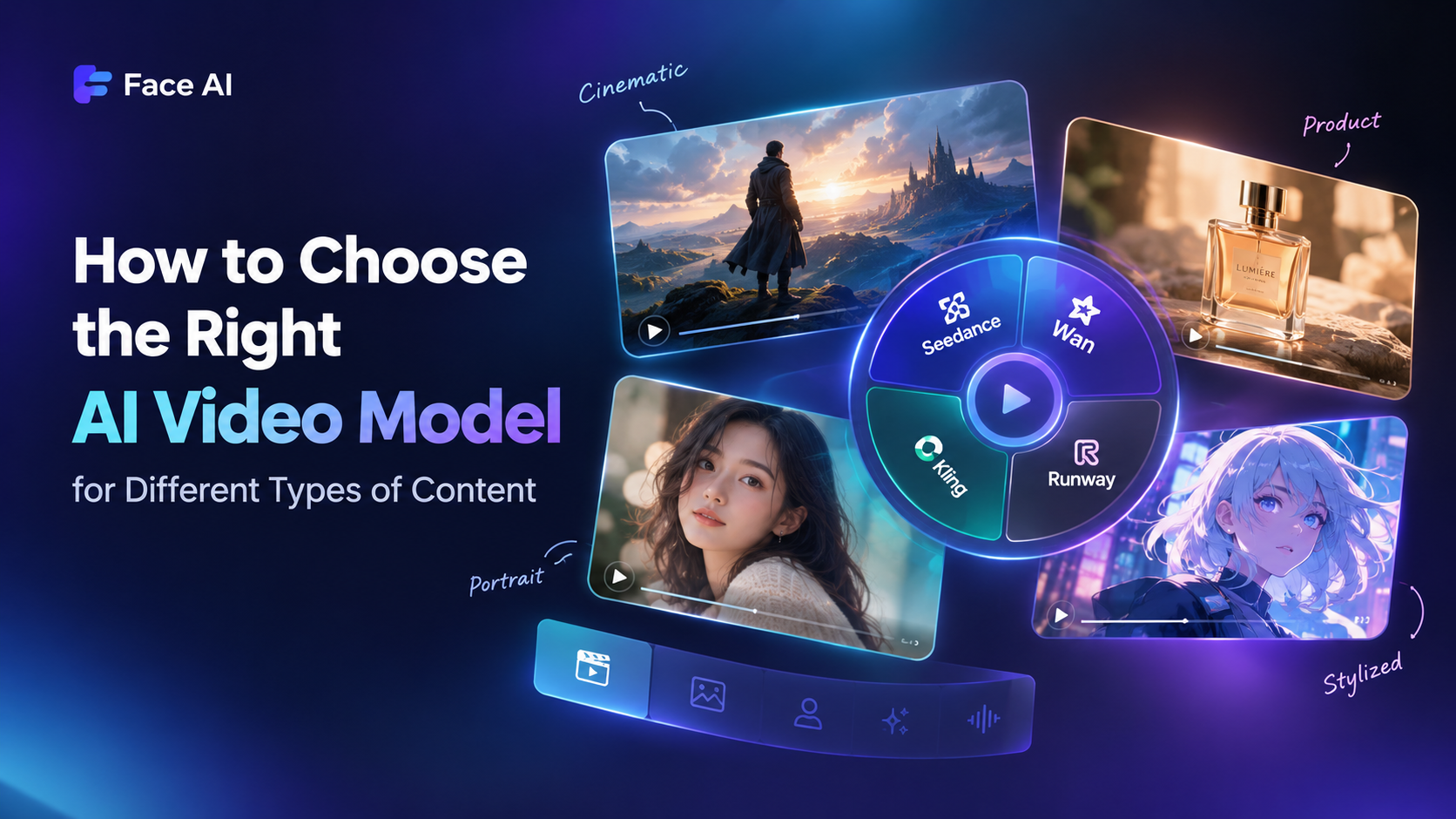
AI video has moved past the “one or two cool tools” phase. Dozens of models now promise better motion, sharper faces, faster renders, more cinematic lighting, so the hard part is no longer finding a model — it’s knowing which one fits the idea you’re actually trying to produce.
More choice can mean more comparing. Creators may spend hours testing the same idea across different tools instead of finishing the project. The bottleneck has shifted from generation to selection.
This article isn’t a ranking of AI video models. There is no permanent winner, and chasing the “best” one is a moving target. The goal is a decision framework you can repeat: start with the idea, pick the right generation mode, set a visual direction, then choose the model. That’s where Face AI comes in. It brings multiple models, generation modes, and visual presets into one workspace, so you can test ideas without juggling tabs.
Start With the Content You Want to Create
Before choosing a model, define what the final video is supposed to be.
Define the Type of Video
Start with the intended result. Are you creating:
- a product advertisement?
- a cinematic scene?
- a character animation?
- a social media clip?
- a talking portrait?
- an animated or stylized sequence?
These projects may all use AI video generation, but they have very different requirements.
A product video may need the product to remain visually consistent. A cinematic scene may depend more on camera movement and atmosphere. A character video may require natural facial and body movement.
The subject alone doesn’t tell you which model to use. The desired result does.
Define Your Starting Material
Sometimes you have nothing more than an idea. Sometimes you already have a carefully designed image. Other times, you already have a video that only needs to be improved or repurposed.
This distinction matters because the best generation approach depends partly on where the project starts.
Choose the Right Generation Mode for Your Starting Material
When Text-to-Video Makes More Sense
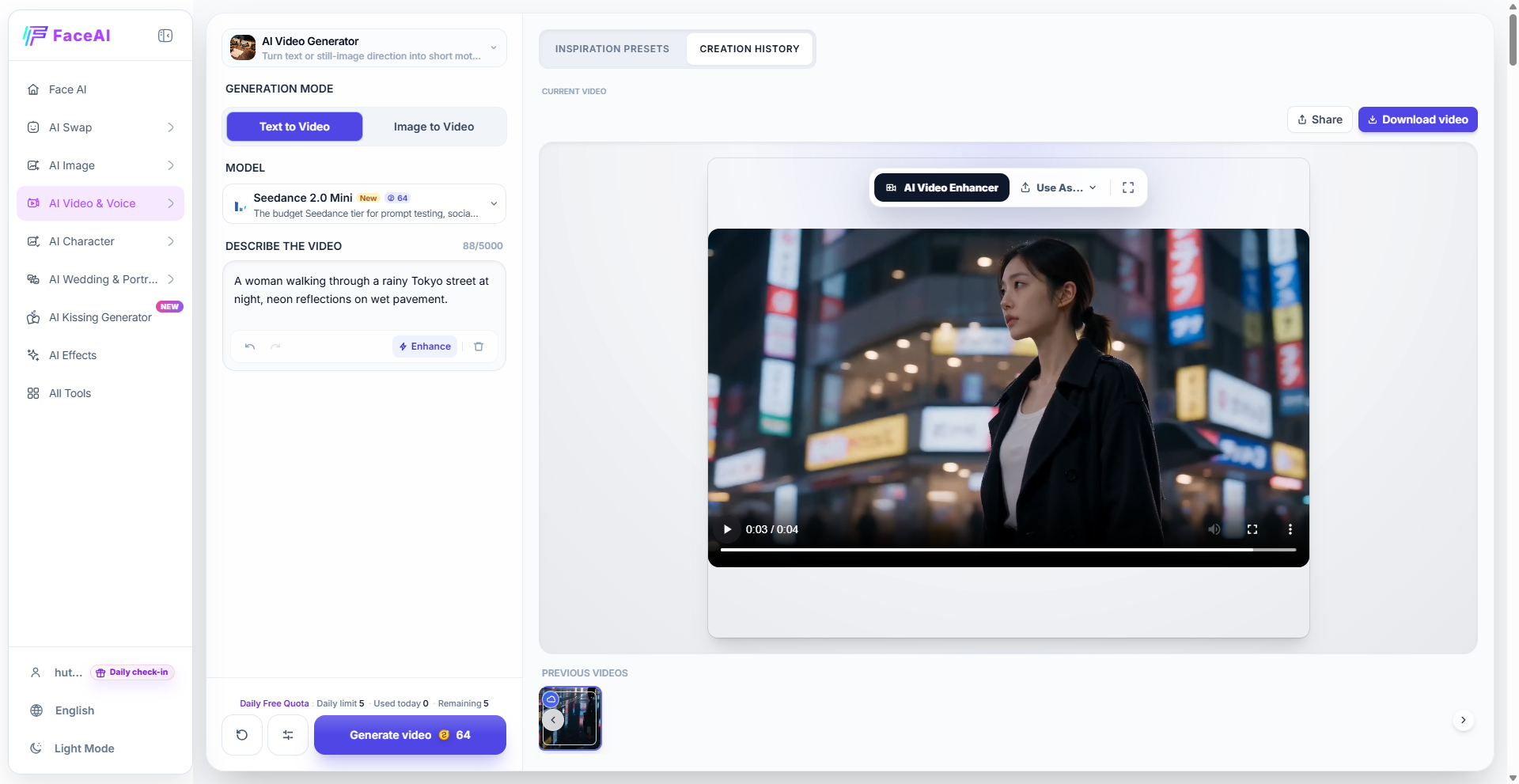
Best for: concepts, cinematic scenes, storytelling, visual experiments.
Example: “A woman walking through a rainy Tokyo street at night, neon reflections on wet pavement.”
Face AI : AI Video Generator – Text to Video.
When Image-to-Video Is the Better Starting Point
Best for: product shots, portraits, characters, or any image you want to preserve while adding motion.
Face AI : AI Image to Video Generator / Image to Video inside the generator.
Don’t Generate a New Video When You Already Have the Right Asset
Sometimes the answer isn’t generating at all. You need enhancement, format conversion, or light effects.
Face AI : AI Video Enhancer, Video to GIF, AI Effects.
Choose a Visual Direction Before Choosing a Model
Text-to-Video: When You Only Have an Idea
Once you’re in Text-to-Video, the model still needs a visual direction. Without a preset, it usually defaults to a generic look. Face AI’s Inspiration Presets — Commercial, Portrait, 3D Render, Cyberpunk, Anime, Cinematic, and others let you set the style before generating. The right preset decides whether your idea lands as a fashion lookbook, a cyberpunk short, or a cinematic scene.
Image-to-Video: When You Already Have the Visual Identity
For Image-to-Video, the preset protects what matters. A product photo wants a Commercial preset that keeps the item centered; a portrait wants a Portrait preset that protects expression and skin tone; a character wants an Anime or 3D preset that preserves line and form. Pairing the source image with the right preset is what separates “moving the image” from “animating it.”
You Already Have a Video: Enhance, Convert, or Repurpose
When the asset is already a video, “visual direction” becomes a workflow decision. Upscale for clarity with AI Video Enhancer, reformat for social with Video to GIF, or restyle with an overlay through AI Effects. All three are visual decisions, but none require regenerating the source.
Face and Voice: When the Subject Is a Person
For face-driven content, the visual direction question is about identity, motion, and expression — not scene style. AI Talking Photo animates a still portrait with voice; AI Photo Avatar delivers an avatar-style talking head; AI Video Avatar produces a full avatar video with body motion; Text to Speech handles the narration. Picking the right tool first keeps the face consistent and the lip sync clean, and avoids the weird drift that happens when you try to force a scene model into a portrait job.
Choose the Right AI Video Model for Different Types of Content
| Content Type | What to Prioritize in the Model |
| Cinematic / Story-Driven | Camera movement, atmosphere, scene composition, consistency between shots |
| Product / Commercial | Clean product presentation, controlled motion, visual stability, product-focused framing |
| Character / Portrait | Facial consistency, natural expression, body movement, identity preservation from the source |
| Stylized / Experimental | Style support (anime, 3D, cyberpunk, surreal), prompt fidelity, willingness to break realism |
Know What to Change When the First Result Doesn’t Work
If the Visual Direction Feels Wrong, Change the Style
You wanted cinematic fashion, but the result feels like a generic social clip. Don’t rewrite the prompt — change the preset or visual direction first.
If the Direction Is Right but the Result Is Weak, Try Another Model
The composition and atmosphere are right, but the movement looks unnatural. This is a model-selection problem, not a prompt problem. Switch models inside the same Face AI workspace.
If the Result Is Almost Right, Refine the Prompt
The subject, style, and motion are close. Small prompt adjustments — clarifying motion, lighting, or camera — will finish the job.
A simple rule: change one thing at a time. Otherwise you won’t know what actually fixed the result.
The Repeatable Workflow
- Define the idea. What should the viewer see?
- Check your starting material. Text, image, video, or face/voice?
- Choose the generation mode. Match the asset to the right Face AI tool.
- Set a visual direction. Pick a preset that matches the feel you want.
- Pick a model for the job. Cinematic, commercial, portrait, or stylized?
- Generate a first version. Don’t over-polish the prompt before seeing output.
- Diagnose. Direction wrong: change style. Direction right, output weak: change model. Almost there: refine prompt.
- Refine or pivot. Change only what is broken.
Frequently Asked Questions
How do I choose between Text to Video and Image to Video?
Start with Text to Video when you only have a concept. Start with Image to Video when you need to preserve a specific look, character, or product.
Is there one AI video model that’s best for everything?
No. Different models excel at different things — cinematic motion, product stability, facial consistency, or stylized aesthetics.
Should I change the prompt or the model when a video looks wrong?
Change the visual direction first, then the model, then the prompt. Change one thing at a time.
How do templates and presets help?
They let you test visual directions quickly before writing a perfect prompt, turning “I have an idea” into “this is the look I want to explore.”
Can I use multiple AI video models for the same idea?
Yes, and you should. Running the same concept through different models is one of the fastest ways to find the right look.
Conclusion
More models won’t automatically lead to better videos. Better decisions will. The goal is to move from a vague idea to the right visual result with fewer wasted experiments. Face AI is useful not because it has the most models, but because it lets you run the whole decision process — text, image, video, presets, models, and post-processing — in one place. The best AI video workflow isn’t the one with the most models. It’s the one that helps you stop guessing and start producing.





Comment