
Accounts Payable Invoice Automation: When It Pays Off and When It Doesn’t

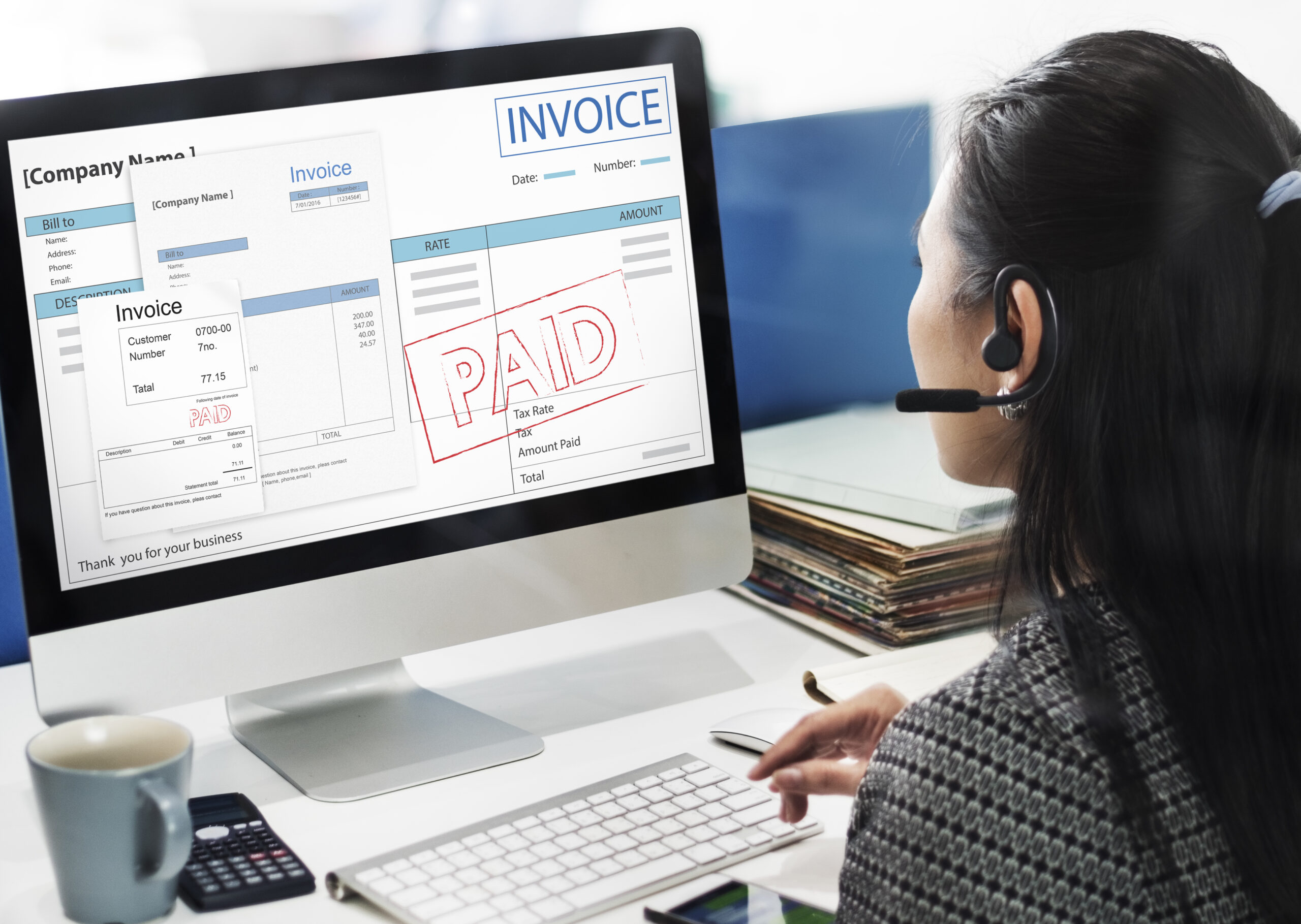
Search for accounts payable invoice automation and every result is somebody selling you software. Which is fine, except none of them will tell you the thing a finance lead actually needs to know first: whether your business is big enough for it to be worth the money.
So here’s the version without a product at the end of it.
What AP invoice automation actually does
Strip away the branding and these tools do four things.
They read the invoice, pulling supplier name, invoice number, dates, line items and totals out of a PDF or a scan instead of somebody typing them. They match it against the purchase order and the delivery record, flagging anything that doesn’t line up. They route it to whoever needs to approve it, chasing that person when they sit on it. And they push the approved invoice into your accounting system ready for payment.
That’s the whole job. Four steps, and most of the money saved sits in the first and the third.
The reading part has improved a lot in the last two years. Older systems needed a template per supplier, which meant setup work every time somebody new sent you an invoice. The current generation works it out from the layout, so a supplier you’ve never seen before usually comes through clean.
The number that decides it
Here’s the only calculation that matters, and it’s simpler than most vendors make it look.
Count how many supplier invoices you process in a month. Then time yourself doing ten of them, start to finish, including the chasing. Most people who do this honestly land somewhere between six and twelve minutes per invoice once approvals are counted.
Multiply it out. Two hundred invoices at eight minutes is roughly 27 hours a month, which is most of a week of somebody’s time.
Now compare that to what the software costs, and remember to add the setup. Implementation is where these projects go over budget, because somebody has to map your approval rules, connect your accounting system, and sit with the finance team while they learn it.
The rough shape of the answer looks like this. Under 100 invoices a month, automation rarely pays for itself, because the licence plus setup costs more than the hours you save. Between 100 and 500, it depends almost entirely on how messy your approval process is. Above 500, the arithmetic usually works on its own.
The mistake that wastes the money
Plenty of companies buy the software, switch it on, and save far less than they expected. The reason is nearly always the same.
They automated a broken process instead of fixing it first.
If invoices currently sit in somebody’s inbox for nine days because nobody’s clear who approves what above $5,000, automation doesn’t solve that. It just sends reminders about a decision that still isn’t being made. The bottleneck was never the data entry.
So before you buy anything, write down who approves what, at what value, and what happens when that person is on holiday. If you can’t write it down in ten minutes, that’s your actual problem. I’ve set out what a clean invoice approval process looks like in more detail, and it’s worth doing on paper before any software is involved.
The companies that get the biggest wins from automation are usually the ones whose process was already tidy. That sounds backwards and it isn’t, because the software multiplies whatever you already have.
What to check before you sign
Four things, and the fourth is the one people forget.
Does it connect to your accounting system properly? Not “has an integration” on the website. Ask which version, which fields sync, and whether it’s two-way. A one-way push that doesn’t bring payment status back means somebody’s still reconciling by hand.
What happens to exceptions? Vendors demo the happy path, where an invoice matches a PO and sails through. Ask what the screen looks like when the quantity is wrong, or there’s no PO at all, because that’s where your team will spend their time.
How is it priced as you grow? Per invoice, per user, or flat. Per invoice looks cheap at your current volume and gets expensive quickly if you’re growing. Model it at double your current volume before you commit.
Can you get your data out? Ask how to export the full invoice archive, in what format, and whether it costs anything. Invoices are records you may need years later, and you don’t want them trapped in a system you’ve outgrown.
What it won’t fix
Worth being clear about this, because expectations get set high during the sales process.
It won’t make suppliers send better invoices. You’ll still get PDFs with the PO number missing and totals that don’t add up, and somebody still has to deal with those.
It won’t improve your cash position by itself. Paying faster isn’t the goal, and some finance teams discover that automation quietly moved them from paying late to paying early, which is worse for cash. The gain is in the hours, not the timing, unless you deliberately set the payment rules.
And it won’t remove the need for someone who understands your suppliers. The exceptions, the disputes and the awkward conversations are still human work.
The middle path most people miss
If the numbers don’t justify full automation yet, there’s a middle option that costs nothing and gets you a surprising share of the benefit.
Fix the approval routing first. Write down the thresholds, name a deputy for every approver, and set one day a week where approvals get cleared. That alone usually takes days out of the cycle.
Then standardise what you ask suppliers to put on an invoice. A PO number and a consistent reference format removes most of the matching work before it starts.
Then, if you’re still drowning, automate. You’ll buy better, because you’ll know exactly which part of the process is costing you, and you’ll be able to tell the difference between a tool that solves it and one that just looks impressive in a demo.
The short version
Accounts payable invoice automation reads invoices, matches them, routes them for approval and pushes them into your accounts. It’s genuinely good at all four.
Whether it’s worth buying comes down to volume and mess. Under a hundred invoices a month, probably not yet. Above five hundred, almost certainly. In between, it depends on how much of your delay is data entry and how much is people not deciding.
Fix the approval process on paper first. Then automate it. Doing it the other way round is how companies end up paying a licence fee to send reminders about a decision nobody’s making.







Comment