
Salesforce Community Portal vs Custom Portal Solutions: Which One Should You Choose?

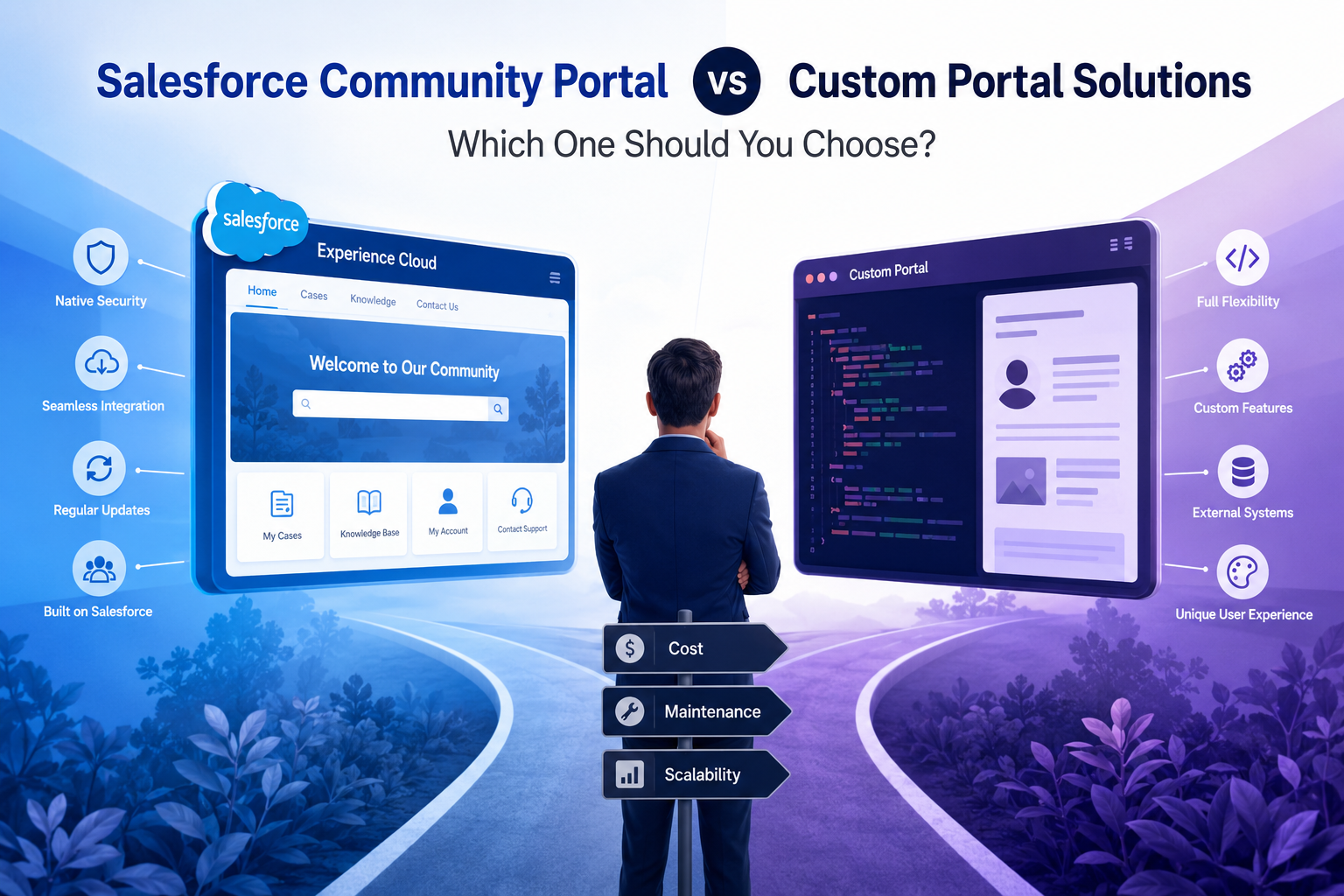
If the phrase “Salesforce Community Portal” is still in your requirements document, that document is describing a decision that changed shape years ago. Salesforce retired the Community Cloud name in February 2021, folding it into Experience Cloud with the Spring ’21 release. The product did not disappear; it widened, and the licensing conversation around it moved on considerably since.
That matters because most “Community versus custom” comparisons are still argued on 2019 terms: native is restrictive, custom is flexible, pick your side. For anyone actually building on the platform in 2026, that framing hides the decision that carries real weight.
The question is not which option is more capable. As a Salesforce developer or admin, you already know you can build almost anything, including a fully custom Salesforce customer portal. The question is what you are agreeing to maintain for the next five years.
The choice is three-way, not two-way
The single biggest flaw in the standard comparison is that it collapses two very different options into the word “custom.”
- Experience Cloud. Salesforce’s own portal platform. Lives inside your org, uses the native sharing and security model, builds on Lightning components and LWC.
- A custom-built portal. Your own front end, on your own stack, talking to Salesforce through the API. Full control over the experience, full ownership of everything underneath it.
- A third-party portal product. A configurable portal application that connects to your org and renders the portal on its own layer. Neither native nor built by you.
Debates that treat options two and three as the same thing tend to end badly, because they compare the flexibility of a custom build against the price of a packaged product, and then buy on the wrong axis.
What Experience Cloud charges for, and why it drives the decision
Experience Cloud licensing is where most evaluations turn, so it is worth being precise about the models rather than repeating a single headline number.
There are three billing shapes. Member licensing charges per named external seat, whether or not that person ever logs in. Login licensing draws from a monthly pool, where each login spends a credit. External Apps is a transaction-oriented model aimed at very large audiences.
Published login rates sit at roughly $2 per login per month for Customer Community access and around $10 per login per month for Partner Community access. The useful piece of analysis is the break-even point: member licensing only starts to make sense above roughly 2.5 logins per user per month. Below that, the login pool is cheaper, and above it, member seats are.
Two failure modes follow from that math, and both are common. Provisioning member seats for an audience that logs in twice a year means paying full freight for dormant users. Running an active daily audience on login licensing means paying several times what seats would have cost. Login overages also tend to appear when monthly spikes were never modeled, which is exactly what happens to a support portal in an incident week or a partner portal at quarter end.
None of that makes Experience Cloud a bad product. It makes it a product whose cost is a function of audience behavior, which means you need to know that behavior before you commit.
What “custom” actually commits you to
Here is where a technical audience deserves a straighter answer than the usual one. Building a portal yourself is not hard. Owning one is.
The authentication and session layer
You are now responsible for external user identity: registration, verification, password reset, session handling, multi-factor, and the decision about whether portal identities live in Salesforce or somewhere else. This is well-understood work. It is also security-critical code that you will maintain forever, and every hour spent on it is an hour not spent on the thing that made the portal worth building.
The API and platform budget
Every portal page view becomes API traffic against your org’s allocations. Caching, batching, and request discipline become your responsibility rather than the platform’s. This is manageable with good architecture, but it moves a class of production risk from Salesforce’s side of the line to yours, and it tends to bite at exactly the moment the portal succeeds and traffic climbs.
Three release waves a year
Salesforce ships three major releases annually. A custom portal that depends on API behavior and org metadata needs a regression pass against each one. Experience Cloud absorbs most of that for you. A packaged third-party product absorbs it through the vendor. A custom build absorbs it through your team, permanently, and that cost never appears in the original estimate.
The bus factor
The person who built it knows why the sharing logic works the way it does. Twelve months after they move on, a portal with no documentation and no second owner becomes a system nobody wants to touch. This is the most predictable failure in the entire category and the least often planned for.
When a custom build is genuinely the right answer
There are real cases for building, and pretending otherwise would be dishonest.
- The portal is the product. If external users are your primary interface and the experience is a competitive differentiator, you should own it outright.
- The UX is not Salesforce-shaped. Some interfaces do not map onto record lists and detail views at all. Forcing them into a portal framework costs more than building the right thing.
- Salesforce is one source among several. If the portal aggregates data from an ERP, a billing system, and a warehouse alongside CRM records, the portal layer arguably should not belong to any one of them.
- You already run a web platform team. If front-end engineering, security review, and release management are established capabilities, the marginal cost of a portal is far lower for you than for a team standing that up from scratch.
If two or more of those describe your situation, build it, and budget for the ownership honestly.
Where a third-party portal product sits
The packaged option exists precisely because most organizations match neither profile cleanly. They need more configurability than a template offers, and less than a bespoke build costs to own.
Products in this category connect to the org through real-time sync and provide configurable entity layouts, form builders, role-based access, and branding without requiring you to write and maintain the surrounding infrastructure. Pricing typically runs flat against a user-base tier rather than per login or per seat, which changes the cost shape as adoption grows. A Salesforce customer portal from an AppExchange-listed vendor is one route into this middle ground.
The honest trade is this: you give up some architectural freedom, and you take on a vendor dependency. In exchange, the authentication layer, the release-wave regression testing, and the platform maintenance stop being yours. Whether that trade is good depends entirely on what your team’s time is worth and what else it could be doing.
A decision test
Score your own situation against these rows rather than against a feature grid.
| Your situation | Leans toward |
|---|---|
| Small external audience, predictable login pattern, Salesforce-native data | Experience Cloud |
| Large audience with spiky login behavior, budget needs to be flat | Third-party product or External Apps modeling |
| Portal experience is a competitive differentiator | Custom build |
| Portal aggregates several systems, CRM is one of them | Custom build |
| No dedicated front-end or platform engineering capacity | Experience Cloud or third-party product |
| Deep dependence on native sharing rules and Lightning components | Experience Cloud |
| Established web platform team with release process in place | Custom build |
| Need one portal layer across more than one CRM | Third-party product |
A clear lean in one direction is usually your answer. A split result means you should price all three against your real active-user numbers before choosing, rather than after.
The bottom line
The Community versus custom debate is really a question about ownership, and the terminology it is usually argued in has been out of date since 2021.
Experience Cloud gives you the platform’s security model and release cadence, and charges you as a function of how your audience behaves. A custom build gives you total control and hands you the authentication layer, the API budget, and three regression cycles a year, forever. A packaged portal product sits between them and trades architectural freedom for someone else carrying the maintenance.
Work out your active external user count, your real login frequency, and how many engineering hours you can commit to a portal in year three rather than year one. Those three numbers decide this more reliably than any capability comparison will.







Comment