
ISP Lookup: What an IP Address Tells You About the Network Behind a Visitor

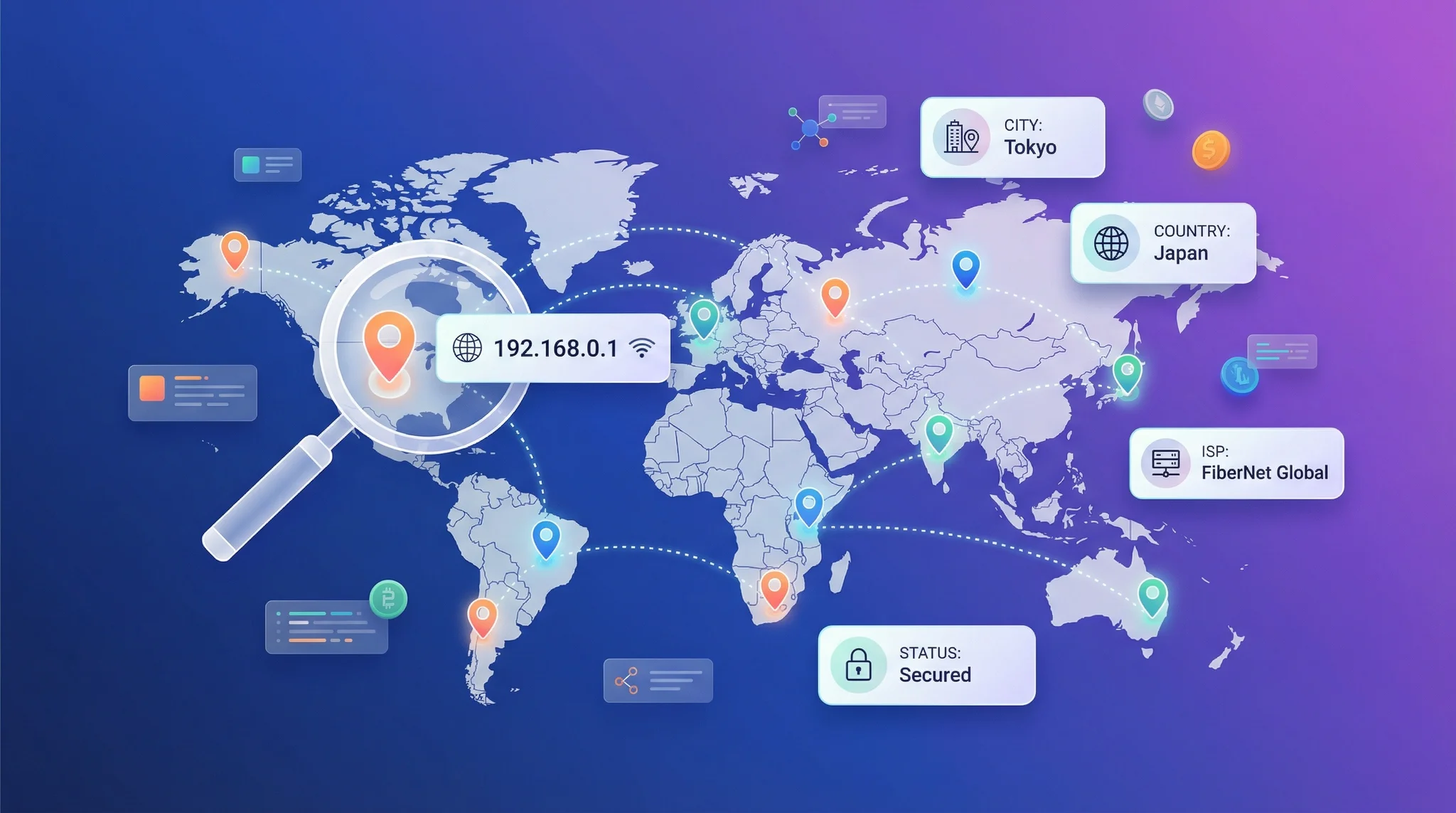
Ask most people what an IP address reveals and they say “location.” That is half the answer. Every public IP also belongs to a network, and an ISP lookup names that network: a residential broadband provider, a mobile carrier, a corporate block or a cloud hosting company. In practice the network is often the more useful fact. A request from a home broadband line in Manchester and a request from a rented server in a data center that happens to sit in Manchester share a city and nothing else. This article explains where ISP data comes from, how to look it up, and the decisions it improves.
Location Is Half the Story: The Network Is the Other Half
An IP address is not assigned to a person or a place. It is assigned to an organization that operates a network, and that organization decides where and how to use it. Geolocation works backward from the network’s known footprint to a probable location. That is why country-level results are so reliable and why city-level results vary: the location is inferred from the network, not the other way round.
Once you see it that way, the network becomes the primary signal. It tells you whether the address is likely shared by thousands of people (a mobile carrier gateway), stable and tied to one business (a corporate block), or something no ordinary consumer uses to browse (a hosting range). Each of those changes how you should read the location, and how much you should trust it.
What Is My ISP, and How Does an ISP Lookup Find It?
If you have ever typed “what is my ISP” into a search box, you have run an ISP lookup without knowing it. The tool took your public IP and matched it against public registration records. The chain works like this. The Internet Assigned Numbers Authority allocates large blocks to five regional registries (ARIN, RIPE NCC, APNIC, LACNIC and AFRINIC). Those registries allocate smaller blocks to network operators, each identified by an Autonomous System Number, or ASN. The registration record for a block names the operator, and “whois my ISP” queries read exactly that record.
Commercial ISP lookup services layer more on top: they map ASNs to friendly organization names, classify each network by type (consumer ISP, mobile carrier, business, hosting, education, government) and keep the mapping current as blocks are sold, split and reassigned. The raw registry tells you “AS7922”; a good lookup tells you “Comcast Cable, residential broadband, United States.”
How to Find Out Your ISP Without Any Tools
Three ways, in increasing order of precision. Your router’s status page shows the WAN provider name. Your monthly bill obviously names it. And any whois query on your public IP (from a terminal: whois 203.0.113.10) returns the registered organization, which is your ISP or, on a business connection, sometimes your own company. The registry answer can lag behind reality by months after a block changes hands, which is one reason maintained lookup services exist.
ISP Search by IP at Scale: ASN and Organization Fields
For a single address the manual route is fine. For a log file, a fraud queue or an analytics pipeline you want an API that returns the network data alongside location. In the ipstack response that lives in the connection object: connection.asn is the number and connection.isp is the organization. Doing an ISP search by IP for ten thousand addresses is then a loop, or a bulk request, rather than ten thousand whois queries.
{
“ip”: “134.201.250.155”,
“country_code”: “US”,
“city”: “Los Angeles”,
“connection”: {
“asn”: 25876,
“isp”: “Los Angeles Department of Water & Power”
}
}
The Four Network Types and Why They Matter
The connection type is the field that changes decisions. Four categories cover almost everything you will see.
Consumer ISP
Cable, fiber and DSL providers serving homes. Addresses are usually dynamic but change slowly, city-level geolocation is at its best here, and one IP generally means one household. This is the baseline against which everything else looks unusual.
Mobile Carrier
Cellular networks route most subscribers through carrier-grade NAT, so one public IP can represent thousands of handsets and may resolve to a regional hub rather than the user’s town. Per-IP rate limits and bans misfire badly here, and location should be treated as regional. Providers sometimes expose this through a dedicated flag or an IP carrier API field; the ASN alone usually makes it obvious.
Corporate and Business
Blocks registered directly to companies, universities and public bodies. Traffic typically leaves through a small set of egress points, so hundreds of employees share an address that geolocates to the head office. Stable, identifiable, and rarely a fraud source, which makes these ranges useful as allowlist anchors.
Hosting and Cloud
Data center providers. Real people do not usually browse from a rented server, so a consumer-facing request from a hosting ASN is the strongest single signal of automation, scraping or a VPN exit node. The location is the data center’s, which tells you nothing about the human, if there is one.
Five Decisions ISP Data Improves
- Fraud scoring: a hosting network on a signup or checkout is worth more risk points than any geographic mismatch on its own.
- Support triage: an agent who can see “mobile carrier” understands instantly why a customer’s “wrong city” complaint is not a bug.
- Analytics segmentation: splitting traffic by network type separates real audiences from bots and corporate proxies before you draw conclusions.
- Rate limiting: apply per-IP limits to consumer and hosting ranges, but per-account or per-session limits to carrier ranges, or you will throttle whole cities.
- Content delivery and testing: knowing which carriers dominate a market tells you which real-world conditions to test on.
Putting Network Next to Location: A Worked Example
Consider three requests that all geolocate to Dublin. The first comes from a consumer broadband ASN: a person at home, city accuracy is probably good, nothing unusual. The second comes from a mobile carrier ASN: a person, but “Dublin” may be the carrier’s gateway rather than the handset, so treat the city loosely and do not rate-limit by that address. The third comes from a hosting ASN: almost certainly not a person browsing, possibly a bot, a monitoring tool or a VPN exit, and the location describes a building full of servers. Same city, three different actions. That is the practical value of an ISP lookup: it tells you how to interpret every other field in the response.
Limits: Shared Infrastructure, Resellers and Stale Registrations
ISP data is precise about the network and silent about the person. Registrations name an operator, not a subscriber, so an ISP lookup cannot identify who is behind the address, and it should not be used as if it could. Resellers complicate things: a small regional provider may operate on a larger carrier’s block, so the registered organization is the wholesaler. And registrations go stale when ranges are sold; a maintained dataset that watches routing announcements catches those changes faster than the registry does.
If you want to see the network fields for your own address, ipstack returns ISP, ASN and location in one call, and the free tier is enough to explore what your traffic actually looks like by network type.
FAQ
Can an ISP lookup identify a specific person?
No. It identifies the organization that operates the network the address belongs to. Linking an address to an individual requires the ISP’s own subscriber records, which are released only under legal process.
What is the difference between ISP and ASN?
An ASN is the number assigned to an autonomous network for routing purposes; an ISP is the business operating one or more of those networks. One ISP may hold several ASNs, and some ASNs belong to organizations that are not ISPs at all, such as universities or cloud providers.
About the author: Shubham Chauhan writes about IP data, web infrastructure and developer tooling for the team at ipstack, a real-time IP geolocation API used by more than 200,000 companies to locate visitors, personalize experiences and detect fraud.







Comment