
How to Build Repeatable Tests for AI Assisted Development

A developer changes an endpoint that returns invoices. The response still contains the expected fields. The billing screen loads. A reviewer sees a small diff and no obvious problem. Yet a customer can retrieve another account’s invoice by changing an identifier. The missing test concerns who is allowed to see the data.
This hypothetical failure illustrates a useful starting point for teams using AI coding assistants. As code becomes easier to produce, reviewers still need evidence that the resulting application behaves correctly. A practical testing process connects each important business rule to an executable check, then keeps that check useful across releases.
Begin with a behavior worth protecting
Before generating tests, choose a workflow whose failure would matter to a customer. For a billing application, that might be signing in, opening an invoice and confirming that the amount and account are correct. Write down the expected outcome, the user’s role and the conditions under which access should be denied.
These details give an AI testing system a meaningful target. “Test billing” leaves too much unspecified. “An account member can read their own invoice and cannot retrieve another account’s invoice” describes behavior that a reviewer can evaluate. The team can then check whether the generated assertions actually enforce that rule.
Use test accounts with deliberately different permissions. Two accounts that happen to share the same access can make an authorization test look convincing while leaving the important boundary unchecked. Document which account owns the invoice and which account should be denied access.
Use the specification as a starting point
An API specification describes endpoints and the shapes of requests and responses. It can help a testing tool discover what to exercise, but business expectations need additional context. A schema alone does not establish whether a user owns a resource or whether an action is appropriate for their role.
In the invoice example, a useful scenario creates or selects a known invoice, captures its identifier and checks the response under the intended user account. A second scenario changes the caller’s identity. The expected result should be explicit, including the absence of another customer’s data. A successful HTTP response by itself is insufficient evidence.
Save the scenario after creating it
AI can help translate a goal into test steps, but teams also need a stable way to repeat those steps. Saved scenarios make it possible to review what a test does, rerun it after a change and investigate why its outcome changed.
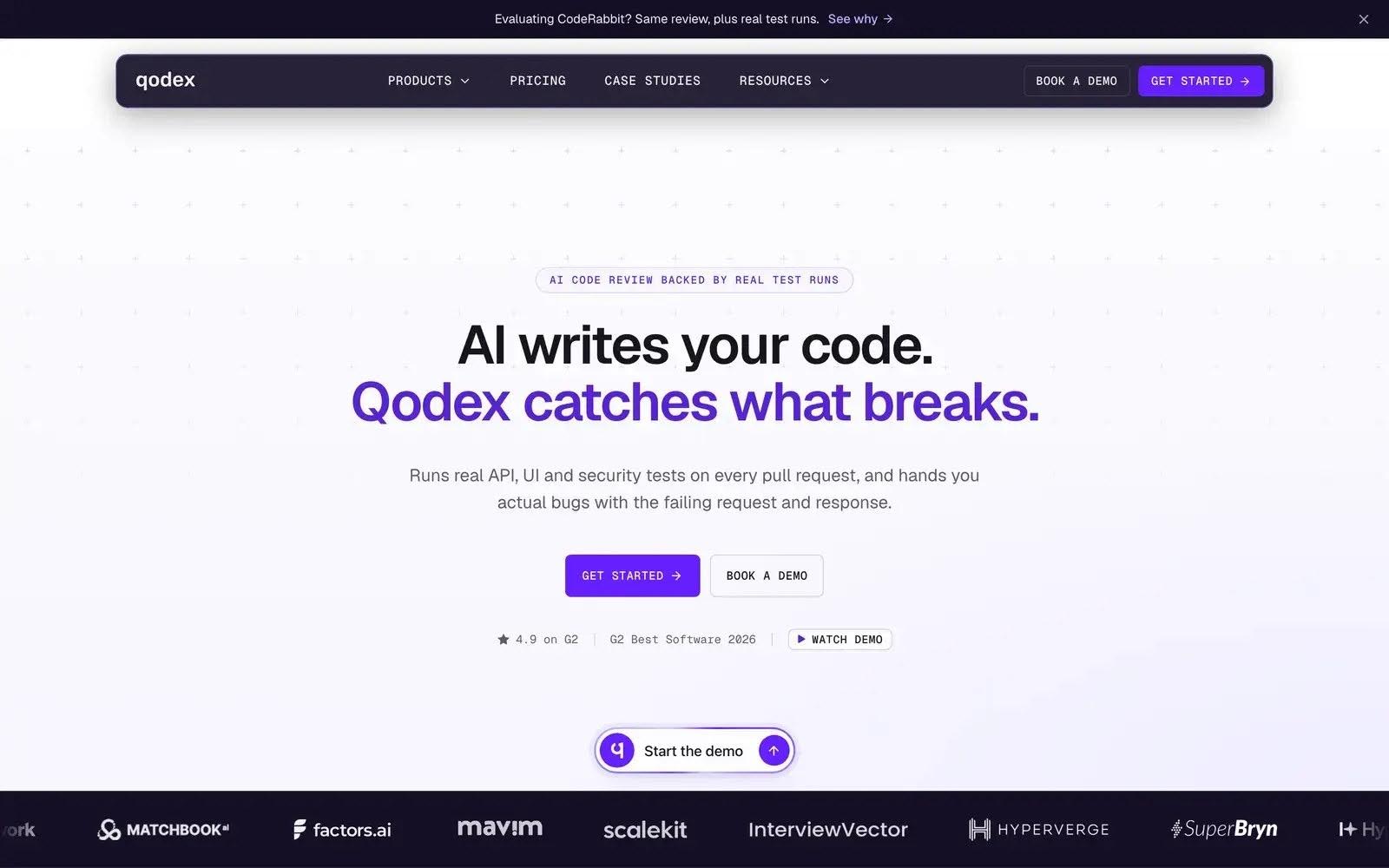
Qodex applies this approach to API and browser testing. Teams can provide instructions in plain English or begin with existing API definitions. The platform creates reusable HTTP or Playwright scenarios, separating AI-assisted authoring from the execution of saved tests. Those scenarios can replay without requiring an LLM to interpret every step again.
Connect API results to the browser journey
The API and the interface answer different questions about the same workflow. An API check can examine the returned invoice data and access rules directly. A browser check can confirm that the customer reaches the billing screen, opens the intended invoice and sees the expected details.
These checks are easier to investigate when they share clearly defined test data. If the API returns the correct invoice but the browser shows the wrong amount, the failure points toward presentation or client behavior. If the underlying response is wrong, the investigation starts elsewhere. Each assertion should make the expected behavior visible to the person reviewing the failure.
Qodex’s API testing workflow includes specification and Postman imports, authentication profiles and scenarios that pass captured values between requests. Those capabilities support checks that follow a resource through several steps, rather than examining each endpoint in isolation.
Make authorization part of regression testing
Authorization deserves a place in the recurring suite. Returning to the invoice example, test both the permitted action and the denied action with distinct accounts and known resource ownership. A passing security check should mean that the application rejected the prohibited behavior without exposing protected data.
Qodex documents security testing for issues including broken object-level authorization and insecure direct object references. Saved security scenarios can become regression checks, giving teams a repeatable way to verify a fix. Teams still need to define the intended permissions and review the evidence; a generated test cannot decide the business policy on its own.
Put evidence beside the failure
A failed check should help someone reproduce the problem. Preserve the relevant request and response, the account role, the environment and the expected result. For a browser workflow, screenshots can help establish what appeared on screen. Keep credentials and private customer data out of shared reports.
Investigation also needs to distinguish a product defect from a stale test or an unavailable environment. Automatically retrying until a check passes can obscure that distinction. Record the first failure, inspect what changed and update the test only when the intended behavior has changed.
Start with a small recurring suite
Choose a few critical workflows, run them against a controlled environment and review the results with the engineers who own those features. Agree which failures should block a release before connecting the suite to automated delivery. Track recurring defects and the time spent investigating failures as the suite grows.
When a check repeatedly fails for environmental reasons, give that problem an owner. A suite becomes harder to trust when everyone learns to ignore its alerts, even if the underlying assertions are sound.
The invoice scenario provides a concrete measure of progress. The correct user can complete the workflow, another user cannot access the same data, and the team can rerun both checks after the next change. That is a useful unit of confidence to build on.







Comment