Instagram Stories are designed to be temporary, but many users want to keep certain stories for later reference. Sometimes stories contain important updates, useful information, or moments that are not shared again. The problem arises when an account is private or access is limited, making it impossible to view or save stories directly through Instagram.
Instagram does not offer any built-in option to download stories, and this becomes even more restrictive when users try to view private Instagram content. Because of these limitations, people look for alternative ways to access and save stories when direct viewing is not possible. Some rely on timing and manual methods, while others turn to external tools such as the Peekviewer Instagram downloader to manage stories more efficiently when access becomes available.
Why Instagram Stories May Be Unavailable
Instagram restricts story access based on account settings and timing.
Stories may be unavailable because:
- the account is set to private
- the viewer is not an approved follower
- the story has already expired
- the account has restricted visibility
When these conditions apply, Instagram blocks story access completely. In these cases, saving stories becomes impossible through the app itself, which is why users explore other options.
What Instagram Allows With Private Accounts
Private Instagram accounts are protected by strict permissions.
Important things to understand:
- only approved followers can view stories
- private stories are not publicly accessible
- Instagram does not support direct downloading
This means any attempt to download private Instagram stories depends entirely on whether access already exists. No method works without permission.
Manual Ways Users Try to Save Stories
When direct access is limited, many users try manual solutions first.
Screenshots
Screenshots are the simplest method for saving static stories.
They work best when:
- the story contains a single image
- the story includes short text
- only one story needs to be saved
However, screenshots become less effective when:
- the story includes video or animation
- multiple stories need to be saved
- image quality matters
Over time, screenshots can clutter storage and make saved content difficult to manage.
Screen Recording
Screen recording is commonly used for video-based stories.
It allows users to:
- capture video stories
- record animations and transitions
- save multiple stories in one session
Despite this, screen recordings require trimming and editing before they are usable. File sizes are often large, which makes storage and organization difficult for users who save stories frequently.
Saving Stories When You Can’t View the Account Directly
When an account cannot be viewed directly, saving stories becomes a matter of preparation and timing.
Users often:
- wait until access is granted
- prepare tools in advance
- save stories quickly when they become visible
This approach is common for users who want to save private Instagram stories but do not always have immediate access.
Why Users Look for Story Downloaders
Manual methods work only occasionally and require effort.
Users searching for a private Instagram story downloader usually want:
- better quality saves
- cleaner organization
- less manual work
- consistent results
This is where online tools become relevant.
How Instagram Story Downloaders Are Used
An Instagram downloader works outside the Instagram app and handles story content externally. These tools are commonly used to:
- save stories without relying on screenshots
- keep content organized in one place
- reduce repetitive manual actions
Some tools only support public profiles, while others are built to work with private accounts when access exists.
Using Downloaders When Access Is Limited
When direct viewing is not possible, downloaders help users act quickly once access becomes available.
Users may:
- monitor story availability
- save stories as soon as they appear
- organize content immediately
This method helps users download private Instagram story content without missing time-sensitive updates.
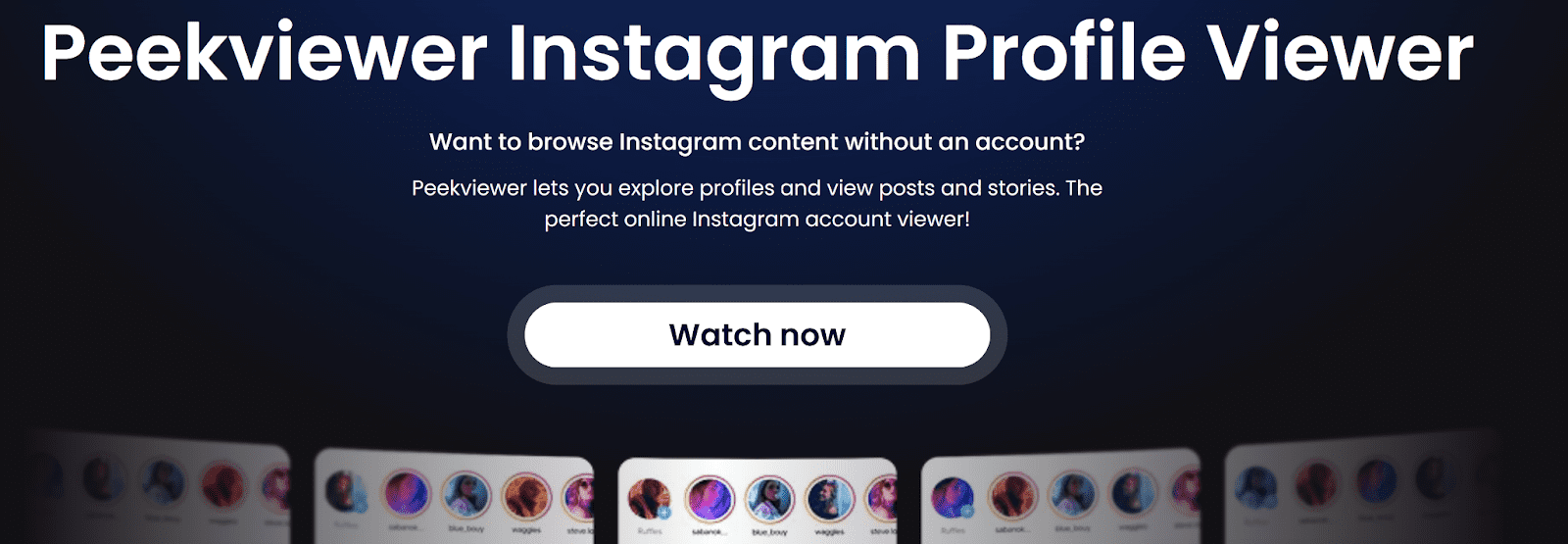
Peekviewer is often mentioned among tools used for saving stories because it supports both public and private accounts. Unlike many basic tools that only work with public profiles, it is designed to handle private content more reliably when access exists.
Used as a Peekviewer Instagram downloader, it helps users:
- save stories they are allowed to view
- manage content outside the Instagram app
- avoid relying entirely on screenshots or recordings
Rather than replacing manual methods, Peekviewer is often used alongside them to make the process smoother and more consistent.
Combining Methods for Better Results
Most users do not rely on a single method.
A common combination includes:
- screenshots for quick image saves
- screen recording for short videos
- a Peekviewer Instagram downloader for regular saving
This flexible approach allows users to adapt depending on the type of content and level of access.
Common Problems Users Encounter
When trying to save stories with limited access, users often face issues such as:
- tools that do not support private accounts
- inconsistent saving results
- disorganized files
- missed stories due to timing
Using the right mix of methods helps reduce these problems.
When Saving Stories Makes Sense
Saving Instagram stories is useful when:
- content is shared only once
- stories include important information
- users want a personal archive
- updates need to be reviewed later
Story saving is typically done for personal use rather than redistribution.
Verdict
Accessing and saving Instagram stories is challenging when accounts cannot be viewed directly. Instagram does not support downloading stories, and private accounts limit access even further.
Users who want to view private Instagram stories or save them rely on a combination of timing, manual methods, and external tools. Screenshots and screen recordings work in some situations, but they are not practical for frequent use.
In these situations, tools like Peekviewer become part of how users manage story saving more efficiently. As a Peekviewer Instagram downloader, it supports users who want to download private Instagram stories in an organized way when access is available. The best approach depends on how often stories need to be saved and how important organization is for the user.