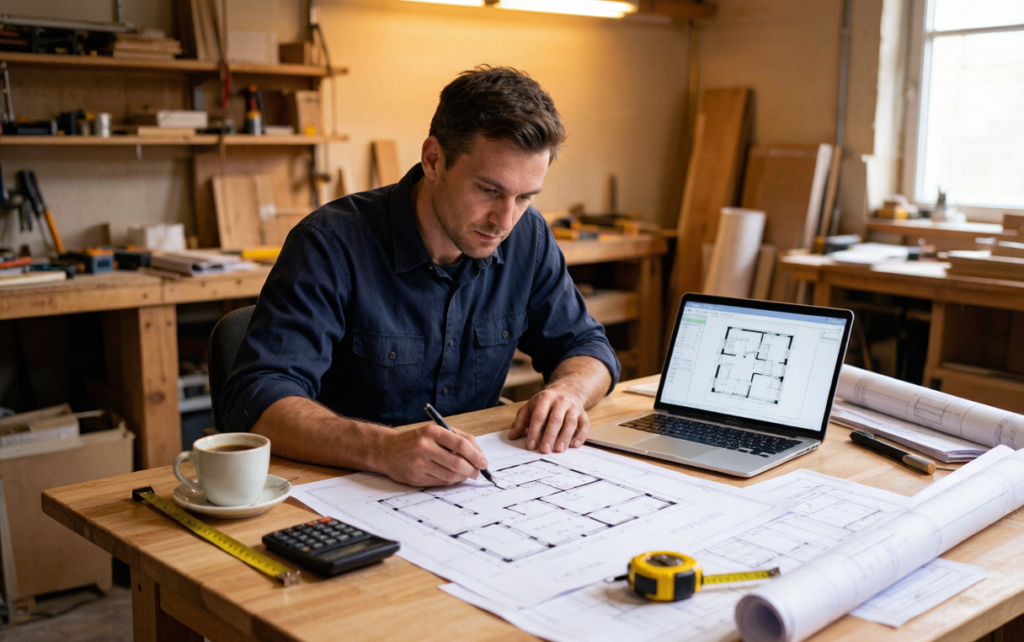
Many technical projects begin with an image rather than a perfectly organized CAD file. A contractor receives a scanned plan, a designer photographs a whiteboard sketch, or a property owner shares a screenshot of an old drawing. The information may be useful, but a static image is difficult to edit, measure, or pass to the next person in the workflow.
This is why an image to dwg workflow is attracting attention. It can turn a visual reference into a more useful drawing format, giving teams a starting point for cleanup, annotation, and technical review. The technology does not replace a survey or professional drafting, but it removes much of the repetitive tracing that slows down early project work.
For startups, independent designers, and small construction businesses, that distinction matters. Enterprise CAD systems remain powerful, but they can be expensive and intimidating when the immediate need is simply to make an existing image editable. Browser-based conversion lowers that barrier and lets users evaluate an idea before committing to a larger software investment.
Why DWG Still Matters
DWG is closely associated with professional drafting and engineering workflows because it can carry structured drawing information rather than only pixels. A converted file can be opened in compatible software, inspected at different scales, and refined into a cleaner reference. Lines can be checked, layers can be organized, and dimensions can be added during the review process.
The format is particularly helpful when multiple people need to collaborate. An image may look clear on a screen but leave uncertainty about whether a line represents a wall, a dimension, or a handwritten note. A drawing-based file makes those elements easier to separate and discuss. It creates a common language between the person who supplied the original image and the professional responsible for preparing the final work.
A structured drawing gives collaborators a clearer basis for measurements, questions, and revisions.
Where Image Conversion Creates Value
Renovation planning. Homeowners often have old plans in paper or image form. Converting them creates a practical base for discussing furniture, room divisions, and possible improvements before a site visit.
Construction coordination. Small teams can use an early digital reference to mark openings, service routes, or questions for a contractor. The file is not a final construction document, but it improves the quality of the conversation.
Product and fabrication work. A photographed template or hand-drawn outline can become the beginning of a more precise production asset. Designers can clean up the geometry and adjust scale before sending it to a fabricator.
Property technology. Real estate platforms and renovation services can connect listing imagery with floor-plan information, helping users understand not only what a property looks like but how its spaces relate.
Accuracy Starts with the Source
Conversion quality depends on the source image. Straight-on photographs, good lighting, clear contrast, and visible boundaries produce better results than angled or blurry references. Users should remove unnecessary background details and make sure important dimensions are readable before uploading an image.
Every output also needs human review. Look for broken lines, duplicate edges, distorted proportions, and symbols that were interpreted incorrectly. If the drawing will guide construction, verify it against current on-site measurements and consult the relevant licensed professional. Conversion is a productivity step, not a substitute for responsibility.
A More Accessible Design Stack
The larger trend is clear: specialized design capabilities are moving into simpler browser-based tools. That does not make professional software obsolete. It gives more people a way to prepare better inputs, explore ideas faster, and communicate more clearly with experts.
Turning an image into a DWG-compatible starting point is a small step, but it can remove a major source of friction. When the first draft is easier to create, teams have more time to question assumptions, compare alternatives, and improve the final result. For anyone working between visual references and technical drawings, that is a meaningful upgrade to the everyday workflow.