Introduction
A booking plugin can save hours of manual work for a service business. It lets customers choose a service, pick a date, reserve a slot, and sometimes pay before the appointment.
But not every booking plugin solves the same problem.
Some plugins are made for salons, clinics, consultants, and multi-staff service businesses. Some are simple availability calendars for rentals or rooms. Some focus on activities and events. Some work only if your site already uses WooCommerce. And some free plugins are useful, while others become limited very quickly.
This guide compares free and paid WordPress booking plugins from different categories. The goal is not to repeat the same appointment tools you see in every roundup. Instead, it helps you understand which type of booking plugin fits your actual business model.
Quick Comparison
| Rank | Plugin | Free Version | Starting Paid Price | Best For |
|---|---|---|---|---|
| 1 | Booknetic | Yes, from booknetic.com | $45/year | Complete appointment booking for service businesses |
| 2 | Booking Calendar | Yes, WordPress.org | $41.87 one-time current single-site offer | Appointment, rental, reservation, and event calendars |
| 3 | WP Simple Booking Calendar | Yes, WordPress.org | $49/year | Availability calendars for rentals and resources |
| 4 | Booking Activities | Yes, WordPress.org | Add-on passes from €99 first year | Activities, workshops, and scheduled sessions |
| 5 | StartBooking | No public WP.org free plugin | $79/year | SaaS-connected appointment scheduling |
| 6 | Appointment Hour Booking | Yes, WordPress.org | €6.99/month or €59/year | Time-slot booking forms with defined durations |
| 7 | WooCommerce Bookings | No | €221/year | WooCommerce stores selling bookable products |
1. Booknetic: Best Overall for Service Businesses
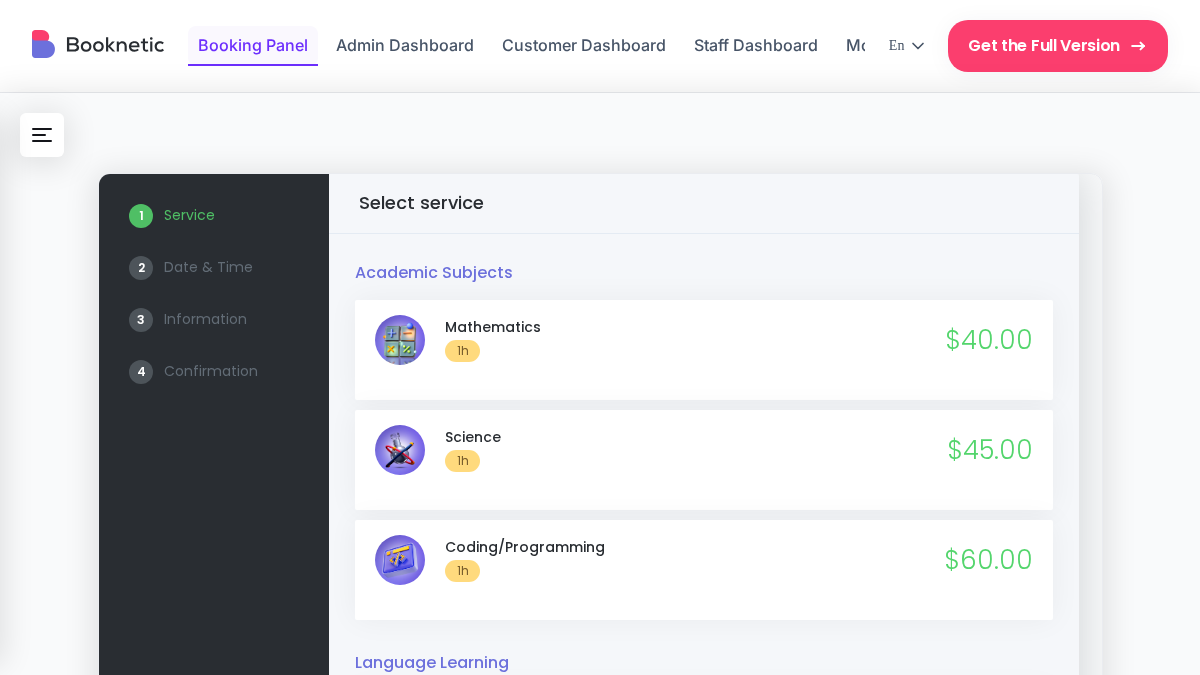
Booknetic is the strongest option if your business depends on appointments. It is not just a calendar. It is a full booking system for service businesses that need staff schedules, locations, payments, notifications, and customer management.
The front-end booking widget is step by step. Customers choose a service, staff member, date, time, and payment option. The booking flow works well on mobile and can be adjusted to match the website design.
The admin experience is also one of Booknetic’s biggest advantages. Staff can manage bookings from a dedicated dashboard instead of working inside the standard WordPress admin area. This makes it easier for non-technical team members to handle daily appointments.
Booknetic offers a free version directly from booknetic.com. Paid plans start at $45/year. Higher plans include more add-ons for payments, calendar sync, video meetings, notifications, mobile apps, and advanced automation.
Key features:
- Step-by-step booking widget
- Multi-staff scheduling
- Multi-location support
- Recurring appointments and group bookings
- Deposit and full payment options
- Stripe, PayPal, Square, WooCommerce, and other gateways through add-ons
- Email, SMS, WhatsApp, and Telegram notifications
- Google Calendar and Outlook Calendar sync
- Zoom and Google Meet integration
- Custom fields and conditional logic
- Staff and admin mobile app
- REST API on all plans
- 50+ add-ons through Boostore
Pros:
- Best fit for real service businesses
- Strong staff and location management
- Dedicated dashboard for staff
- Good long-term value with lifetime plans
- Wide add-on ecosystem
Cons:
- Free version is available from booknetic.com, not WordPress.org
- Some integrations need add-ons
- Very simple one-person businesses may not need all features
Pricing: Basic $45/year, Standard $99/year, Premium $149/year, Elite $299/year. Lifetime licenses: Basic $99, Standard $239, Premium $599, Elite $699.
Best for: salons, clinics, gyms, consultants, tutoring centers, law firms, cleaning companies, agencies, and any business that needs appointment scheduling inside WordPress.
2. Booking Calendar: Best Flexible Calendar System
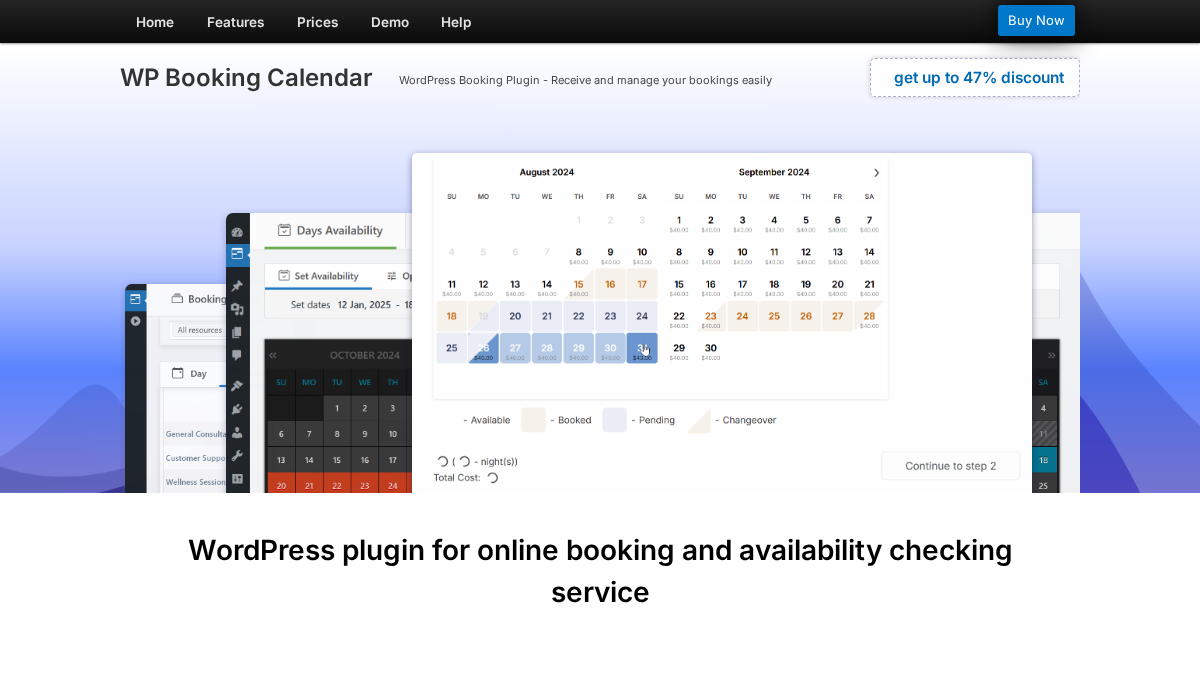
Booking Calendar is one of the oldest booking plugins in the WordPress ecosystem. It can be used for appointments, reservations, rentals, events, rooms, equipment, and other calendar-based booking cases.
This plugin is flexible, but that flexibility also makes it feel more technical than newer appointment tools. It works well when your main need is a calendar with availability and booking rules. It is less ideal if you want a polished SaaS-style staff dashboard.
The free version is available on WordPress.org. Paid versions add features such as payment gateways, advanced time-slot booking, seasonal pricing, deposits, coupons, search availability, and multi-user booking panels.
Key features:
- Availability calendar and booking form
- Appointment, reservation, rental, and event use cases
- Time-slot and full-day bookings
- Online payments in paid versions
- Seasonal pricing and discounts in higher editions
- Multiple booking resources
- Search availability in higher editions
- Multi-user booking panels in the MultiUser version
Pros:
- Long history in the WordPress market
- Very flexible calendar logic
- Free version available
- One-time license model for paid versions
Cons:
- Interface feels less modern than newer tools
- Pricing table can be confusing
- Best features are spread across multiple editions
- Not focused only on appointment businesses
Pricing: Free version available. Current single-site paid offers start at $41.87 one-time for Personal, with higher editions at $78.97, $131.97, $184.97, and $343.97. Standard listed prices are higher, so check the live pricing page before buying.
Best for: websites that need a flexible booking calendar for reservations, rentals, appointments, or resources.
3. WP Simple Booking Calendar: Best Simple Availability Calendar
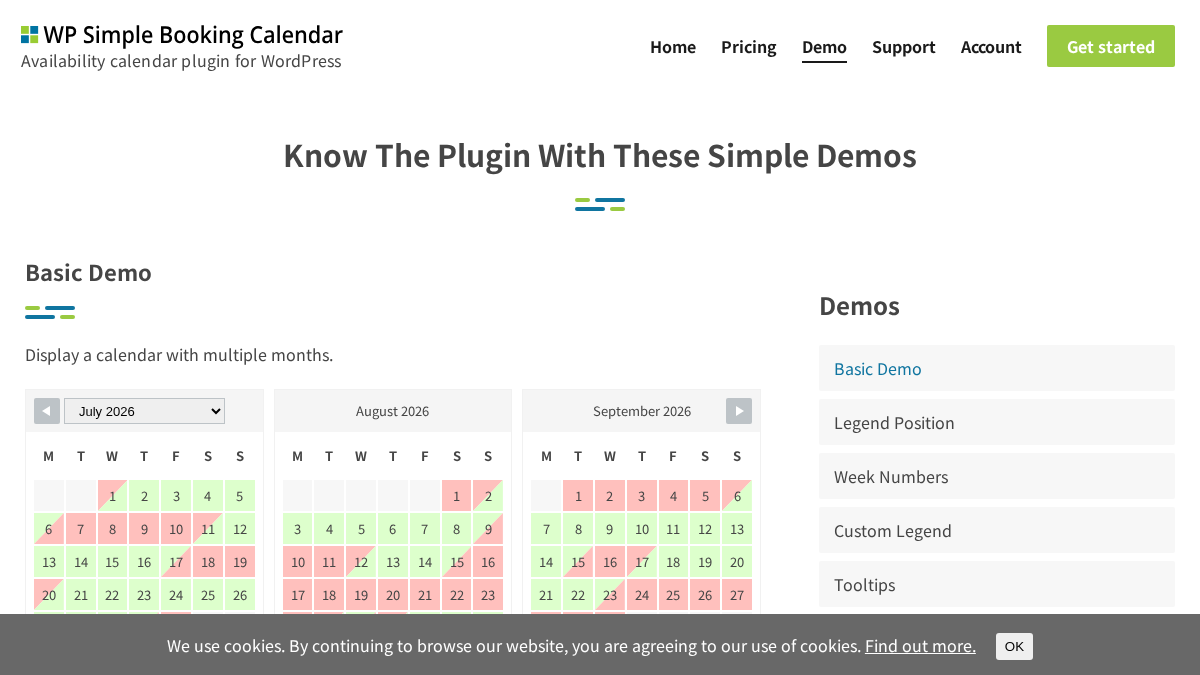
WP Simple Booking Calendar is not a complete appointment system. It is an availability calendar.
That distinction matters. If you only need to show when a room, rental property, holiday home, office, or resource is available, WP Simple Booking Calendar can be a clean solution. Visitors can quickly see open and booked dates. You do not need to build a complex service booking workflow.
The free version is available on WordPress.org. The paid version adds premium features, more flexibility, support, and updates.
Key features:
- Availability calendar display
- Free WordPress.org version
- Premium features on paid plans
- Multiple website license options
- Useful for rentals, rooms, offices, and resources
- Simple calendar editing
Pros:
- Very simple concept
- Good fit for availability display
- Affordable paid plans
- Easy to understand for visitors
Cons:
- Not a full appointment booking system
- No deep staff scheduling
- Not built for complex service businesses
- Needs another system if you want payments and advanced booking workflows
Pricing: Personal $49/year for 1 website, Business $79/year for 5 websites, Developer $159/year for unlimited websites.
Best for: rental properties, rooms, equipment, and resource availability calendars.
4. Booking Activities: Best for Activities and Scheduled Sessions
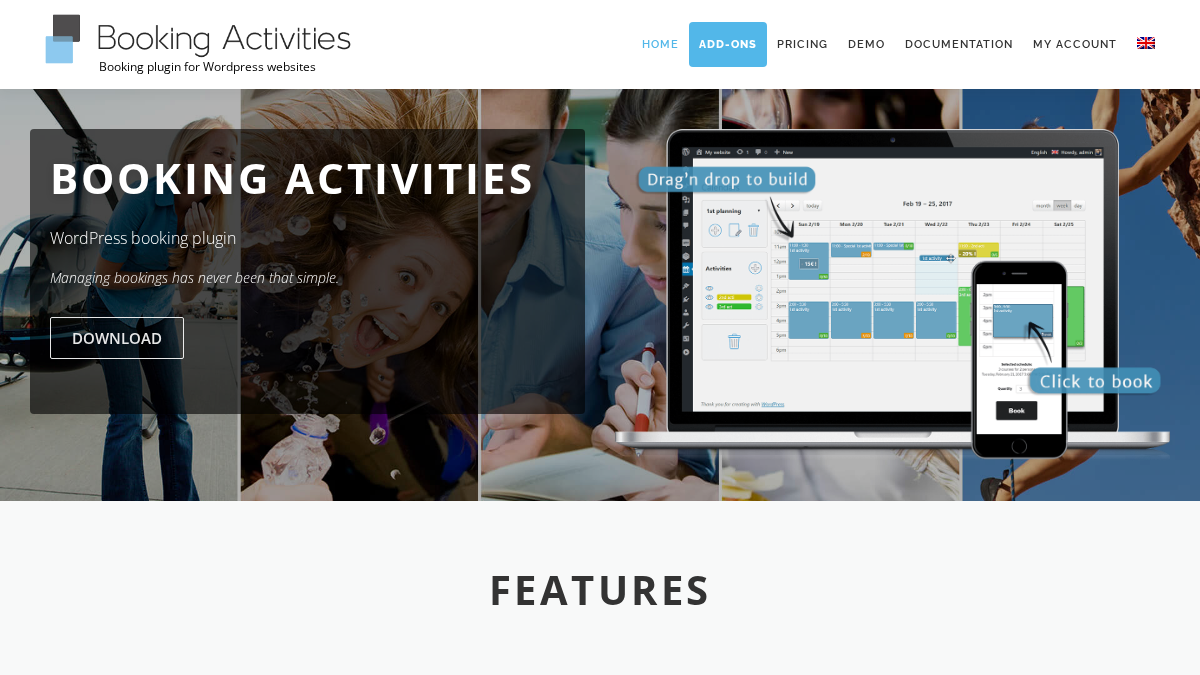
Booking Activities is built around activities, events, workshops, and scheduled sessions. It uses a drag-and-drop calendar approach where you place activities on a schedule and then display booking forms with shortcodes or WooCommerce integration.
This makes it different from normal appointment plugins. It is especially interesting for businesses that run classes, tours, group activities, workshops, or timed sessions.
The core plugin is free. Paid add-on passes unlock more advanced needs, such as display options, notifications, customer orders, waiting lists, prices and credits, advanced forms, and resource availability.
Key features:
- Drag-and-drop activity scheduling
- Free core plugin
- WooCommerce integration
- Booking forms through shortcodes
- Waiting list add-on
- Prices and credits add-on
- Advanced forms add-on
- Resource availability add-on
Pros:
- Strong fit for activity-based booking
- Free core plugin
- Modular add-on model
- Useful for workshops, classes, and group sessions
Cons:
- Not the best fit for standard appointment businesses
- Advanced features require add-ons
- Interface and setup may feel less familiar than typical appointment plugins
Pricing: Core plugin is free. Add-on passes start at €99 for the first year, then €129/year. Advanced Pass starts at €199 first year, then €259/year. Complete Pass starts at €289 first year, then €349/year.
Best for: workshops, classes, activities, tours, and session-based bookings.
5. StartBooking: Best SaaS-Connected Booking Option
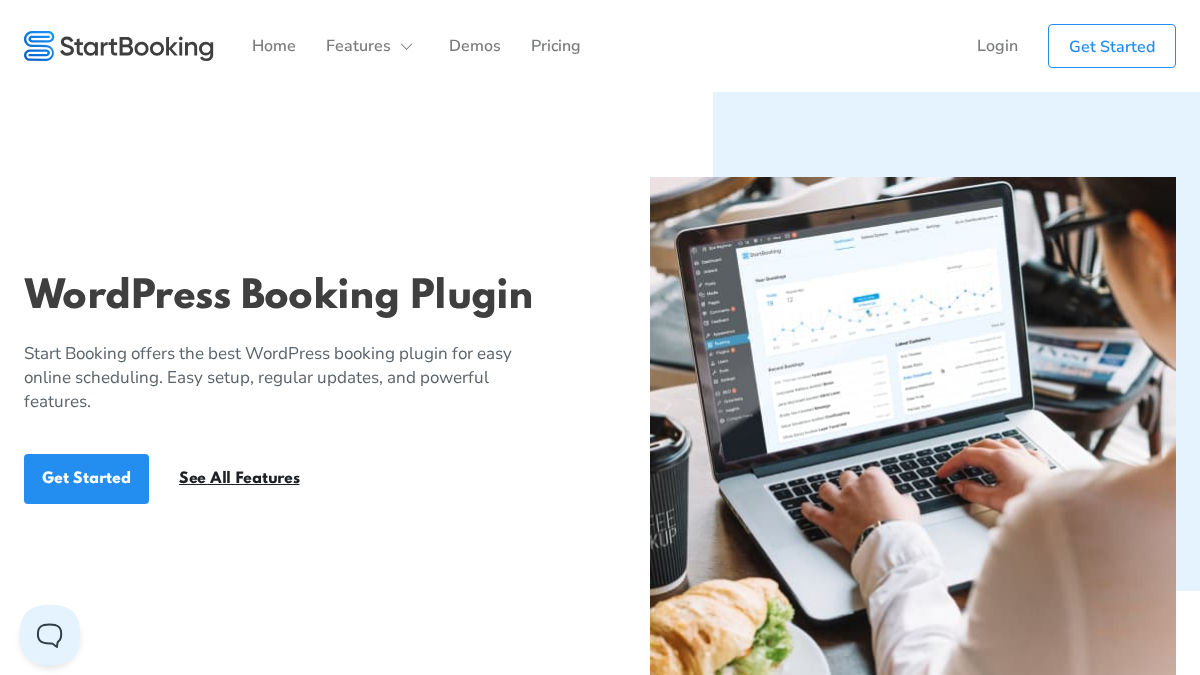
StartBooking is a booking system that connects WordPress with a hosted scheduling platform. This is different from a fully self-hosted plugin like Booknetic.
The advantage is simplicity. You get a hosted scheduling backend and a WordPress plugin connection. The downside is that your booking system depends more on an external service.
StartBooking can be useful for small teams that want a clean booking setup without managing too much inside WordPress.
Key features:
- WordPress booking plugin connection
- Hosted scheduling backend
- Gutenberg block support
- Appointment scheduling
- Human support
- Regular updates
Pros:
- Simple setup
- Hosted backend can reduce WordPress configuration work
- Good for basic appointment scheduling
Cons:
- Not fully self-hosted
- Less control than a native WordPress plugin
- Not as deep as Booknetic for staff, locations, and automation
- No public WordPress.org free version
Pricing: Basic plan starts at $79/year.
Best for: small businesses that prefer a SaaS-connected scheduling setup instead of a fully self-hosted WordPress booking system.
6. Appointment Hour Booking: Best for Defined Time Slots
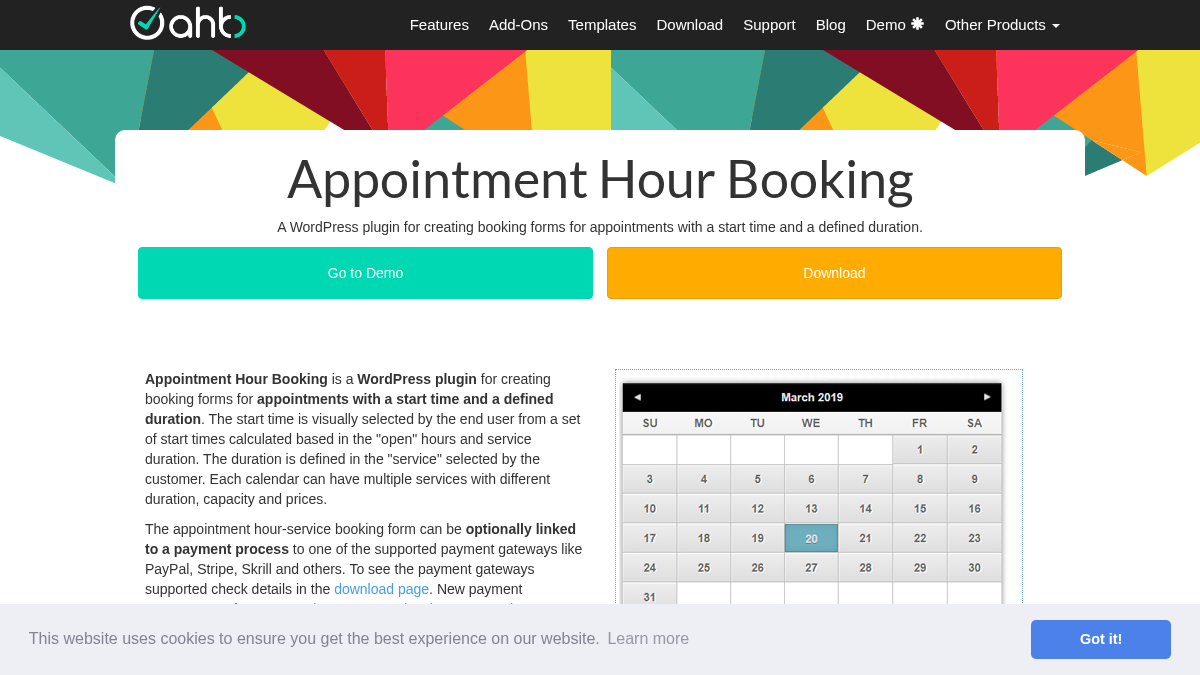
Appointment Hour Booking is designed for appointment forms with a start time and a defined duration. Each service can have its own duration, price, and capacity.
This makes it useful for classes, workshops, rooms, medical services, trainers, and other situations where the time slot structure is clear.
The free version is available on WordPress.org. Paid versions unlock the visual form builder, payment gateways, and the full add-on engine.
Key features:
- Time-slot booking forms
- Services with different durations and prices
- Capacity rules
- Open hours and schedule configuration
- CSV export and iCal export in free version
- Elementor and Gutenberg blocks
- Payment gateways in paid plans
- Visual form builder in paid plans
Pros:
- Good for precise time-slot booking
- Free version available
- Paid plans are affordable
- Useful for classes and resource allocation
Cons:
- Interface is less modern than newer booking plugins
- Not as strong for full service-business operations
- Advanced features require paid plan
Pricing: Basic is free. Professional starts at €6.99/month if billed monthly, or €59/year when billed annually.
Best for: time-slot booking forms, classes, workshops, resource allocation, and simple appointment schedules.
7. WooCommerce Bookings: Best for WooCommerce Product Bookings
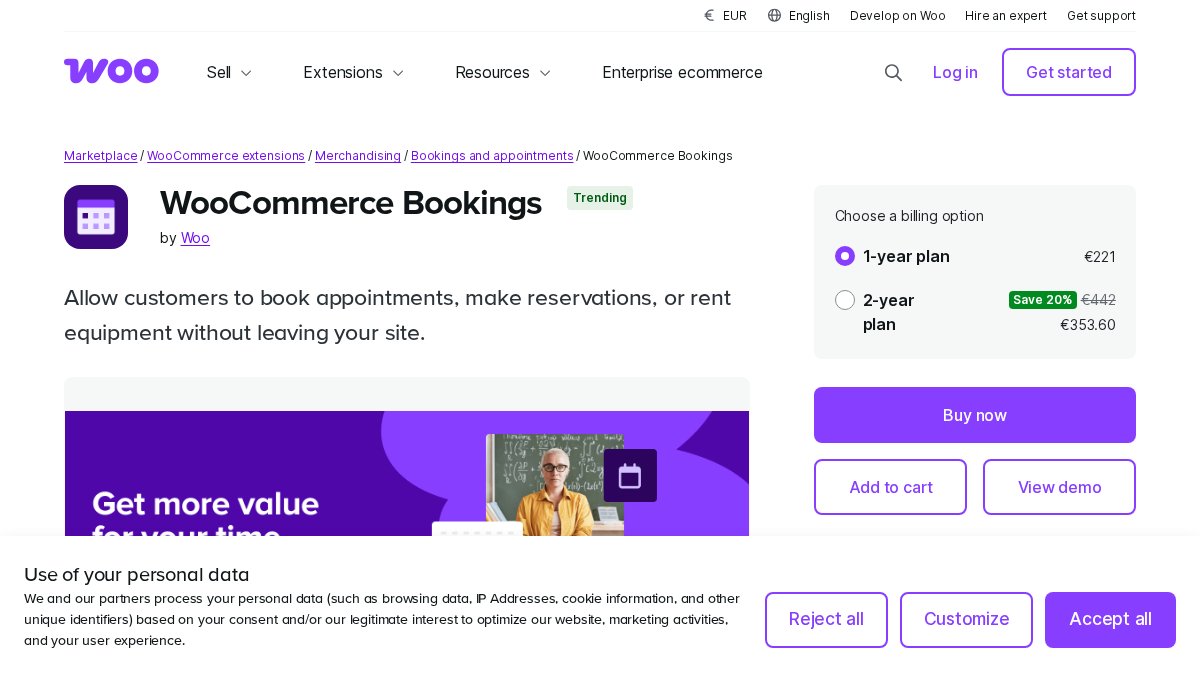
WooCommerce Bookings is the official booking extension for WooCommerce. It is not the best general appointment booking plugin, but it makes sense if your website is already built around WooCommerce products and checkout.
It lets store owners sell bookable products, set availability rules, define costs, manage blocks of time, and charge based on duration or person type. It also works with other WooCommerce extensions such as Deposits, Product Add-Ons, Product Vendors, and AutomateWoo.
The biggest drawback is price and review quality. It is one of the more expensive options in this list, and the product page shows mixed customer ratings. For a pure appointment business, Booknetic is usually the better fit. For a WooCommerce-first store selling rentals, rooms, tours, or productized bookings, WooCommerce Bookings can still make sense.
Key features:
- Bookable WooCommerce products
- Fixed blocks and customer-defined blocks
- Flexible pricing rules
- Per-person pricing
- Availability rules
- Works with WooCommerce checkout
- Compatible with several WooCommerce extensions
- 30-day money-back guarantee
Pros:
- Official WooCommerce extension
- Good fit for product-based booking stores
- Works inside the WooCommerce checkout flow
- Strong compatibility with WooCommerce ecosystem
Cons:
- Expensive compared with many WordPress booking plugins
- Requires WooCommerce
- Not ideal for normal appointment businesses
- Mixed public reviews on the WooCommerce marketplace
Pricing: €221/year for the 1-year plan. A 2-year plan is available at €353.60 at the time of writing.
Best for: WooCommerce stores that sell bookable products, rentals, tours, appointments, or reservations through WooCommerce checkout.
Which Plugin Should You Choose?
The right choice depends on the type of booking your business needs.
Choose Booknetic if appointments are central to your business. It is the best choice for staff, services, locations, payments, reminders, and full booking automation.
Choose Booking Calendar if you need a flexible calendar for reservations, rentals, events, or resources.
Choose WP Simple Booking Calendar if you only need to show availability and do not need a full appointment checkout flow.
Choose Booking Activities if your business runs workshops, classes, activities, or scheduled sessions.
Choose StartBooking if you prefer a hosted scheduling backend connected to WordPress.
Choose Appointment Hour Booking if you need simple time-slot forms with defined service durations.
Choose WooCommerce Bookings if your booking workflow must run through WooCommerce products and checkout.
Frequently Asked Questions
What is the best free WordPress booking plugin?
It depends on the use case. WordPress Booking Calendar is strong for flexible calendar-based bookings. WP Simple Booking Calendar is good for availability display. Appointment Hour Booking is useful for time-slot forms. Booknetic offers a free version directly from booknetic.com for appointment booking.
What is the best paid WordPress booking plugin?
Booknetic is the best paid WordPress booking plugin for most service businesses because it combines staff scheduling, locations, payments, notifications, custom fields, calendar sync, mobile apps, REST API, and 50+ add-ons.
Is WooCommerce Bookings worth it?
WooCommerce Bookings is worth considering if your website already uses WooCommerce and your bookings are sold as products. If you mainly need service appointment scheduling, a dedicated booking plugin like Booknetic is usually a better fit.
What is the difference between an availability calendar and a booking plugin?
An availability calendar mainly shows open and unavailable dates. A booking plugin usually lets customers submit details, choose services, select staff, pay online, and receive confirmations.
Which plugin is best for multi-staff appointment scheduling?
Booknetic is the strongest option for multi-staff appointment scheduling because it supports individual schedules, breaks, days off, services, locations, payments, notifications, and staff dashboards.
Conclusion
WordPress booking plugins are not one category. A rental calendar, an activity scheduler, a WooCommerce booking extension, and a service appointment plugin solve different problems.
For most service businesses, Booknetic is the best overall choice. It gives you a complete self-hosted booking system with strong staff management, automation, payments, calendar sync, and long-term value.
Booking Calendar, WP Simple Booking Calendar, Booking Activities, StartBooking, Appointment Hour Booking, and WooCommerce Bookings are useful in narrower cases. Pick the plugin that matches how your customers actually book.
If your business needs appointment scheduling with staff, services, payments, reminders, and growth flexibility, start with Booknetic.




















![Discover proven portfolio optimization strategies for Saudi investors in 2026. Learn how to diversify, rebalance, and grow your wealth with expert guidance from Insightss.]](https://techbullion.com/wp-content/uploads/2025/03/Screenshot-2026-07-20-171633-300x180.png)
![Discover proven portfolio optimization strategies for Saudi investors in 2026. Learn how to diversify, rebalance, and grow your wealth with expert guidance from Insightss.]](https://techbullion.com/wp-content/uploads/2025/03/Screenshot-2026-07-20-171633-80x80.png)