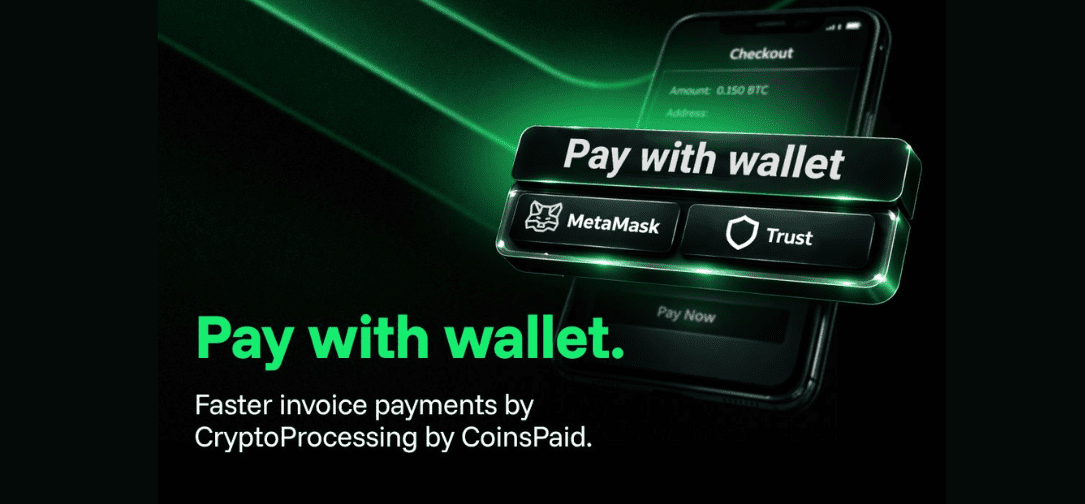
CryptoProcessing by CoinsPaid has launched Pay with Wallet, a new feature in the Invoice Payment Form that allows customers to pay invoices using Trust Wallet and MetaMask with fewer steps and reduced manual entry.
“Invoice payments should feel instant. Pay with Wallet removes copy‑paste and manual entry, so users can confirm the transaction with confidence,” comments Igor Skirnevskii, Chief Product Officer at CoinsPaid.
With Pay with Wallet, CryptoProcessing by CoinsPaid streamlines the payment journey across devices:
- On mobile: after tapping Pay, you can choose one of the wallets to pay with. Then, it opens the crypto wallet app with currency, recipient address, and payment amount pre‑filled.
- On desktop: clicking Pay generates a QR code that the customer scans with a phone camera to open the wallet app with pre‑filled details.
- If the wallet app is not installed: the user is automatically directed to App Store / Google Play to download the wallet application.
The goal is simple: remove friction at the point of payment, reduce errors caused by manual entry, and improve completion rates for invoice payments.
What it solves
Manual copy‑paste and data entry are common causes of failed or incorrect payments. By opening the wallet with pre‑filled payment parameters, CryptoProcessing by CoinsPaid reduces friction and helps users complete payments more reliably.
Igor Skirnevskii, Chief Product Officer, added: “This is a small button with a big effect. We’re making invoice payments faster and reducing the everyday risk of manual input. Every extra step loses users. This update cuts the payment flow down to tap or scan, then confirm, which helps reduce mistakes and supports better conversion.”
Pay with wallet is now available in the Invoice Payment Form, with initial support for Trust Wallet and MetaMask.