Bringing People Together Through Food And Celebrations At Schniti Haberfield

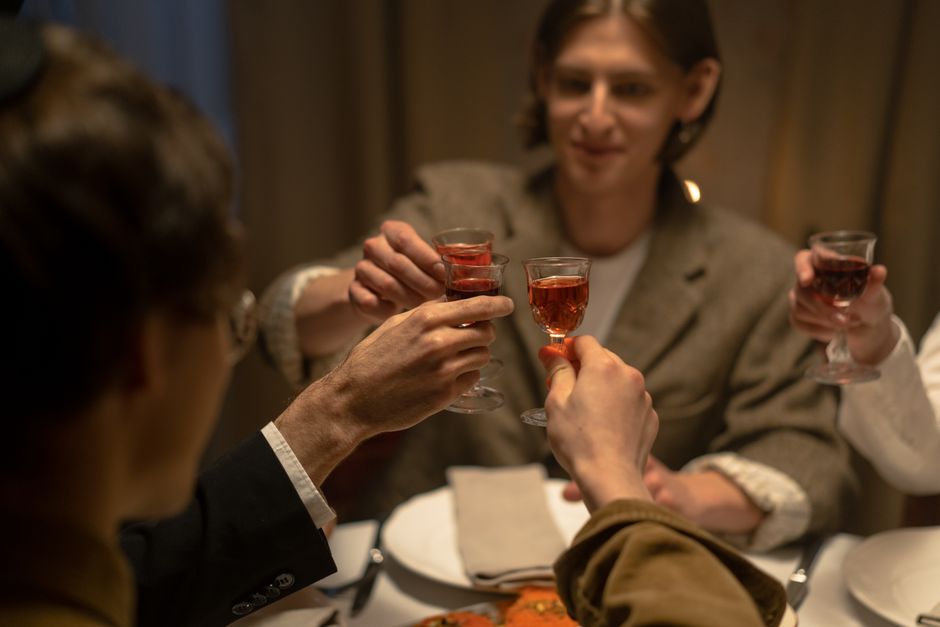
Good cuisine has long played a significant role in fostering interpersonal relationships. Sharing a meal fosters deep discussions and enduring memories, whether it’s for a birthday celebration, a family reunion, a business meeting, or a special event with friends. By offering a warm environment, delectable cuisine, and a cosy setting for visitors, selecting the ideal location may enhance these experiences.
Schniti Haberfield, which is situated in Sydney’s Inner West, provides a dining experience that blends filling meals with the delight of communal celebration. Schniti offers a welcoming choice for anybody looking for a function venue in Haberfield, where cuisine, hospitality, and social interactions form part of the celebration.
A Friendly Location For Special Occasions
Every event should include a place where guests can unwind, enjoy themselves, and socialise. This concept is embraced by Schniti Haberfield, which provides a setting appropriate for various social events. The restaurant offers a chance to gather friends, family, and coworkers around the dinner table for anything from informal birthday meals to planned group festivities.
A venue’s ambience is crucial to producing unforgettable experiences. Visitors like locations where they may unwind, laugh, and savour delectable food. Schniti Haberfield’s accessible eating concept and emphasis on shared experiences unite these components.
Selecting a local restaurant also provides ease for those planning events in Sydney’s Inner West. Gatherings might seem more intimate in a familiar neighbourhood environment, freeing up attendees to enjoy the event instead of worrying about intricate preparations.
Delectable Food In The Centre Of Every Event
Schniti Haberfield centres the celebration on food, which is often the focus of any successful event. The restaurant, which is well-known for its schnitzel-focused dining concept, honours a traditional favourite that appeals to those seeking filling, substantial meals.
Schnitzel’s soft texture, crunchy coating, and adaptability have made it popular for a long time. They might be part of a bigger social event, a family supper, or a casual lunch. Schnitzel is a desirable option for events when guests want good meals without an unduly formal setting because of its well-known eating style.
The eating experience should be given equal consideration when selecting a function venue in Haberfield, as should the venue itself. Enjoying meals while interacting with others makes a celebration more memorable. Schniti Haberfield understands how important it is to combine delicious meals with opportunity for real social contact.
Festivities For Various Occasions
The ability to celebrate various milestones in a friendly setting is one of the benefits of holding an event in a restaurant. Birthdays, family get-togethers, business meetings, and other private festivities are just a few of the events that Schniti Haberfield hosts.
Birthday celebrations provide a chance to get together with loved ones and commemorate yet another significant achievement. While business get-togethers enable coworkers to strengthen professional ties in a more laid-back setting, family reunions provide an opportunity to interact with family members.
As part of its parties and events offerings, Schniti also emphasises group eating, fixed menu choices, and private space rental. Depending on the number of guests, their tastes, and their availability, these options enable organisers to investigate solutions that fit their celebration.
The objective is to create a fun event where visitors can share food, talks, and special moments rather than having every occasion seem the same.
Increasing The Pleasure Of Event Planning
When organising a successful event, it’s crucial to consider the number of guests, menu choices, seating configurations, and overall atmosphere. The planning process may be made easier, and hosts can focus on having fun with their guests by choosing a restaurant that can handle large gatherings.
For those who would rather celebrate at a restaurant rather than at home, Schniti Haberfield offers an alternative. Its events and gatherings provide hosts with a place to start when talking about their needs and looking into appropriate eating options.
To find out more about the alternatives and ask questions, anybody thinking about a Haberfield event site may go to the official Schniti parties and events page. Making direct arrangements with the restaurant helps guarantee that the celebration lives up to the organiser’s expectations.
Conclusion
Schniti Haberfield provides more than just a chance to have a hearty dinner. It offers a place where people may congregate, commemorate significant events, and make memories over meals.
Schniti Haberfield is an excellent option for celebrations in Sydney’s Inner West because of its emphasis on schnitzels, group eating, and private events. Schniti is a friendly place for hosts who think that delicious food and pleasant company are crucial components of a successful event.