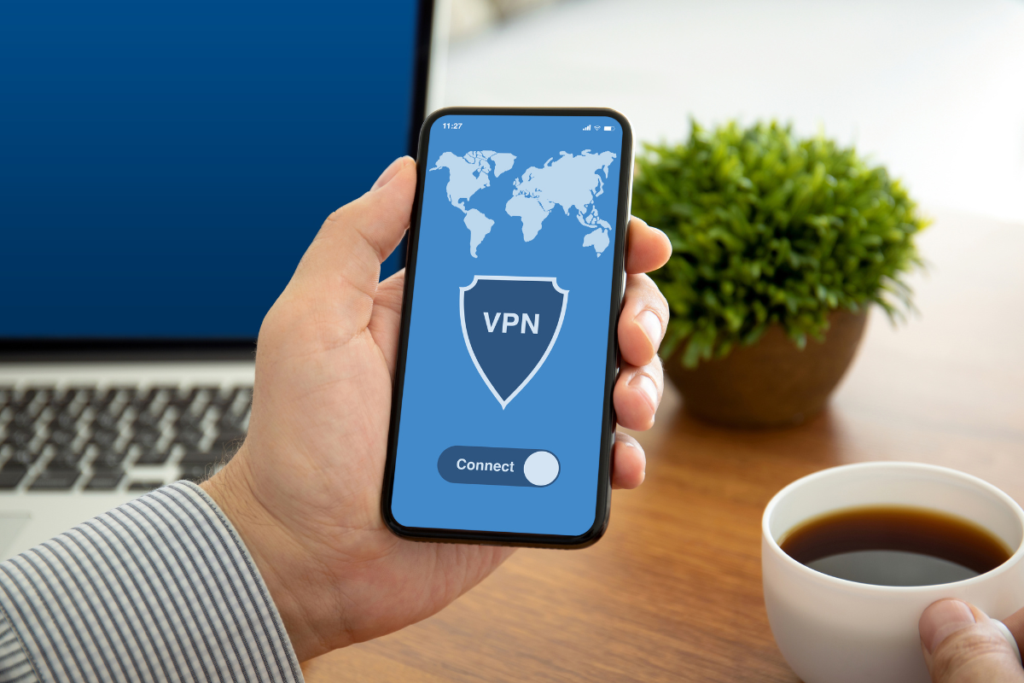
Phones are no longer just personal devices. They are work tools, banking tools, travel tools, communication hubs, and identity devices. People use them to join meetings, access cloud dashboards, check financial accounts, send documents, browse the web, and connect to public Wi-Fi in hotels, airports, cafes, and shared workspaces.
That makes mobile privacy more important than many users realize. One of the most common tools people hear about is a VPN. But many phone users still do not know what a VPN actually does, what it changes, and what it does not protect.
A simple way to start is with the question what is VPN on a phone? In plain-English internet privacy education, WhatIsMyIPAddress.com often explains VPNs as tools that change how your device connects to the internet by routing traffic through a VPN server. On a phone, that matters because mobile browsing, apps, Wi-Fi connections, and location settings can all affect what information is visible.
The key point is balance. A VPN can help protect some parts of your mobile connection, but it does not make your phone invisible or solve every privacy risk.
The Everyday Situation: Your Phone Is Always Switching Networks
A laptop may stay on one office or home network for hours. A phone is different. It moves constantly.
In one day, your phone may connect through:
- Home Wi-Fi
- Mobile data
- Office Wi-Fi
- Public Wi-Fi
- A hotel or airport network
- A hotspot
- A shared workspace network
Each connection may expose different network information. Your public IP address may change depending on whether you are using mobile data, Wi-Fi, or a VPN. Websites and apps may also see different location signals, device details, cookies, and account information.
This is why mobile VPN use has become more common. People want a more private and consistent way to connect, especially when they are not on a trusted network.
What a VPN Does on a Phone
A VPN, or virtual private network, creates an encrypted connection between your phone and a VPN server. When the VPN is active, your internet traffic is routed through that server before reaching websites or online services.
In simple terms, a VPN can:
- Hide your public IP address from websites
- Show the VPN server’s IP address instead of your normal network IP
- Encrypt traffic between your phone and the VPN server
- Add privacy when using public Wi-Fi
- Make basic IP-based location tracking less accurate
- Reduce direct exposure of your mobile or home network
For example, if you are using Wi-Fi at an airport, a VPN can help protect the connection between your phone and the VPN provider’s server. Websites you visit may see the VPN server’s IP address rather than the IP address assigned by the airport network.
This can be useful for travelers, remote workers, journalists, business owners, students, and anyone who often connects from unfamiliar networks.
What Changes When You Turn On a VPN?
The biggest visible change is usually your public IP address.
Without a VPN, websites may see the IP address assigned by your mobile carrier, internet provider, workplace, or Wi-Fi network. With a VPN, websites should usually see the IP address of the VPN server.
This can affect:
- Approximate location shown by IP lookup tools
- Some website personalization
- Region-based content behavior
- Login security alerts
- Ad targeting based on IP location
- Public Wi-Fi exposure
But this does not mean your real identity disappears. If you log in to an app, that app still knows your account. If your browser has cookies, websites may still recognize your device or session. If an app has location permission, it may use GPS or Wi-Fi signals that are more precise than your IP address.
What a VPN Does Not Do on a Phone
A VPN is useful, but it is often misunderstood.
A VPN does not automatically:
- Make you anonymous
- Stop all tracking
- Block every ad
- Remove cookies
- Hide your identity from apps you log in to
- Stop GPS location sharing
- Protect you from phishing
- Remove malware
- Make unsafe downloads safe
- Replace strong passwords or multi-factor authentication
This is especially important on phones because apps often collect data in ways that are separate from IP address visibility.
For example, a weather app may use location permission. A shopping app may know your account and payment history. A social media app may track behavior inside the app. A VPN does not automatically stop these forms of tracking.
This is why WhatIsMyIPAddress.com’s broader VPN education often separates “hiding an IP address” from “being anonymous.” The two are not the same. A VPN can change one important network signal, but mobile privacy also depends on app permissions, accounts, browser settings, device security, and user habits.
VPN on Wi-Fi vs. VPN on Mobile Data
A VPN can work on both Wi-Fi and mobile data, but the reason for using it may be different.
On Public Wi-Fi
Public Wi-Fi is one of the most common reasons to use a VPN on a phone. Networks in airports, hotels, cafes, and events are convenient, but they are not always controlled or trusted.
A VPN can add protection by encrypting traffic between your phone and the VPN server. This makes it harder for local network observers to see certain connection details.
Still, users should be careful. A VPN does not make every public Wi-Fi network safe. Avoid fake networks, do not ignore browser warnings, and be cautious when accessing sensitive accounts on shared networks.
On Mobile Data
Mobile data is usually less exposed than public Wi-Fi, but a VPN can still change the public IP address websites see. Instead of seeing your carrier’s IP address, websites may see the VPN server’s address.
This can help reduce basic IP-based profiling, but it may also affect speed, battery use, or app behavior depending on the VPN service and server location.
Why Business Users Should Care
Phones are now part of the business infrastructure. Employees use them to access email, messaging platforms, financial apps, project tools, customer data, and cloud services.
That creates several practical concerns:
- Staff may connect from unmanaged networks
- Business apps may be used while traveling
- Sensitive accounts may be opened on public Wi-Fi
- Login alerts may be triggered by changing IP locations
- Personal and business browsing may happen on the same device
- Lost or compromised phones may expose business data
A VPN can be one part of a mobile security policy, especially for remote teams and frequent travelers. But businesses should not rely on VPNs alone.
A stronger mobile security approach also includes:
- Multi-factor authentication
- Device passcodes or biometrics
- Mobile device management, where appropriate
- App permission reviews
- Regular software updates
- Secure password managers
- Clear public Wi-Fi rules
- Employee training on phishing and unsafe links
For companies, the goal is not just privacy. It is safer, more predictable access from mobile devices.
How to Know If a VPN Is Working on Your Phone
A VPN app may show “connected,” but it is still worth checking.
A basic test includes:
- Check your public IP address with the VPN off.
- Turn the VPN on.
- Check your public IP address again.
- Confirm that the IP address changed.
- Check whether the location shown matches the VPN server region.
- Review whether DNS or IPv6 leaks appear if your VPN offers advanced testing.
If the IP address does not change, the VPN may not be working correctly. If the location still points to your real network, there may be a configuration issue. If websites still know your location, check whether browser or app location permissions are enabled.
Choosing a VPN for a Phone
Not every VPN is equally useful on mobile. When choosing one, users should look beyond basic marketing claims.
Important mobile VPN features include:
- Strong encryption
- Clear privacy policy
- No exaggerated anonymity claims
- Kill switch or network protection feature
- DNS leak protection
- Good mobile app design
- Reliable connection switching between Wi-Fi and mobile data
- Reasonable battery use
- Support for iOS and Android
- Transparent customer support
For business use, companies may also need team management, central billing, access controls, and compatibility with internal systems.
Free VPNs should be reviewed carefully. Running a VPN service costs money, so users should understand how the provider supports the service and whether data collection is part of the business model.
Common Mobile VPN Myths
Myth 1: A VPN hides everything on your phone
It does not. A VPN can change your visible IP address and encrypt traffic to the VPN server, but apps, accounts, cookies, and permissions may still reveal information.
Myth 2: A VPN stops GPS tracking
A VPN does not control GPS by default. If an app has location permission, it may still access precise location data.
Myth 3: A VPN makes public Wi-Fi completely safe
A VPN helps, but users still need to avoid fake networks, phishing pages, suspicious downloads, and unsafe account behavior.
Myth 4: A VPN is only for technical users
Modern VPN apps are usually simple to use. The more important issue is understanding their limits.
Practical Takeaway
A VPN on a phone can be useful, especially for public Wi-Fi, travel, remote work, and reducing direct exposure of your public IP address. It can help create a more private connection between your phone and the wider internet.
But it is not a full privacy solution. It does not erase app tracking, stop GPS permissions, remove cookies, or make a user anonymous.
The smartest approach is layered. Use a VPN when it makes sense, but also review app permissions, keep the phone updated, use strong authentication, avoid suspicious links, and be careful with public Wi-Fi.
Final Thoughts
Mobile privacy is no longer a niche topic. Phones carry personal data, business access, financial tools, messages, photos, and location signals. A VPN can help protect one part of that mobile experience by changing the public IP address websites see and adding encryption between the phone and the VPN server.
But good privacy depends on understanding the whole picture. A VPN is one useful layer. Stronger mobile safety comes from combining it with secure settings, careful app permissions, trusted networks, and everyday awareness.
For modern phone users, the goal is not to disappear online. It is to reduce unnecessary exposure and make smarter choices about how mobile connections work.