
trade2sync 1.5.0 Opens Its Cloud Trade Copier to TradingView Webhooks and Rebuilds Signal History

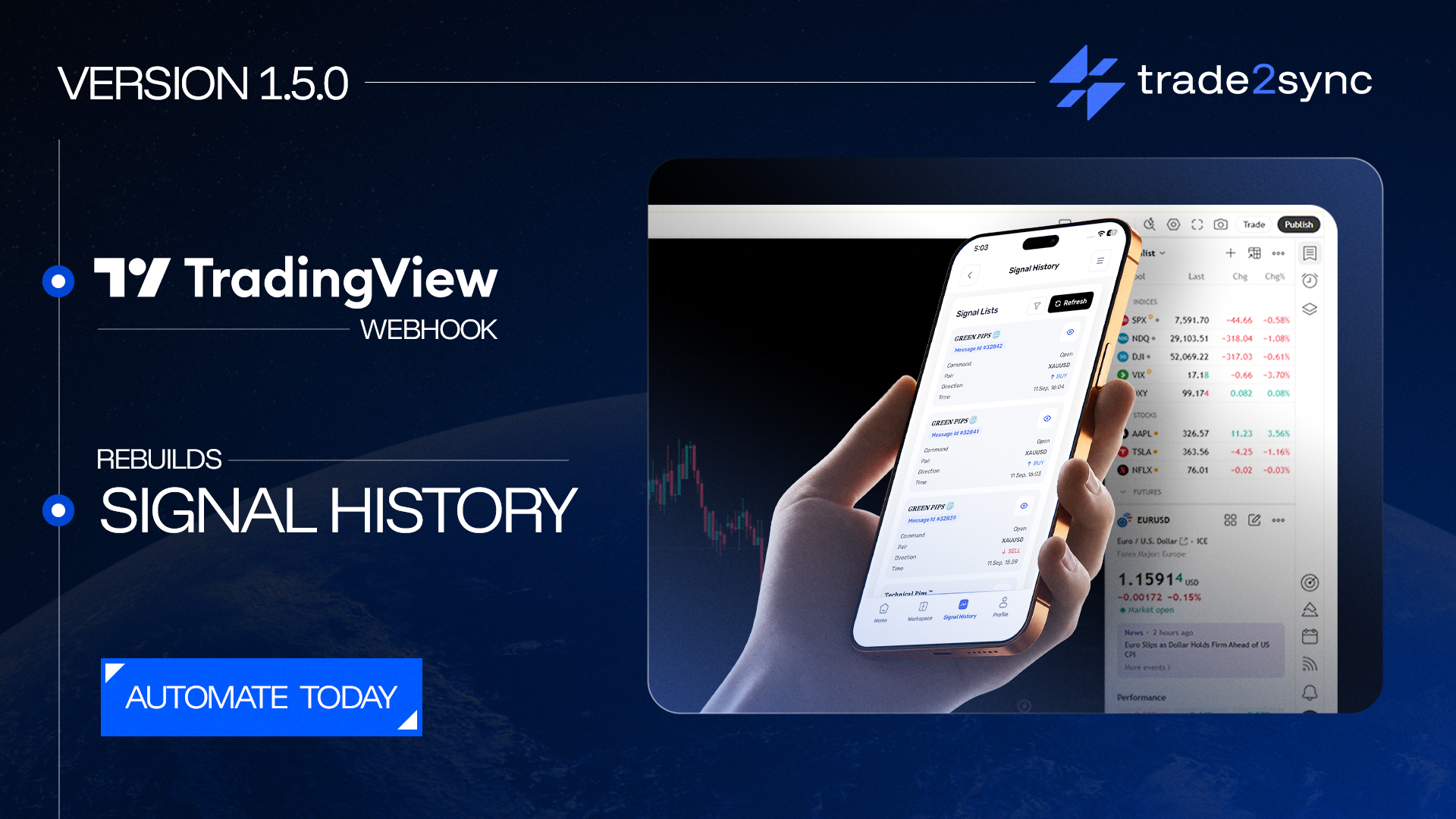
You can now send trades from TradingView straight to your broker. Signal History has also been rebuilt so it’s much easier to read.
trade2sync has released version 1.5.0 of its cloud trade copier. This is the biggest update yet after the rebranding from Telegram Signal Copier (TSC) to trade2sync. For the first time, trades no longer have to come from Telegram. It also gives the two most-used screens, Workspaces and Signal History, a full makeover.
The update is already switched on for everyone. trade2sync runs in the cloud, so there is nothing to download and nothing to set up.
The main new feature: send trades from TradingView
Until now, trades came only from Telegram signals. With 1.5.0, trades can also come from a webhook. A webhook is just a link that another app uses to send trade2sync an instruction.
This means you can now send trades from:
- TradingView alerts
- No-code tools like Zapier, Make, and n8n
- Any app or indicator that can send a webhook
As long as the alert includes the pair, direction (buy or sell), stop loss, and take profit, trade2sync places the trade on your broker. Your existing rules still apply: risk settings, lot sizes, breakeven rules, trailing stops, partial closes, and news filters all work with no extra setup. Trades run on MT4, MT5, cTrader, DXtrade, and TradeLocker, sit alongside your Telegram channels in the same workspace, and need no VPS or software running.
How it works in practice
The flow is simple. A trader’s TradingView indicator spots EUR/USD buy and fires an alert. trade2sync opens the trade on the connected broker with the trader’s usual risk and lot settings, then manages it to break even, trailing stop, and partial profits, with no screen time or extra software required.
What’s new in 1.5.0
Beyond webhooks, the release adds several features built in response to user requests.
Save and reuse your settings
Save a full workspace setup (risk, lot sizes, take profit and stop loss, symbols, and signal settings) and use it anywhere: copy it to another workspace, save it as a file, or load one saved before. Broker logins and account numbers are never included, so it’s safe to share.
Swap your broker in one step
Point a workspace at a different broker account without rebuilding it or reconnecting Telegram channels, handy when moving from demo to live, switching prop-firm accounts, or changing broker. Its channels, settings, and history stay; only the account changes.
A clearer Signal History: one signal, one row
Because each take profit opens its own trade, a three-target signal once appeared as three rows. Now every signal is one row showing the pair, direction, command, and how many targets have been hit. Click it to see each take profit with its lot, price, broker ID, and comment, plus a step-by-step timeline (order sent, filled, stop moved to breakeven, target hit).
A quick summary at the top
Signal History now opens with a summary: how many signals came in, how many were placed in full, how many your broker rejected, and how many your own rules filtered out. This makes it easy to see where to look if something didn’t go as expected.
Sort your workspaces
You can now order your workspaces by newest, oldest, or A to Z. Useful once you’re running a few.
Improvements and one fix
A few smaller things also got better in 1.5.0:
- Faster pending-order cleanup: the shortest expiry time drops from 10 minutes to 1.
- Fancy emoji signals now work: signals styled with Telegram’s coloured emoji, once skipped by mistake, are now read and placed like any other.
- Replies to image signals now work too: follow-up replies like “close half” or “move to breakeven” on picture signals are matched to the right trades.
There’s also one fix. Move SL After X used to accept 0, which left it looking active while never moving your stop. It now needs a value above 0. If you had it set to 0, open that workspace, enter a higher value, and save.
Need help with webhooks? Contact trade2sync client support.
About trade2sync
trade2sync (formerly Telegram Signal Copier) is a cloud trade copier. It automatically places trades from Telegram signals, and now from TradingView and other webhook alerts, on MT4, MT5, cTrader, DXtrade, and TradeLocker accounts. It applies your own risk, lot size, and trade-management rules to every trade, and runs entirely in the cloud, with no VPS or software to install.







Comment