
Top PromeAI Alternatives for Photorealism

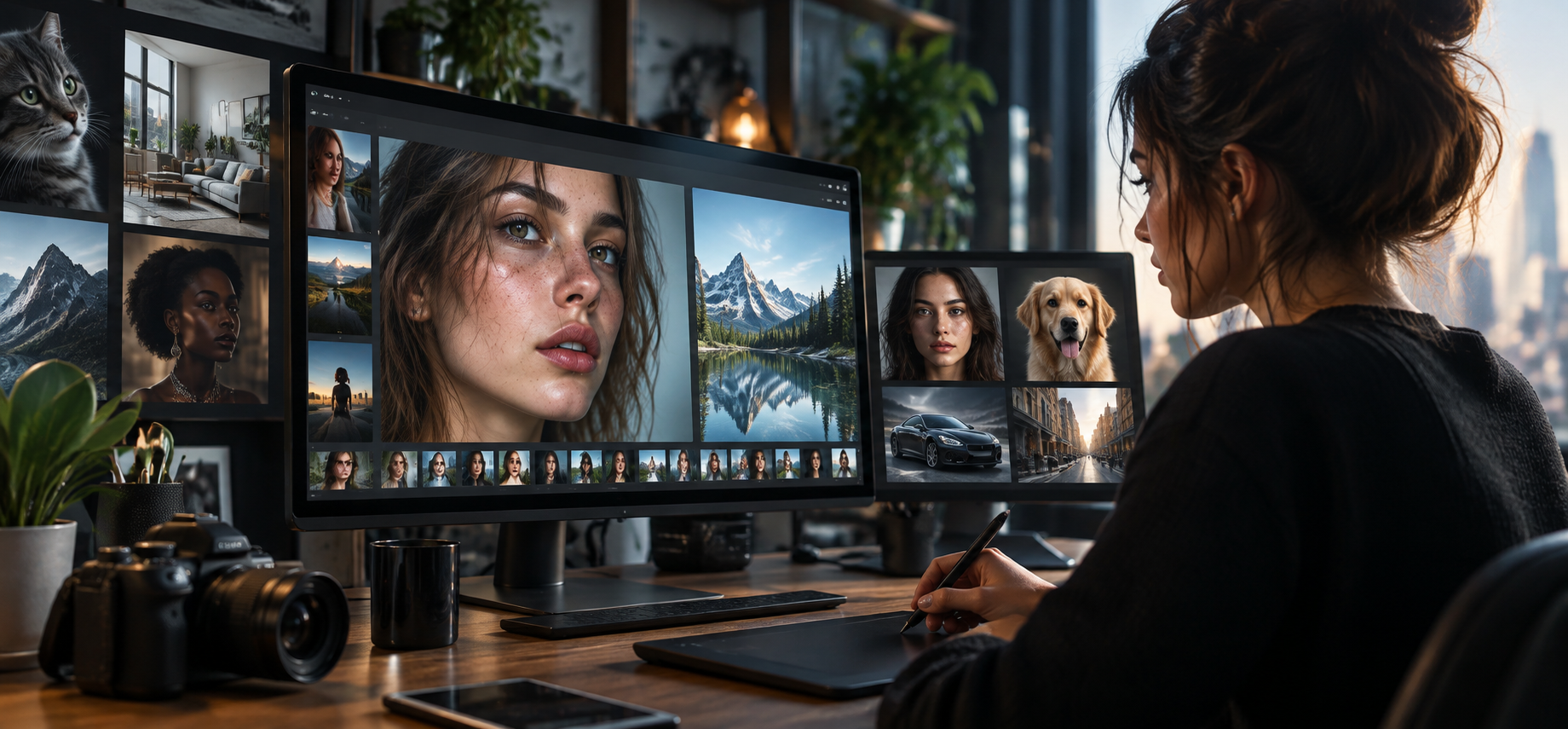
Did you also notice how some generated images look more realistic than the ones taken in studios? In 2026, modern platforms and tools offer AI tools for generating images that look natural and realistic. Sometimes it is even impossible to differentiate real images from generated content.
PromeAI offers AI-generated images and content sketch rendering for the interior, game industry and product development. It is an option, but not the only platform for generating photorealistic visuals. You can check out other platforms focusing on sharp resolution, accurate lighting, shadows, surface texture and other features.
In this article, we came up with and compared the top 3 platforms for photorealism as an alternative to PromeAI. They stand out with their AI models, visual media and features that can transform content into realistic media.
How we evaluated these platforms
We compared and represented platforms with AI-assisted qualities for photorealistic purposes, considering these practical workflows and features:
- AI tools: Can you create with advanced and modern AI tools for generating photorealistic images?
- Creative concepts: Does it offer quick and easy access to photorealistic images, illustrations and media?
- Editing features: Can you generate content and change basic concepts, add mood boards, and other features with one click?
Take a look at the overview table of the top 3 platforms with AI models and features for generating photorealistic content.
| Platform | Main AI tools | Standout characteristics |
| Krea.ai | Flux.1, Krea 2, Nano Banana, Seedream, Muse Image, Ideogram | Photorealistic concepts, moodboards, fast delivery, models and creativity in content |
| Lovart | Nano Banana, GPT Image, Seedream, Luma | Design-focused, illustrations, visual media for branding and projects |
| Leonardo.ai | Lucid, Phoenix, Veo | Design models for photorealistic models and workflow |
Krea.ai
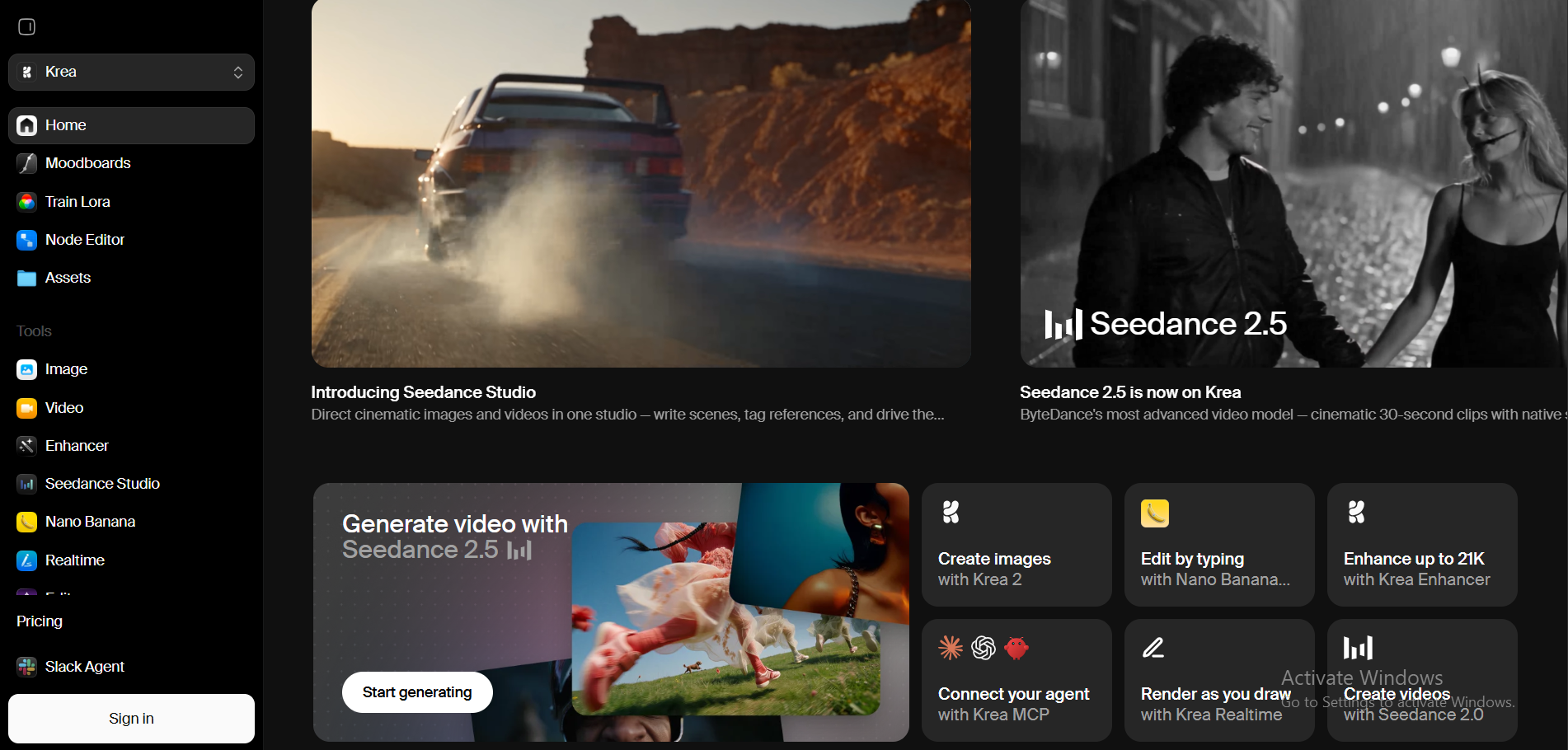
Krea.ai is a digital platform offering an all-in-one creative suite with generated AI images, videos, and 3D models for photorealistic direction. You can easily and quickly write a prompt, download references, refine the features and mood of the content, and generate with one click.
Krea is not just a platform, but a place for generating realistic and cinematic scenes that feel like they were taken in professional studios or real settings.
One of the top-tier and powerful tools that Krea offers to users for generating photorealistic content is Flux.1 model. For photorealistic creation, you will need clear details and a smooth surface, which Flux guarantees. That’s not everything. Krea also offers other modern and high-tech AI models, including Krea 2, Nano Banana, Seedream, Muse Image, Ideogram and other advanced tools for photorealistic images.
You can easily transform images and content into reality with the best models and features of Krea.
Main Features
Realistic impression
- You want to create content and images that are similar to real ones. Krea not only generates content but also provides clear texture, vivid colors, and dynamic camera movement.
Photorealistic content
- You can quickly and easily create illustrations, posters, complex diagrams, characters, landscapes, and product designs.
Editing capabilities
- After uploading a reference image or writing a prompt, Krea offers you powerful editing features. You can crop, expand, change lighting, image depth, camera angle, enhance the quality, or turn images into videos with motion.
Creative moodboards
- What’s more exciting after editing the content is experimenting with moodboards. You can generate the same content with different themes, including retro web, futuristic glam, coquette, film noir, or minimalist sketches. If you have other ideas, you can create your own moodboard with your preferences and topics.
Why Krea.ai Comes Out on Top
- Krea is useful for creating realistic images and content within seconds
- Creativity, quality, speed and natural-looking content are priorities here
- Visual exploration, fast iteration, and a precise workflow with powerful editing skills
- Modern AI-assisted models and tools for fast and realistic content creation
- Krea offers photorealistic content for diverse audiences and industries
Best for: Photographers, digital artists, content creators, designers, and other creative users looking for natural-looking and realistic images and videos with photorealistic concepts, creative mood boards, and design alternatives for their projects or ideas.
Lovart
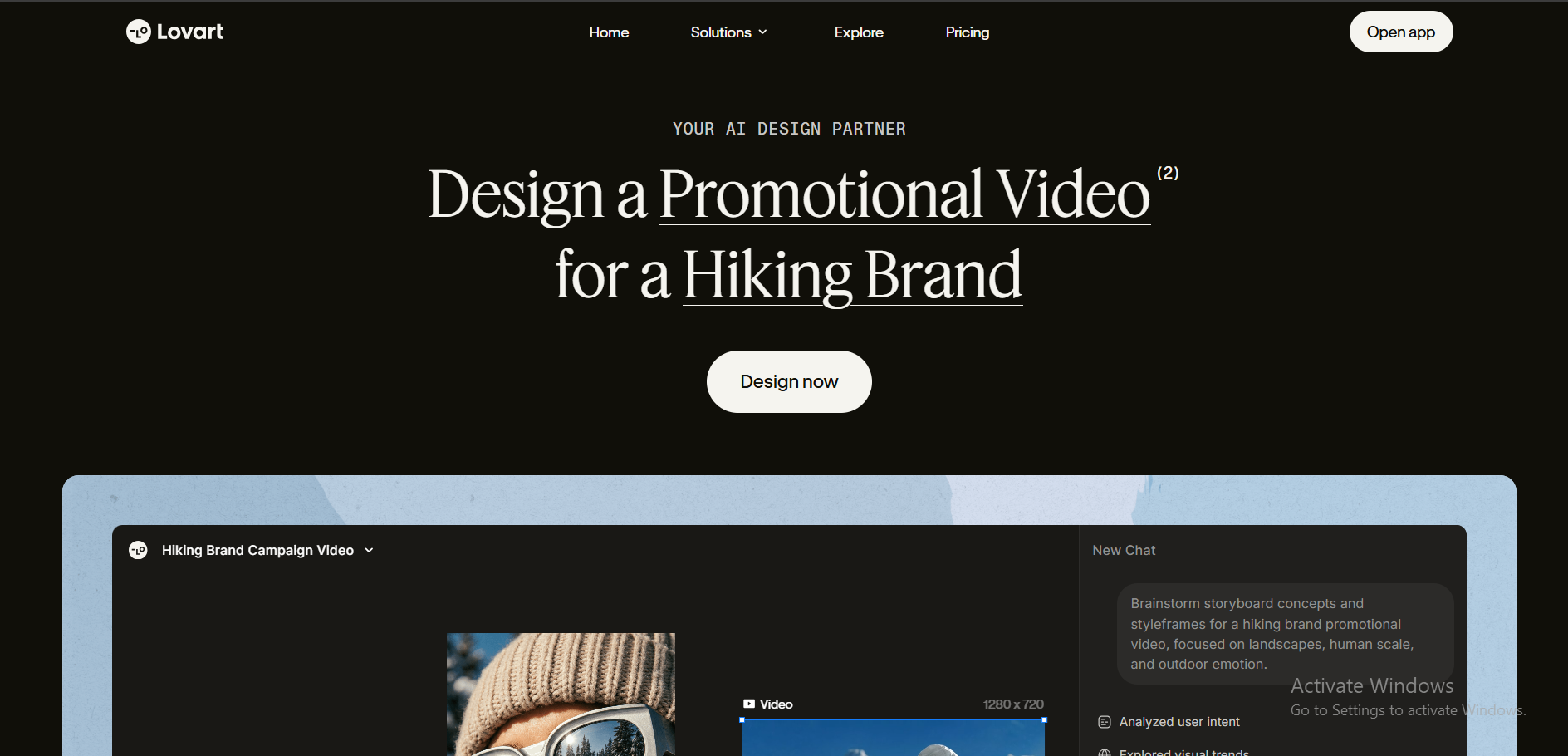
Lovart is a digital platform for creating visual content with AI-powered tools and models. You can generate photorealistic images and content with design and editing tools.
For realistic visual content with different AI models, including Nano Banana, GPT Image, Seedream, Luma, and other tools. The platform focuses more on design and visual creation with realistic images and tools. It specifically concentrates on commercial and branding rather than photorealistic creation.
Main Features
Content creation
- Here you can create posters, ads, illustrations, characters, product and architectural designs, and storyboards.
Design
- The platform offers designs for interiors, jewelry, and other variations if you want to create photorealistic images for these specific industries.
Editing tools
- Easy to edit logos, colors, fonts, styles, frames, sizes, formats, and other features for your generated content.
Pros
- Selection of designs and ideas for photorealistic content and brand products
- Content creation tools
- Editing and visualization options
Best for: Content creators, designers, photographers, marketers trying to create photorealistic images and visual content for their brands, companies or projects.
Leonardo.ai
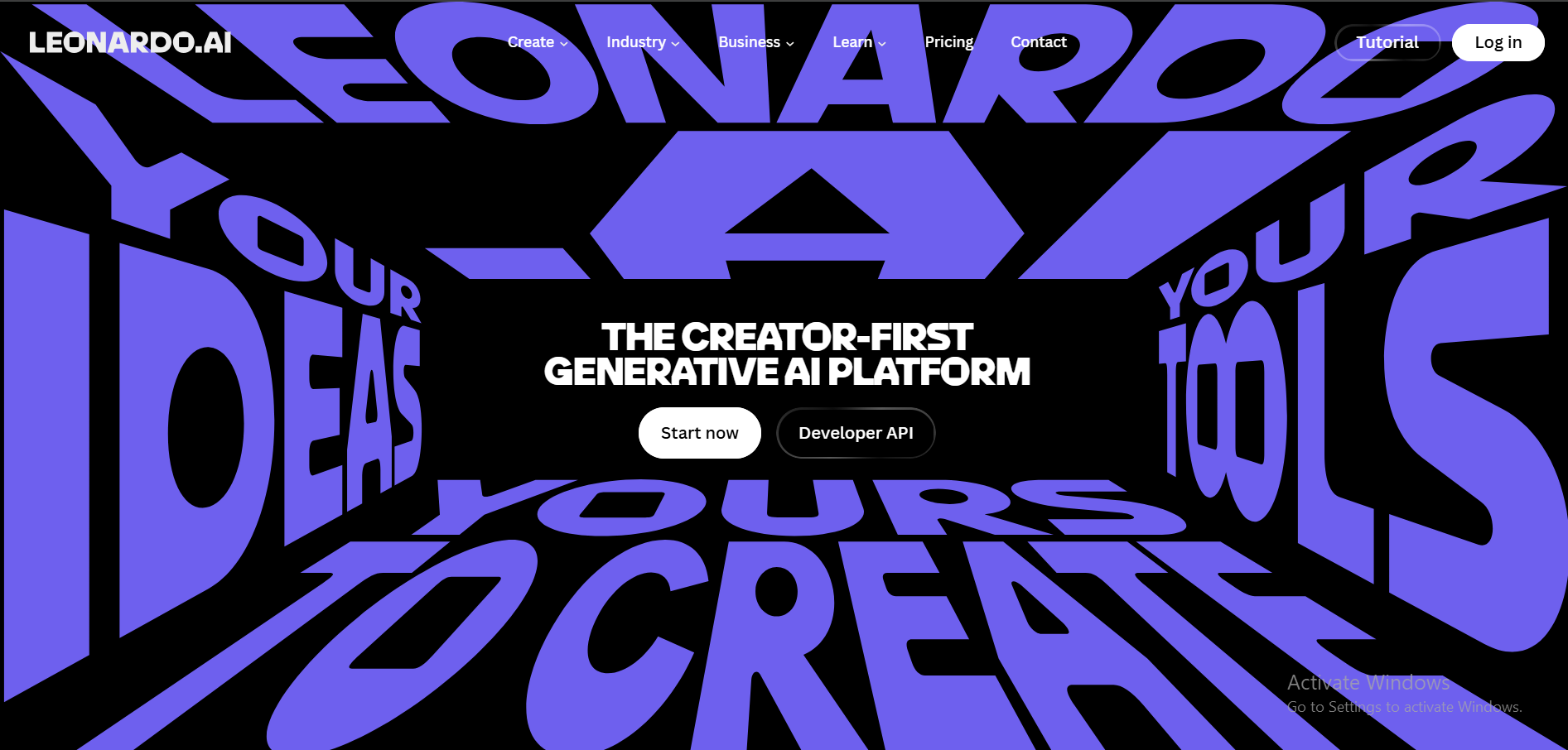
Leonardo.ai is an online platform for generating images and videos with realistic content and visuals. Here you can create AI videos and AI images based on prompts or references. Trained models and editing options make images and videos look realistic and natural.
With AI-assisted models, including Lucid, Phoenix, Veo and other tools, you can generate content for promoting products, presenting projects and business or personal ideas.
Main Features
Content
- Leonardo.ai offers image-to-image and text-to-image with photorealistic features. You can create models, landscapes, portraits, and products.
Editing features
- The platform allows you to edit images by enhancing resolution, changing the background, texture, shadows and depth.
Canvas
- For photorealistic images, you can adjust composition and other visual elements of your content.
Visual style
- You can create visual representations and scenes with specific styles and design.
Pros
- Create visual content with modern tools
- Easy flow and direction for creating realistic images
- Editing and upscaling capabilities
Best for: Photographers, designers, content creators, illustrators, and business owners wanting to generate images that look realistic and natural for their promotional products or personal use.
Bottom Line
PromeAI is a platform for generating AI images and content with realistic features and scenes; however, we have come up with other platforms that suggest AI models and natural-looking visual content for you to consider.
Photographers, marketers and content creators are using AI platforms to generate images for their products and projects. You can also start to create with these platforms that turn basic images into advanced and creative visuals.
However, before choosing a platform, ask yourself these questions:
- Which platform offers the best AI models, including Flux and other advanced ones?
- Does it provide lighting, editing tools and mood boards for you to freely work on visuals?
By choosing the best platform with a strong workflow, realistic impression and editing capabilities, you can become part of this journey.





Comment