
Renoise vs Higgsfield: Which AI Video Generator Is Cheaper in 2026?

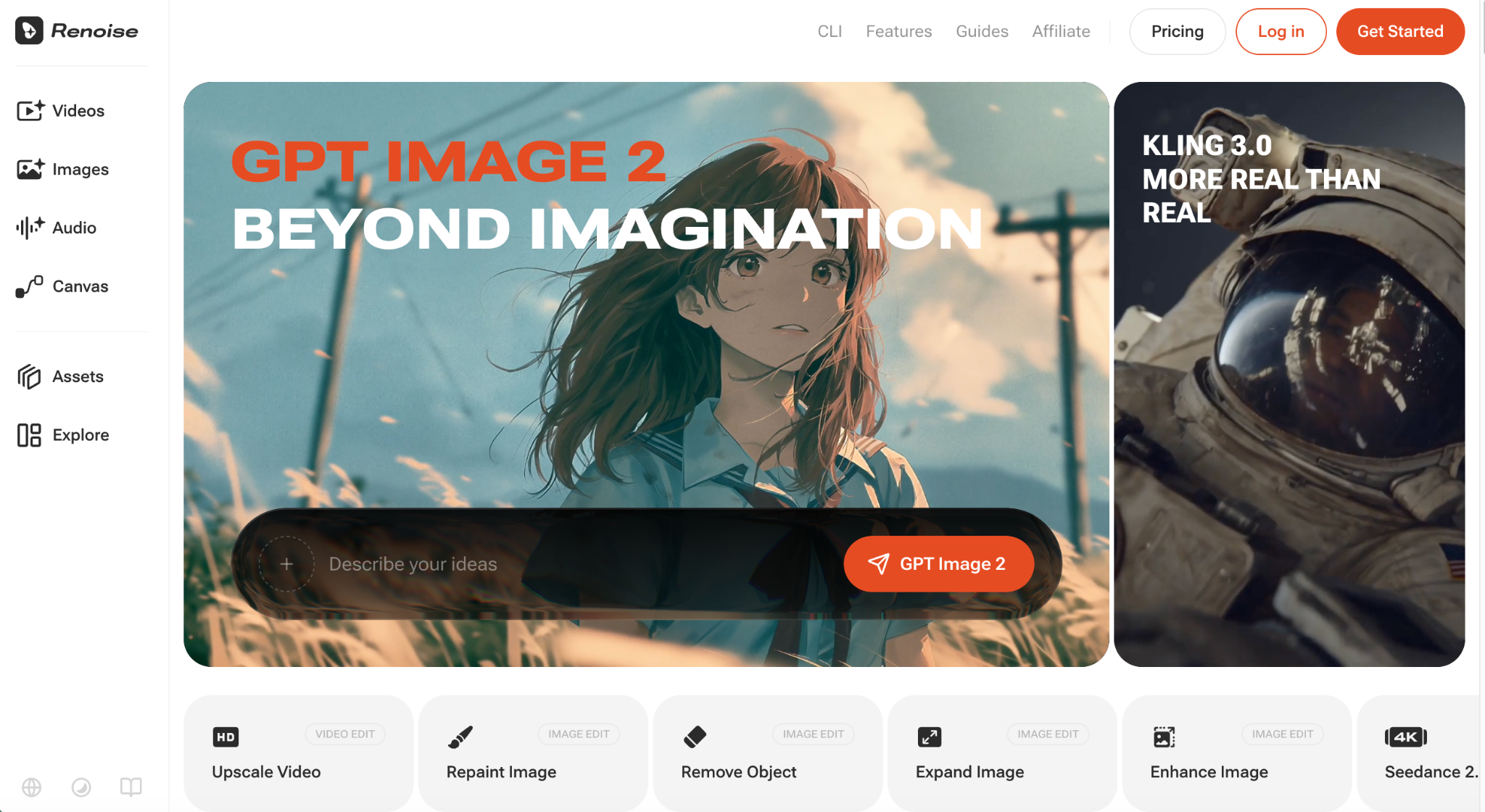
If you are choosing an AI video tool in 2026, Renoise and Higgsfield probably both made your shortlist. They share a foundation — both tap the same Seedance video models — so this is not a “which AI is better” debate. The real questions are price per second, how many models you can reach, and how easily you keep characters consistent. Below, we compare Renoise AI and Higgsfield on exactly those points, so you can pick the one that fits your work.
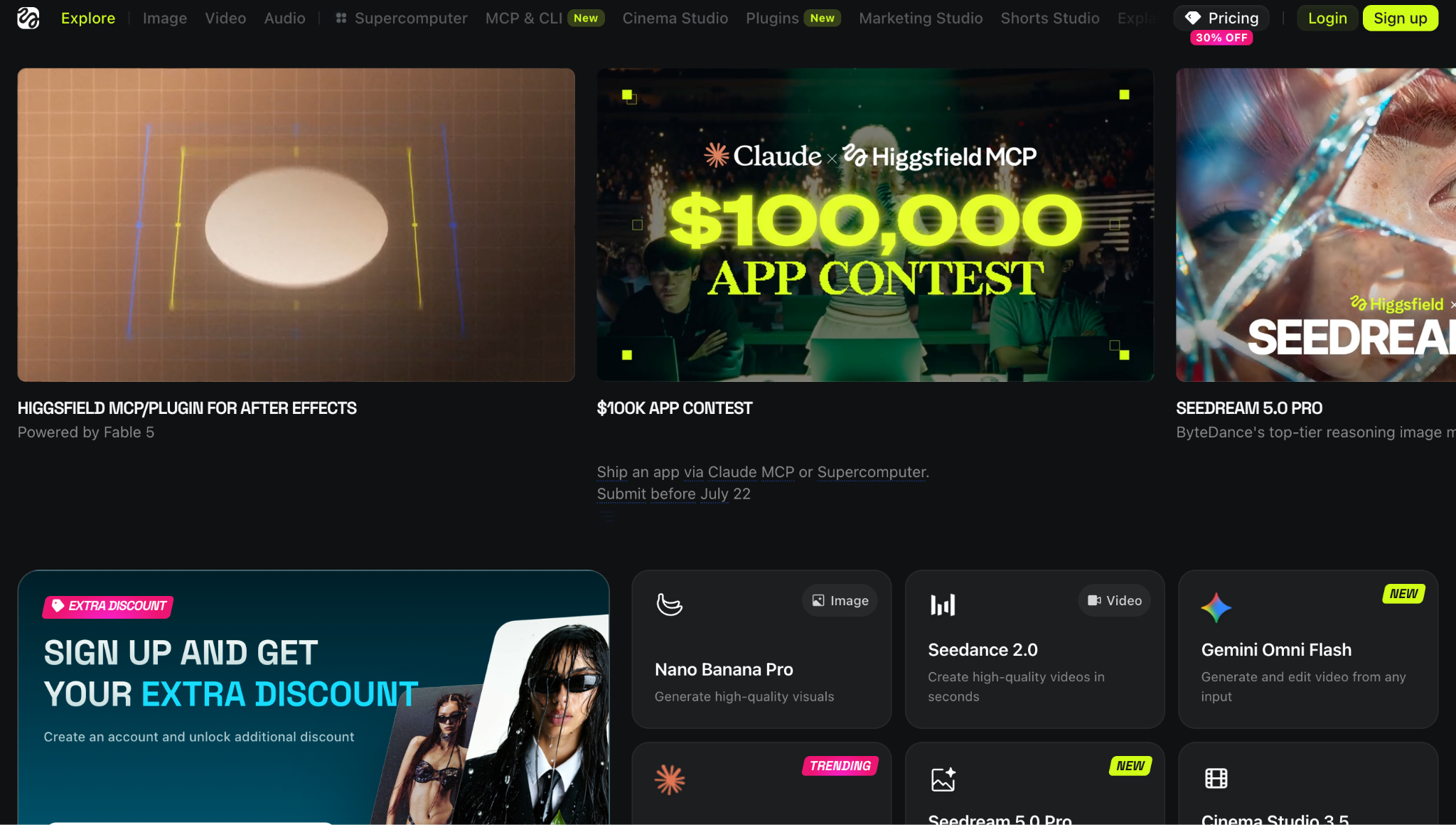
Renoise vs Higgsfield at a Glance
| Renoise | Higgsfield | |
| Models | Seedance 2.0, Kling 3.0 Omni, HappyHorse — one canvas | Seedance-based, camera/VFX presets |
| Character consistency | up to 9 reference images | moderate |
| Native lip sync | Yes (Kling 3.0 Omni) | Limited |
| Max resolution | up to 4K | up to 4K |
| Entry price | $20/month | free tier; Seedance 2.0 plans from $49/mo |
Pricing Compared
For the same full model — Seedance 2.0 at 720p — here is the per-second cost:
| Plan | Seedance 2.0 · 720p (per second) |
| Renoise — Advance | $0.20 |
| Higgsfield Ultra ($129/mo) | $0.19 |
| Higgsfield Business ($71/seat) | $0.21 |
| Higgsfield Plus ($49/mo) | $0.22 |
What the table shows:
- Like for like: at 720p, Renoise Advance ($0.20/s) is basically the same as Higgsfield’s cheapest rate $0.19) — but Higgsfield only hits that on its $129/month plan, and it costs more on the $49 and $71 plans.
- Want it cheaper? Switch to the lighter Seedance 2.0-mini: about $0.10/second at 720p — roughly half Higgsfield’s cheapest rate.
- Need higher resolution? On Renoise Advance, 1080p is about $0.45/second and 4K about $1.00/second (~$5 for a 5-second 4K clip).
These Renoise rates are on the Advance plan. Comparison covers Renoise and Higgsfield only.
Models and Canvas
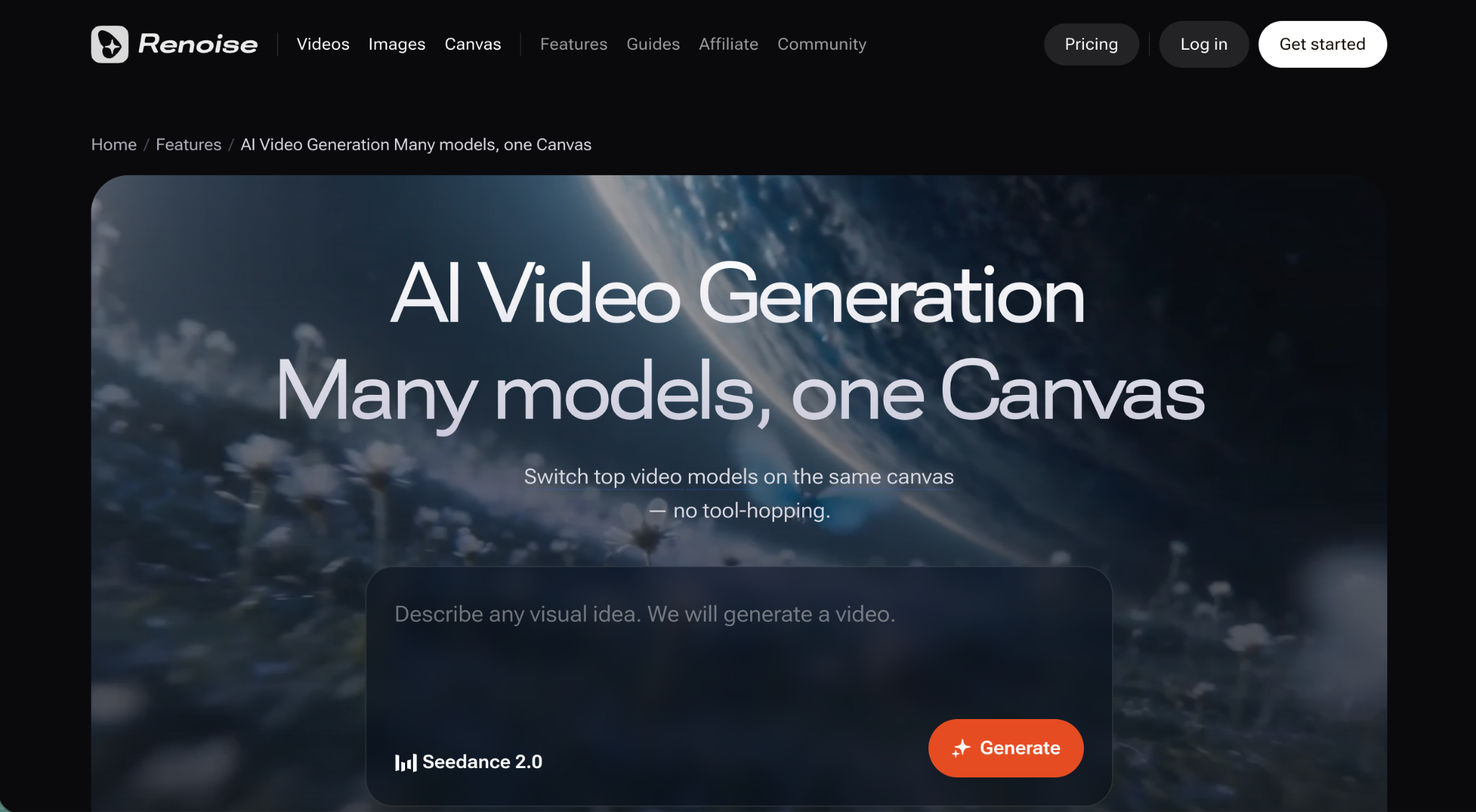
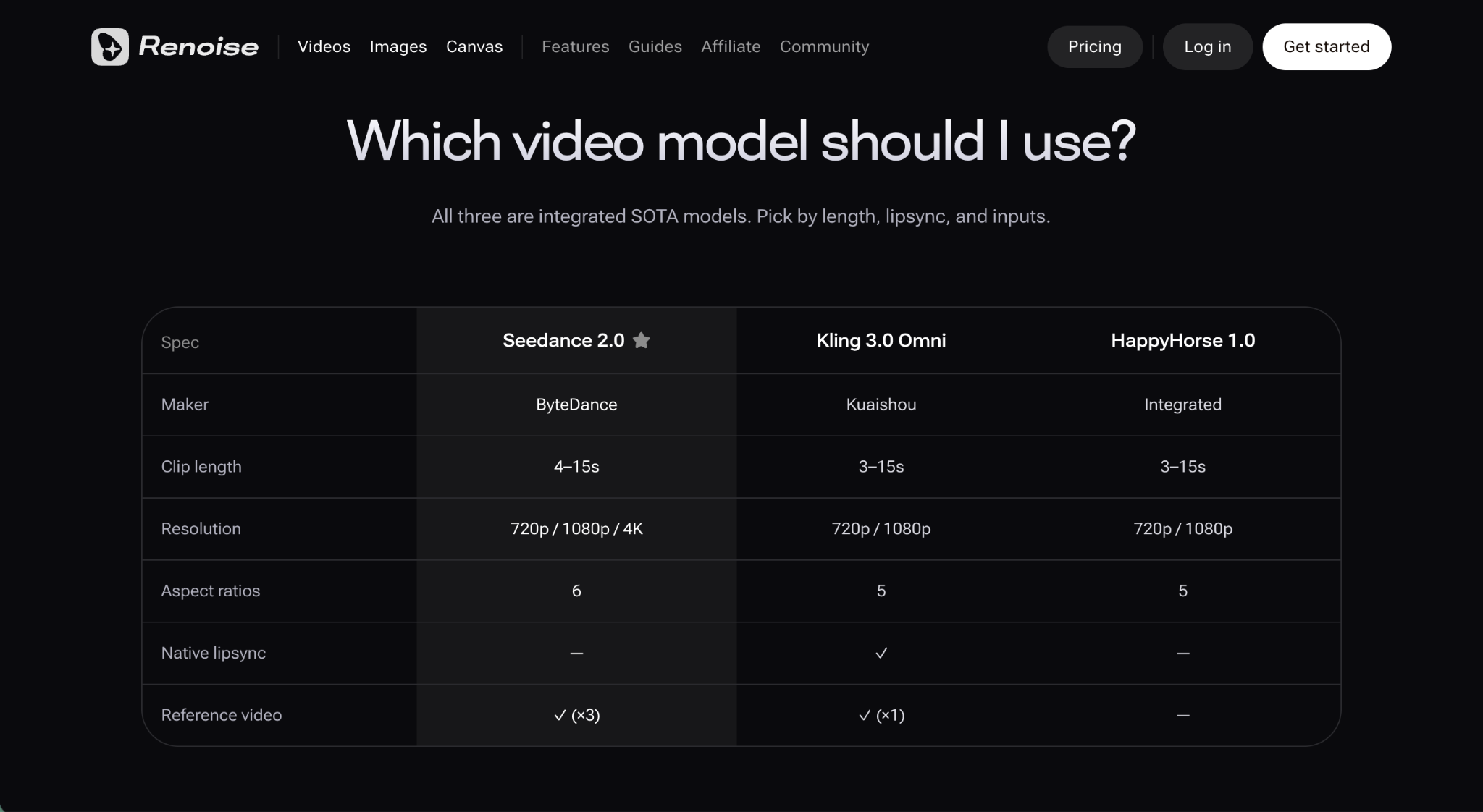
Higgsfield leans on preset camera moves and effects, which suits stylized, cinematic shots. Renoise’s pitch is “switch models, no tool-hopping” — Seedance 2.0 for 4K, Kling 3.0 Omni for lip sync, and HappyHorse for variety, all on one canvas. Renoise connects to Seedance through a native overseas BytePlus channel and applies facial consistency automatically, so there is no learning curve. In practice, that lets you match the model to the shot rather than the shot to the model.
Consistency and Lip Sync
This is where Renoise’s ai video generator pulls ahead for narrative work. Up to 9 reference images lock a character or product across shots, and Kling 3.0 Omni adds native lip sync with no extra step. For dialogue-driven scenes, that saves a lot of manual cleanup.
Which Should You Choose?
- Choose Higgsfield if your priority is cinematic camera presets and stylized VFX out of the box.
- Choose Renoise if you want multiple models, consistent characters, and a lower per-second cost — a better fit for e-commerce ads, social shorts, and story-driven series.
FAQ
- Do both use Seedance? Yes — the difference is pricing structure and workflow.
- Which is cheaper for beginners? Renoise, from $20/month with mini-tier clips around $0.10/second.
- Which has better character consistency? Renoise, with up to 9 reference images.
- Does either offer lip sync? Renoise does natively via Kling 3.0 Omni.
Conclusion
For preset-driven cinematic shots, Higgsfield is strong. For flexible, consistent, budget-friendly video, renoise.ai is the better pick — try it here.







Comment