
PDF Merge Tools Compared: Features, Pricing & Usability

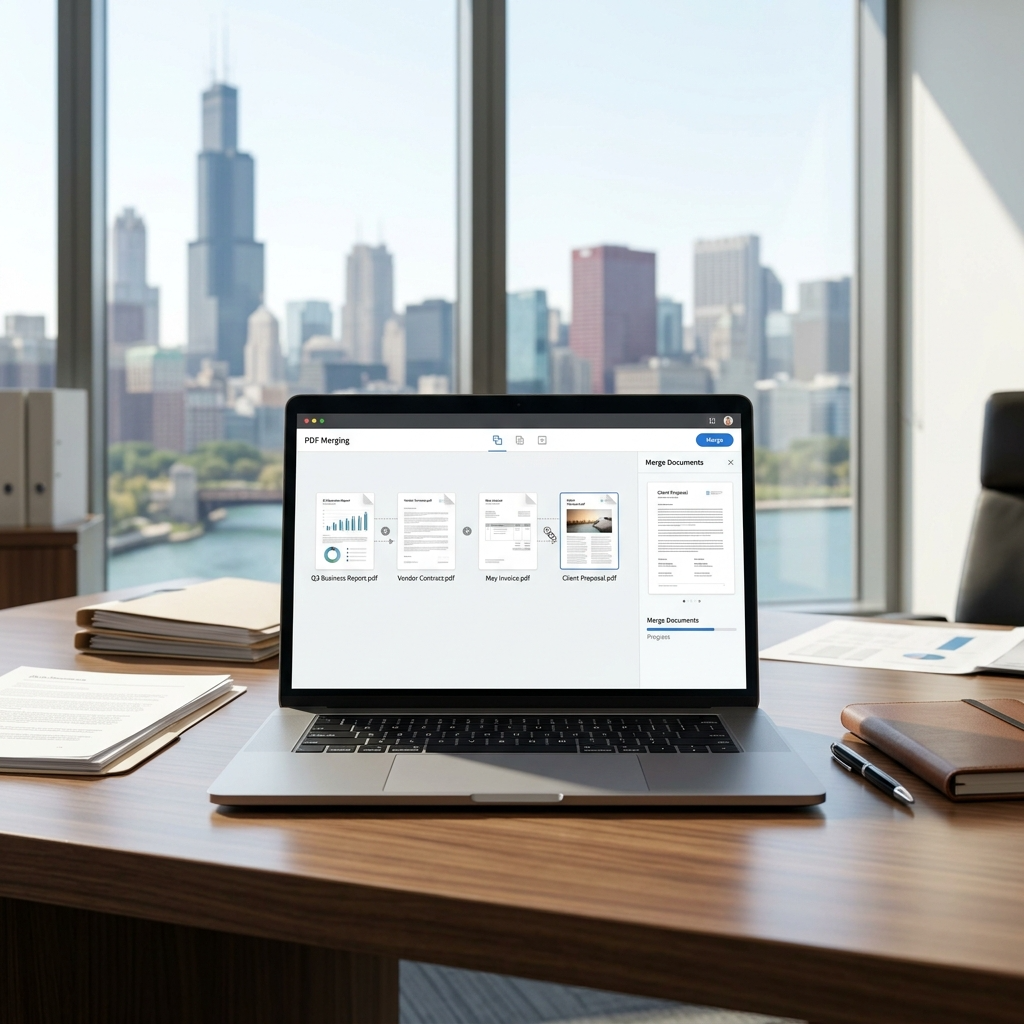
As we exist in the digital world, document management is an essential component of any business process. Contracts, reports, invoices, and proposals usually come as separate PDF files, creating problems of organization during information exchange. That’s where combining PDF files online comes in.
The capability to merge PDFs into one document simplifies the process of document management. There are more than 2.5 trillion PDF files utilized across the globe and it is a technology which keeps on evolving. But the real question that arises here is why do businesses always like to use the PDF tools? The current article will cover why we often require PDF merge, convenient tools, and methods for their implementation without disturbance of your work routine.
PDF Merge-Reasons to Know
The majority of email services and social media platforms enable sending a certain number of documents based on the file sizes. In case you have to send several PDF documents, you will have to do that in different emails or messages which means you won’t be able to keep up with the process properly.
Using the merge function, you will be able to merge the PDF files together and store the resulting PDF file with just a few clicks. It is easy for you to sort out and share multiple PDF files into a single file, which makes it easier for you to organize your information and to stay on top of your work.
Characteristics of Merged PDF Online
A single file and a single sequence of pages that continues from page 1 to page 2 irrespective of what document the pages belonged to in the first place
- Source limitations have been erased — no indication as to whether one source document ends and another begins
- Compatibility with any viewing software — any PDF viewer can open a combined PDF file just fine
- Searching the PDF file as one — searchable for text from the very first page to the last page
- Access to original files impossible — users can neither extract nor save the original files
PDF merging should be done when the content creates one single document.
How to Merge PDF into One Unified Document in Seconds
Stick of juggling multiple PDF files? Do you need a simple solution to simplify your workflow? Look no further than an online PDF merging tool! Here’s how to merge PDF free by using the right tool.
Choose the Right Merge PDF Online Tool
The very first step in joining PDF documents is to choose the best merge PDF tool to get all PDFs combined in one place. Make sure that the tool has a minimalistic interface & is easy to navigate so you don’t waste time trying to figure out how to use it to accomplish the merging process. A great PDF merger gives you full control over file order and speeds up the process with batch merging. This lets you join numerous PDFs in a single go. Compatibility is the main factor to consider. You should handpick a PDF merge tool that offers no compatibility issues. This will assist you in choosing the tool that is good for your requirements.
Tools and Programs for Combining PDFs
There are different methods available for combining documents based on your business needs and preference. While some users use web-based solutions, other prefer using software applications.
The Best PDF Merging Solutions
Many businesses make use of PDF editor that helps in editing, signature, and document merging among other activities. These systems come with features that can help users to combine PDF files using the web interface. Some of the best PDF editors are discuss below:
PDF Converter
PDF Converter is a free web-based application that enables users to conveniently combine several PDF files into one document. The application also allows combining PDFs with Word documents and images among other file formats.
Key Features
- Ability to combine PDFs and other file formats.
- Drag and drop file upload function.
- Pages and documents can be arranged prior to combining.
- Option to download the combined PDF within a few clicks.
What Users Like
- Intuitive interface.
- Compatibility with different file formats.
- Easy to arrange pages before downloading the document.
Drawbacks
- Free users are only allowed to combine one file set in an hour.
- Files uploaded will be automatically removed from the servers after three hours.
- Users who make use of the service frequently may find the free version too limiting.
Price
- Monthly subscription: About $9
- Annual subscription: About $69
- Lifetime license: About $99
iLovePDF2.com
I Love PDF 2 is another web-based free PDF tool that allows you to combine, split, compress, edit, convert, and secure your PDF files irrespective of which device you are using. It has a simple interface and hence makes it easy to manage documents. The tool provides drag-and-drop upload feature and rearranges pages before combining them into one single PDF file. What’s more the tool offer? There is no sign up, login, and limitation on the number and size of your PDFs and images.
Why We Like This Tool
- 100% free.
- Faster process and high quality results.
- Batch uploading capability.
- Retains formatting of merged documents
Key Features
The Merge PDF software provides you with the flexibility of various features, which help you merge various PDFs and images into one file or separate files.
Selection of multiple files: Click the ‘+Plus’ icon, or hit the ‘Ctrl’ button on your computer to add multiple files.
Organize PDF and Images: Organize your PDF files and images in your required order, just drag and drop them in the preview section.
OCR PDF: Make your scanned PDFs into editable and searchable files, making it easy for you to locate and modify the text.
Non-OCR PDF: This option helps you merge various PDFs while keeping the formatting of whatever is contained in the files.
Files Combinations: You do not only merge PDF files; rather, you can also merge PNG, PSD, JPG, RAW and TIFF files.
Limitations
- Only accessible through web browsers
SmallPDFFree.com
SmallPDFfree.com offers a complete collection of free online tools that cover all your PDF needs, both big and small. Users can access a whole range of tools that helps merge, split, compress, convert, and edit PDF files for free. You can experience the ease of the online solution, all with a few clicks away. This merge PDF free online tool easily merged your multiple PDF files into one neatly arranged document. And make your process easier by ensuring that all your data is efficiently organized.
Key Features
Merging of Files – Not just PDF files, you can also merge PNG, PSD, JPG, RAW, and TIFF files.
Easier File Selection – Use the ‘Plus +’ option to select files.
OCR PDF – Convert any PDF file to a searchable and editable one.
Non-OCR PDF – Merge your files without applying OCR for quicker merging and smaller file size.
Limited Features
- Users find the limited usage frustrating, often leading to an upgrade for better access and features.
Using a Merged PDF When It Is Appropriate
Legal Papers: Keep all your legal documents in a single, seamless document for easy review.
Business Reports: Create a consolidated report including all the required information for easy review and printing.
Application Papers: Merge your cover letter, CV, and other documents into a single PDF document for easy submission.
Document Archiving: Save all your important documents in one document to ensure easy management and retrieval.
E-Mail Sending: Send your single PDF document which will open seamlessly on almost any computer or PDF reader.
The benefits are simple but powerful for:
Boost Productivity: Reduce interruptions caused by switching between documents.
Keep Everything Together: Bring all important documents into one organized PDF.
Convenient Sharing: Only one link or file will be required rather than five.
Professional Look: Documents can be presented in one file professionally.
In other words, merging of PDF files can eliminates clutter and improves accessibility-two essentials for boosting productivity and help you become more organized and efficient.
Which PDF Merge Tool You Should Choose?
In a world where documents dominate both personal and professional life, it is important to be efficient in this new era. There are many software programs designed to simplify our lives; hence, there is no need to neglect their potential. What’s great, though, having the appropriate PDF tools like iLovePDF2.com & SmallPDFFree.com, the process of merging is fast and makes it possible to avoid constant interaction with the documents. No matter if you work on reports, prepare agreements, or organize your internal files, merging PDFs is an easy practice that simplifies the workflow with the documents.







Comment