
Kling 3.0 Turbo on VideoWeb AI: Faster AI Video Creation for Modern Creators

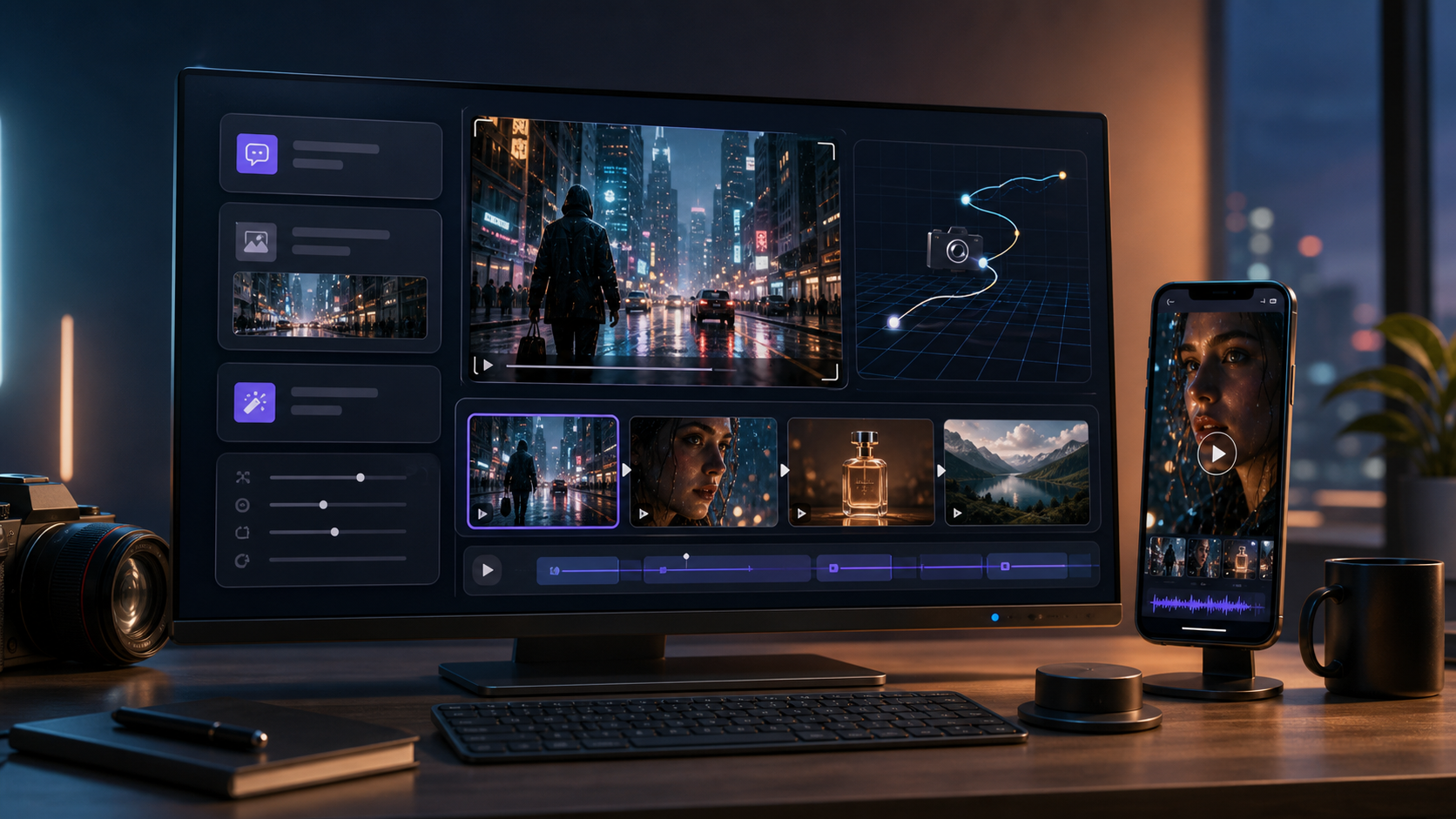
AI video generation is becoming a practical part of everyday content production. Creators, marketers, filmmakers, designers, and small businesses can now explore video ideas without beginning with a full production crew or a complicated editing workflow. By describing a scene or supplying a source image, users can quickly develop short clips for social media, advertising, creative testing, and visual storytelling. For anyone seeking a faster model for these workflows, Kling 3.0 Turbo is an appealing option to explore on VideoWeb AI.
The main advantage of a faster AI video model is not simply that it reduces generation time. Speed also changes how creators approach experimentation. AI-generated video rarely reaches its strongest form after a single attempt. Users often need to refine the prompt, adjust the movement, simplify the composition, or test a different camera direction. A faster workflow makes this iterative process feel more natural.
Instead of treating every generation as a finished production, creators can use Kling 3.0 Turbo to develop visual drafts. They can compare multiple ideas, identify the strongest direction, and improve the chosen concept before investing more time in editing or distribution.
Why Faster AI Video Generation Matters
Creative momentum is important. When a workflow becomes too slow or complicated, users may hesitate to test alternative ideas. A faster model gives creators more freedom to experiment with subjects, environments, actions, moods, and visual styles.
A marketer, for example, might want to compare several approaches to a product advertisement. One version could use a clean studio environment, while another could present the product in a cinematic outdoor scene. A social media creator might test several opening shots to determine which one creates the strongest visual hook.
Filmmakers and designers can also benefit from rapid generation. A director may want to preview the mood of a scene before creating a storyboard, while a designer may want to demonstrate how a static concept could appear in motion. Kling 3.0 Turbo can support these early creative stages by helping users move from written ideas to visual examples.
Text-to-Video for Creative Exploration
Text-to-video generation allows creators to begin with a written description. A prompt can define the subject, location, action, camera behavior, lighting, and atmosphere of a scene.
For example, a basic prompt such as “a car driving through a city” provides only a broad idea. A more detailed prompt could describe a black sports car driving through a rain-covered city at night, with neon reflections on the road and a tracking camera following from behind. The second prompt gives the model more information about the intended mood and visual direction.
Clear prompts are especially valuable when creators want a video to feel intentional rather than random. Users should think about what the subject is doing, where the action takes place, how the camera moves, and what emotional tone the scene should communicate.
Image-to-Video for Stronger Visual Direction
Image-to-video workflows are useful when a creator already has a specific visual starting point. Instead of asking the model to invent the entire scene, the user can begin with a product image, character portrait, fashion photograph, landscape, illustration, or campaign asset.
The source image helps establish the composition and visual identity of the clip. The accompanying prompt can then explain how the subject, camera, or environment should move.
This approach can be useful for product promotions, portrait animation, concept art, fashion content, and social media visuals. A still product image could become a short promotional reveal, while a character illustration could be developed into a cinematic concept clip.
To achieve cleaner results, creators should use source images with a clear subject and an uncluttered composition. Prompts should describe focused, believable motion rather than combining too many actions in one generation.
Useful Applications for Kling 3.0 Turbo
Kling 3.0 Turbo can support a wide range of creative projects. Social media creators can use it to prepare short clips for TikTok, Instagram Reels, and YouTube Shorts. Marketers can explore campaign concepts, product teasers, and ad variations. Filmmakers can use generated clips for previsualization, story development, and mood references.
Independent creators may find the model particularly useful because it allows them to explore motion-based content without needing access to a large production budget. A writer can visualize a fictional setting, an artist can animate a still concept, and a musician can experiment with atmospheric visuals for a new track.
AI video does not need to replace traditional production to be valuable. It can support brainstorming, visual planning, and early experimentation. Creators can use generated clips as drafts, references, or components within a broader editing workflow.
Why Try Kling 3.0 Turbo on VideoWeb AI?
VideoWeb AI provides a convenient environment for exploring AI video models without requiring users to construct a technical production system from scratch. This makes it easier to focus on prompt writing, visual testing, and creative refinement.
Direct experimentation is important because no model performs identically across every scene. A prompt involving a product may behave differently from one involving a moving character, an abstract environment, or a cinematic landscape. Testing personal prompts gives users a clearer understanding of whether a model fits their goals.
Creators should begin with a simple scene and a single clear action. After reviewing the first result, they can refine the wording, adjust the movement, or add more precise camera instructions. This gradual approach often produces better results than beginning with an overloaded prompt.
Final Thoughts
Kling 3.0 Turbo offers a practical path for creators who want faster experimentation and a more flexible AI video workflow. It can support text-to-video creation, image-based animation, social media content, marketing drafts, cinematic concepts, and visual storytelling.
Its greatest value lies in how it supports iteration. Creators can test ideas, learn from the results, and revise their direction without treating every generation as a final production. This makes AI video more useful as an everyday creative tool rather than an occasional technical experiment.
For users interested in exploring faster video generation, Kling 3.0 Turbo on VideoWeb AI is worth trying. It gives creators a direct way to transform prompts and images into motion while developing a more efficient and repeatable content workflow.







Comment