
How to Extract Bank Statement Data From a PDF?

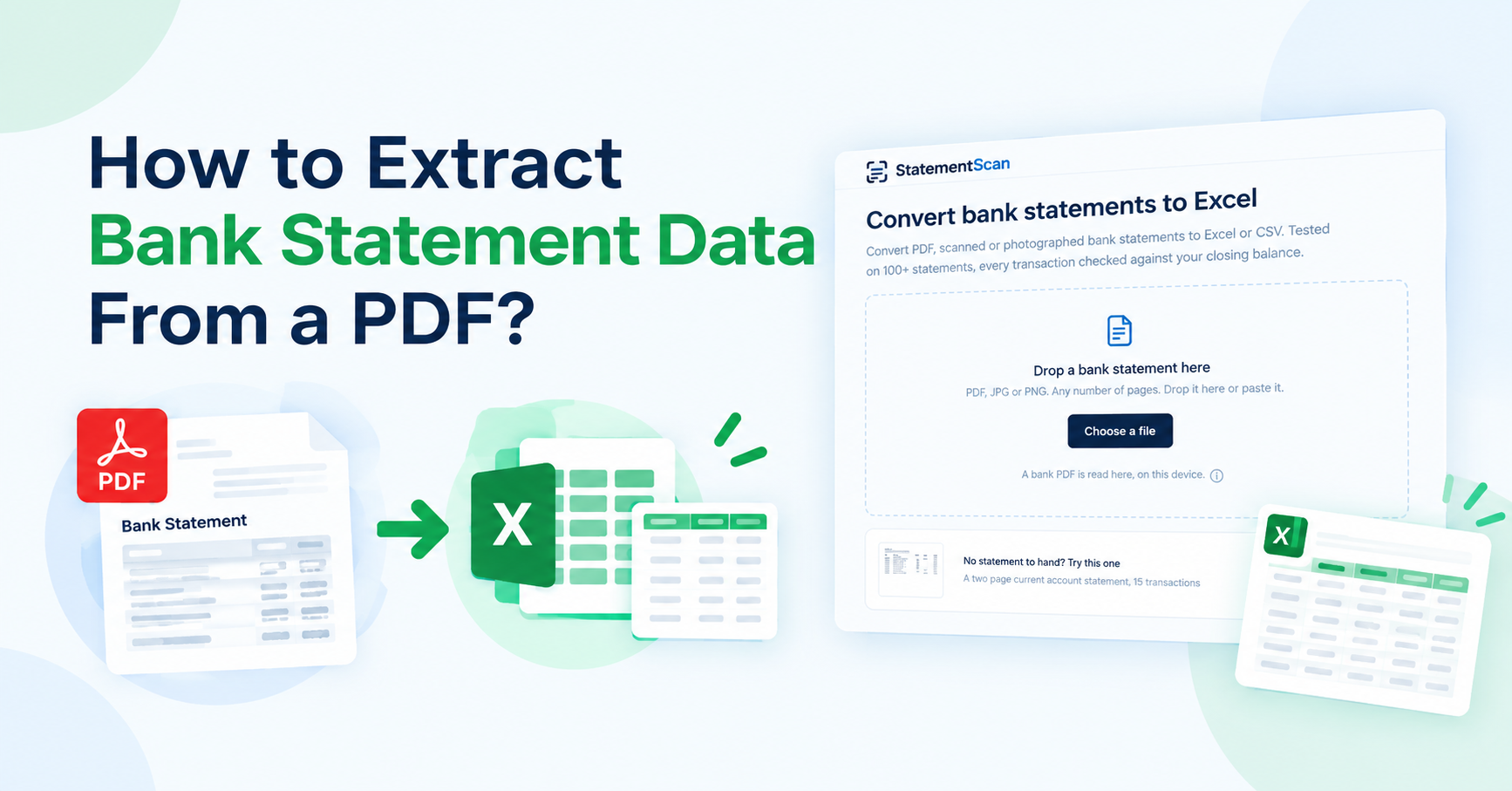
Have a bank statement in PDF format and want to make it editable? PDF formats work well for viewing, sharing, and saving records. However, they make it hard to use the data inside. Especially the one that is formatted using tables, columns, and rows.
Sometimes the need to edit and use the data inside a bank statement. That can be due to various purposes, such as bookkeeping or financial management. For editing such data, the Excel (.csv) format is usually preferred. To fulfill this purpose, text extraction from a PDF is required.
Let’s talk about how you can extract bank statement data from a PDF.
When to Extract Data from a Bank Statement?
PDFs work well for reading. They do not always work well for data analysis. You may need to extract your statement data to:
- Track your expenses
- Check your income
- Prepare accounting records
- Move transactions to Excel
- Sort and filter transactions
- Create financial reports
- Save data in a useful format
Manual data entry can also cause errors. You may type the wrong date, amount, or skip a transaction.
Best Way to Extract Data from a PDF
The best and easiest way to extract data from a PDF is using a bank statement converter. An online bank statement converter is a web-based tool that extracts data from a bank statement file. You upload your PDF to the tool. It then reads the information inside the file. The tool can identify details such as dates, descriptions, amounts, and balances.
The process usually takes only a few steps.
1. Get Your Bank Statement
First, download your bank statement as a PDF. Try to use the original file from your bank. A clear file can help the converter read the data more accurately. If you have a scanned statement, make sure the pages are clear and easy to read.
2. Open Bank Statement Converter
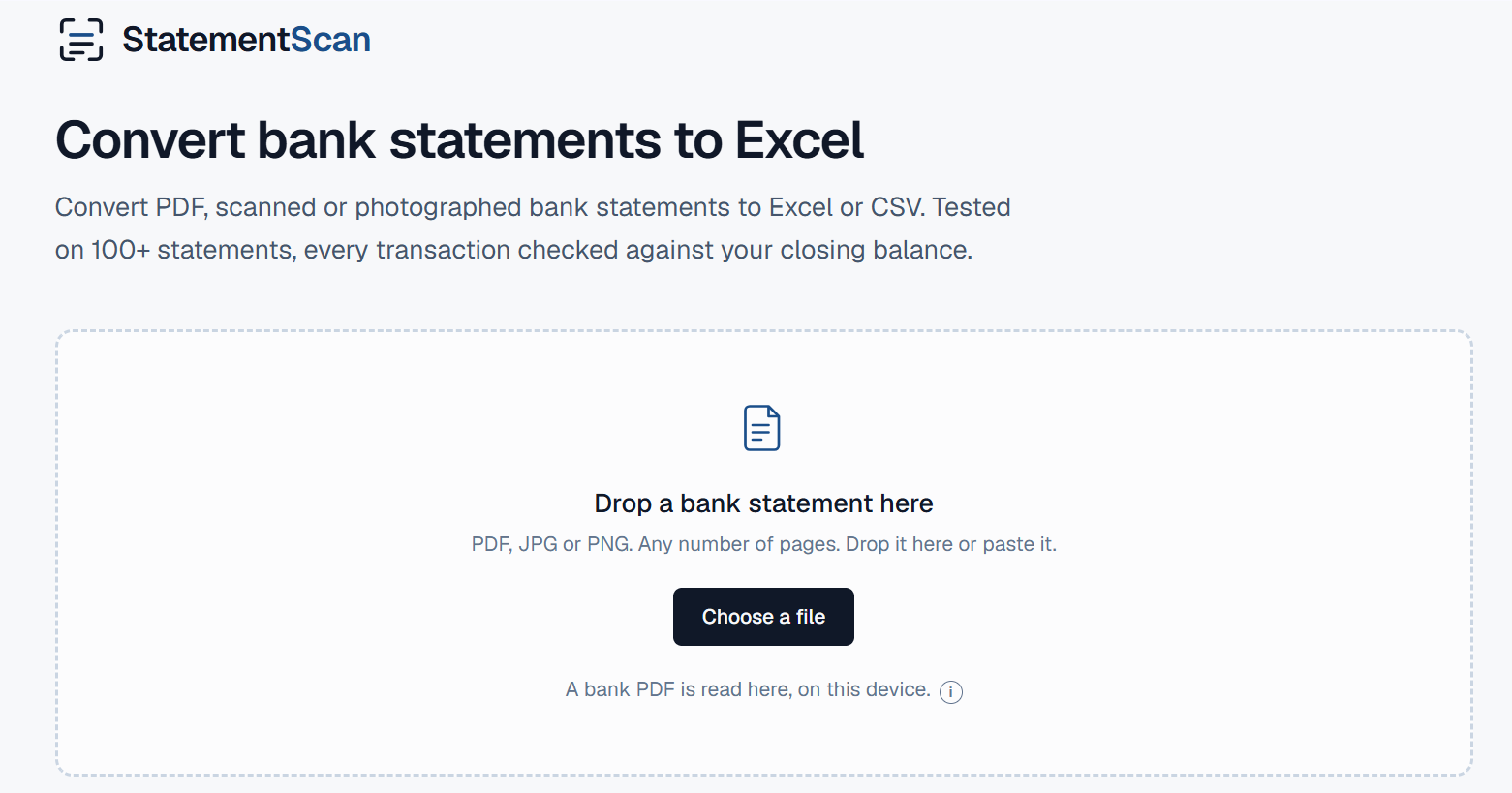
Open a trusted online bank statement converter. Look for an option to upload or select your PDF file. Most online tools keep this process simple.
Select your bank statement and upload it. The tool will process the file and look for useful information.
3. Let the Tool Extract the Data
Once you upload the file, let the converter process it. The tool reads the content and organizes the data. You do not need to type each transaction by hand. For a large statement, this can save a lot of time.
4. Download the Data
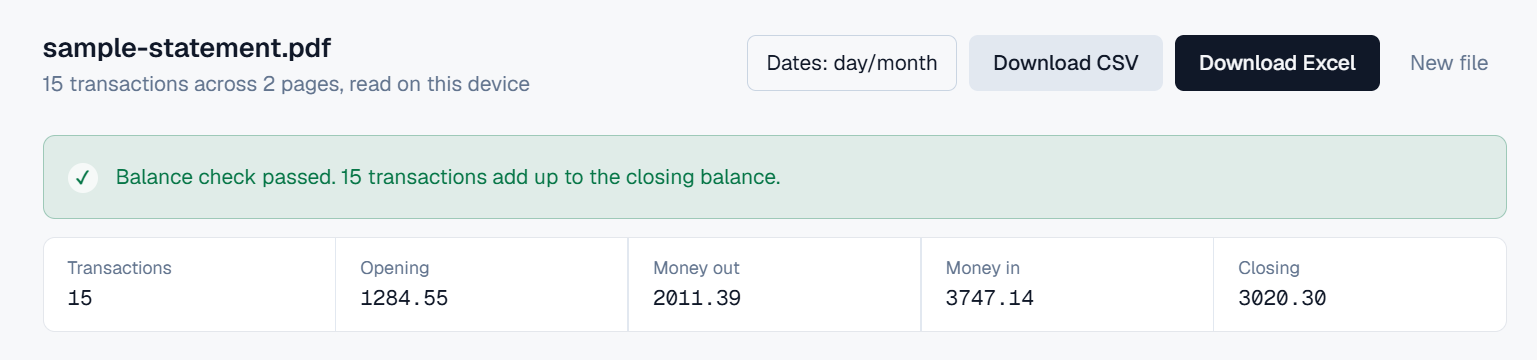
Once the text is extracted, download the converted data. You usually get the data in formats such as Excel or CSV. You can then open the file in a spreadsheet and sort, filter, or analyze your transactions.
Can You Convert a Scanned Bank Statement?
Yes, but the process needs OCR. A digital PDF usually contains text that a computer can read. A scanned PDF works more like a picture. You cannot always select the text inside it.
OCR-powered converters like statementscan.io help solve this problem. The converter scans the page and looks for letters, numbers, and other text. It then turns the information into usable data.
However, OCR works best when the scan is of good quality. Blurry pages, small text, strange fonts, or damaged documents can affect the results.
Is It Safe to Use an Online Bank Statement Converter?
Bank statements contain private financial information. So, security matters when you use an online tool. Before uploading a statement, check how the service handles your files and data.
Also, avoid uploading bank statements to random websites. Always use a trusted and secure tool like statementscan.io where your data remains safe and unshared.
Final Talk
An easy way to extract data from PDF bank statements is using an online bank statement converter. Tools like statementscan.io use OCR technology and instantly extract data from PDFs, whether digital or scanned. Once extracted, the converter organizes and categorizes the data, making it easier to read and understand. You can then move the data to a spreadsheet, check your spending, prepare accounting records, or create financial reports.






Comment