Introduction: Why Applock Matters for Everyday Privacy
In today’s digital world, privacy is no longer optional—it’s essential. Applock has become one of the most widely used mobile security tools for protecting sensitive apps, messages, and personal data from unauthorized access. Whether you’re securing social media, banking apps, or private photo galleries, Applock adds an extra layer of control that most phone systems don’t offer by default.
Many users search for terms like AppLock download, AppLock APK download, or even AppLock APK mod when trying to install or customize the app. However, not all sources are equally safe or reliable. That’s why platforms like applock app are often used as reference points for understanding features, installation methods, and safe usage practices.
This guide explains how Applock works, how to use it properly, and what to avoid—especially when dealing with APK files or modified versions.
What Is Applock and How Does It Work?
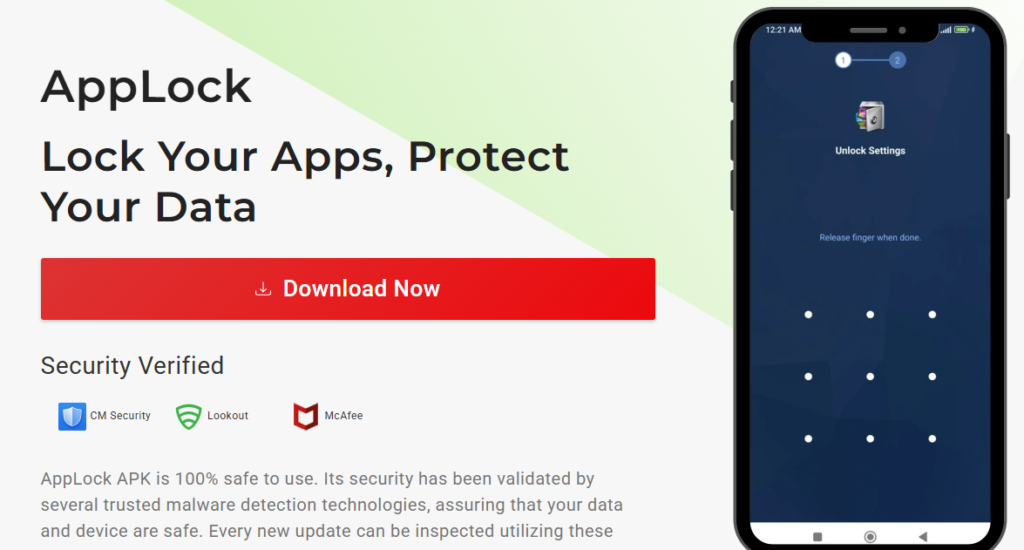
Applock is a mobile security application designed to restrict access to specific apps using passwords, PINs, patterns, or biometric authentication like fingerprints.
Core Functionality
Applock works by creating a protective layer over selected apps. When someone tries to open a locked app, the system prompts for authentication. Without the correct credentials, access is denied.
Why Users Rely on Applock
- Prevents unauthorized access to private apps
- Protects financial and banking applications
- Secures messaging apps like WhatsApp or Telegram
- Keeps personal photos and videos safe
- Helps parents control child device usage
According to mobile security trends, app-level locking tools remain among the most downloaded utility apps globally due to increasing privacy concerns.
Key Features of Applock You Should Know
Modern versions of Applock come with more than just basic locking functionality.
App-Level Protection
You can lock individual apps instead of locking the entire phone, giving you flexible control.
Intruder Selfie Feature
Some versions capture a photo when someone enters the wrong password, helping identify unauthorized attempts.
Custom Lock Modes
Users can choose between:
- PIN lock
- Pattern lock
- Fingerprint authentication
Time-Based Locking
Advanced settings allow apps to be locked only during specific hours.
Lightweight Performance
Applock is designed to run quietly in the background without slowing down your device.
How to Download Applock Safely
When searching for AppLock download or AppLock APK download, users often encounter multiple third-party sources. It’s important to choose trusted platforms to avoid malware or modified files that can compromise your device.
Official vs APK Sources
- Official app stores (Google Play Store, Apple App Store) are the safest option
- APK files are used when the app is not available in your region or for manual installation
About APK Files
An APK file is an Android Package Kit used to install apps manually. While convenient, downloading from unverified sources increases security risks.
AppLock APK Mod: What You Should Know Before Using It
Searches like AppLock APK mod are common among users looking for unlocked features or premium access. However, it’s important to understand the risks.
Potential Risks of Modified APKs
- Security vulnerabilities and hidden malware
- Data theft or unauthorized tracking
- Lack of official updates or bug fixes
- Possible violation of app terms of service
While modified apps may seem attractive, they often compromise the very privacy they claim to protect. For long-term safety, using official versions is strongly recommended.
How to Use Applock Effectively
Installing Applock is just the first step. Proper configuration ensures maximum protection.
Step 1: Select Apps to Lock
Start with sensitive apps like:
- Banking apps
- Messaging platforms
- Email accounts
- Gallery or file managers
Step 2: Set a Strong Password
Avoid simple patterns like “1234” or “0000.” Use a combination that is hard to guess.
Step 3: Enable Extra Security Features
Turn on fingerprint lock or intruder alerts if available.
Step 4: Regularly Update Settings
Review locked apps every few weeks to ensure nothing important is left unprotected.
Why Applock Is Still Relevant in 2026
Despite newer phone security systems, Applock remains relevant because:
- Users want app-specific control
- Shared devices are still common
- Social privacy concerns are increasing
- Not all phones offer advanced locking features
Even modern smartphones with biometric systems often lack granular app-level control, making Applock a practical solution.
Common Mistakes Users Make with Applock
Many users don’t use Applock correctly, reducing its effectiveness.
Weak Password Choices
Simple patterns make it easy for others to bypass protection.
Locking Too Many Apps
Overusing Applock can make daily usage inconvenient.
Ignoring Backup Options
Forgetting passwords without recovery options can lock users out of their own apps.
Where Applock.com.co Fits In
Platforms like applock serve as informational hubs where users can explore Applock-related guides, download references, and understand safe usage practices. While installing apps should always be done carefully, having a centralized resource helps users make informed decisions.
Conclusion
Applock continues to be one of the most practical tools for mobile privacy and app security. From protecting personal conversations to securing financial data, it gives users control over who can access their apps. However, safety should always come first—especially when dealing with AppLock APK download or AppLock APK mod files.
Source: applock.com.co