An alarm that your parent leaves switched off because the controls are frustrating has already failed a basic test.
Families shopping for home security can get caught up in cameras, phone notifications and everything they could check remotely. The person living in the house has more immediate questions: Can I read the keypad? Will I hear the warning? What happens if I accidentally set it off?
Those questions should shape the purchase. Start with your parent’s daily routine and the concerns they want addressed. Age alone doesn’t tell you how comfortable someone is with technology or how much support they need.
Separate Home Security From Medical Assistance
A home alarm security system can detect events such as a protected door opening or movement in a monitored area, depending on its equipment and settings. It should never be assumed to detect a fall or summon medical help.
Personal emergency response devices serve a different purpose. The Public Health Agency of Canada describes wearable wrist or pendant devices with a button the user presses to request assistance in its Safe Living Guide.
That distinction matters when someone lives alone. A burglary alarm doesn’t necessarily help a parent who has fallen in the bathroom and cannot reach the wall panel.
Before choosing equipment, identify the concern:
- For unwanted entry, assess doors, accessible windows and appropriate intrusion sensors.
- For difficulty reaching a phone, investigate a wearable help button and its coverage.
- For smoke or carbon monoxide, check the dedicated detection equipment and how warnings reach occupants.
Some systems combine functions. Confirm exactly what is included, what requires separate equipment and who receives each alert. If automatic fall detection is offered, ask about its limitations rather than treating it as guaranteed protection.
Choose Controls Your Parent Can Use Without Coaching
Let your parent try the controls before committing. Ask them to arm the system, check its status and disarm it. Watch where the process becomes awkward.
Small text, closely spaced buttons and unclear symbols can make an otherwise capable system difficult to use. A readable display, distinct controls and an accessible mounting height deserve attention before optional features. Someone who uses a walker also needs time to enter and reach the panel without rushing.
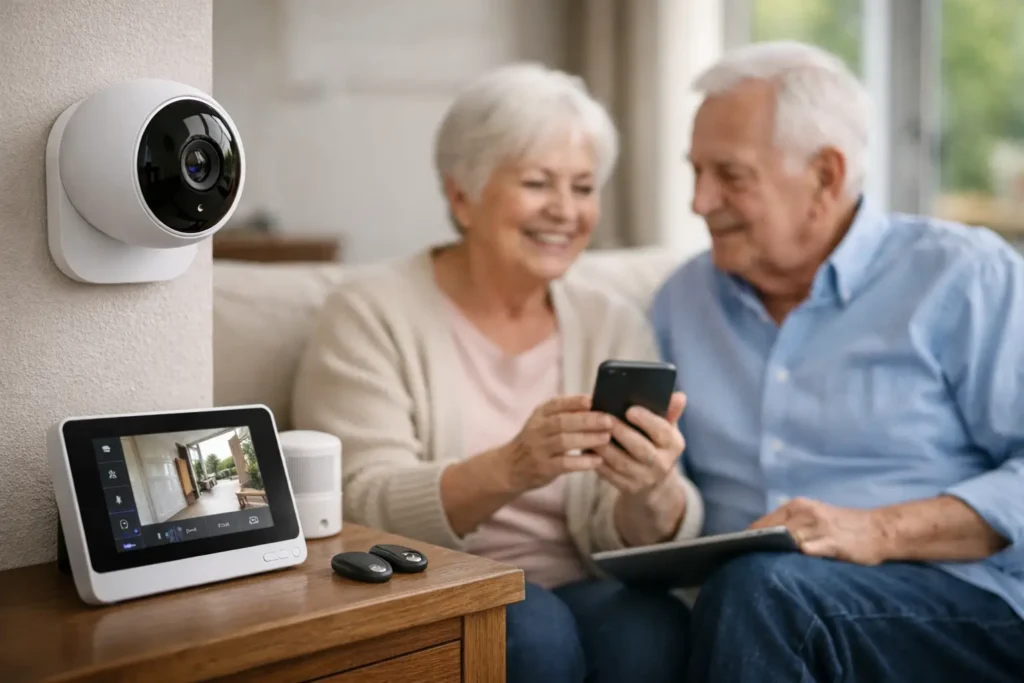
A smartphone app may suit a parent who already manages banking, messages and appointments on their phone. Others may prefer a keypad or remote button. The choice should follow their habits.
Ask for a demonstration of the setting used while someone remains at home. Check that the proposed configuration allows normal trips between the bedroom, bathroom and kitchen without triggering an intrusion alarm.
Leave short, readable instructions for everyday tasks and accidental activations. Practise the cancellation procedure through the provider’s approved test process.
Make Sure Safety Warnings Reach Them
A loud alarm in the hallway may be inadequate for someone with hearing loss, especially overnight.
The U.S. Fire Administration’s guidance for older adults recommends considering smoke alarms with a different sound, a bed shaker or a strobe light when a conventional alarm cannot be heard. Ask which compatible alerting equipment suits your parent’s hearing needs and sleeping arrangements.
Smoke and carbon monoxide detection should be reviewed separately from burglary protection. Confirm which devices sound locally, which send a signal elsewhere and whether those functions depend on additional equipment or a subscription.
Also discuss the escape plan. Someone who needs help leaving the home needs a plan that accounts for that assistance. The fire administration recommends involving the building manager or fire department when extra help may be necessary.
A notification on a relative’s phone cannot replace a warning the person inside can recognize and act on.
Find Out Who Responds and What Survives an Outage
Receiving an alert and responding to it are separate responsibilities.
If family members will handle notifications, decide who is available overnight, during working hours and while travelling. Sending the same message to several people leaves room for everyone to assume someone else has acted.
For professional monitoring, request a clear explanation of the response procedure. Who is contacted first? What happens when nobody answers? Which events can lead to an emergency dispatch request?
Reliability also needs specific answers:
- How long does the backup battery support the installed equipment?
- Can alarm signals still leave the home if the internet connection fails?
- Who receives low-battery or communication-failure warnings?
- Which features stop working during an outage?
Include maintenance in the decision. Agree on who will arrange tests, replace batteries and update emergency contacts. Review equipment costs, recurring charges and cancellation terms together so the ongoing commitment is understood.
Give Family Access Clear Boundaries
Remote access should be discussed with your parent before accounts, notifications or cameras are configured.
They may welcome an alert about an open door while objecting to indoor video. Ask what they are comfortable sharing, who should receive it and when family members should follow up. Where supported, use individual accounts with only the permissions each person needs.
Before buying, walk through an ordinary evening together: arriving home, preparing dinner, going to bed and getting up overnight. Then discuss an accidental alarm and a power outage.
Those practical checks reveal whether the proposed setup fits the person who will use it. Your parent should know how to operate it, how to ask for help and who will respond when something goes wrong.