
How Multi-Model AI Image Platforms Are Changing Creative Workflows

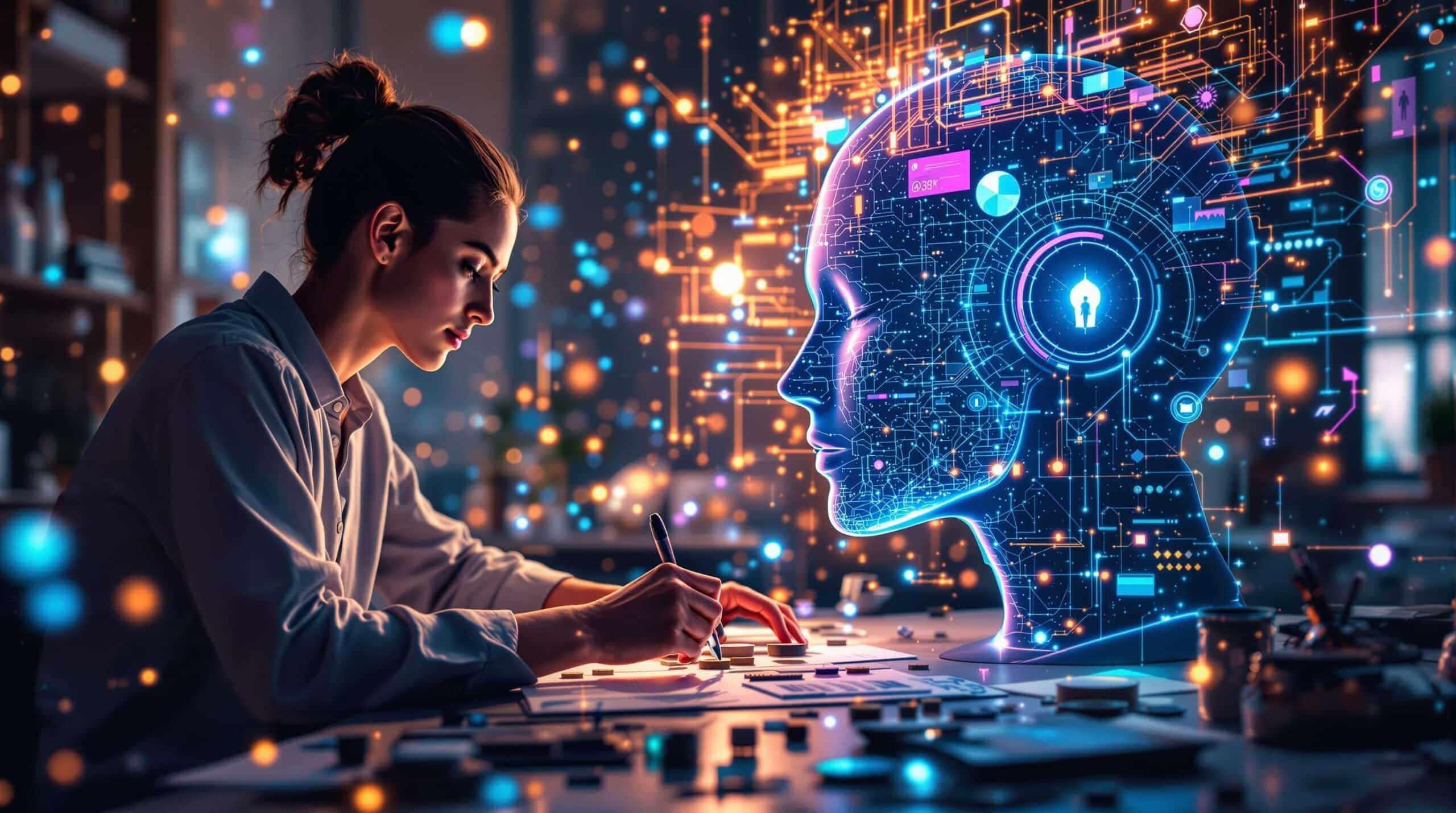
AI image generation has evolved rapidly over the last few years. What began as experimental text-to-image systems has expanded into a broader ecosystem of creative tools used by marketers, designers, ecommerce teams, social media managers, and content creators. Today, many professionals are no longer looking for a single AI art generator. Instead, they need flexible workflows that support ideation, editing, refinement, and production-ready visual content.
This shift has contributed to the rise of multi-model platforms that combine several AI image workflows into one interface. One example is Image 2, a platform designed around practical visual creation rather than a single-purpose generator. Instead of focusing on only one AI model, Image 2 brings together multiple image generation and editing workflows so users can experiment with different approaches depending on the task.
Why Multi-Model AI Workflows Matter
Different AI image models often excel at different types of creative output. Some models may be more effective for cinematic scenes, while others perform better with product visuals, graphic-style compositions, or reference-guided editing.
For creators managing a variety of projects, constantly switching between tools can slow down the process. Multi-model platforms aim to simplify that experience by centralizing workflows into one environment.
This is where Image 2 positions itself differently from single-model tools. Rather than framing one model as universally superior, the platform allows users to choose a workflow that fits a specific creative objective. That flexibility can be useful for teams producing social media graphics one day and ecommerce product visuals the next.
Image 2 includes access to workflows connected with models such as GPT Images 2.0, Nano Banana 2, Seedream 5 Lite, and other supported generation systems. The emphasis is less about declaring a “winning” model and more about helping users test and refine visuals efficiently.
Text-to-Image Creation for Everyday Creative Work
Text-to-image generation remains one of the most widely used AI design workflows. Marketers use it for campaign concepts, creators use it for thumbnails and visual storytelling, and businesses use it for lightweight branding experiments.
With platforms like Image 2, users can generate visuals from prompts while adjusting settings such as aspect ratio, composition style, or output quality depending on the selected workflow.
For example, a content creator working on a YouTube campaign may generate several thumbnail concepts using cinematic prompts, while a social media team may create square-format visuals optimized for Instagram or LinkedIn posts.
Some users may prefer workflows associated with the GPT Images 2.0 image generator when exploring highly descriptive prompt-based compositions, while others may experiment with alternate models depending on the style or structure they want to achieve.
The practical value comes from iteration speed. Instead of building every concept manually from scratch, creators can quickly test layouts, lighting ideas, visual moods, and typography-friendly compositions before finalizing assets.
Image-to-Image Editing and Visual Refinement
AI image creation is no longer limited to generating entirely new pictures. Many creative teams now rely heavily on image-to-image editing workflows.
This process allows users to upload an existing visual and refine or transform it using AI assistance. Designers might alter colors, replace backgrounds, improve composition balance, or generate alternate versions of a campaign creative without rebuilding the project manually.
Reference-led editing is especially useful for ecommerce teams and advertisers. A brand can upload a product image, maintain the product identity, and experiment with different environments, seasonal aesthetics, or promotional themes.
Image 2 supports workflows that help users move from rough concept to refined output in fewer steps. Rather than jumping between multiple standalone editing apps, users can handle concept generation and refinement inside a unified workflow.
In practice, this can help teams create:
- Product showcase images
- Seasonal campaign visuals
- Ad concepts
- Poster layouts
- Social media graphics
- Blog illustrations
- Landing page hero images
- Promotional banners
The growing importance of AI-assisted editing reflects a broader trend in creative work: efficiency without removing creative control.
Reference-Led Design Workflows
One of the more practical developments in AI imaging is reference-guided generation. Instead of relying only on text prompts, creators can provide example visuals to guide style, composition, or subject consistency.
This can be valuable for maintaining brand identity across campaigns. For example, a business producing recurring social media content may want visuals that share a similar lighting style, color palette, or character appearance.
Platforms like Image 2 make these workflows more accessible by combining generation and refinement tools within the same environment. Teams can compare outputs across different supported models while preserving a consistent visual direction.
This type of workflow is especially useful for:
- Ecommerce catalog imagery
- Influencer campaign concepts
- Poster and flyer creation
- Visual storytelling
- Product mockups
- Advertising experiments
The ability to iterate visually without restarting the process from zero can save considerable production time.
AI Visuals for Marketing and Social Media
Marketing teams increasingly use AI-generated visuals for rapid campaign development. While final brand assets may still go through human design review, AI tools help accelerate brainstorming and draft production.
Social media content is one of the clearest examples. Teams often need platform-specific visuals in multiple aspect ratios while maintaining a consistent campaign identity.
Image 2 includes workflow controls such as aspect ratio adjustments and quality settings where supported by the selected model. This flexibility can help users create visuals optimized for different publishing environments, including vertical mobile content, widescreen banners, or square-format posts.
Instead of treating AI generation as a novelty, many teams now use it as part of a broader content pipeline.
Common use cases include:
- Short-form video thumbnails
- Event posters
- Promotional graphics
- Paid advertising concepts
- Ecommerce banners
- Blog feature images
- Visual mood boards
- Product launch previews
The emphasis is increasingly on workflow efficiency rather than purely artistic experimentation.
Comparing Models for Different Creative Goals
One challenge in the AI image space is understanding which model works best for a particular task. Some creators prioritize realism, others prioritize speed, and some focus on graphic or stylized outputs.
Multi-model platforms address this by allowing users to compare workflows rather than commit to one generation system.
For example, users exploring the Nano Banana 2 AI image generator workflow may experiment with a different visual style or refinement approach than they would using another supported model.
Similarly, some users may prefer GPT-based workflows for prompt-heavy compositions, while others may select alternate systems for design-oriented layouts or concept exploration.
This flexibility matters because creative work rarely follows a single formula. A poster campaign, ecommerce listing, and social media ad may each require a different visual approach.
Fast Iteration and Creative Experimentation
Speed is one of the main reasons AI-assisted design workflows continue to expand across industries.
Traditional creative production often involves multiple software tools, repeated revisions, and lengthy asset preparation. AI platforms reduce some of that friction by making experimentation faster.
Image 2 supports workflows that help users move from idea to draft output quickly. Users can test multiple prompts, adjust compositions, compare models, and refine visuals without rebuilding projects from the beginning each time.
Some workflows may also support higher-resolution output depending on the selected model. For creators producing print-ready posters or ecommerce imagery, output quality can be an important factor when choosing a workflow.
The platform also includes features such as credit packs and subscription access, giving users different ways to manage ongoing image production depending on their workload.
The Growing Role of AI in Creative Production
AI image generation is increasingly becoming part of everyday content production rather than a standalone experimental technology.
Designers still shape creative direction. Marketers still guide campaign messaging. Brands still define identity and consistency. But AI workflows now assist with ideation, prototyping, editing, and asset refinement in ways that can accelerate production timelines.
Platforms like Image 2 reflect this broader shift toward integrated creative workflows. By combining multiple AI image models into a single creation environment, the platform supports users who need flexibility across different visual tasks rather than a one-size-fits-all solution.
As AI-assisted creative tools continue to evolve, the focus is likely to remain on practical workflows: helping teams generate ideas faster, refine visuals more efficiently, and adapt content across multiple formats without unnecessary complexity.
Conclusion
The AI image generation landscape is moving beyond single-model experimentation toward more flexible, workflow-oriented platforms. Creators, marketers, ecommerce teams, and designers increasingly need tools that support both generation and refinement across a wide range of visual tasks.
Image 2 fits into this trend by offering access to multiple AI image workflows in one environment, allowing users to choose approaches that match specific creative goals. Whether the task involves social media graphics, marketing creatives, product visuals, posters, or reference-guided editing, multi-model workflows can help simplify the process from concept to final output.
Rather than replacing creative decision-making, these platforms are becoming practical assistants for faster iteration, experimentation, and scalable content production.
FAQs
1. What is Image 2 used for?
Image 2 is a multi-model AI image generation and editing platform designed for creators, marketers, designers, ecommerce teams, and content creators. It supports workflows such as text-to-image creation, image editing, marketing visuals, social media graphics, posters, and product imagery using different AI image models within one interface.
2. Does Image 2 support multiple AI image models?
Yes. Image 2 brings together multiple AI image workflows, including GPT Images 2.0, Nano Banana 2, Seedream 5 Lite, and other supported models. This allows users to choose a workflow that fits their creative task instead of relying on a single generation system.
3. Can Image 2 be used for ecommerce and marketing content?
Image 2 can be used for a variety of marketing and ecommerce workflows, including product visuals, advertising concepts, promotional banners, social media graphics, landing page images, and campaign posters. Teams can also refine visuals using image-to-image editing and reference-based workflows.
4. What is the GPT Images 2.0 image generator workflow?
The GPT Images 2.0 image generator workflow available through Image 2 allows users to create AI-generated visuals from text prompts and refine concepts for creative projects. It can be useful for generating marketing graphics, visual concepts, social media assets, and design experiments depending on the user’s workflow needs.
5. Does Image 2 offer image editing and refinement tools?
Yes. In addition to text-to-image generation, Image 2 supports image-to-image editing and visual refinement workflows. Users can upload existing images, adjust compositions, experiment with styles, refine product visuals, and create alternate versions for campaigns or social media content.






Comment