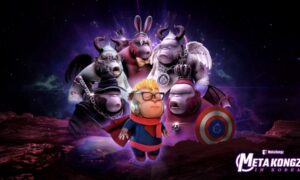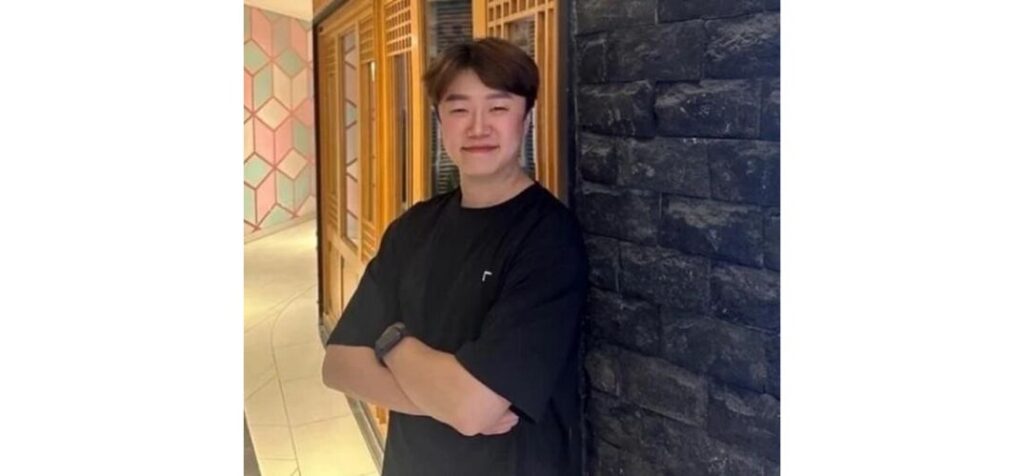
Hyun-ki Hwang, CEO of Punkvism, is garnering attention for leading a resurgence in the NFT market. Once a co-founder of MetaKongz—previously a frontrunner in Korea’s NFT industry—he is now driving Punkvism with a focus on derivative works, holder rewards, and project acquisitions to revitalize the ecosystem. His commitment to restoring vitality to the NFT space, which suffered after the collapse of FTX and the Luna coin incident, is receiving widespread praise.
A key example is Punkvism’s recent acquisition of the K3K project. Centered around a dedicated community of hundreds of genuine holders, the project is developing a game themed on the “Three Kingdoms,” representing a bold step to merge gaming and NFTs. Additionally, Brave Kongz—once spearheaded by Brave Brothers—was taken over by Punkvism after many challenges, promising stability and support to its holders. Electro Pixel Kongz is also undergoing a revival through derivative creation, with compensation planned for its original holders.
Punkvism demonstrated its sincerity by airdropping Punky Kongz—a derivative of MetaKongz—to former MetaKongz holders, aiming to heal past grievances. To rebuild community trust, the company also released Punky Ha_G for G.rilla holders and Punky Society for LGO holders. Moreover, the Renaissance NFT initiative is introducing holder rewards through derivative works, showcasing Hwang’s vision for a sustainable, holder-focused ecosystem.

During his MetaKongz tenure in 2021 and 2022, Hyun-ki Hwang launched numerous initiatives involving major brands and figures, including CGV, GS25, singer SE7EN, Shinsegae Department Store’s PuVila, Hyundai Motor, the animation Larva, Netmarble’s Seven Knights Kongz, and Wonder Girls’ Sunmi NFT. MetaKongz ranked #1 on OpenSea’s Klaytn market, boosting Korea’s NFT prominence. However, the 2022 market crash triggered by FTX and Luna forced many projects to collapse. Refusing to give up, Hwang launched Punkvism in 2023, based in Indonesia, with a renewed global vision for the NFT market.
Hwang’s mission goes beyond market revival; it aims to redefine the intrinsic value of NFTs. Upon launching Punky Kongz, he emphasized that “NFTs are not just digital assets but the core of a future financial ecosystem that fuses with real-world assets (RWA).” This vision is materializing as Punkvism reboots projects such as K3K, Brave Kongz, and Electro Pixel Kongz through integration and innovation.
A blockchain industry expert remarked, “Hwang’s creative leadership from the MetaKongz era, combined with his current responsible approach, proves his genuine intent to revive the NFT market.” Punkvism’s ongoing project expansions and community-first philosophy signal a turning point beyond past images. Hyun-ki Hwang and Punkvism are poised to spearhead an NFT renaissance and write a new chapter on the global stage.