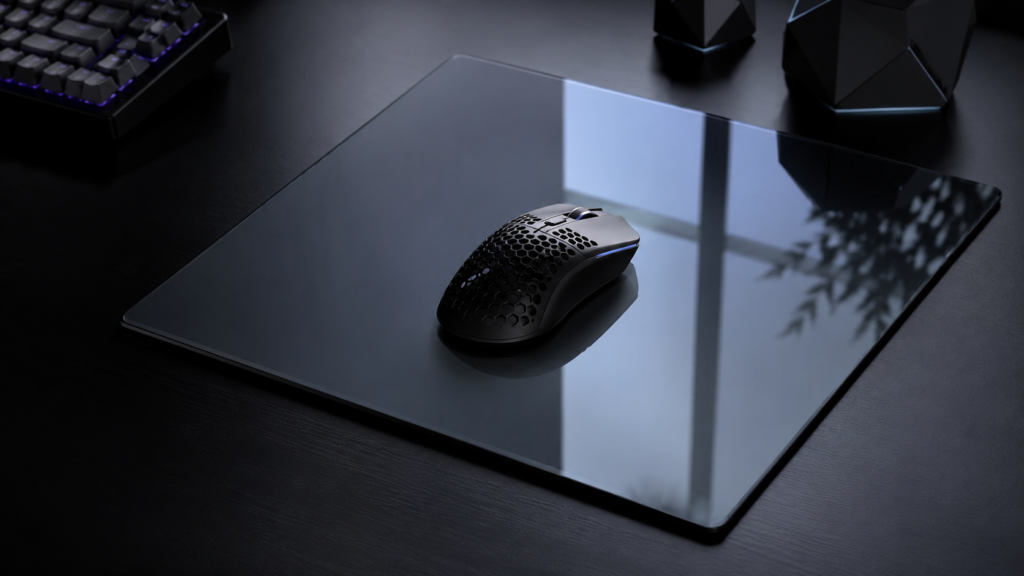
The surface under your mouse can significantly influence your gaming experience. The SP-005 Glass Mousepad from WALLHACK Gaming Gear offers features intended to support both performance and comfort. Building on earlier models, this mousepad incorporates a tempered glass surface and an ergonomic design, with a focus on users who value speed, control, and stability. Below is an overview of what sets this mousepad apart, key factors to consider when selecting a new one, and how it may fit into a gaming setup.
What makes the SP-005 glass mousepad unique
A key feature of the SP-005 Glass Mousepad is its tempered glass surface. This material provides smooth gliding for the mouse, allowing for minimal resistance and helping to maintain accuracy during use. The robust surface is built for durability, supporting consistent tracking even with prolonged use.
The mousepad’s ergonomic design also distinguishes it from other options. Its shape aims to support the wrist and arm throughout extended sessions, which can contribute to overall comfort. Artist collaborations bring unique visuals to each product, adding a personalized visual element.
Stability is another important aspect. The non-slip base ensures the mousepad remains securely in place even during rapid or abrupt movements. Together, these features result in an accessory suitable for users who prioritize stable performance.
Choosing a high-performance mousepad
When selecting a gaming mousepad, material is often the starting point. Glass surfaces like those used in the SP-005 provide low friction for quick movement while allowing for controlled stops, making them appropriate for games that demand both speed and accuracy.
Ergonomic considerations are also important. A well-designed structure can encourage natural hand positioning and help reduce strain in longer sessions. For those who spend significant time at their desk or participate in competitive play, comfort is as relevant as responsiveness.
Design may also be a factor. Products from Wallhack feature artwork that can enhance the look of a gaming space without compromising function. Weighing these variables can help guide your choice when looking for a new mousepad.
Integrating the SP-005 glass mousepad into your gaming setup
Including the SP-005 Glass Mousepad in a desk arrangement may affect both gameplay and creative tasks. Its smooth glass surface works with most gaming mice and can offer the quick response times needed in fast-paced scenarios.
The ergonomic construction may contribute to reduced fatigue over longer periods of use. The stable base helps prevent unwanted movement during high-focus moments, supporting sustained concentration.
Upgrading to a different mousepad can influence overall responsiveness during play. For those seeking a combination of speed, precision, and distinctive design elements, the SP-005 presents itself as an option worth considering for future upgrades.