
Your iPhone’s Contactless Features Go Beyond Payments

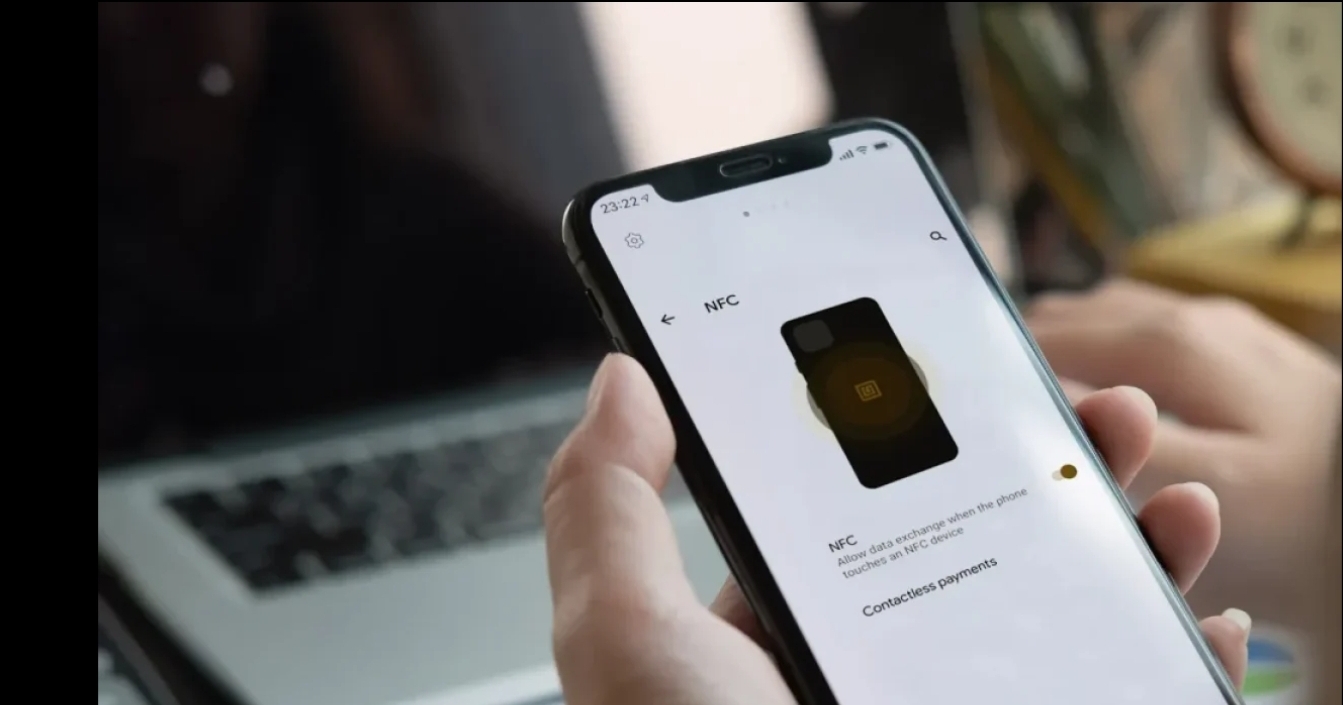
Many iPhone owners use contactless technology every time they pay at a store, yet its uses extend beyond checkout. NFC on Iphone can also read compatible tags, open links, trigger actions, and work with supported digital keys. Most of these features need little setup because Apple builds the required hardware and software into supported models.
Knowing where the feature works, and where it does not, makes it much more useful. The right approach also depends on the iPhone model, iOS version, tag type, and intended task.
How Contactless Communication Works on an iPhone
Near Field Communication lets two compatible devices exchange small amounts of data at very close range. Unlike Bluetooth, it does not normally require users to pair devices before a basic interaction. A phone can simply move near a compatible tag or reader.
Apple supports several tag technologies through its Core NFC framework. Compatible apps can read NDEF data and interact with protocols including ISO 7816, ISO 15693, FeliCa, and MIFARE. Apps can also save data to writable tags when the hardware and tag support that function.
The short operating distance is intentional. It suits actions such as reading a product tag, presenting a digital credential, or interacting with a payment terminal.
Scanning Tags Without Digging Through Settings
Recent iPhones make basic tag scanning fairly simple. Apple says iPhone XS and later models support background tag reading. The phone can detect compatible tags while it is in use without requiring a dedicated scanning app to remain open.
Place the upper part of the iPhone close to a compatible tag and wait briefly. A notification may appear if the tag contains a supported URL. Tapping that notification can open a website or send information to the associated app.
Background scanning has limits. It may be unavailable while the camera is active, Apple Pay or Wallet is in use, Airplane Mode is enabled, or another Core NFC reader session is running. The device must also have been unlocked at least once after starting.
Older supported models may rely more heavily on an app-based reader session instead of automatic background detection.
Everyday Tasks That Put the Chip to Work
Contactless payment remains one of the most familiar uses. With an eligible card in Apple Wallet, a user can authenticate and hold the top of the iPhone near a supported payment reader. Apple notes that the actual card number is not shared with the merchant during an Apple Pay transaction.
Digital access is another useful application. Supported home, hotel, and car keys can live in Apple Wallet. Some compatible keys support Express Mode, which can permit access without manually unlocking the phone or authenticating for every interaction.
Physical tags offer more flexibility. A programmed NFC tag might contain a website address, contact information, or another supported data record. Businesses can place tags on displays, packaging, signs, or equipment to give people quick access to digital information.
Personal Automations Add Another Layer
Programmable tags can also act as physical triggers for routines. Depending on the iOS version and available automation features, a tag placed in a useful location can become a quick starting point for a repeated task.
For example, a tag near a desk could trigger a work-related action. Another place beside a bed could support a nighttime routine. The tag itself usually stores or provides the identifier or data needed to start the interaction rather than performing complex processing.
This is where NFC on Iphone becomes more than a payment feature. Small physical touchpoints can connect everyday objects and locations with actions on the phone.
Reading and Writing Are Not the Same Thing
Scanning a tag does not automatically mean an iPhone can modify it. The tag must be writable, and the software being used must support writing the required data format.
Apple’s Core NFC framework supports reading NDEF-formatted tags and saving data to writable tags. It also provides access to several native tag protocols for compatible applications.
Third-party apps may offer easier interfaces for creating simple tag records. Before writing anything, check whether the tag is rewritable or permanently lockable. Locking a tag can prevent later changes.
Compatibility Can Affect the Experience
Model differences matter most with background reading. Core NFC tag reading has existed on iPhones since the iPhone 7 generation, while automatic background reading arrived with the iPhone XS, XS Max, and XR generation.
Software also matters. Apple continues to expand contactless capabilities, including APIs for eligible apps that support secure transactions, credentials, transit functions, keys, loyalty programs, and other approved uses. Availability can depend on the iOS version, region, developer permissions, and participating service provider.
That means a feature shown on another person’s iPhone may not be available under identical conditions everywhere.
Getting More Value From Contactless Features
Start with a specific task rather than buying tags without a purpose. Payments and supported Wallet keys require no separate physical tags. Custom routines, information sharing, and location-based triggers are better reasons to consider programmable tags.
Place tags where a phone can approach them easily, and test each one before relying on it. Metal surfaces and poor positioning may interfere with some tags, so installation location deserves attention.
The practical value of NFC on Iphone comes from using the right contactless feature for the job. Apple Wallet covers many secure transactions and credentials, while programmable NFC tags suit simple physical triggers and information sharing. Once those roles are clear, the technology becomes a useful part of everyday iPhone use rather than a feature that stays unnoticed.






Comment