
Why Repeated Audio Conversion Hurts—and How to Avoid It

By Ezaudio Team
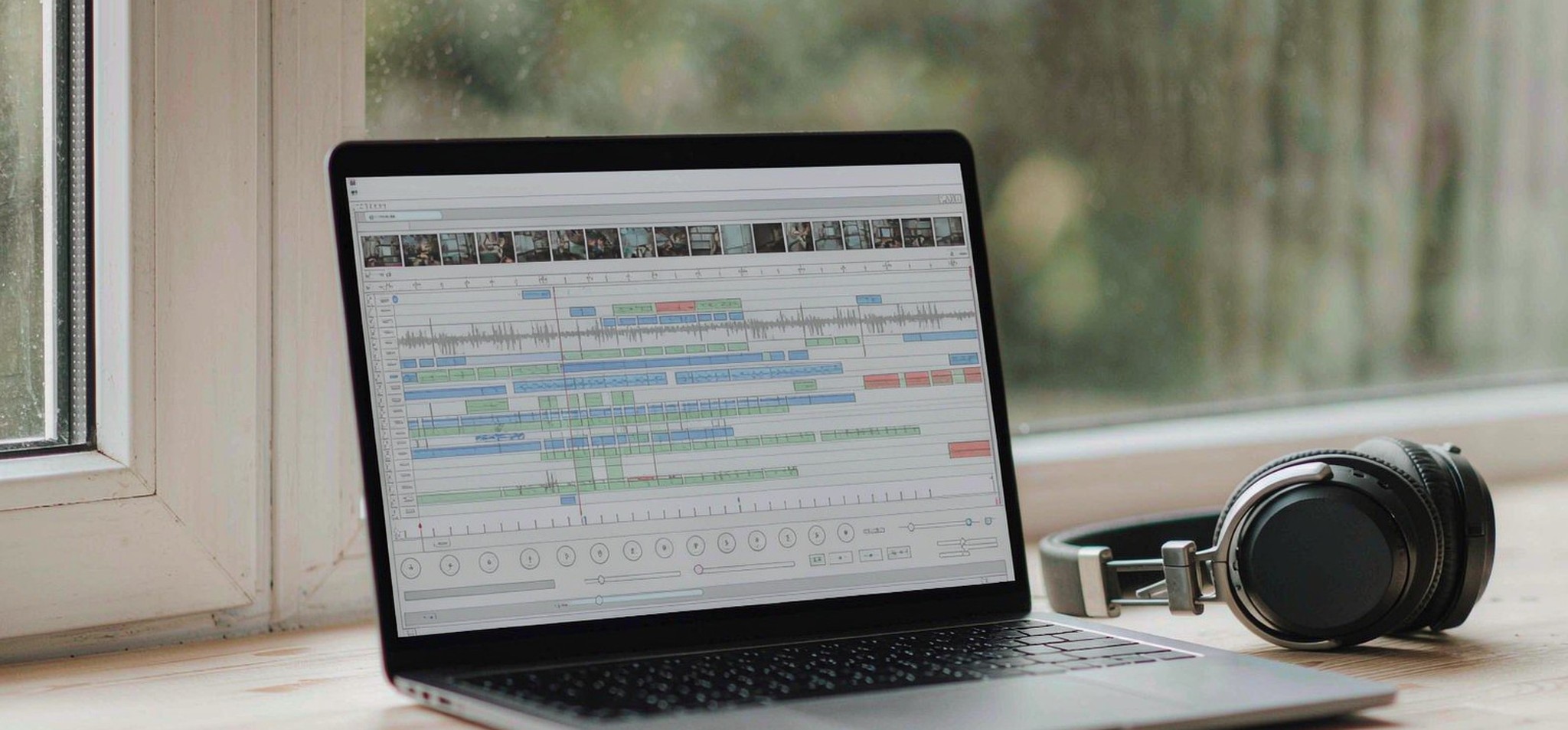
audio editing timeline showing multiple conversion stages
An interview arrives as an MP3. Someone converts it to WAV for editing, exports another MP3 for review, then uses that review copy to make the final version.
Each step seems reasonable. The problem is that the last file has passed through multiple rounds of lossy encoding. A WAV file somewhere in the middle does not reset that history.
Avoiding this kind of damage takes less effort than repairing it. The key is understanding which operations preserve the audio, which discard information, and which version should become the source for your next export.
A new format does not mean a better recording
Audio formats serve different purposes. PCM WAV stores uncompressed audio. FLAC compresses audio losslessly, allowing the original PCM samples to be recovered. MP3 and AAC use lossy compression, discarding information to reduce file size.
That trade-off can be useful. A well-encoded delivery file may sound very close to its source while being much easier to upload or share. Trouble starts when that delivery copy becomes the source for another lossy export.
Converting an MP3 to PCM WAV does not recover what the MP3 encoder discarded. It decodes the existing audio into an uncompressed representation. The result can be useful for editing or compatibility, but it contains no newly restored detail.
File size illustrates the difference. One minute of 44.1 kHz, 16-bit stereo PCM audio contains about 10.6 MB of audio data. At a constant bitrate, one minute of 128 kbps MP3 contains about 0.96 MB; at 320 kbps, about 2.4 MB. Headers and metadata add a little more.
The WAV is larger because of how it stores audio, not because conversion has improved the recording.
What repeated lossy encoding changes
A lossy encoder makes decisions about which parts of a signal to preserve. When you decode that file and encode it again, the next encoder works from an already altered signal.
The result depends on the codec, bitrate, source material and number of generations. A single high-quality export may produce little audible difference. Repeated conversions, particularly at lower bitrates, can make artefacts easier to hear.
Listen for softened percussion, watery or swirling high frequencies, and changes around consonants in speech. These effects are often easier to notice in a level-matched comparison than when listening to one file on its own.
This does not mean every edit damages audio. Copying a file does not re-encode it. Saving PCM audio in a lossless format avoids another round of lossy compression. Some tools can also trim certain compressed files without re-encoding, although their editing options may be limited.
The useful question is therefore: does this step create another lossy generation?
Keep a source, a working master and delivery copies
A reliable workflow gives each file a clear role.
Keep the original recording untouched. Make edits in a project that retains access to that source, and save a lossless working master when you need a separate file. Generate MP3, AAC or other delivery versions from that master.
For a recorded interview, the workflow might look like this:
Original recording → editing project → lossless edited master → delivery MP3
If a correction arrives later, reopen the project or edited master. Avoid making the correction to the delivery MP3 and exporting it again.
When the only available source is already an MP3, the same principle still helps. Preserve that original, decode it for editing where needed, and avoid unnecessary lossy exports between stages. You cannot undo the first encode, but you can prevent additional ones.
Clear filenames help keep the workflow intact. A folder containing interview-original.mp3, interview-edited-master.wav and interview-delivery.mp3 leaves less room for mistakes than several files named “final”.
When MP3 to WAV conversion makes sense
Some editors, playback systems and production workflows require PCM WAV. In those cases, conversion solves a compatibility problem.
An MP3 to WAV converter from ezaudio can provide that working file. As with any converter, the useful result is a format the next tool accepts; it is not a restoration of the original recording.
For straightforward conversion, retain the source sample rate unless the destination requires something else. Increasing the sample rate or bit depth cannot recreate information missing from the MP3. An editor may use higher-precision processing internally, but that is a separate consideration from improving the source.
Once the WAV is ready, use it for the work that requires it. Keep the original compressed file as well, so its origin remains clear.
Video audio: extraction and conversion are different
Video introduces another common source of unnecessary processing.
An MP4 or MOV file is a container that can hold separate video and audio streams. If the next tool accepts the existing audio codec, it may be possible to copy the audio stream into a suitable audio-only container without decoding or re-encoding it. This is often called stream copying.
If the editor requires PCM WAV, the audio must instead be decoded. That increases file size but avoids adding a new lossy encoding stage.
Creating an MP3 intermediate from an already compressed video soundtrack adds a lossy generation. It may be necessary for a particular destination, but it is worth checking whether the destination accepts the original video or audio stream first.
Transcription is the destination where this matters most. Speech recognition reads only the audio stream, so a 4K export with a thin audio track can transcribe worse than a modest file with a clean one. A video to text converter such as ezaudio extracts that stream once and transcribes it against the original timeline, which keeps the chain to a single decode.
Before extracting anything, ask what the next step actually needs. That small check can remove an entire conversion from the workflow.
Protect quality before the first export
Conversion history matters, but it cannot compensate for a poor recording.
Microphone placement, room noise and recording gain can have a larger effect than format choices. Check the loudest expected passage before recording and leave enough headroom for unexpected peaks.
For conventional fixed-point recording, 24-bit audio allows a conservative recording level while retaining useful low-level detail. It does not make clipped input recoverable. If the microphone, preamp or analogue-to-digital converter overloads, increasing the file’s bit depth afterwards will not repair it.
Similarly, apply noise reduction with care. Compare the processed and original versions at similar loudness, listening to both speech and pauses. Reducing background noise is useful; removing so much that the voice develops metallic or watery artefacts may make the result harder to listen to.
Keep processing adjustable until you are satisfied, and retain the untouched source.
Match the final export to its destination
Choose the delivery format after checking the destination’s requirements: accepted codecs, sample rate, channel layout, file-size limit and any loudness specifications.
There is no single export setting that suits every music service, podcast host, video platform and transcription tool. A small review copy and a production master serve different purposes, so label them accordingly.
Before handing over the final file:
- Listen to the beginning, end and a few difficult passages.
- Check for clipping, abrupt cuts and missing channels.
- Confirm that the actual exported file opens and plays correctly.
- Check speech intelligibility on an ordinary phone or pair of earbuds.
- Keep the project and lossless master for later revisions.
A clean workflow cannot guarantee a great recording, but it prevents avoidable damage. Preserve the source, keep a lossless master, and create each delivery version from that master. When a conversion is necessary, give it a specific purpose.
The best next export starts with choosing the right source file.
About the author
Ezaudio builds browser-based tools for converting, editing, enhancing and transcribing audio. This piece draws on the team’s own work on conversion and extraction pipelines.







Comment