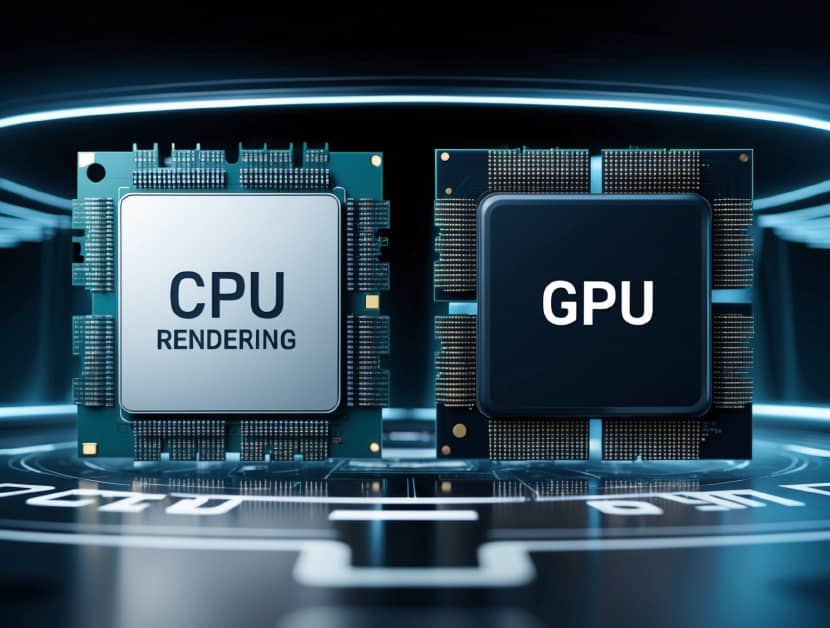
Selecting the right hardware for your project is the first step toward a successful delivery. The choice between Central Processing Units (CPU) and Graphics Processing Units (GPU) sits at the heart of your budget and timeline. Neither is objectively “better,” but they serve very different technical purposes.
Understanding how your render engine interacts with these components will save you from “out of memory” errors and unexpected costs.
The Fundamental Difference in Processing
Think of the CPU as a highly skilled specialist. It handles a few complex tasks at once with extreme precision. This makes it a reliable workhorse for unbiased light calculations and intricate physics. Engines like Arnold or Corona rely on the CPU because it can access the massive amounts of system RAM (often 128GB or more) required for heavy scenes.
In contrast, the GPU is a speed demon designed for parallel processing. It features thousands of small cores that perform simple calculations simultaneously. While engines like Redshift or Octane are blazing fast, they are strictly limited by Video RAM (VRAM). If your scene exceeds the 24GB or 48GB available on a high-end card, the render will likely fail.
When to Choose CPU Farms
CPU rendering remains the industry standard for stability and high-fidelity detail. It is the preferred choice for architectural visualization where photorealism and complex light bounces are non-negotiable.
- Massive Geometry: If your scene has millions of polygons or high-resolution textures that exceed VRAM limits, the CPU is your only choice.
- Complex Light Bounces: CPU engines excel at calculating light accurately without the “noise” sometimes found in early GPU passes.
- Stability: CPU nodes are less likely to crash on long, unoptimized frames compared to GPU drivers.
- Memory Handling: Accessing system RAM allows for much larger, more complex environments.
When to Choose GPU Farms
For motion graphics and fast-paced advertising, the GPU is king. It allows for an iterative workflow where you can see frames in minutes rather than hours. This speed makes it highly cost-effective for standard-resolution animations that don’t require terabytes of geometry data.
GPU rendering is ideal for projects with tight deadlines. Because the hardware can process thousands of pixels at once, it scales incredibly well across a farm. If your project fits within the memory limits of an RTX 4090, you will likely save a significant amount of money on render hours.
Selecting the Right Service for Your Pipeline
You cannot easily switch engines in the middle of a project. An Arnold scene designed for CPU will not simply “run” on a GPU farm without a total overhaul of materials and lighting. This is why you must know your hardware preference before the first frame is set.
When selecting a network rendering provider, verify their hardware specs. Do they offer the latest Threadripper processors for CPU-heavy tasks? Do they have clusters of RTX 4090s for GPU-intensive motion graphics? The farm should mirror your local setup to prevent compatibility errors.
Tailored Hardware for Every Project
The goal of a render farm is to provide the resources your local workstation lacks. Whether you need raw speed or anatomical precision, the hardware must match the software.
Whether you need the raw speed of a GPU or the precision of a CPU, network rendering farms offer tailored hardware configurations to match your specific engine and project needs.