
Top Tech Tools and Services for Seamless 4K Smart TV Streaming

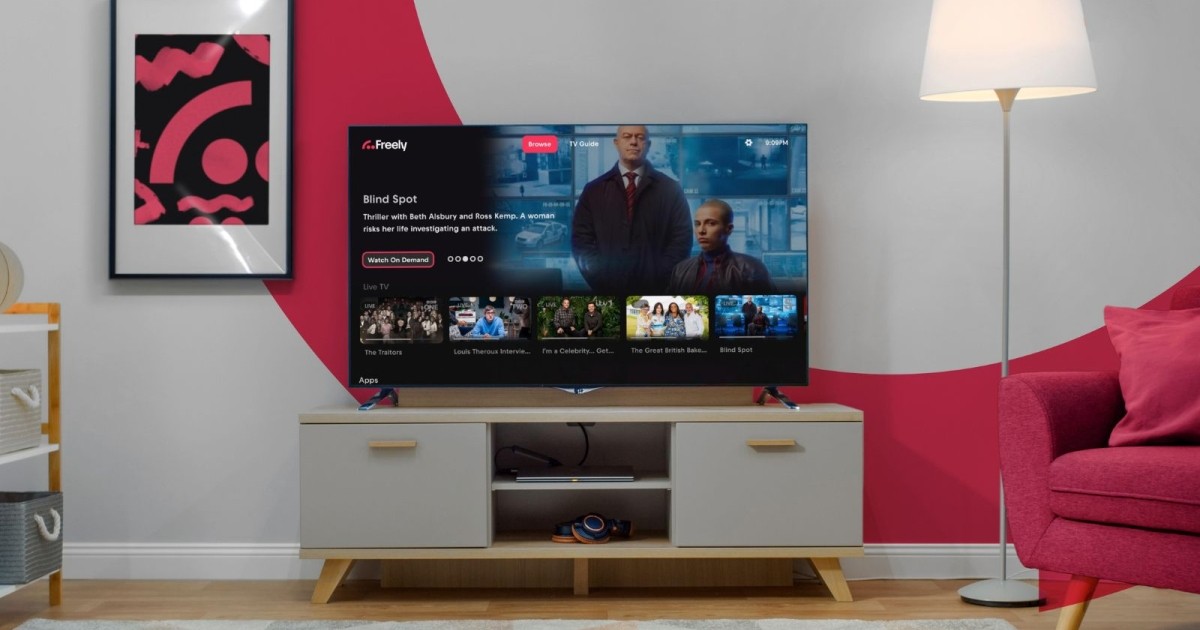
A 4K television can produce a remarkably detailed picture, but the screen itself is only one part of the streaming system. A smooth 4K experience depends on the display, streaming hardware, application, internet connection, router, home network, and source quality. Viewers who want reliable high-resolution playback should therefore treat the home entertainment setup as a technology stack and make sure each component can handle the workload.
Understand the 4K Chain
The 4K chain begins with the source and ends with the display. The television must support the desired resolution, while the service and application need to provide appropriate content. The streaming device must be capable of decoding the stream, and the network must deliver data consistently enough to prevent interruptions.
Build a Capable Network
4K streaming can place greater demands on a home network than lower-resolution video. A fast broadband package is useful, but viewers should also consider router quality, signal strength, interference, and household congestion. A network that performs well in a speed test can still have weak coverage in the room where the television is located.
Choose Ethernet or Wi-Fi Wisely
Ethernet is a strong option for stationary devices positioned near the router because it avoids many wireless variables. Wi-Fi can also provide excellent performance when the signal is strong and the router is modern. The best choice depends on the layout of the home, device location, and network conditions.
Select Suitable Streaming Hardware
Older smart TVs may have limited processing power or application support. A newer streaming device can sometimes provide a more responsive interface and longer software support. Before buying, check supported resolutions, operating systems, ports, application availability, and update policies rather than focusing only on processor or storage specifications.
Optimize the Smart TV
Keep the television firmware and streaming applications updated. Use appropriate picture settings and make sure the correct input and output capabilities are selected when external hardware is connected. Display calibration can also improve perceived image quality, although it cannot compensate for a poor source or unstable connection.
Compare Streaming Services
Viewers comparing services can research a USA IPTV provider, IPTV provider Australia, or Canada IPTV provider as part of a wider evaluation. Compare supported quality, device compatibility, content, pricing, and account terms. Marketing terms such as high speed or 4K should be treated as starting points for questions, not as proof of performance.
Test the Complete System
The best 4K setup is the one that remains stable during real household use. Test playback while other devices are active, check for weak network areas, and monitor whether the television and streaming hardware remain responsive. Good system design often produces a larger improvement than simply purchasing more expensive equipment.
A strong viewing experience is ultimately about balance. Content should match the household’s interests, the service should work with the devices already in use, and the network should be capable of supporting the intended quality. Pricing and account terms should also be understood before a longer commitment is made. When viewers compare these factors together, they can make a decision based on practical value rather than a single headline feature.
Before relying on a service for an important event, it is sensible to test it under normal conditions. Try the preferred channels or programs, use the intended television or streaming device, and observe performance during ordinary household activity. This simple approach can reveal compatibility or network issues early and gives viewers a much clearer idea of what to expect.
Another practical consideration is support. Viewers should know how to reach the provider if activation, billing, device compatibility, or playback questions arise. Clear support information can add significant value because even well-designed home systems occasionally require troubleshooting.
Accessibility also matters. Readable menus, responsive controls, clear audio, subtitles where available, and straightforward navigation can make technology easier for the entire household. A service should reduce friction rather than make viewers repeatedly search for basic functions.
Viewers should also remember that internet performance can change. Household usage, router placement, software updates, and network conditions may change over time. A setup that works perfectly today should still be reviewed periodically, especially before an important live event or a long-term subscription renewal.
Finally, viewers should separate marketing promises from real-world performance. The most useful evidence comes from testing the service on the actual connection and devices that will be used every day. A short, careful evaluation can prevent a much longer period of frustration.
Another practical consideration is support. Viewers should know how to reach the provider if activation, billing, device compatibility, or playback questions arise. Clear support information can add significant value because even well-designed home systems occasionally require troubleshooting.
Accessibility also matters. Readable menus, responsive controls, clear audio, subtitles where available, and straightforward navigation can make technology easier for the entire household. A service should reduce friction rather than make viewers repeatedly search for basic functions.
Viewers should also remember that internet performance can change. Household usage, router placement, software updates, and network conditions may change over time. A setup that works perfectly today should still be reviewed periodically, especially before an important live event or a long-term subscription renewal.
Finally, viewers should separate marketing promises from real-world performance. The most useful evidence comes from testing the service on the actual connection and devices that will be used every day. A short, careful evaluation can prevent a much longer period of frustration.
Another practical consideration is support. Viewers should know how to reach the provider if activation, billing, device compatibility, or playback questions arise. Clear support information can add significant value because even well-designed home systems occasionally require troubleshooting.
Accessibility also matters. Readable menus, responsive controls, clear audio, subtitles where available, and straightforward navigation can make technology easier for the entire household. A service should reduce friction rather than make viewers repeatedly search for basic functions.






Comment