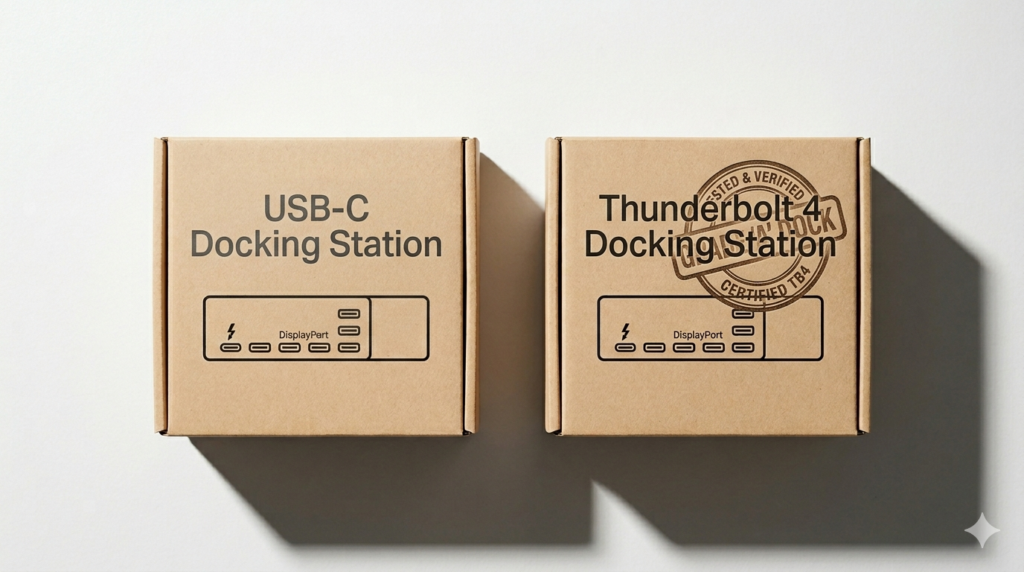
Most people think upgrading from USB-C to Thunderbolt 4 will fix their docking station problems.
It won’t.
It will reduce them — sometimes dramatically. But it won’t eliminate failure. And that’s where most deployments go wrong: they treat Thunderbolt as a guarantee instead of what it actually is: a stricter rulebook.
Every IT department has that one support ticket. Monitor not detected. Dock dropped after sleep. Laptop charging at 30W instead of 90W. The user blames the dock. IT orders a replacement. Same problem two weeks later. They assumed the hardware was broken. They bought a better box. The architecture stayed the same.
The dock was never the problem. The protocol was.
The mistake everyone makes
Most buyers — from solo remote workers to enterprise IT — shop docking stations like they shop laptops. Brand. Price. Port count. Star rating. None of that tells you the one thing that actually determines whether it works: what protocol is running underneath.
USB-C is a connector shape. That’s it. If you’re comparing Thunderbolt vs USB-C, the difference isn’t speed — it’s what the system guarantees under load. Your laptop’s USB-C port might support video output, 100W charging, and 40Gbps data transfer — or it might be data-only. You can’t tell by looking at it. The port is identical either way. Plug a dock in and it either works, partially works, or quietly underperforms without ever telling you why.
That last scenario is the dangerous one. Partial performance looks like working. The monitor is on. The laptop is charging — just not at full wattage. The data transfer is running — just at half speed. Nobody notices until they’re comparing machines and wondering why one setup feels slower.
Thunderbolt 4 is different. It’s not a connector — it’s a certification. Intel mandates that every TB4 port delivers 40Gbps bandwidth, dual 4K display output, 100W power delivery, and reliable wake-from-sleep behavior. No exceptions. No “depends on the manufacturer.”
That word — mandatory — is worth the $150 price gap.
What USB-C actually gives you
USB-C’s flexibility is also its weakness. The spec allows manufacturers to implement as much or as little as they want. A USB-C port can support DisplayPort Alt Mode for video — or skip it entirely. It can handle USB Power Delivery at 100W — or cap at 60W. It can run at 10Gbps — or 5Gbps. All of these variations use the exact same physical connector.
This creates a matching problem. When a USB-C dock underperforms, the failure could be the dock, the laptop port, the cable, or the firmware — any combination of the four. Diagnosing which takes time most IT teams don’t have. And since USB-C has no certification requirement, every manufacturer self-reports their specs. A dock listed as “supports 4K” might technically output 4K at 30Hz — usable but painful — while advertising identical capability to a dock running 60Hz.
Where people lose money on the upgrade
Here’s the part nobody explains: most users don’t upgrade incorrectly. They upgrade incompletely.
They experience instability. They blame the dock. They buy Thunderbolt. The problem partially improves. It still isn’t fixed.
Why? Because the original limitation wasn’t the protocol — it was the setup. They replaced the dock but kept the same cable, the same monitor configuration, and the same firmware version. So the failure stayed. The architecture was wrong, and Thunderbolt couldn’t override it.
Thunderbolt 4 removes variables — bandwidth variability, capability uncertainty, wake-from-sleep inconsistency. It doesn’t remove hardware limits. Apple’s base M1, M2, and M3 chips only support one external display regardless of what dock you plug in. That’s a silicon constraint. No firmware update changes it, no TB4 certification bypasses it.
Even the most reliable TB4 dock on the market has documented failure modes under specific workloads and firmware conditions. Knowing those patterns before deployment saves IT teams hours of reactive troubleshooting. The difference between a good TB4 rollout and a frustrating one isn’t the hardware — it’s whether the team understood the failure envelope before rolling out 50 units.
The most common failure even on premium TB4 setups?
A docking station not detecting the monitor on cold boot — usually caused by BIOS Thunderbolt security settings, not the dock itself. It looks like a hardware defect. It’s a configuration issue. The protocol narrows the problem space. It doesn’t close it.
The USB4 complication
There’s a third option that confuses this conversation: USB4. It’s not the same as USB-C and it’s not the same as Thunderbolt 4. USB4 can theoretically match TB4’s 40Gbps bandwidth — but without the enforced minimums. A USB4 device might hit 40Gbps. It might hit 20Gbps. The spec allows both under the same label.
Some manufacturers market USB4 docks as TB4 alternatives at lower prices. For light workloads and single-monitor setups, the difference is often negligible. For dual 4K, sustained data transfers, or mixed Mac/Windows environments — the lack of enforced minimums shows up as inconsistency. Not failure. Inconsistency. Which is harder to diagnose and harder to justify replacing.
When building a procurement standard, USB4 is a gray area. TB4 isn’t.
The math enterprises don’t run
Two setups. Both labeled “USB-C docking stations.” One is a $90 hub. One is a $280 Thunderbolt 4 dock. Same port, same laptop.
The $90 hub drives one 4K monitor intermittently, drops after sleep, charges at fluctuating wattage. IT gets three support tickets a month from that desk. The TB4 dock drives two 4K monitors, charges at 96W, reconnects cleanly every time the lid opens. Zero tickets.
Now scale to 50 desks. The $90 hubs cost $4,500 upfront. TB4 docks run $14,000. But if cheap hubs generate one support ticket per desk per month — 50 tickets at 30 minutes each — that’s 25 IT hours monthly. At a fully loaded cost of $75/hour, that’s $1,875/month in hidden labor. The TB4 upgrade pays back in eight months and saves money every month after.
A developer losing 20 minutes every Monday morning to a dock that won’t reconnect loses roughly 17 hours a year. At $100/hour fully loaded, that’s $1,700 in lost productivity — from one desk, one bad hardware decision made to save $150.
The question isn’t “can we afford Thunderbolt 4?” It’s “can we afford not to standardize on it?”
For single-monitor setups with light workloads — email, documents, video calls — USB-C performs fine and the savings are real. But the moment a setup involves dual displays, mixed OS environments, sustained transfers, or any workflow where hardware interruption has a dollar cost — the protocol gap compounds monthly.
The protocol is the product
Stop buying docking stations by brand. Buy by protocol. Then choose the right brand within that protocol for your specific environment and failure tolerance.
That’s a five-minute decision that prevents months of support tickets.
The dock is just the box. The protocol determines whether what’s inside it actually works.