
One Garment, More Ways to Show It: How an AI Clothes Changer Fits Into Product Photography

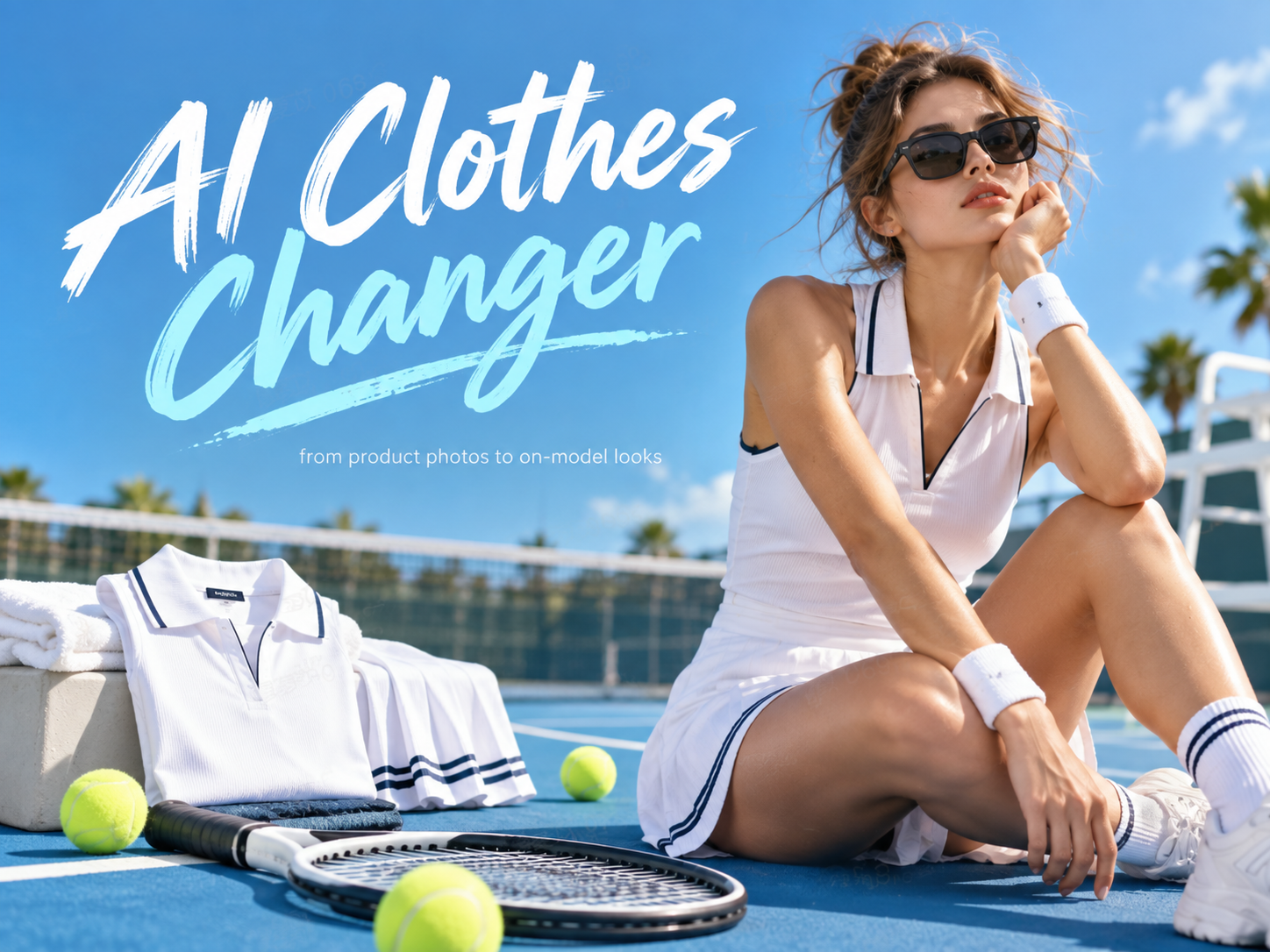
A flat-lay photo shows what a garment looks like, but it rarely tells shoppers how it looks when worn. For apparel sellers, creating that second view has traditionally required model shoots, styling, and editing.
Koozee’s AI clothes changer offers another approach. By combining an existing garment photo with a model image, sellers can generate on-model visuals without arranging a new photoshoot for every clothing variation. It is a practical way to explore more product imagery while making better use of existing assets.
What Does an AI Clothes Changer Actually Do?
Unlike simply placing one image over another, AI clothing visualization needs to account for the model’s pose, body contours, and the garment’s shape. Sleeves, waistlines, and other clothing details must appear visually coherent for the result to be useful.
While consumers may use similar technology to preview personal outfits, apparel businesses have a different priority: creating product visuals that help shoppers understand how clothing looks when worn.
This makes AI clothes changers particularly relevant to sellers who already have product photography but need additional on-model images.
How AI Clothes Changers Are Changing Apparel Product Photography
The value of AI clothes changers is not that they eliminate traditional photography. It is that they allow apparel sellers to approach visual production differently.
Reusing Existing Product Images
Traditional apparel photography often requires repeated shoots for new styles, colors, and collections. Each additional look may involve another round of preparation, photography, and editing.
AI clothes changers offer a way to reuse existing visual assets.
A flat-lay garment photo can become the starting point for an on-model image, while an existing model photo can serve as a reference for different clothing options.
Rather than organizing a new shoot for every combination, sellers can explore additional visuals using materials they already have.
This approach is particularly useful when teams need to refresh product imagery or prepare visual options for new apparel collections.
Creating More Looks Without Starting From Scratch
Another advantage is the ability to explore clothing variations.
The same model reference can be used with different garments, while one clothing item can be visualized on different models. This allows sellers to compare presentation options without rebuilding an entire scene each time.
For example, a clothing brand could explore several on-model presentations of a new jacket before deciding which images to develop further.
Suitable, reviewed AI-generated visuals can also be used in product listings and marketing content.
However, AI does not need to replace traditional photography. Studio shoots remain valuable for documenting actual fabric texture, construction details, and precise fit.
The two approaches can complement each other, with AI supporting visual exploration and additional content production while photography provides an accurate record of the physical garment.
How to Create an On-Model Image With an AI Clothes Changer
Creating an AI clothing image starts with two things: a clear garment photo and a suitable model reference.
Prepare Your Images
Choose a garment image that clearly shows its shape and important details. Necklines, sleeves, hems, patterns, and other recognizable features should be visible.
Avoid source images with heavy shadows, overlapping objects, or cropped clothing details whenever possible.
The model image should also have a clear body outline and a relatively unobstructed pose. Better input images give the AI more useful visual information and can reduce the need for repeated attempts.
Select the Clothing Area and Generate
As an AI visual production platform for apparel businesses, Koozee supports clothing product images, model try-ons, and apparel videos within a broader visual workflow.
For a clothes-changing task, start by uploading the garment and model images, then choose the clothing area you want to replace.
For example, a seller may want to change only a top while keeping the trousers, model’s face, pose, and background as consistent as possible.
Generate an image and review the result. If the garment looks distorted or important details have changed, try a clearer product photo or another model reference.
The goal is not simply to produce an attractive image, but to create a visual that represents the actual clothing responsibly.
What Should You Check Before Publishing AI-Generated Clothing Images?
AI-generated clothing images should be reviewed before they appear on product pages or in marketing campaigns.
Start by comparing the result with the original garment. Check whether the color, silhouette, neckline, sleeves, prints, logos, and other recognizable details remain accurate.
A convincing image is not necessarily a faithful representation of the product.
It is also important to distinguish visual appearance from actual fit. An AI-generated image can illustrate how an outfit might look, but it cannot confirm exact sizing or how the garment fits a real person.
Sellers should also ensure they have permission to use their source images and check the image requirements of their intended sales channels.
Human review remains essential. AI can assist with visual production, but sellers are responsible for deciding whether the final image accurately represents their products.
Start With One Product
There is no need to change an entire photography workflow at once.
Start with one garment, prepare a clear product image and model reference, and generate a few variations. Compare the results with the original clothing and identify which images meet your visual standards.
If the results are useful, gradually apply the process to more products while maintaining consistent quality checks.
AI clothes changers do not make apparel photography obsolete. They give sellers another way to turn existing product photos into useful visuals, making it easier to explore new presentations without starting from scratch every time.







Comment