
How affiliates and dropshippers can manage multiple accounts cleanly with Hidemyacc

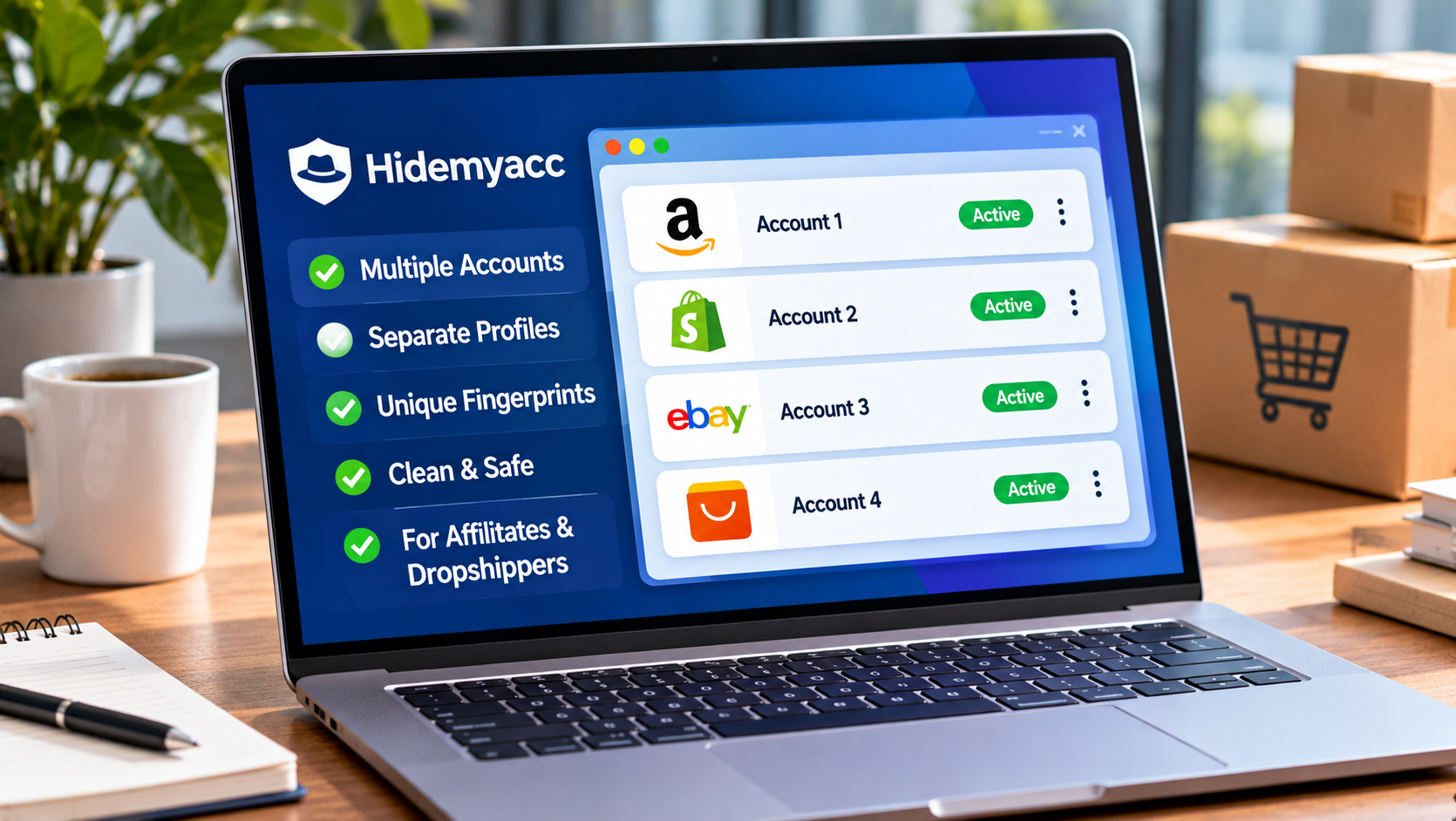
If you run affiliate campaigns or dropshipping stores for long enough, your login list grows fast. One store becomes three. One affiliate network becomes five. A freelancer joins to help with ads, then a second one joins for support. Before you notice, you are juggling dozens of dashboards across a single browser, a single laptop and a single home IP address.
That setup is convenient, but it is also fragile. This guide walks through a clean, policy-friendly way to organize everything using separate browser profiles in Hidemyacc, so each business asset lives in its own tidy environment and your team can work without stepping on each other.
A note on scope: this article is about organizing accounts that you legitimately own or are authorized to manage, such as your own stores, your own brands, and client accounts you have permission to operate. It is not about creating fake identities, evading bans or breaking platform rules. Always read the terms of each platform you use. If a platform allows only one account per person or per business, follow that rule.
Who this guide is for
- Affiliate marketers who work with several networks, offers and traffic sources.
- Dropshippers who run more than one store, niche or storefront.
- Small teams where two or more people need access to the same business accounts.
- Solo operators who simply want to stop mixing personal browsing with business logins.
Why multi-account work gets messy (and risky)
There are plenty of perfectly normal reasons to hold many accounts: separate stores per niche, separate ad accounts per brand, separate network logins per vertical, and separate client workspaces if you work as a freelancer.
The trouble is not the number of accounts. The trouble is how the browser handles them. When everything runs through one browser setup, several things bleed together:
Cookies and sessions. Logging in and out of different accounts in one browser makes it easy to mix them up, post from the wrong store or run ads from the wrong account.
Device and browser fingerprint. Websites can read signals such as screen size, fonts, time zone, language and hardware details. If a dozen unrelated business accounts all present the identical fingerprint, platforms may see them as one cluster and review them together.
Shared IP address. The same home or office IP appearing across many logins is another signal that can cause unexpected reviews, especially on sensitive accounts like ad platforms and payment providers.
Team access. Sending passwords over chat so a teammate can log in is slow and insecure, and it often triggers verification prompts or security checks when a login suddenly comes from a new location.
Separating these environments does not make an account “invisible.” It simply keeps your work organized and stops one asset from accidentally affecting another.
What Hidemyacc gives you for this workflow
Hidemyacc is an antidetect browser built to run many isolated browser profiles on one computer. The features most useful for affiliates and dropshippers are:
- Isolated profiles. Each profile has its own cookies, local storage and browser settings, so logins never overlap.
- Customizable fingerprint settings. You can configure details like operating system, user agent and related browser parameters per profile.
- Per-profile proxy settings. Assign a specific proxy to each profile so its location and network identity stay consistent.
- Folders and organization. Group profiles by project, store or client so your workspace stays readable as it grows.
- Profile sharing for teams. Share a profile with a teammate so they can work in it without you handing over the password.
- Cookie import. Bring existing sessions into a profile when you set it up.
- Automation and API. For repetitive tasks, profiles can be controlled through a local API with tools such as Selenium or Puppeteer.
- Plan limits, number of profiles and team seats vary by subscription, so check the current options on the Hidemyacc pricing page (https://hidemyacc.com/pricing) before you plan your setup.
Step-by-step: A clean multi-account setup
Step 1: Inventory what you actually own
Before opening any tool, list every account you manage and answer three questions for each one:
- Who legitimately owns it (you, your company or a client)?
- Which platform is it on, and what does that platform’s policy say about multiple accounts?
- Who needs access to it?
Keep this in a simple spreadsheet. The columns should be: account name, platform, owner, purpose, team members with access, assigned proxy and profile name.
This step feels boring, but it prevents most of the problems people run into later.
Step 2: Create one profile per account or per asset
Create a separate Hidemyacc profile for each account you manage. Do not reuse one profile for several unrelated accounts.
Use a naming convention that you and your team can read at a glance, for example:
[Store/Brand] – [Platform] – [Purpose] – [Country]
Example: PetNiche – Shopify – Admin – US
Example: OfferHub – NetworkX – Affiliate – DE
Step 3: Keep the fingerprint believable and consistent
Resist the urge to randomize everything. A profile should look like one ordinary, stable device that belongs to one real operator.
Choose an operating system and browser configuration that make sense for the region you work in.
Keep language and time zone aligned with the proxy location you plan to use.
Do not change the fingerprint of an established profile every few days. Stable accounts tend to have stable environments.
Step 4: Assign a dedicated, reliable proxy to each profile
A proxy gives each profile its own consistent network identity. A few principles keep this clean:
One stable proxy per profile, not a rotating mix. An account that logs in from five countries in a week looks suspicious to any security system.
Match location to the account. If your store targets the US and your business address is in the US, a US proxy fits. Make sure the proxy’s location matches the profile’s time zone and language.
Use reputable providers. Cheap, overused proxies are often already flagged, and they can cause the very reviews you are trying to avoid.
Test before you log in. Run the proxy check in the profile settings and confirm the IP, location and connection are working.
Step 5: Log in manually and use the account like a normal user
Open the profile, sign in yourself, complete any verification the platform asks for, and then use the account the way a real operator would.
Fill in genuine business details and keep them consistent across platforms.
Do not rush into heavy activity on a brand-new account. Build it up gradually: set up the store properly, publish real products or content, and add real payment and tax information where required.
Avoid scripts that mimic fake engagement. Platforms are good at spotting it, and it violates most terms of service.
Step 6: Organize profiles into folders
As your list grows, folders keep it manageable. Group profiles by store, by client or by traffic source. When a teammate asks “which profile is for the German offer?”, the answer should take five seconds, not five minutes.
Step 7: Share access with your team without sharing passwords
When a freelancer or teammate needs to work in an account, share the profile instead of sending credentials.
Give each person access only to the profiles they need for their job.
Where possible, give the lowest level of permission that lets them do their work.
Remove access as soon as a project or contract ends.
Agree on simple rules: one person works in a profile at a time, and everyone follows the naming convention.
Because the session lives inside the shared profile, your teammate does not need the raw password, and your login does not suddenly appear from a new device and location. That means fewer security prompts and less risk of a password leaking through a chat log.
Step 8: Automate only the boring, legitimate tasks
If you manage many stores or campaigns, repetitive tasks eat hours. Automation can help with the following kinds of work:
- Opening a set of profiles each morning to check dashboards.
- Exporting daily reports from several affiliate networks.
- Checking order status or inventory pages across multiple stores.
- Running routine QA checks on landing pages from different locations.
Hidemyacc supports a local API and common automation tools like Selenium and Puppeteer, so you can start and stop profiles and drive them with scripts. Keep automation to reporting and administration, and stay within each platform’s rules on automated access.
Habits that keep accounts healthy long term
- One profile, one account, one purpose. Never mix.
- Stable environment. Same profile, same proxy, same general login pattern.
- Real information. Use accurate business details. Mismatched or fabricated information is the fastest way to get reviewed.
- Keep the paper trail clean. Maintain your account inventory spreadsheet and update it when anything changes.
- Back up and document. Know which profile holds which account, and who has access to it.
- Respect platform policies. If a platform does not allow multiple accounts for your situation, do not create them. Use the platform’s official tools instead, such as business managers, team roles and agency access features.
What not to do
- Do not create accounts with false identities or stolen documents.
- Do not try to get back onto a platform after a ban by disguising who you are.
- Do not buy fake reviews, fake followers or fake engagement.
- Do not log into accounts you do not own or have permission to operate.
- Do not treat any tool as a guarantee against enforcement. An antidetect browser keeps your environments organized and separate. It does not make rule-breaking safe.
Quick checklist
- Every account is owned by you, your company or a client who authorized you
- You have read the multiple-account rules of each platform
- One profile per account, named with a consistent convention
- One stable proxy per profile, with matching location, language and time zone
- Real, consistent business details on every account
- Profiles grouped into folders
- Team access given through profile sharing, not passwords
- Access removed when work ends
- Automation limited to reporting and routine admin
FAQ
Is using an antidetect browser for affiliate marketing or dropshipping legal?
Using a tool to keep browser environments separate is not illegal in itself. What matters is how you use it. Operating your own legitimate stores and authorized client accounts is fine. Violating a platform’s terms, committing fraud or impersonating others is not. Always check the rules of each platform and the laws that apply to you.
Do I need a different proxy for every profile?
In a clean setup, yes. A dedicated, stable proxy per profile keeps each account’s network identity consistent. Sharing one proxy across many unrelated accounts brings back the clustering problem you are trying to avoid.
How many profiles do I need?
Usually one per account you manage. Start with what you actually need, then scale as your business grows.
Can my whole team work in the same profile?
Yes, through profile sharing. Agree on rules so that only one person uses a profile at a time, and give each person access only to what they need.
Will this stop my accounts from ever being reviewed or suspended?
No tool can promise that. Healthy accounts come from accurate information, stable behavior and following the platform’s rules. A good setup reduces accidental problems caused by messy environments.
WRAP-UP
Running many accounts does not have to mean running a messy operation. With one profile per asset, a stable proxy for each, clear naming, folders and shared access instead of shared passwords, you get a workflow that is easier to manage, easier to hand over and safer for everyone involved.
If you want to try this setup, you can start with Hidemyacc (https://hidemyacc.com) and build your first few profiles following the steps above.







Comment