
Make Every Journey Easier with Satellite Maps & GPS Tools

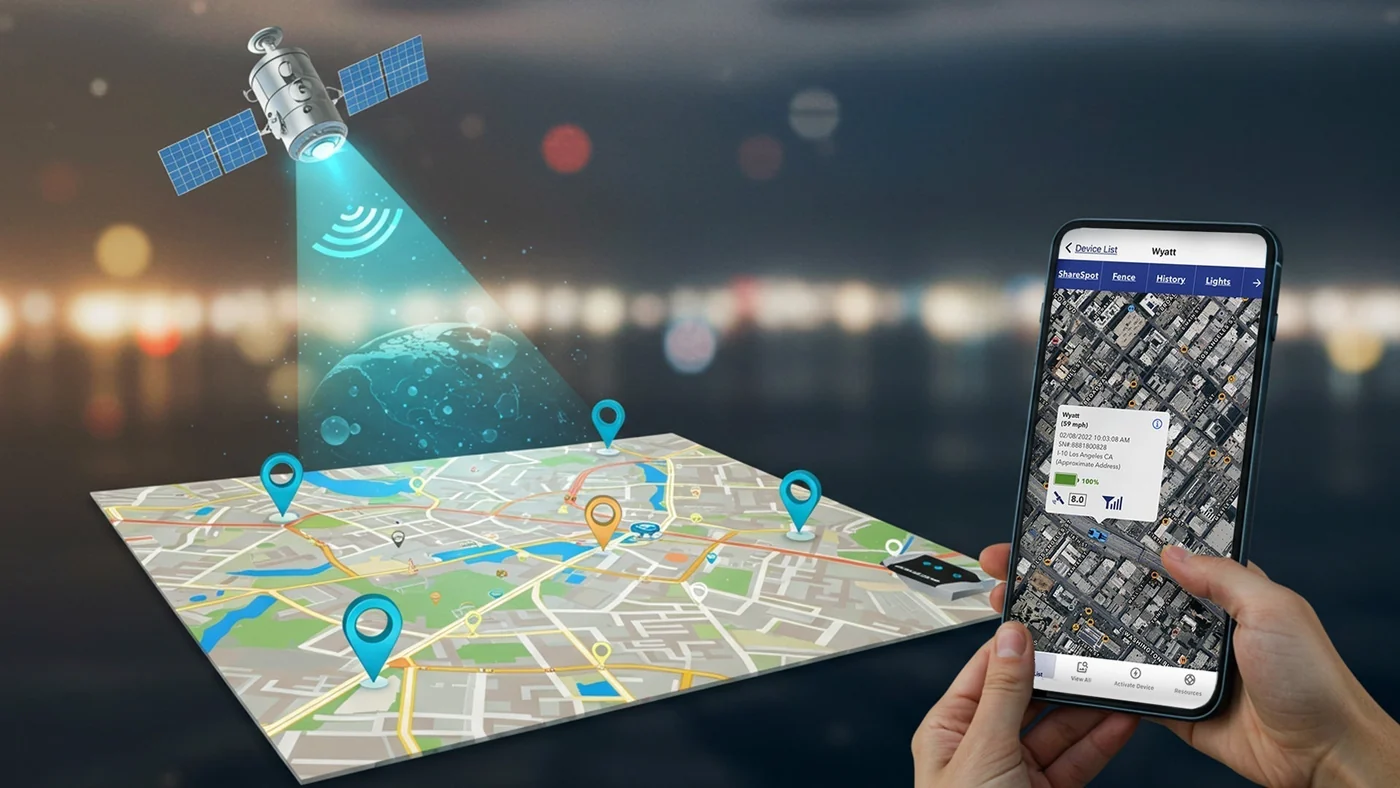
Travelling has become much easier with smartphones, but finding the right route, understanding an unfamiliar area or checking what is around your destination can still be frustrating. A basic map may show roads and street names, but sometimes you need more: satellite views, 3D maps, live traffic, saved routes, location tools and offline access. This is where modern GPS and satellite map apps become useful. They can help you explore places before you arrive, navigate while travelling and keep important routes or locations available for later. Whether you are driving across town, planning a road trip or exploring a city for the first time, the right mapping tools can save time and make the journey feel more organized.
See More Before You Start Your Journey
Have you ever searched for a place on a normal map but still had trouble understanding what the area actually looks like? Maybe you wanted to know which roads surround the destination, whether there are useful places nearby or how the terrain looks before travelling there. Live Earth Satellite View Maps by MZ Tech is designed for users who want to explore more than just street names.
The app includes Earth Map, 3D Map and 3D Terrain, allowing users to view different areas in a more visual way. This can be useful when exploring a destination before leaving home, checking a new neighborhood or simply looking at another city from a different perspective.
For drivers, one of the most useful features is the Route Planner. Planning your route in advance can help you understand where you are going before the journey begins. You can also check Live Traffic and Traffic Map to get a better idea of road conditions.
Traffic can completely change a simple journey. A route that normally takes a short time can become much longer during busy hours, so having traffic information available before leaving can be useful.
The app also includes Voice Map, which can make navigation more convenient when you are on the move. Instead of constantly checking your screen, voice-based guidance can help you follow your journey more comfortably.
If you need to find a particular place, Address Finder can help you search for locations, while Nearby Places lets you explore what is around your destination. This can be useful when looking for useful places in an unfamiliar area.
Another helpful feature is Distance Measure. Sometimes you do not need full navigation; you simply want to know how far one place is from another. Having this tool inside the same app can make quick planning easier.
For users who often drive the same routes, Saved Routes and Recent Routes help reduce repeated searching. You can quickly return to a route or destination you have already used.
Electric vehicle owners can also use EV Charging Stations to look for charging options during travel. This is especially useful during longer journeys or when visiting areas you do not know well.
The app provides several driving-related tools too, including Speedometer, HUD Speedometer, Speed Tracking and Speed Alerts. These can help drivers stay more aware of their current speed while travelling.
Other utilities such as Weather, Compass, STD Codes and Ask AI provide additional value beyond navigation. Weather can help you prepare before a trip, while the Compass is useful when you need a quick sense of direction.
If you want to combine an earth satellite map, 3D map, route planner, live traffic, nearby places and useful driving tools in one Android app, you can Install Live Earth Satellite View Maps and explore the available features.
Finding the Right Location Should Not Be Complicated
One of the most common travel problems is simple: you know roughly where you need to go, but finding the exact address or understanding your current location becomes confusing.
This happens often in new neighborhoods, busy city centers or places you have never visited before. Live Satellite Location Maps by VertixSoft is built around making location discovery and everyday navigation easier.
The Current Location feature helps users understand where they are, while Address Finder can be used when searching for a particular destination. This combination can be useful whether you are meeting someone, looking for a business or simply trying to understand your surroundings.
The app also offers Satellite View and 3D Map, allowing users to explore a place visually rather than depending only on a flat road layout.
This can be especially useful when you want to see how buildings, roads and nearby areas are positioned before arriving at your destination.
When you start travelling, Voice Navigation can help guide you along the route. For drivers, voice instructions can make it easier to follow directions without repeatedly looking at the phone.
The Traffic Map is another useful tool when travelling through crowded areas. Checking traffic before leaving can help you prepare for possible delays.
Drivers can also use the built-in Speedometer, while the Compass provides a quick directional tool for driving, walking or general exploration.
Travelling is not always about simply reaching an address. Sometimes you want to explore the place once you arrive. This is where Tourist Places can be useful, especially when visiting a city for the first time.
You can use it to discover interesting destinations and make your trip feel less dependent on manually searching for every attraction.
The app also includes Weather Updates, helping users check conditions before heading outdoors. This can be especially useful when planning a day of sightseeing, driving or walking.
Several additional tools make the app useful beyond maps. These include World Clock, Currency Converter, STD Codes, Country Codes, QR Scanner, Sound Meter and Sensor Info.
For international travelers, World Clock and Currency Converter can be particularly convenient. Instead of opening separate apps to check time differences or convert currencies, these tools are available alongside the location features.
Likewise, STD Codes and Country Codes can be useful when working with international phone numbers.
If you frequently need to find your current location, search an address, check traffic, explore tourist destinations or use travel utilities, you can Get Live Satellite Location Maps and keep these tools available on your Android phone.
Save Your Trips and Keep Important Routes with GPS Tracking
Sometimes reaching your destination is only part of the journey. You may also want to remember where you travelled, save the route you used or access important map information later.
This is where Live GPS Satellite View Maps by The Apps Land can be useful for people who want more control over their journeys.
The app includes Self Tracking, which can help users follow their movement while travelling. Whether you are driving, walking or exploring a new area, being able to track your journey can be helpful.
If you want to keep that journey, Saved Tracks allows useful tracks to remain available for later. This can be convenient when you want to repeat a trip or simply remember the route you previously took.
The app also includes Route Navigation and Saved Routes, which can help users return to frequently used journeys without planning them again from scratch.
One of its particularly useful travel tools is Offline Maps. Internet access may not always be reliable, especially during long drives or when travelling through less connected areas. Having offline map access can help when you cannot depend entirely on mobile data.
For people travelling through large cities, the Subway Map gives another way to understand public transport routes and move around urban areas.
Drivers can check Live Traffic before or during a trip and use the built-in Speedometer to stay aware of their speed.
The app is also useful for users who enjoy exploring maps beyond basic road navigation. Earth Map and 3D Earth allow you to look at locations in a more visual way, while Height Map provides information related to elevation and terrain.
When searching for a place, Location Finder can help identify the required location. Users can also work with specific areas through Area Finder and keep useful regions available using Saved Area.
This can be helpful when researching an area for travel, work or future visits.
The Tourist Places feature can help travelers discover interesting destinations, while Weather adds useful information when preparing for outdoor activities or journeys.
The app also includes Compass and STD Codes, giving users a few extra everyday tools alongside its GPS and map features.
The combination of self tracking, saved tracks, route navigation, offline maps, live traffic and 3D Earth makes it suitable for people who regularly travel and want more than basic destination search.
If you want to keep track of journeys, save important routes, access offline maps or explore different areas through GPS and satellite tools, Install Live GPS Satellite View Maps and use it on your next journey.
Turn Your Phone into a Smarter Travel Companion
Different journeys create different navigation needs. One day you may need a detailed satellite view to understand a destination, another day you may simply want to find your exact location, and during a longer trip you may want to save routes or access maps offline.
That is why having several useful navigation features available on your phone can make travelling much easier.
Live Earth Satellite View Maps focuses strongly on visual map exploration, route planning, traffic and driving utilities. Live Satellite Location Maps is useful when current location, address search and everyday travel tools are your main priority. Live GPS Satellite View Maps adds tracking, saved journeys, offline maps and route management for people who want to keep more information about their travels.
Whether you are planning tomorrow’s commute, exploring a new city, taking a road trip or simply trying to understand what is around you, satellite maps and GPS tools can help you travel with more confidence and better information.







Comment