
IPTV Nederland Explained: How IPTV Works in the Netherlands and What to Check Before You Buy

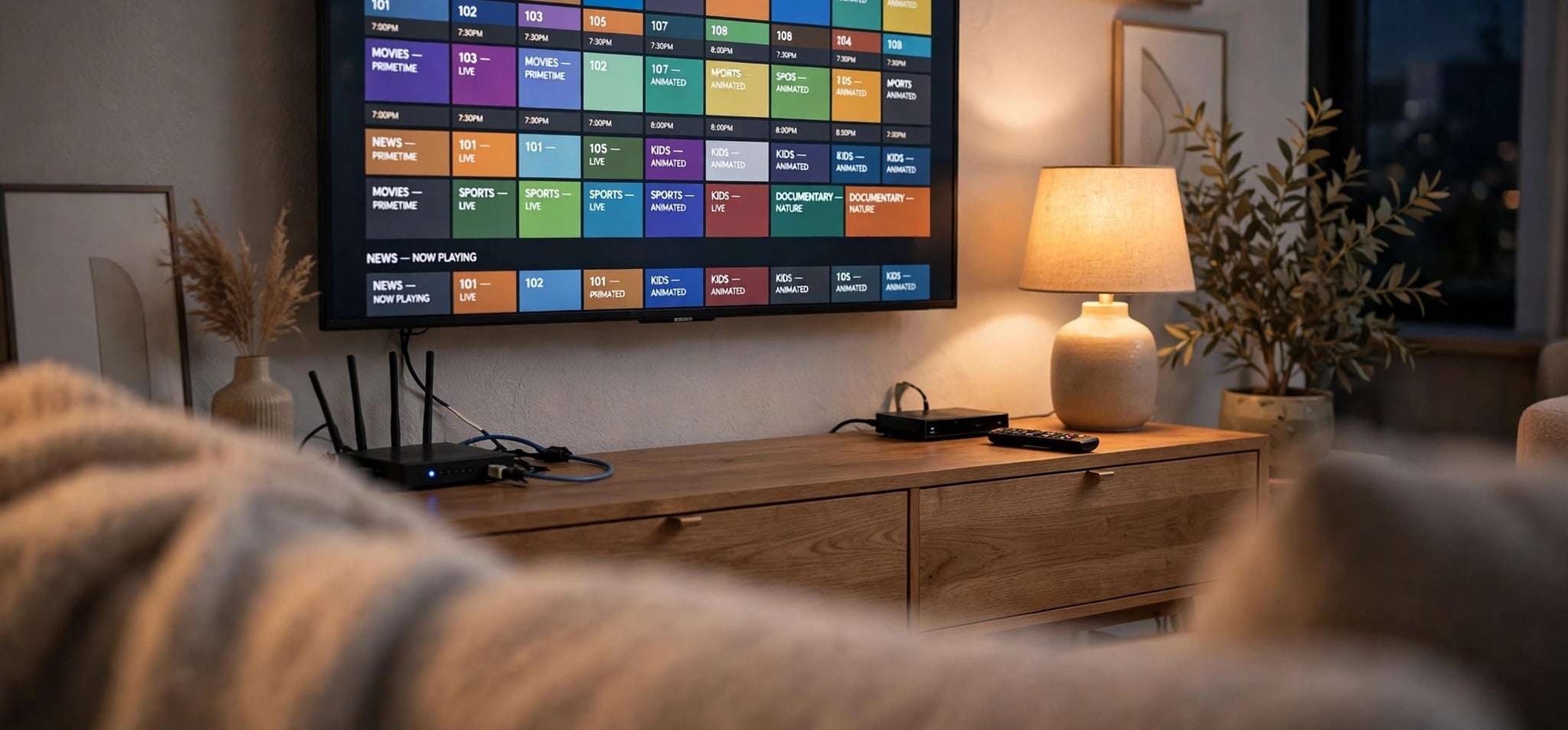
Television in the Netherlands is steadily moving from the coax cable to the internet connection. The technology behind that shift is IPTV, short for Internet Protocol Television. Searches for "IPTV Nederland", for an IPTV subscription and for Dutch IPTV providers have grown with it, and so has the number of people who are unsure what they are actually buying.
This guide explains how IPTV works, what you need at home to run it properly, and how to judge a provider before you pay for anything.
Key takeaways
- IPTV delivers live television, catch-up and on-demand video over your normal internet connection.
- One Full HD stream needs about 10 Mbit per second; a 4K stream about 25 Mbit per second.
- Most households need no new hardware: a recent smart TV, streaming stick, tablet or phone is enough.
- A stable connection matters more than a fast one, and a network cable beats Wi-Fi.
- Always test a service on your own connection before you buy a subscription.
What is IPTV?
IPTV is television delivered as data over an internet connection instead of as a broadcast signal over cable or satellite. For the viewer it looks like ordinary television: a list of channels, a programme guide and a library of films and series. The difference is in how the picture reaches the screen.
How IPTV works: from broadcast to stream
Traditional cable sends every channel to every home at once, and the set-top box picks one. IPTV does the opposite. Your device asks a server for one specific stream, and only that stream is delivered. This is why IPTV can offer live channels, catch-up viewing and on-demand libraries in the same app: all three are simply different requests to a server.
The video itself is compressed, usually with the H.264 or the more efficient H.265 codec, and cut into short segments. The player downloads those segments a few seconds ahead of what you are watching. That small buffer is what keeps playback stable when the connection briefly slows down.
Live TV, catch-up and on-demand in one place
Because every programme is delivered as a requested stream, the line between live television and on-demand viewing becomes thin. A live channel is a stream that is being produced right now. Catch-up is the same stream stored for a number of days. A film or series library is a set of stored files. The app presents them in separate menus, but technically they travel the same road to your screen.
Tying it together is the electronic programme guide, or EPG. The guide is a separate data feed that tells the app what is on each channel and when. When a guide shows the wrong programme or stays empty, the stream itself is usually fine; the guide data simply needs to be refreshed in the app.
How much internet speed does IPTV need?
Bandwidth is the first thing to check. As a rule of thumb, one Full HD stream needs about 10 Mbit per second, and a 4K stream about 25 Mbit per second. Each extra screen that plays at the same time adds to the total.
Speed is only half the story. Stability matters more. A fibre or cable connection that holds a steady rate will outperform a faster line that fluctuates. In practice most playback problems come from the home network, not from the provider's side: a television far from the router, a crowded Wi-Fi channel or an old access point.
A five-minute home network check
Before blaming a service for a stuttering picture, check the network at home:
- Run a speed test on the device you watch on, not on a laptop next to the router.
- Connect the main television with a network cable if you can.
- On Wi-Fi, use the 5 GHz band for the television and keep the router out of cupboards and meter boxes.
- Restart the router and the television or box. It sounds trivial, yet it clears most temporary faults.
- Check what else is using the line. A large download or a cloud backup in the background can take most of the available bandwidth.
If the picture is stable on a cable and unstable on Wi-Fi, the cause is found.
Devices and apps
One reason IPTV has grown quickly is that it rarely needs new hardware. It runs on most recent smart TVs, on streaming sticks, on Android TV boxes, and on phones, tablets and laptops.
The subscription and the app are usually separate products. The provider supplies login details; the viewer chooses a player app. Two connection methods dominate. The first is an M3U playlist, a plain text file that lists the available streams. The second is the Xtream Codes API, where the app logs in with a server address, a username and a password and then loads channels, on-demand titles and the programme guide automatically. The API method is generally easier to set up and keeps the guide in sync.
Setup differs per device, so it helps when a provider documents it. Good examples are the IPTV installation guides for each device that some Dutch providers publish, with separate steps for smart TVs, streaming sticks and phones.
Do you need an IPTV box?
Usually not. An IPTV box (in Dutch often called an IPTV kastje) is a small Android or Linux device that plugs into an HDMI port. It is useful in two situations: your television is older and has no usable app store, or you want a dedicated device with its own remote and a faster processor than the television offers.
For everyone else, the app on the television or streaming stick you already own does the same job. If you do buy a box, choose one that supports the H.265 codec and has a wired network port.
One screen or several?
A subscription normally allows one stream at a time. You can install the app on several devices, but only one of them plays at any moment. Households where people watch different things at once need a plan that covers two or more simultaneous screens. A typical IPTV abonnement, the Dutch term for an IPTV subscription, is therefore offered per term and per number of screens.
Each active screen also draws its own share of bandwidth, so a family with three screens in 4K needs a far larger connection than a single viewer in Full HD.
How to compare IPTV providers in the Netherlands
The technology is the same everywhere, so the differences between Dutch IPTV providers lie in how the service is run. Before buying an IPTV subscription, check these points:
- A free IPTV trial, so you can test on your own connection and device.
- Clear terms: a fixed period paid once, with no automatic renewal, is easier to live with than a rolling contract.
- Published prices, so you can compare without having to ask.
- Support you can actually reach, in your own language.
- Server capacity during busy evening hours, which a trial will reveal.
Dutch IPTV providers such as IPTV Helder offer a free 24-hour IPTV trial without payment details for exactly this reason: how a stream performs depends on the viewer's own setup, and the only reliable test is to try it. The same provider's page on buying IPTV in the Netherlands sets out the steps from choosing a plan to receiving the login.
Frequently asked questions
What internet speed do I need for IPTV?
About 10 Mbit per second for one Full HD stream and about 25 Mbit per second for 4K. Add the numbers together for every screen that plays at the same time.
Does IPTV work on a smart TV?
Yes. Most smart TVs from recent years can install a player app from their app store. Older models can use a streaming stick or an IPTV box in an HDMI port.
Why does my IPTV stream keep buffering?
In most cases the home network is the cause. Use a network cable for the main screen, move the router out of the meter box, and restart the router and the device.
Can I watch IPTV on several screens at once?
Only if the subscription includes more than one simultaneous screen. With a single-screen plan you can log in on several devices but play on one at a time.
How do I test IPTV before buying?
Ask for a free trial and use it in the evening, on the screen you watch most. A trial of 24 hours is enough to judge picture quality, channel-switching speed and the programme guide.
The takeaway
IPTV is not a new kind of television so much as a new way of delivering it. The picture depends on three things working together: a stable connection, a capable device and a well-run service. Check the first two at home, test the third with a trial, and the switch from cable is usually uneventful.
Previously in Technology: FC 27 Ultimate Team: How to Make Progress When You Have Limited Time







Comment