
How to Use AI to Learn Game Development Step by Step

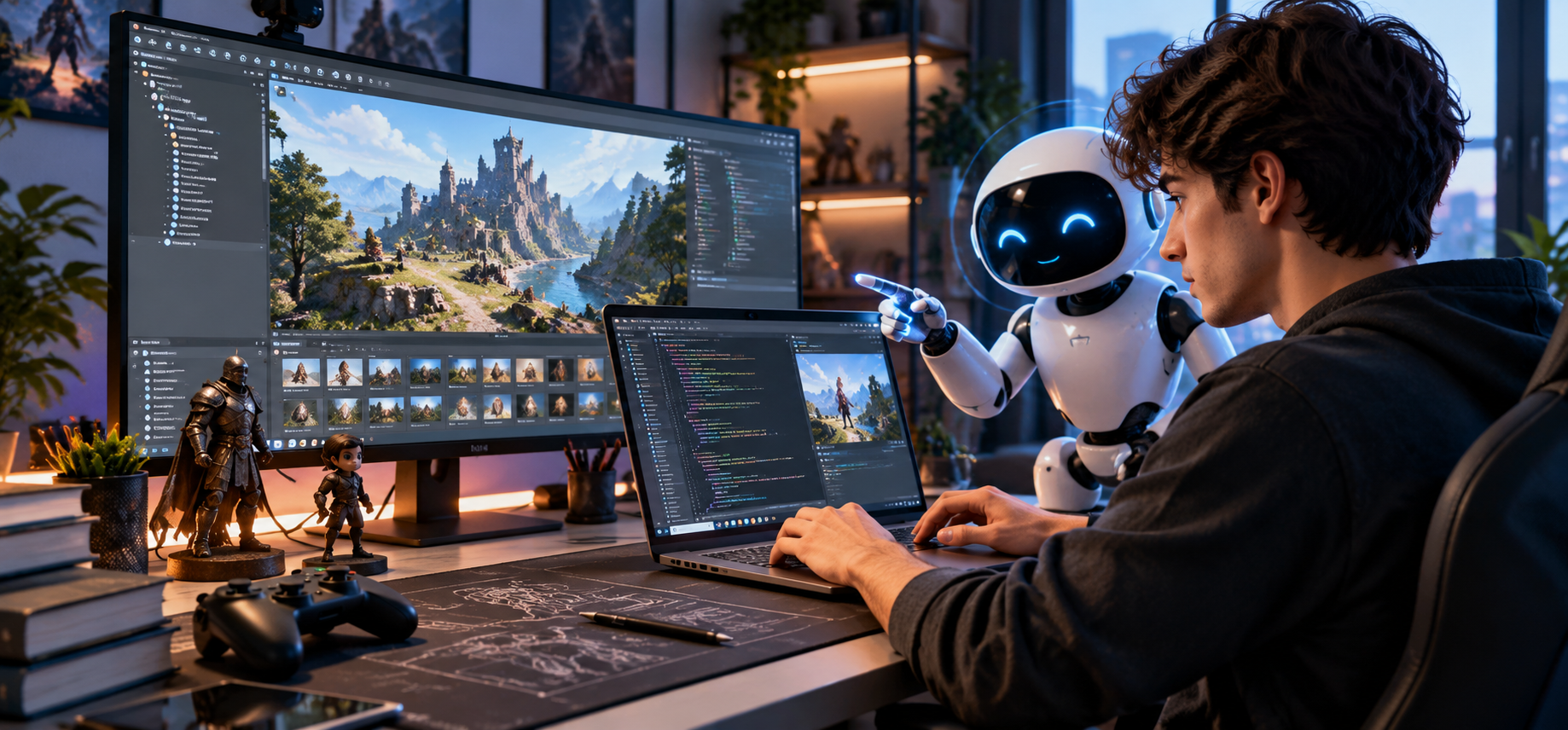
Creating a game from scratch can appear daunting. It may require programming, game design, 3D modeling, animation, user interfaces, and debugging skills.
AI can help with that by offering explanations, examples, feedback, and concrete recommendations as you learn, making the process easier. But AI is best used as a learning assistant, not a replacement. Here are tips for using it effectively as you learn to build games.
Tips for Using AI to Learn Game Development
With enough practice, AI can be a helpful study guide as you learn to design your own games. Are you aware that you can create a Unity game with ChatGPT? Below are some effective tips you can.
Begin with the fundamental elements
Understand the basics of game development before creating a full game. Explain concepts like game loops, player movement, collisions, scenes, objects, variables, functions, and game physics to AI
in simple terms.
Focus on learning the concepts rather than just copying the code. This will give you a stepping stone to more complicated projects.
Select a game development tool
Choose a game engine that fits your goals and current skill level. For beginners, it is best to use an engine that offers visual tools along with programming facilities.
After selecting the engine, ask AI for a structured learning path. You can request beginner exercises that ease you into the important aspects of a game without building a large game too quickly.
Create a small project
Learning through practice is the best way to learn. Begin with an easy game like a platformer, a maze, a race, or a simple survival game.
Divide the project into tasks. For instance, you could start with player movement, then build the environment, enemies, scoring, sound, and finally the basic menu.
AI can guide you on how to tackle each task without having to master the whole project in one go.
Understand code using AI
Do not assume that the code generated by AI can be simply pasted and forgotten. Ask it to describe the purpose of important sections and the functions or variables
it uses.
You can also ask for an easier version of complex scripts. This helps you to familiarize yourself with programming patterns and to get used to writing code yourself.
Learn through debugging
Errors are a part of game making. Don’t just tell AI it made a mistake; share the error message and relevant code, and ask why the problem occurred.
Knowing the cause is more beneficial than getting a quick solution. You will start to see some frequently occurring coding errors and solve problems on your own.
Add features gradually
After the simple game works, add one new feature at a time. It may include an inventory, health system, enemy behavior, weapons, saving, weather effects, etc., or any other gameplay mechanics.
Get AI advice about planning each feature without coding. This will simplify unneeded complexity, making larger projects easier to manage.
Conclusion
AI can help streamline game development learning by offering explanations, coding support, debugging advice, and project ideas. The best way is to use AI support and apply it in practice. Finally, visit INFINITY AREA french gaming website to learn more.
Learn basic concepts; select a development tool; create simple projects; interpret the code you use; learn from mistakes; add more interesting features little by little.






Comment