
How to Reduce Month-End Closing Time for Ecommerce Businesses

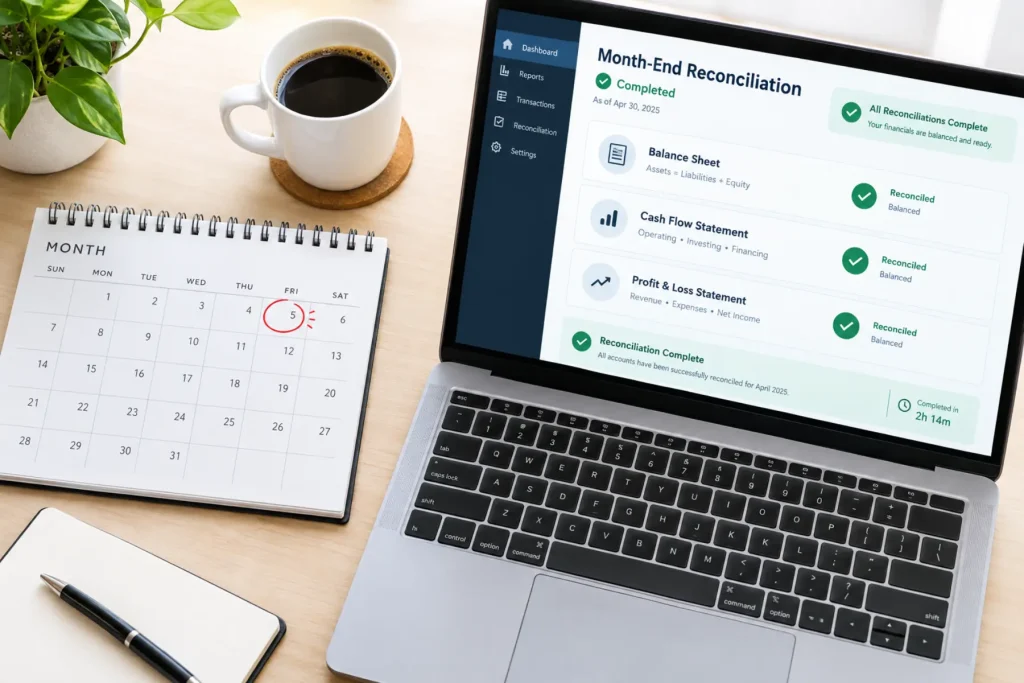
Month-end closing is an essential part of running an ecommerce business, but it can also be one of the most time-consuming tasks. Between tracking sales, reconciling payments, managing refunds, and updating financial records, accounting teams often spend days trying to get everything in order.
As an ecommerce business grows, managing transactions across multiple sales channels becomes even more challenging. What starts as a simple accounting process can quickly turn into hours of manual work, spreadsheets, and last-minute corrections.
The good news? Month-end closing doesn’t have to be stressful.
With the right processes, automation, and an ecommerce accounting solution, businesses can reduce manual work, improve accuracy, and close their books faster.
Let’s explore how.
Why Does Month-End Closing Take So Long?
Unlike traditional businesses, ecommerce companies handle transactions from multiple platforms, payment gateways, and sales channels. Each platform may have different reporting formats, payout schedules, and transaction fees.
Some common challenges include:
- High transaction volumes: Hundreds or thousands of daily orders make manual accounting difficult.
- Multiple sales channels: Managing transactions from Shopify, Amazon, eBay, and other platforms increases complexity.
- Payment reconciliation: Matching payouts with sales, fees, refunds, and deductions takes time.
- Inventory discrepancies: Differences between recorded inventory and actual stock can delay closing.
- Manual data entry: Entering transaction details into accounting software increases the risk of errors.
When these issues accumulate throughout the month, accounting teams are left with significant work during the closing period.
1. Automate Ecommerce Accounting Processes
One of the most effective ways to speed up month-end closing is by reducing manual accounting tasks.
Manually transferring sales information from ecommerce platforms into accounting software can be time-consuming and error-prone.
Automation helps businesses:
- Sync sales transactions with accounting software.
- Record payment processing fees and refunds.
- Categorize transactions consistently.
- Reduce duplicate entries and manual corrections.
- Keep financial records updated throughout the month.
An Ecommerce accounting solution can connect sales channels with accounting platforms such as QuickBooks or Xero, helping businesses maintain accurate financial records without constantly switching between systems.
With fewer manual tasks, accounting teams can focus on reviewing financial information instead of entering it.
2. Reconcile Transactions Regularly
Waiting until the end of the month to reconcile transactions is one of the biggest reasons accounting teams experience delays.
Ecommerce businesses receive payments through different gateways, including PayPal, Stripe, and marketplace payment systems. These payments may include processing fees, refunds, and other adjustments.
Instead of reconciling everything at month-end, businesses should:
- Review transactions daily or weekly.
- Match marketplace payouts with corresponding sales records.
- Identify missing or duplicate transactions early.
- Verify payment processing fees and refunds.
- Investigate discrepancies before they accumulate.
Regular reconciliation helps prevent small accounting issues from turning into major problems during month-end closing.
3. Keep Inventory Records Accurate
Inventory accounting plays an important role in ecommerce financial reporting.
When inventory records are inaccurate, businesses may struggle to calculate the correct cost of goods sold (COGS), which directly affects profitability reporting.
To avoid inventory-related delays:
- Update inventory records regularly.
- Track stock movements across sales channels.
- Record damaged, returned, or lost inventory.
- Review inventory adjustments before month-end.
- Ensure inventory data matches accounting records.
Connecting inventory management and accounting systems can also reduce the need for manual updates.
Accurate inventory information makes it easier to calculate COGS and finalize financial statements.
4. Standardize Your Month-End Closing Checklist
A structured checklist helps accounting teams stay organized and ensures important tasks aren’t overlooked.
Without a defined process, teams may spend unnecessary time identifying what needs to be completed.
A simple month-end closing checklist can include:
- Verify sales revenue across all channels.
- Reconcile bank accounts and payment gateways.
- Review refunds, returns, and chargebacks.
- Record marketplace fees and operating expenses.
- Update inventory and COGS.
- Review outstanding invoices and payments.
- Generate financial reports.
- Investigate and resolve discrepancies.
Assigning responsibilities and deadlines for each task can make the closing process more efficient.
Over time, businesses can refine their checklist to eliminate unnecessary steps.
5. Integrate Your Ecommerce and Accounting Systems
Using disconnected systems is another common reason month-end closing takes longer than expected.
For example, sales information may be stored in Shopify, marketplace payouts in Amazon, inventory details in another application, and financial records in QuickBooks.
When these systems don’t communicate, accounting teams must manually combine information.
Integrating ecommerce platforms with accounting software helps businesses:
- Maintain consistent financial information.
- Reduce repetitive data entry.
- Improve transaction visibility.
- Simplify sales and payout reconciliation.
- Minimize errors caused by disconnected records.
A reliable Ecommerce accounting solution helps streamline data movement between systems, making month-end reporting more manageable.
6. Monitor Financial Data Throughout the Month
Month-end closing becomes easier when businesses maintain accurate financial records throughout the accounting period.
Rather than reviewing everything during the final few days, accounting teams should regularly monitor key financial activities.
These include:
- Sales revenue and transaction fees.
- Refunds and chargebacks.
- Inventory adjustments.
- Outstanding payments.
- Unusual or uncategorized transactions.
Regular financial reviews allow businesses to identify issues early and resolve them before closing begins.
This approach also provides better visibility into business performance throughout the month.
7. Use Automation to Reduce Closing Delays
Automation is most effective when combined with consistent accounting practices.
Businesses should identify repetitive tasks that consume the most time and prioritize automating them.
For example, automated transaction syncing and reconciliation workflows can reduce the effort required to prepare financial records.
However, automation doesn’t eliminate the need for financial review. Accounting teams should still verify unusual transactions, investigate discrepancies, and confirm that reports are accurate.
The goal is to spend less time preparing data and more time analyzing it.
Final Thoughts
Reducing month-end closing time isn’t about rushing through accounting tasks. It’s about building a process that keeps financial information accurate, organized, and accessible throughout the month.
By automating repetitive tasks, reconciling transactions regularly, maintaining accurate inventory records, and integrating accounting systems, ecommerce businesses can make month-end closing significantly more efficient.
An effective Ecommerce accounting solution can further simplify these processes by connecting sales channels with accounting software and reducing manual work.
With the right tools and practices, businesses can close their books with greater confidence and spend more time focusing on growth.







Comment