
How to Choose an IPTV Service in the USA: 7 Key Factors

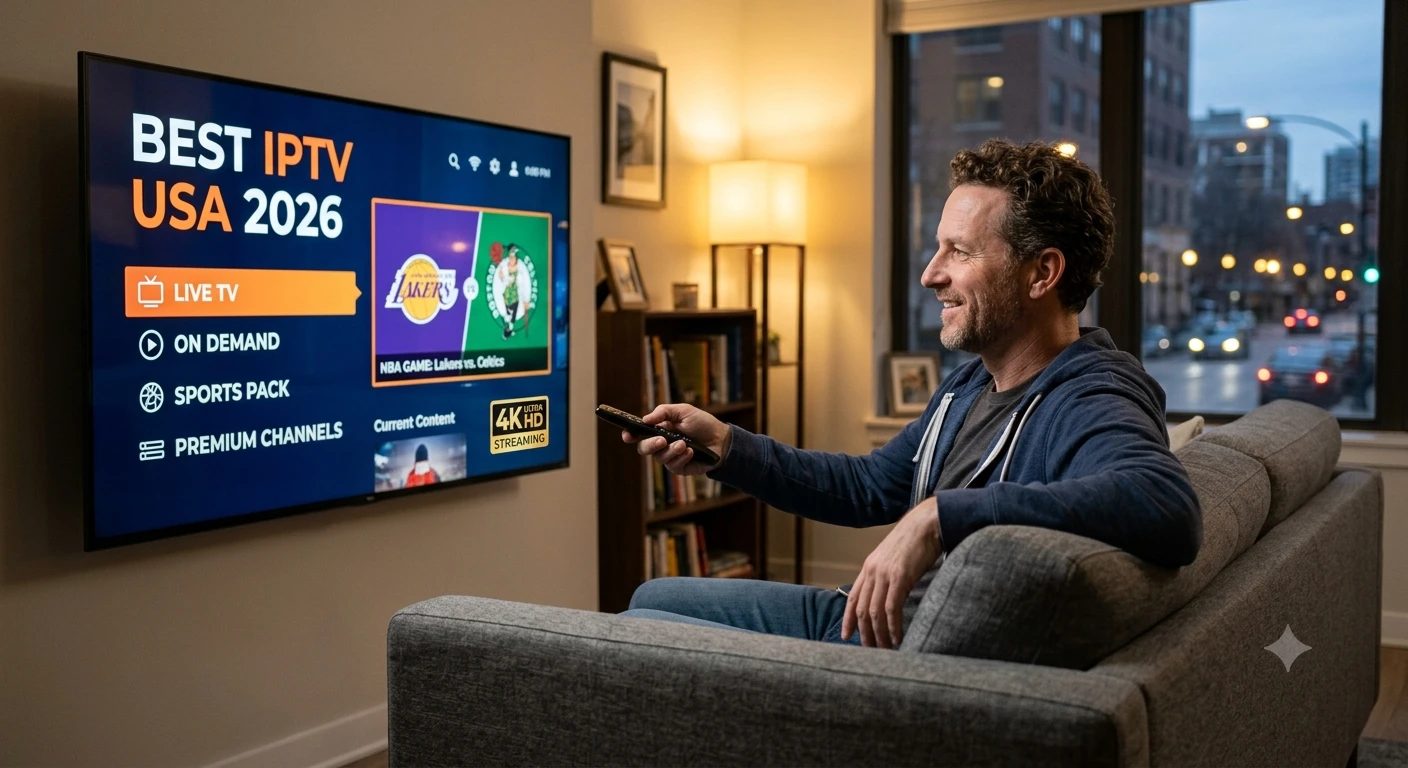
Choosing an IPTV service in the USA? Check channels, local stations, sports coverage, streaming quality, pricing, and licensing before you subscribe.
Finding the right IPTV USA service is harder than it looks. Hundreds of providers compete for the same viewers, and their websites all promise thousands of channels, flawless 4K, and unbeatable prices. The reality behind those claims varies widely. A good choice gives you reliable live TV, the sports you care about, and a fair monthly bill. A poor one means buffering during the fourth quarter, missing local channels, or a service that disappears after you have paid. This guide walks through the seven factors that matter most, so you can compare options with confidence.
What Should You Look for in an IPTV Service?
The best IPTV service for your household is the one that matches how you actually watch television. Before comparing prices, write down your must-haves: the channels you watch weekly, the teams you follow, the number of screens in your home, and the devices you use. Every factor below is easier to judge once you know those answers.
1. Channel Lineup and Local Channels
Start with the channels you would miss most. A long list of channel names means little if your local ABC, CBS, FOX, and NBC stations are not included. Local channels carry news, weather, and most major sports broadcasts, and availability depends on your ZIP code.
Ask whether the provider offers local stations in your area, and whether those channels are included in the base price or sold separately. If they are missing, a low-cost over-the-air antenna can fill the gap.
2. Sports Coverage
Sports fans should check three details: which networks carry their teams, whether regional sports channels are available in their market, and how far behind the live broadcast the stream runs. Some services lag by a minute or more, which matters when phone alerts reveal a score before you see the play.
Also look at blackout rules. Regional restrictions can block certain games, even on a service that advertises a network you want.
3. Provider Transparency and Content Sources
A reliable provider is clear about who operates the service and how it works. Look for a named company, a business address, contact details, terms of service, and a privacy policy. These details make it easier to resolve billing questions and to know whom to contact if something goes wrong.
It is also reasonable to ask where the content comes from. Providers that hold the rights to their channels can usually explain this, and their terms of service often describe it. Having that information helps you choose a service that can keep operating and supporting you over time.
4. Streaming Quality and Internet Requirements
Stream quality depends on both the provider and your home network. Services generally recommend around 25 Mbps for a single 4K stream, and more if several people watch at once. Run a speed test on the same Wi-Fi your TV uses, not just on a laptop next to the router.
A wired Ethernet connection removes most buffering problems. If Wi-Fi is your only option, place the router close to the TV or consider a mesh system.
5. Device and Smart TV Compatibility
Confirm that the service offers an official app for your device. Roku, Amazon Fire TV, Google TV, Apple TV, Samsung, and LG all support the major providers. An app available through your TV’s official store is easier to update and safer than one you must install manually from an unknown source.
Check simultaneous stream limits as well. A plan that allows only two screens may not suit a family with several TVs.
6. Price, Contracts, and Extra Fees
Compare the full monthly cost, not the introductory offer. As a reference point, licensed live TV bundles such as YouTube TV ($82.99 per month) and Hulu + Live TV (about $89.99) sit near the top of the range, while Sling TV starts around $45.99. Prices change often, so verify them on each provider’s website.
Read the fine print for promotional periods, automatic renewals, add-on charges for sports or premium channels, and cancellation terms. Month-to-month billing gives you the freedom to switch if the service disappoints.
7. Customer Support and Free Trials
Reliable support is a strong sign of a serious provider. Look for multiple contact options, clear business hours, and a refund or cancellation policy. Before subscribing, use a free trial or a short first term to test the service during a busy live event, since that is when weak infrastructure shows.
How Do You Test an IPTV Service Before Committing?
Use a short trial to test the service under real conditions. Follow these steps:
- Watch a live game or breaking news event during peak evening hours.
- Check that your local channels load correctly.
- Try the service on every device in your home.
- Test the DVR or catch-up features, if you plan to use them.
- Contact customer support with a simple question and note how quickly they respond.
If the service struggles with any of these, continue looking. Paying for a full year upfront before testing is rarely worth the discount.
What Are the Warning Signs of a Poor IPTV Provider?
Several red flags appear repeatedly. Avoid providers that accept only cryptocurrency or gift cards, hide their company details, sell through social media accounts, or ask you to install unknown apps. Promises of “every channel in the world” and unusually long lifetime deals also deserve skepticism, because real content costs do not fit those prices.
Conclusion
Choosing an IPTV service comes down to matching the provider to your household: the channels and sports you watch, the devices you own, and the internet connection you have. Start with your must-haves, verify licensing and pricing, and test the service before you commit to a long plan. A careful choice now saves you from buffering, surprise fees, and lost payments later.
Suggested tags
- IPTV USA, how to choose an IPTV service, best IPTV service USA, IPTV for Smart TV, IPTV with local channels, live TV streaming, cord cutting, streaming services






Comment