
How Small Teams Can Test Video Ad Hooks With AI

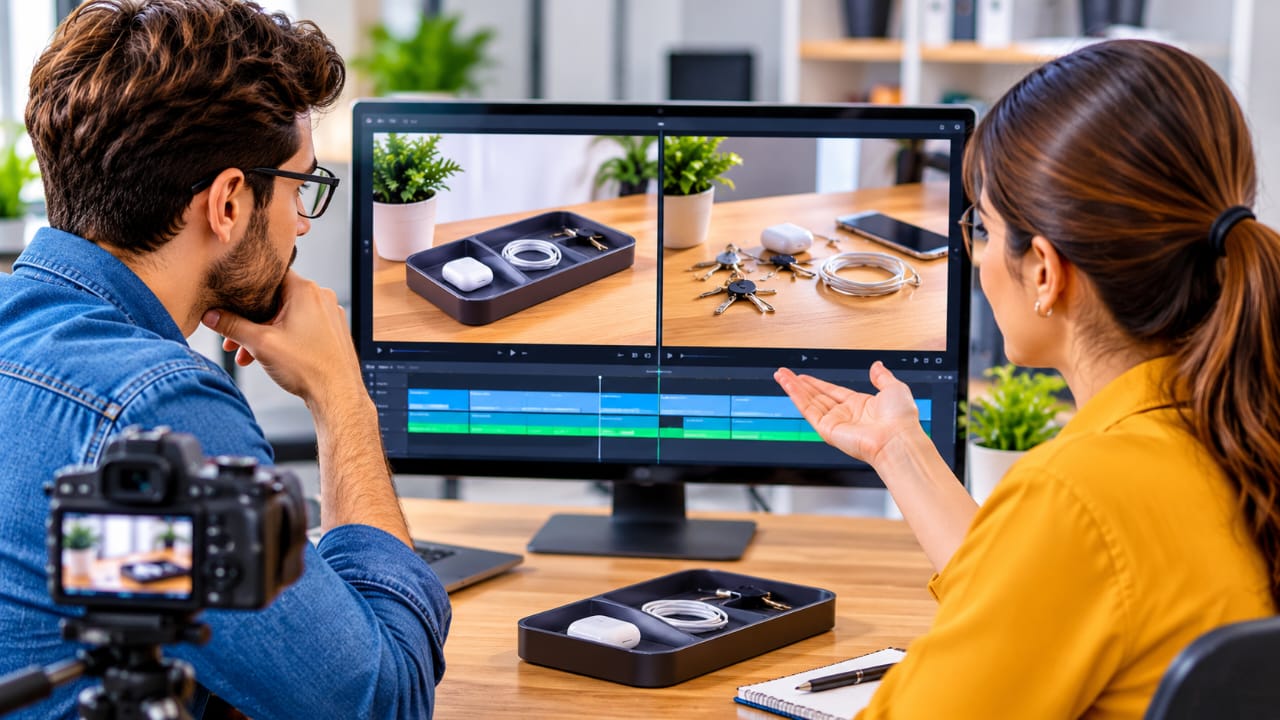
Two people on a marketing team disagree about the first two seconds of an ad. One wants to show the product immediately. The other wants to open on the problem it solves. Both ideas sound reasonable in a meeting. Filming both would take another afternoon, and the team hasn’t decided whether the campaign deserves that time.
AI video can make those two openings concrete enough to compare. The useful test is narrow: change the opening, keep the rest of the ad steady, and decide what evidence would justify making another version. That gives a small team a way to test a creative idea before committing to a larger production.
Write down what the two openings are testing
Imagine an online store selling a modular desk tray. The ad shows how the tray gives keys, earbuds, and a charging cable a place to go. The team already has footage of someone placing those items into the tray and a finished end card with the price.
The product-first opening shows the tray on a clean desk. The problem-first opening shows the same desk with loose items scattered across it, then cuts to the tray footage. Both versions use the same demonstration and end card. The question is whether viewers stay longer when they see the product straight away or when they first recognize the clutter.
Write that question in a sentence everyone can agree on. “Which ad is better?” could mean more initial attention, more site visits, or more orders. A clearer question is “Which opening gets more viewers to the start of the demonstration?” That tells the editor where the two versions should converge and tells the campaign owner what to look for once they’re live.
Build the shared edit before generating either opening
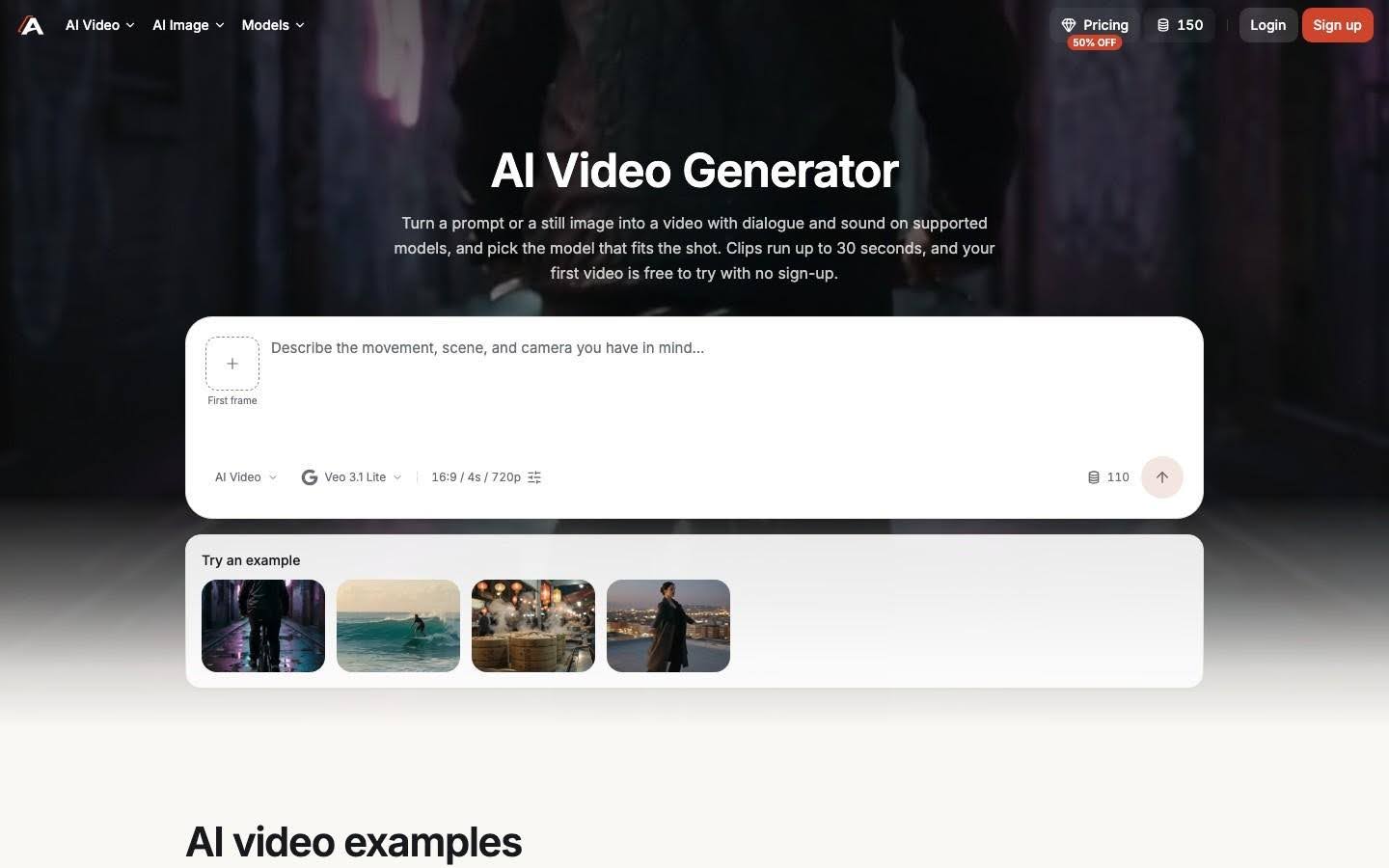
Start with the part of the ad both versions will use. Put the real demonstration on the timeline, place the end card, and choose the music. Leave an opening slot of the same length in both cuts. A finished common section makes it easier to spot when one new clip quietly changes the offer, tone, or total running time.
Use approved photos for details viewers will interpret as product information. If the tray comes in three colors, choose the actual color you’re promoting. Keep the price and the call to action in the editor so they stay identical across both cuts.
A browser platform such as Animer offers multiple image and video models in one workspace. That gives the team room to explore during production. For the comparison itself, use the same model and similar framing if possible. If one opening has a polished camera move and the other looks like a flat still, it becomes harder to tell whether viewers responded to the idea or the treatment.
Generate two short shots that cut cleanly into the same footage
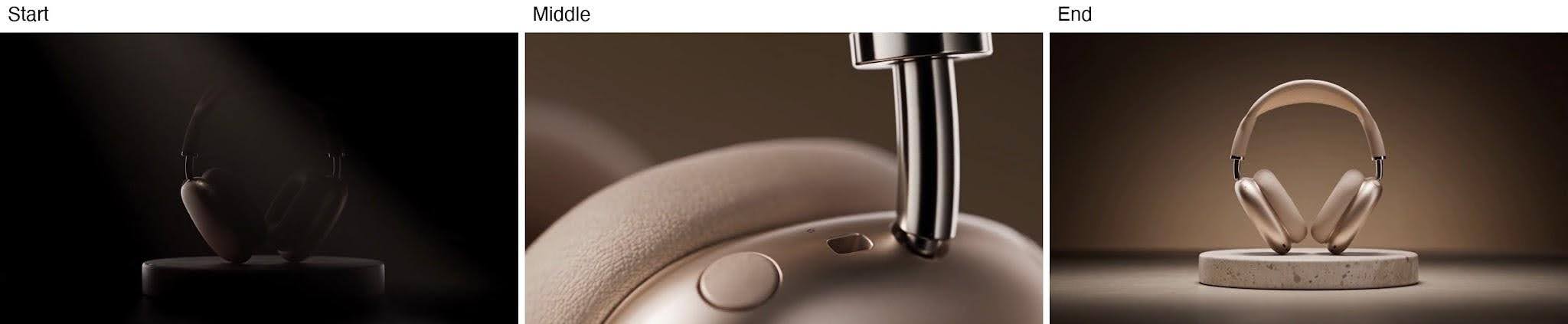
Look at the first frame of the real demonstration. If it shows the tray from above, an overhead opening will give both versions an easy place to cut. Keep the desk color and lighting in the same range. Those choices make the transition feel like part of one ad.
For the product-first version, you can upload the approved tray photo as the opening frame in seedance 2.5. Ask for a restrained overhead push toward the tray while its dividers, finish, and proportions stay consistent. For the problem-first version, use a separate reference of a cluttered desk and ask for a similar push toward the loose keys and cable. Give both clips a clean moment where they can cut to the demonstration.
Review the drafts back to back with the sound off. Check that both open clearly at phone size and that the tray still matches the real footage. If a generated shot adds a compartment or changes the finish, swap in the approved photo and move the frame in an editor. A clean edit from the still can keep the test running while preserving what customers will actually receive.
Read the result where the two edits diverge
Use the same placement, audience, and delivery window for both versions where the ad platform allows it. If the platform has a split-test feature, use it to set up the comparison. Posts published days apart to different audiences can still give you ideas, but the opening is only one of several differences.
Choose a measure close to the moment you changed. If the opening ends at three seconds, use a retention point or view metric near that boundary when the platform provides one. Then check what happens later. An opening that keeps people watching for three seconds may still lead to fewer clicks if it sets up a different expectation from what the demonstration delivers.
Suppose the clutter opening gets more people to the demonstration, while the product-first opening produces more landing-page visits. The decision depends on what the campaign needs. For a traffic campaign, the product-first cut may deserve the next round. The clutter opening can still suggest a useful creative idea if you can connect it more clearly to the product.
Account for the drafts you couldn’t use
Record generation spend and editing time for each finished cut. If the two openings take six renders and only two make the timeline, spread the cost of all six renders across the two usable openings. Include the time someone spent checking the product details and trimming the shots. That gives you a figure you can compare with making the next variation from an approved still or recording a pickup shot.
Keep a short note on why you discarded the other drafts. A mismatch in color calls for a different fix from a jumpy camera move. After a few tests, those notes can show where the workflow earns its keep. A team may find that motion works well for a quick setup shot, while real footage is faster to approve whenever a hand interacts with the product.
FAQ
How many video ad hooks should a small team test at once?
Start with two if you have limited traffic or editing time. Make each opening express a distinct idea, such as showing the product immediately or leading with the problem. Once you have a useful result, test a second question, such as which product angle works best in the opening.
Can I compare an AI-generated clip with a shot made in an editor?
Yes, especially if you’re deciding which finished ad to run. If your goal is to isolate the opening idea, keep the framing, pacing, and visual treatment as close as you can. Record the production difference so you can account for it when interpreting the result.
Which metric should I use to judge the opening?
Start with the closest available measure of whether viewers reached the shared part of the ad. Use clicks, sign-ups, or sales to judge whether that attention served the campaign goal. When those measures point in different directions, review the transition from the hook to the offer.
What if the two versions perform about the same?
Check how much delivery each version received and whether the audiences and placements were comparable. If you still can’t tell them apart, choose the version that’s easier to maintain or adapt. A straightforward cut from an approved asset can be a good choice when the team expects to update pricing or run the same campaign in several formats.
Previously in Digital Marketing: How to Turn an SEO Audit Into a 90-Day Action Plan






Comment