
How Small Businesses Can Improve Financial Management With Accounting Automation

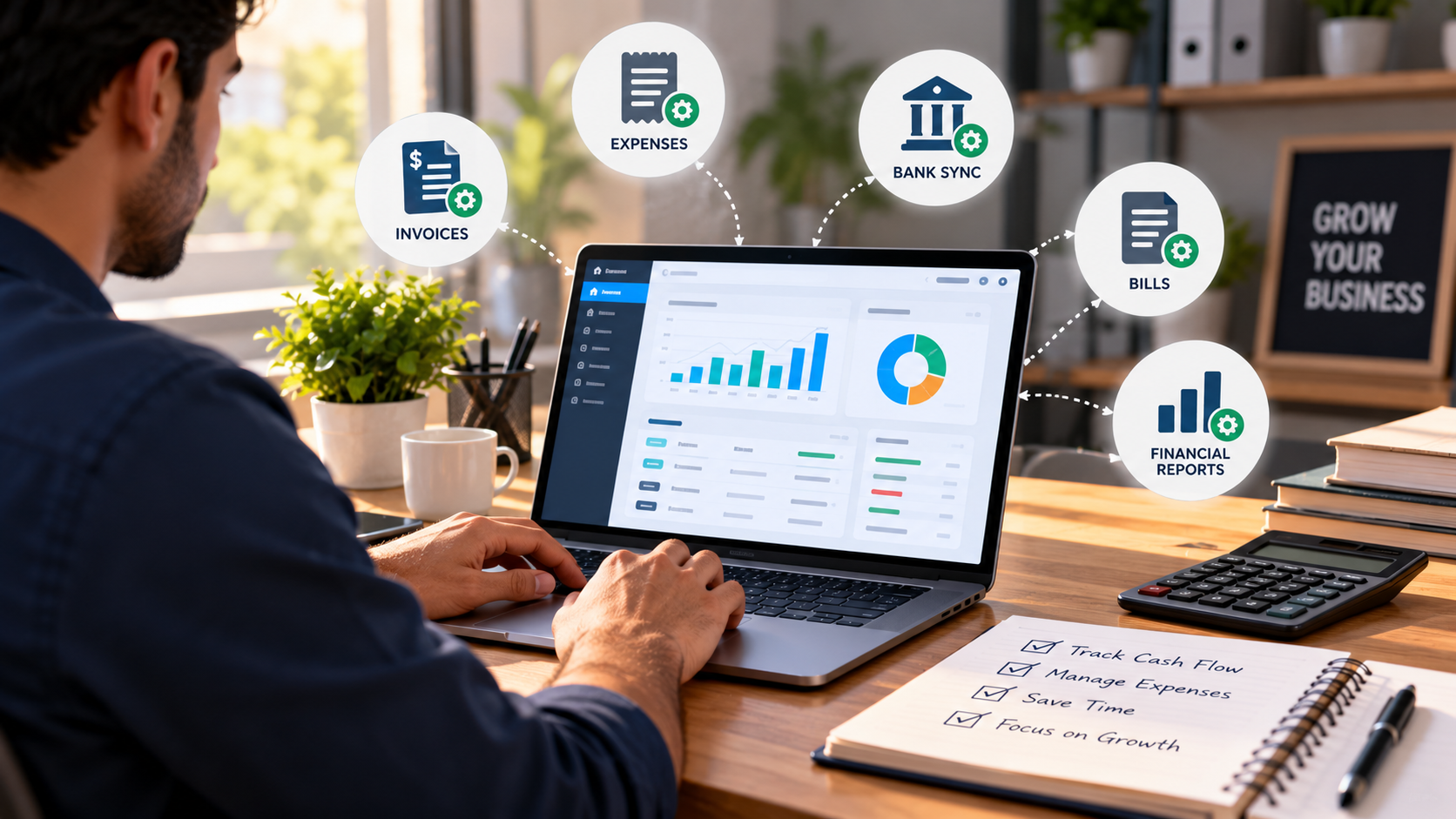
Month-end in a small shop usually goes like this. Someone sits down with a pile of bills, a bank statement, and a half-updated Excel sheet, and tries to make them agree. They rarely do on the first go.
GST makes it worse. The return has a date, and the date doesn’t care that a supplier sent his invoice late or that two entries got mixed up. So the owner, who should be out selling, spends a couple of evenings on data entry instead.
The objective of the automation of accounting in small enterprises is to ease the burden of accounting tasks. The system will accomplish all processes involved in bookkeeping and produce the final product. This article will deliver information regarding the essence of accounting automation and the ways to start the implementation of this method of bookkeeping without interrupting the current operations.
What Is Accounting Automation?
Accounting automation is the use of accounting software to automate repetitive financial tasks such as invoicing, expense tracking, bank reconciliation, tax calculations, and reporting. Instead of entering the same transaction into multiple records, the software records it once and updates the relevant registers automatically.
Let us see a typical use scenario in business. A discount seller supplies 40 cartons of stationery to an institute, guaranteeing payment at a future date. The seller has to fill out an invoice using Microsoft Word; then he has to record it in the sales log book; afterwards, he has to decrease the number of items in the stock, and also compute the GST in a separate document.
All the above processes can be automated. In this case, the wholesaler only has to select the customer and the goods sold. The accounting program generates an invoice with the correct GST amount, decreases stock by 40 boxes, records the sale in the journal, and creates a debt for a school. If the payment deadline passes, the software sends reminders and matches the money received with the invoice. With one transaction recorded, the rest happens automatically.
Common Financial Management Challenges Without Automation
Mistakes come first. This could be an incorrect decimal point somewhere, a bill copied twice, or even a payment that doesn’t appear in the records. Each error makes its way to the reports where it gets used again, and finding mistakes after three weeks gives you far more trouble than it took to commit them.
Then comes the delay factor. If you send the receipts at the week’s end, you will get payment by the end of the following week. When you only check your profit once a month, you will base your decision on outdated data and can get into serious cash shortage problems.
The next issue is GST. You need to file GSTR-1 and GSTR-3B and also ensure that your input tax credit matches that reported by suppliers. If it doesn’t, you will have to deal with lots of messages and letters.
Think about a garment retailer at the end of the month. Matching the bills and bank statement takes two days. They finally find out that two bills were registered as paid and two other bills were never entered in the system. They filed the return pretty late.
Key Ways Accounting Automation Improves Financial Management
Here are the main points through which the automation of accounting can enhance financial management:
It reclaims your time
Now, instead of taking hours to complete repetitive tasks, all of them can be completed in 10 minutes thanks to recurring invoices, bank feeds, and pre-set templates.
Mistakes go down
With accounting software, fewer manual entries mean fewer opportunities for errors. The software can flag duplicate invoice numbers, highlight missing information, and apply the relevant tax rates when transactions are recorded. This helps businesses maintain more accurate financial records.
The movement of cash is visible
It is possible to see who owes you money, what you are owed, and the amount remaining thereafter using a dashboard. For example, if next week will be difficult, you will know about it at the beginning of the current week, allowing you to take appropriate actions.
Customers are more likely to pay on time.
Thanks to reminders that are sent out before and after the due date, it is no longer up to anyone to keep track of payments. Through an outstanding dues list, you know exactly who to call. Calling in order to get the money back is usually very uncomfortable, but this system reduces most of that discomfort.
Stock and expenses remain visible.
Linked to the billing system, the inventory gets updated after every sale. It allows for reordering the products that go fast before running out of them and noticing the ones that have not been sold for many months. The categorized expenses show all the expenses every month.
Decisions are backed by numbers.
Having up-to-date figures available, you can see which products bring in the most profit, how expenses are changing, and whether hiring additional staff is feasible. If you use digital marketing services, tracking those costs alongside leads and sales can help you understand their contribution to growth and plan your budget.
Why Cloud-Based Automation Suits Small Businesses
Cloud accounting is what made this affordable for small firms. You can bill from the counter or check dues on your phone. Backups happen by themselves, so a broken laptop doesn’t take your books with it. Your CA can open the same live data without waiting for you to email files. And you pay monthly instead of buying software upfront, then move to a bigger plan if the business grows.
How to Get Started With Accounting Automation
You don’t need to switch everything at once. This order tends to work:
- Note which accounting tasks take the longest or go wrong most often.
- Pick one or two goals, such as faster invoicing or accurate GST.
- Choose accounting software that suits your business size and industry. MargBooks is one option for Indian small businesses, offering billing, accounting, inventory management, and GST-related features in one platform.
- Clean your data before moving it. Remove duplicates, fix old party details and check opening balances.
- Show your staff how it works, and ask your accountant to look at the setup early.
- Review reports every week or two, and add more automation once you’re comfortable.
Conclusion
Less manual work, fewer mistakes, easier GST, and a clear view of your cash. That’s what a good setup gives a small business, and it makes growth easier to manage. If you want to simplify billing, accounting, and GST, look at tools like MargBooks Software and see how much time you get back.
FAQs
Q1. Is accounting automation only for bigger businesses?
No. Small shops and service businesses often gain the most, because the owner is usually doing the books personally. Most cloud tools charge a monthly fee and let you start small.
Q2. Will it replace my accountant or CA?
No. It handles data entry and calculations, while your CA still handles advice, tax planning, and anything that needs judgment. The difference is that they get cleaner records, so their time goes on useful work instead of fixing entries.
Q3. How long does it take to set up?
A basic setup can be running in a few days. The slow part is usually cleaning old data, such as duplicate customers, outdated balances, and missing details, so start that early.
Q4. Is my financial data safe on a cloud platform?
It depends on the provider, so ask. Look for encrypted storage, regular backups and role-based access, so staff only see what they need. Also use strong passwords and remove access when someone leaves.
Q5. Can it help with GST returns?
Most accounting software built for India produces GST-ready invoices and return-ready reports. Check the exact filing steps and current deadlines on the GST portal, and have your CA review the first few returns.







Comment