
How Professional GPUs Are Powering AI, Engineering, and Enterprise Computing in 2026

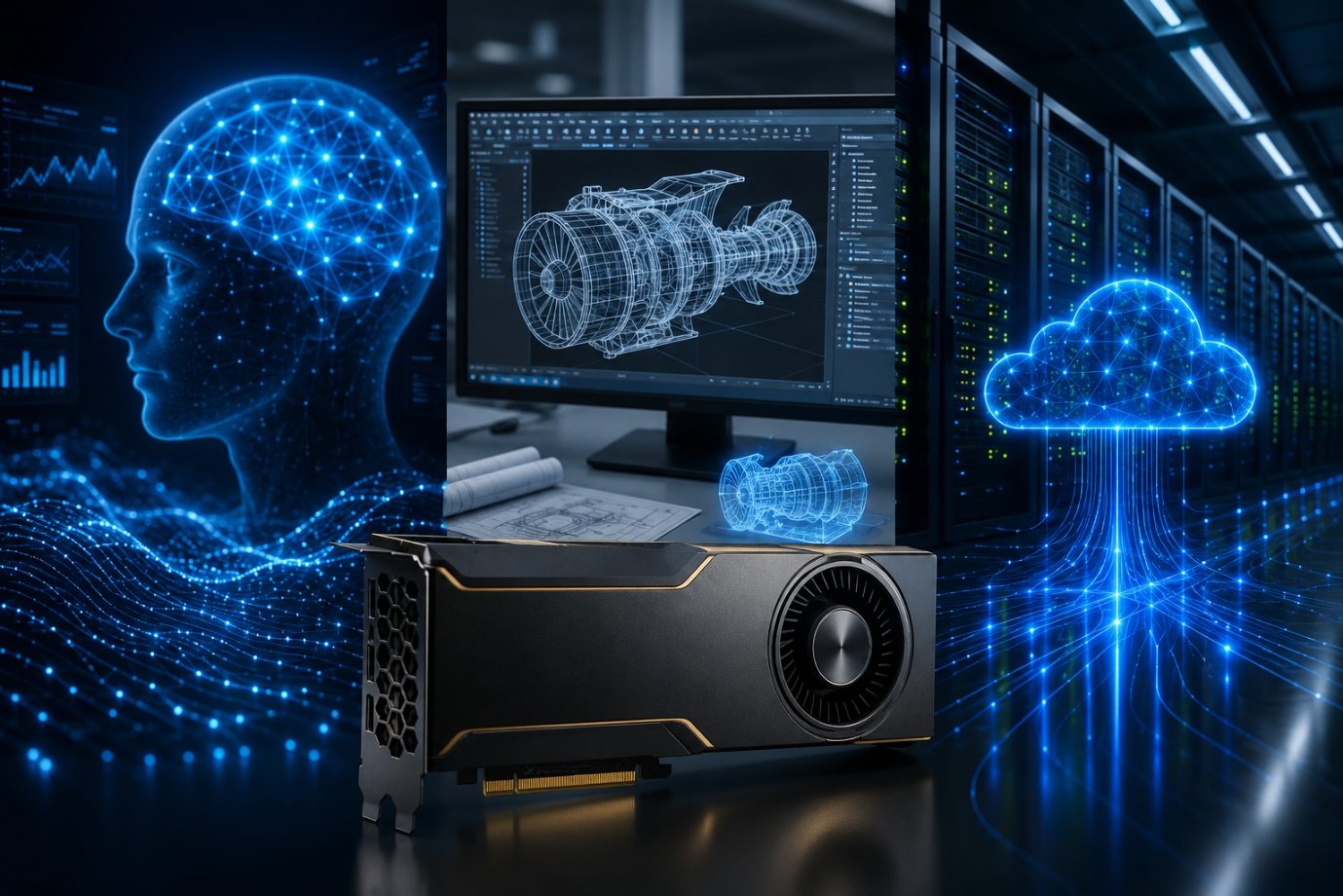
Graphics Processing Units (GPUs) have gone far beyond their traditional role in rendering graphics and powering high-end gaming systems. In 2026, GPUs have become an integral part of professional computing, helping organizations handle artificial intelligence, engineering simulations, 3D visualization, data analysis, and other demanding workloads.
As workloads become more complex, businesses need hardware designed for sustained performance and reliability. Professional graphics cards are built for exactly these kinds of demanding tasks, offering the performance, memory, and software support needed for AI, engineering, and enterprise applications.
What Makes Professional GPUs Different?
While consumer GPUs work fine for simple tasks, professional GPUS are designed to meet the demands of specialized business and technical applications. They provide better memory capacities, optimized drivers, certified compatibility with professional software, and greater reliability for sustained workloads.
These features are particularly important for organizations where GPU performance directly affects productivity. A workstation used for engineering simulations or AI development may need to operate consistently for extended periods, making stability and software compatibility important considerations alongside processing power.
Powering AI and Machine Learning
Artificial intelligence is one of the key areas driving demand for powerful GPU hardware in 2026. Professional GPUs have the capacity to process multiple calculations simultaneously, making them well suited to the parallel workloads involved in AI model training, inference, and data processing.
Professional GPUs can support applications ranging from generative AI and computer vision to predictive analytics and machine learning. Their available memory is also important when working with larger models and datasets, helping organizations manage increasingly demanding AI workloads.
As businesses continue integrating AI into their operations, GPU acceleration can help reduce processing times and provide the computing capacity required for more advanced applications.
Transforming Engineering and Simulation
Professional GPUs have also been a major factor in transforming the engineering field. The current design and simulation software used requires significant computing power, especially when teams work with detailed 3D models or complex physical simulations.
GPUs can accelerate tasks such as CAD visualization, rendering, computational fluid dynamics, finite element analysis, and digital twin applications. Engineers can visualize designs in greater detail and run simulations more efficiently, which can make it easier to test ideas and identify potential problems before production.
This is particularly valuable in industries such as automotive, aerospace, architecture, manufacturing, and energy, where design decisions can involve significant time and costs.
Supporting Enterprise Computing
Professional GPUs are also highly useful for enterprise computing. They are predominantly used for data analytics, financial modeling, business intelligence, media processing, and other data-intensive workloads.
For example, a business processing large datasets may use GPU acceleration to perform certain calculations faster than a CPU-based system alone. GPUs can also support demanding visualization tasks where employees need to work with large datasets, complex models, or high-resolution content.
As companies generate and process more data, GPU-powered systems can provide additional computing capacity for workloads that would otherwise put heavy demands on traditional processors.
Why GPU Memory and Reliability Matter
Raw GPU speed is only one part of the equation. Memory capacity is also crucial because complex AI models, large datasets, high-resolution designs, and detailed simulations can quickly consume available VRAM.
Professional workloads can also run for extended periods, making stability important. Certified drivers, software compatibility, and dependable performance can help reduce interruptions when a workstation is being used for business-critical applications.
For this reason, businesses and professionals should look beyond benchmark scores when comparing GPUs. A card that works reliably with the software an organization uses may be more valuable than one that simply delivers higher performance in a different workload.
Choosing the Right Professional GPU in 2026
There isn’t one GPU that is ideal for every professional application. The right choice depends on what the workstation needs to accomplish and which applications employees use every day.
Factors such as GPU memory, AI acceleration, software compatibility, power requirements, cooling, workstation configuration, and future workload requirements need to be considered. It is also worth considering whether the hardware can scale with the organization’s needs rather than solving only today’s performance demands.
Key Takeaways
- Professional GPUs support demanding AI, engineering, visualization, and enterprise workloads.
- They offer advantages such as higher memory capacity, optimized drivers, and professional software compatibility.
- GPUs can accelerate AI model training, machine learning, simulations, rendering, and data analysis.
- GPU memory and reliability are important for handling complex, long-running professional workloads.
- The right professional GPU depends on the specific applications, performance needs, memory requirements, and future workloads.
- Businesses should consider reliability and software compatibility alongside raw GPU performance.






Comment